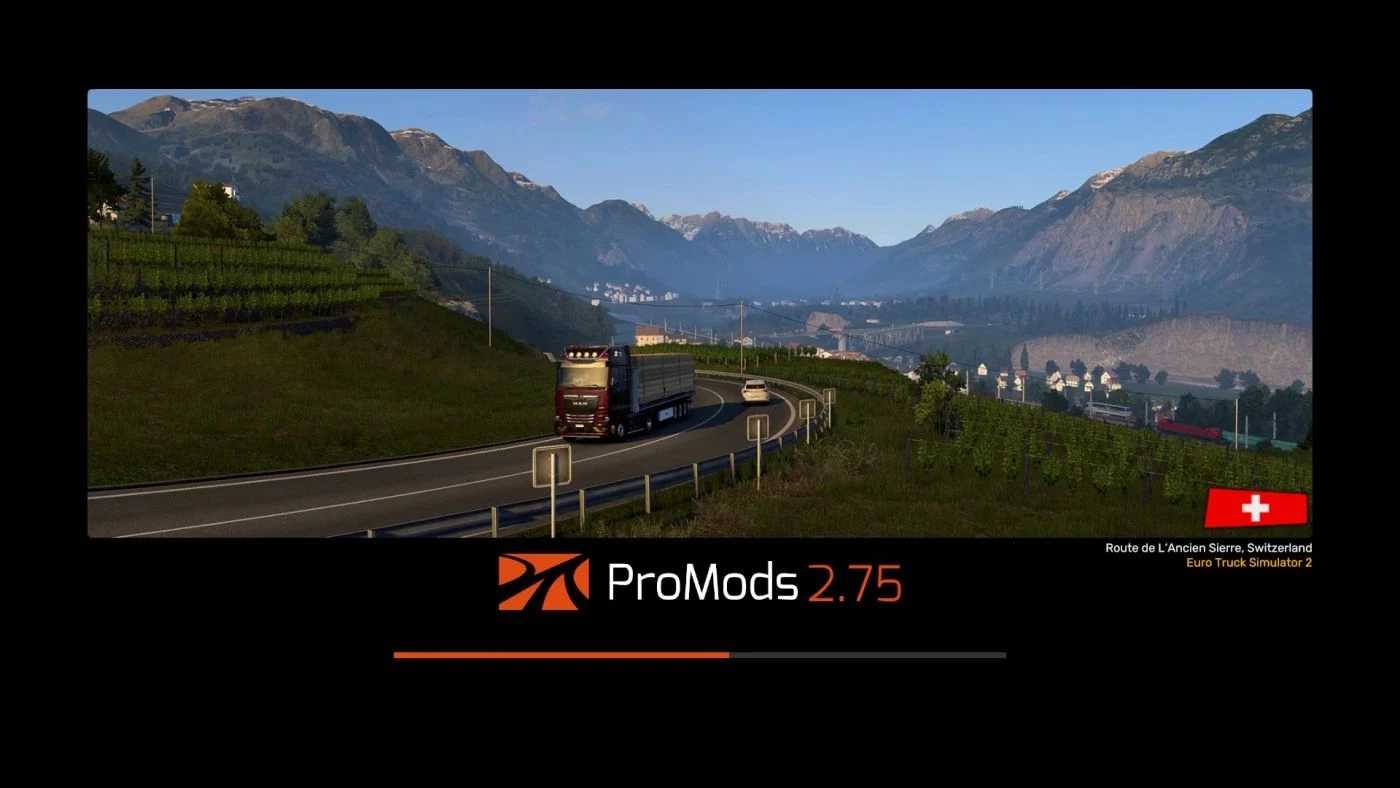
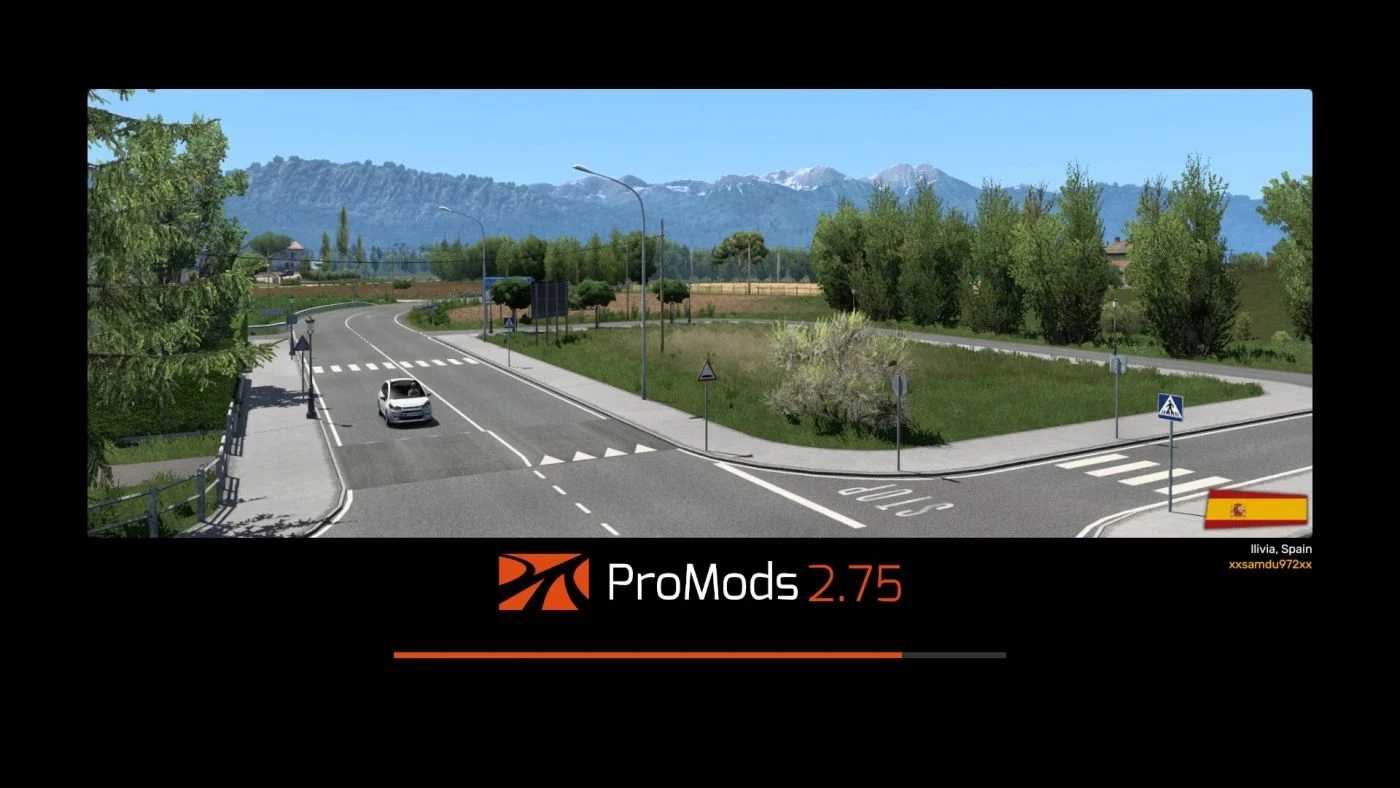
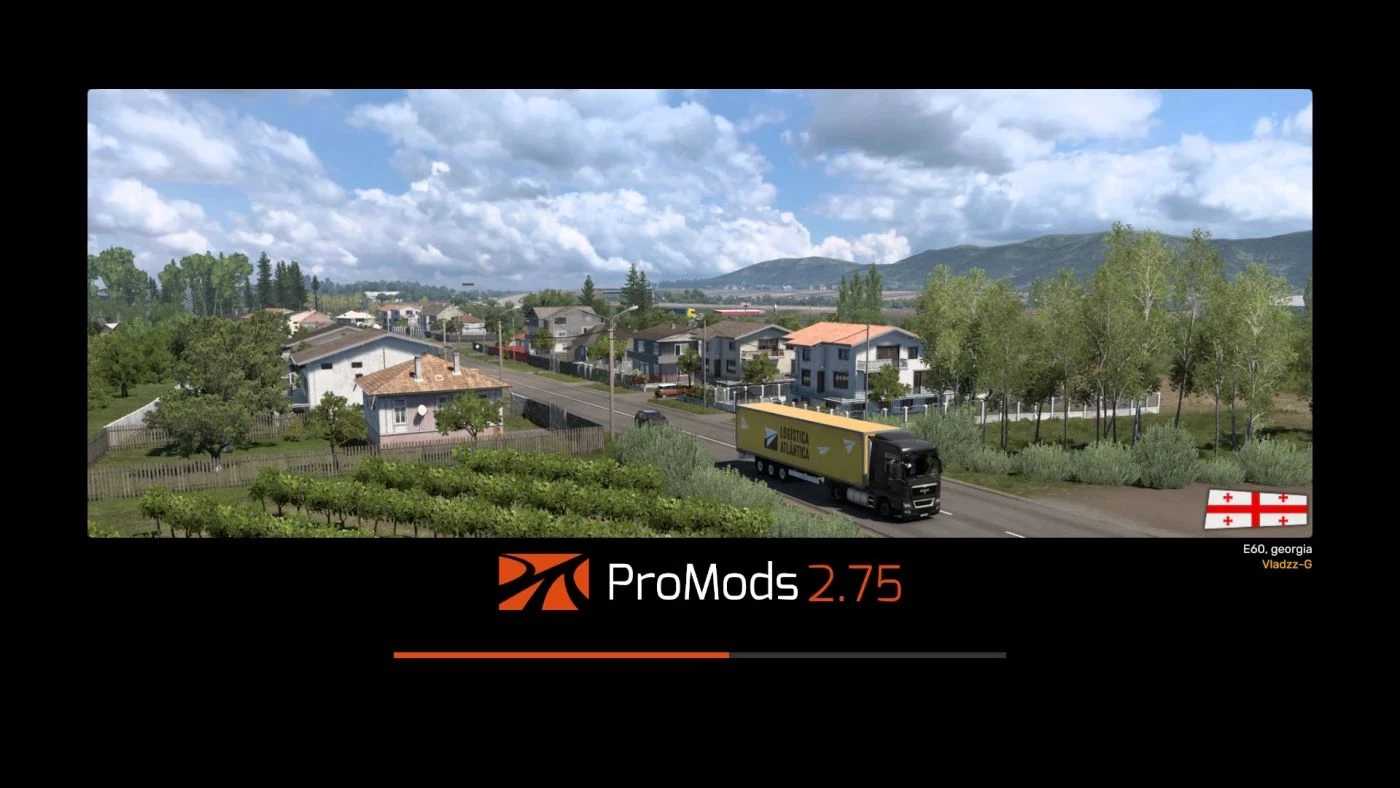
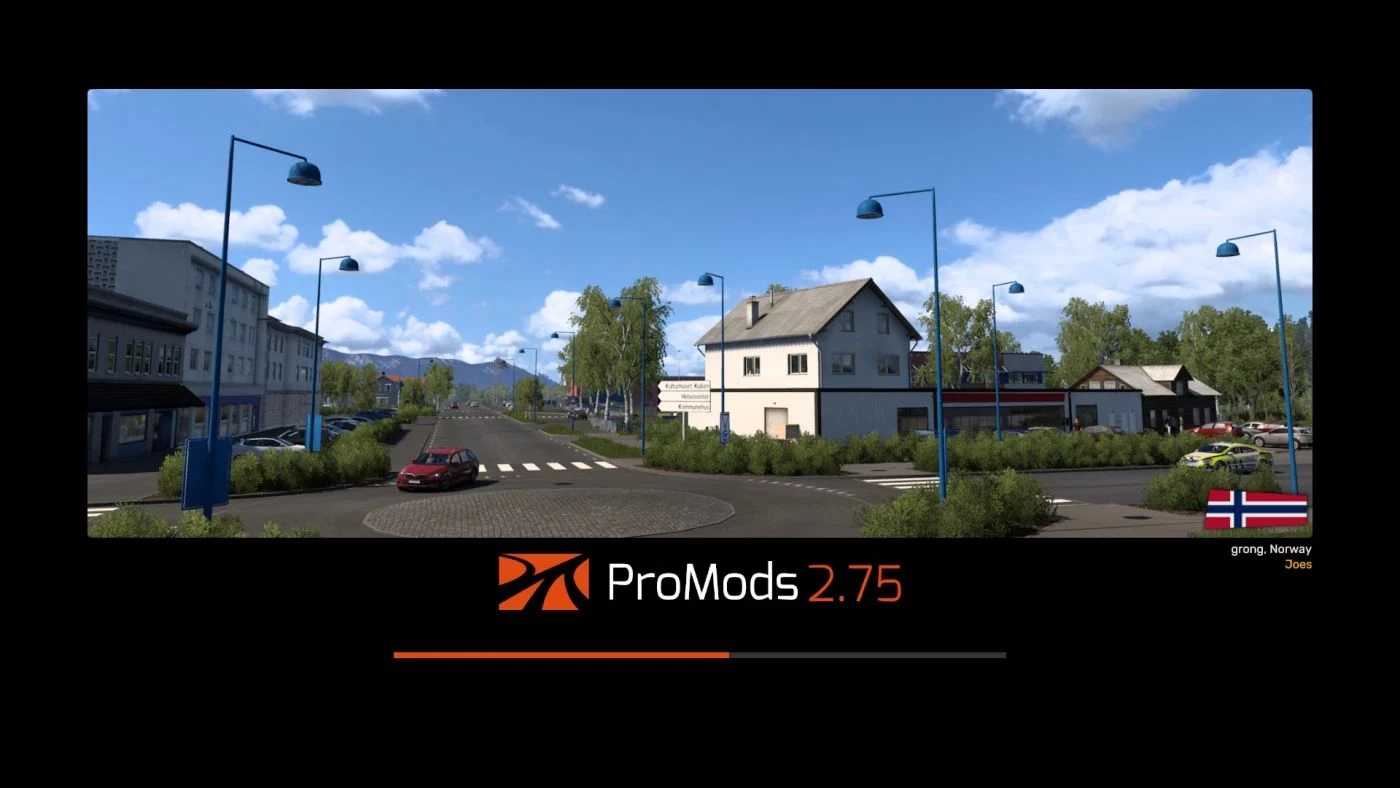
ProMods Loading Screen v1.0 for ETS2
This mod replaces the loading screen for ProMods.
It’s compatible with both ProMods and non-ProMods profiles.
Ensure this mod is prioritized above others for best performance.
Credits: Yazar0612
Instructions for Installing ETS2 or ATS Mods
Installing mods in Euro Truck Simulator 2 is straightforward. Download the mod from this page and copy/unzip the files into the “My Documents\Euro Truck Simulator 2\mod” folder. For American Truck Simulator (ATS), place the mods in the “My Documents\American Truck Simulator\mod” folder. Use software like WinRAR or 7zip to unzip the files. Once done, activate the mods you wish to use in the game.