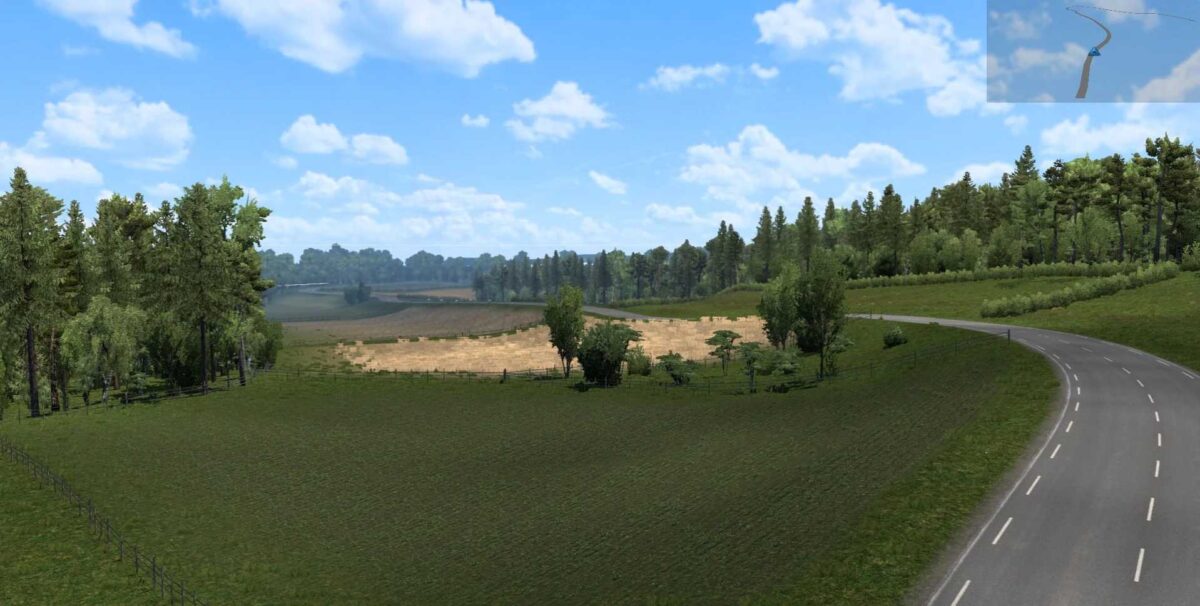
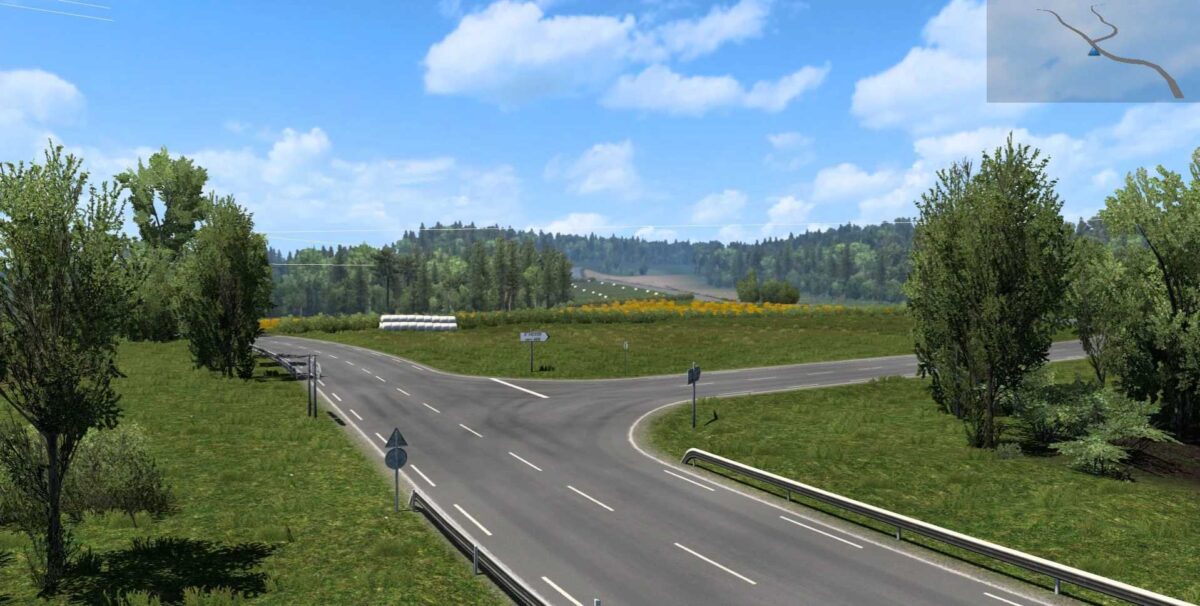
Sud de France Map by Charly v2.0 ETS2
This version includes:
- New locations: Aurillac, Saint Victor la Rivière, Chaptelat, Lempdes, Létrade, Loubressac, and Saint-Léons.
- Chambery and Nîmes added.
- New additions include Bourg en Bresse and Renault factory.
- Villars les Dombes and Minutie, featuring interiors for trucks.
- Rodez, allowing loading in a field.
- Seilhac included.
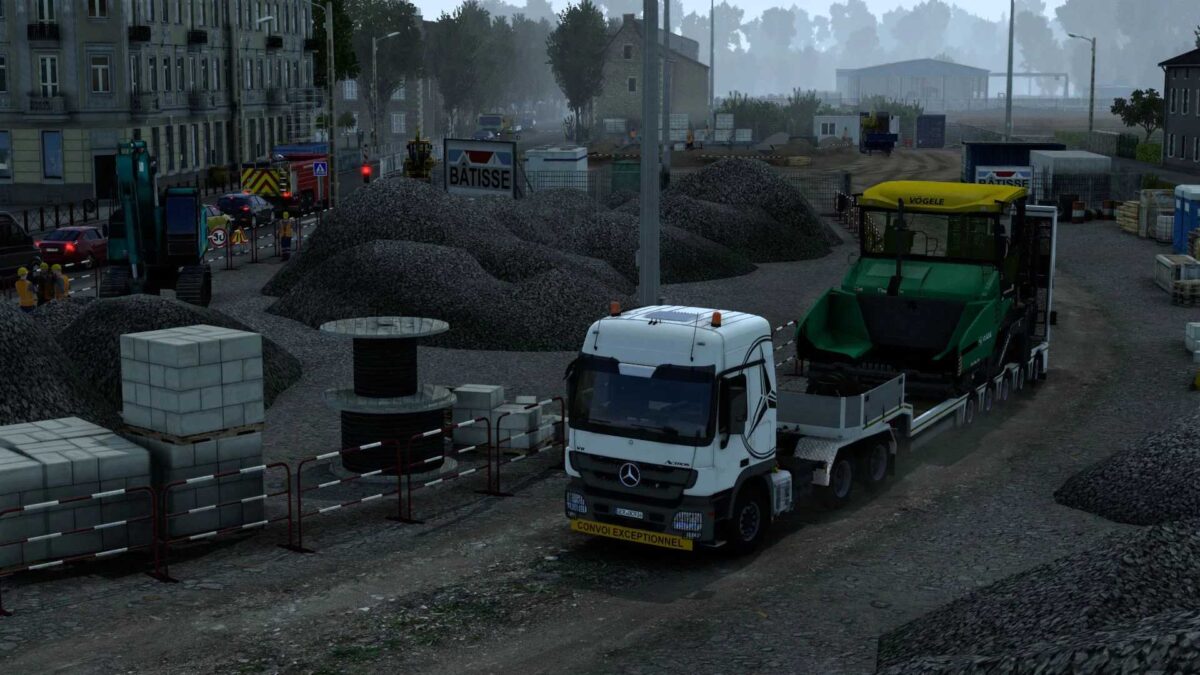
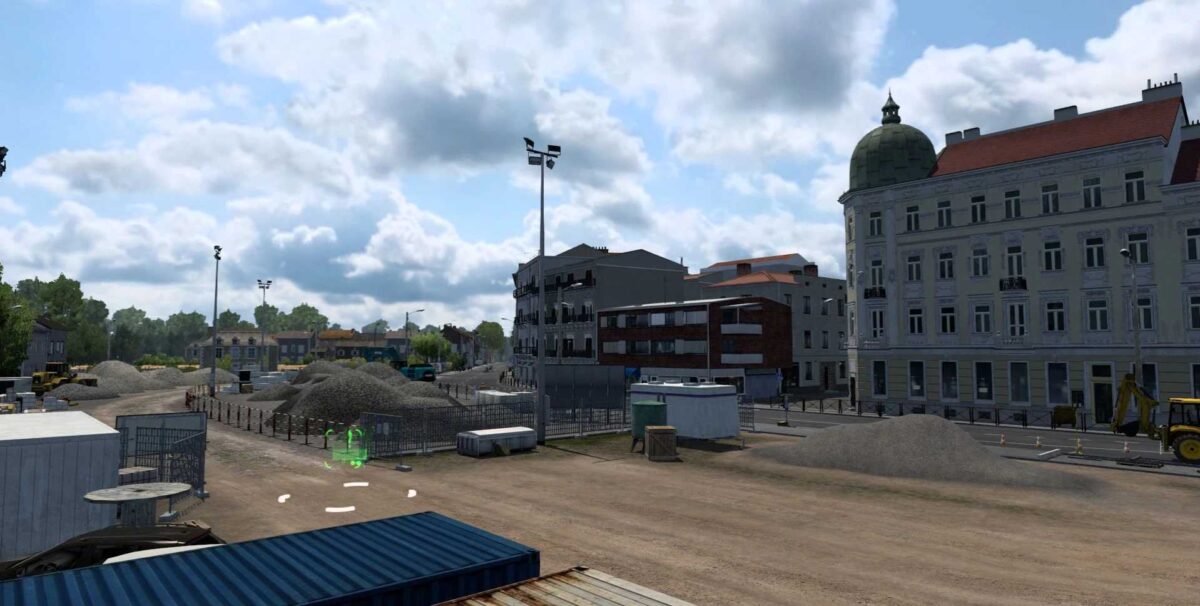
Compatibility with version 1.55 of the game has been added, along with the village of Roumazières and a highway construction site. Chambery has been reintroduced with various real custom companies, and Corbas with its M.I.N.
Credits: Charly
How to Install ETS2 or ATS Mods
Installing mods for Euro Truck Simulator 2 is simple. Download the mod and copy or unzip the files into the “My Documents\Euro Truck Simulator 2\mod” folder. For American Truck Simulator, place them in the “My Documents\American Truck Simulator\mod” folder. To extract files, you can use tools like WinRAR or 7zip. After that, activate the mods you wish to use.