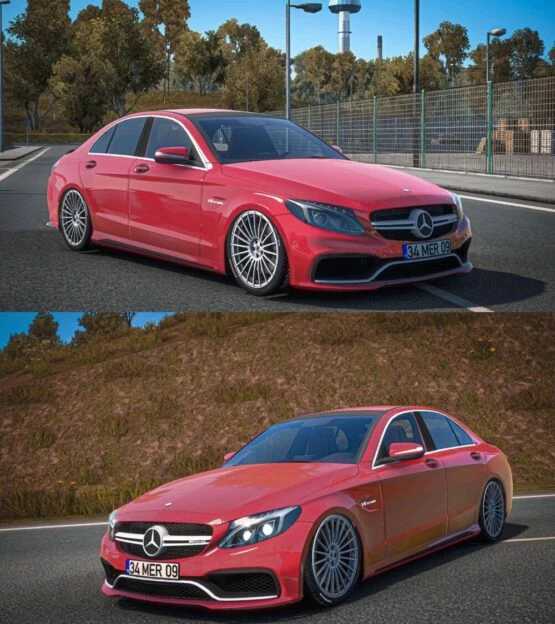
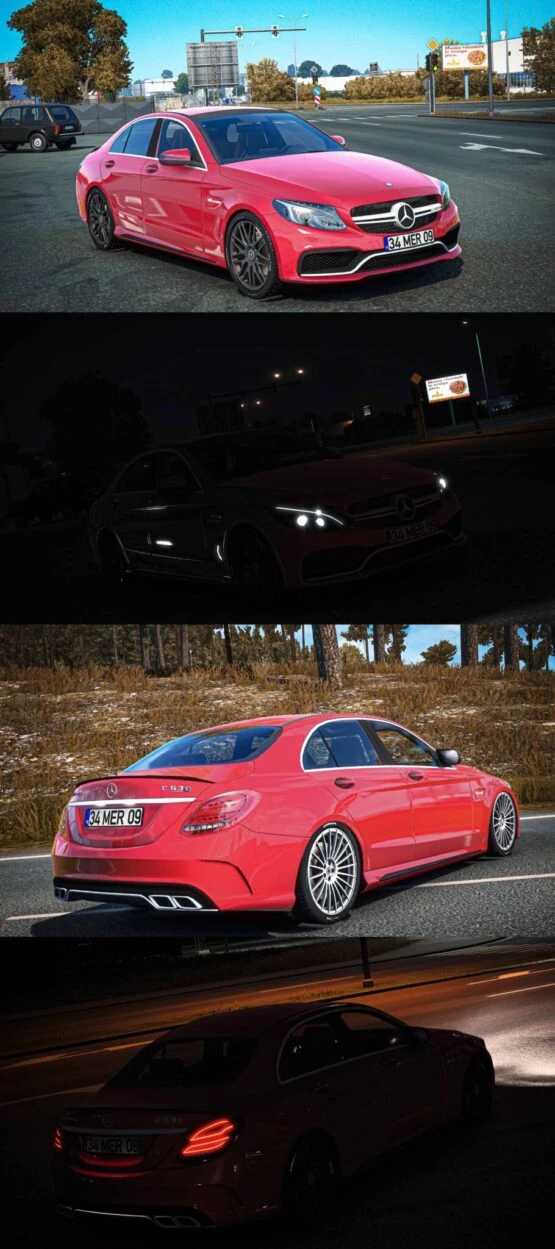
Mercedes AMG C63 S 2017 1.54-1.55 ETS2
CHANGELOG:
Updated for game versions 1.54-1.55
Features:
– High-Quality Model
– Ambient Occlusion (AO)
– Authentic Sound
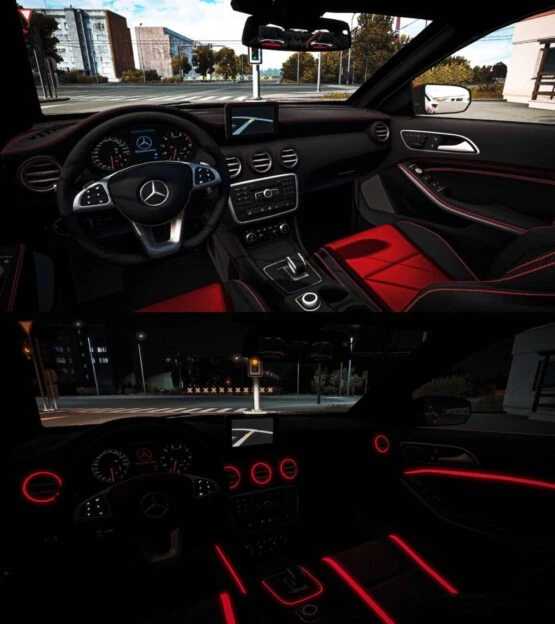
– Neon Lighting
– Two Wheel Options
Credits: Mert İrşi Sound; Nimit
How to install ETS2 or ATS mods
Installing mods in Euro Truck Simulator 2 is straightforward. Simply download the mod from here, then copy or unzip the files into: “My Documents\Euro Truck Simulator 2\mod” folder. If you are using ATS, mods should be installed in: “My Documents\American Truck Simulator\mod” folder. To extract files, you can use WinRAR or 7-Zip. After extraction, activate the mods you wish to use.