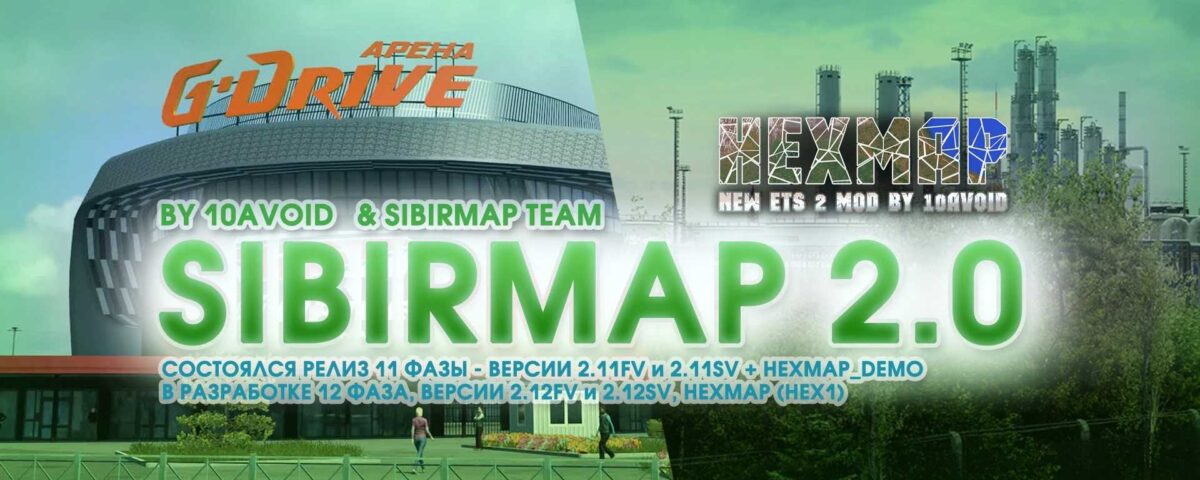
SibirMap v2.11 for ETS2
This revitalized Siberia Map project focuses on the default module (Europe) with a standard scale of 1:19.
Integration with projects like RusMap, SouthernRegion, VOLGAMAP, PGS, and KirovMAP among others.
The core principles remain the same:
– Comprehensive area analysis
– Unique custom objects
– Construction based on panoramas and satellite imagery
– Proper integration and alignment of maps.
Credits: 10avoid
Instructions for Installing ETS2 or ATS Mods
Installing mods in Euro Truck Simulator 2 is straightforward. Simply download the mod from here and extract or copy the files into: “My Documents\Euro Truck Simulator 2\mod” folder. For American Truck Simulator, place mods in: “My Documents\American Truck Simulator\mod” folder. You can use software like WinRAR or 7zip for extracting files. After that, activate the mods you wish to use.