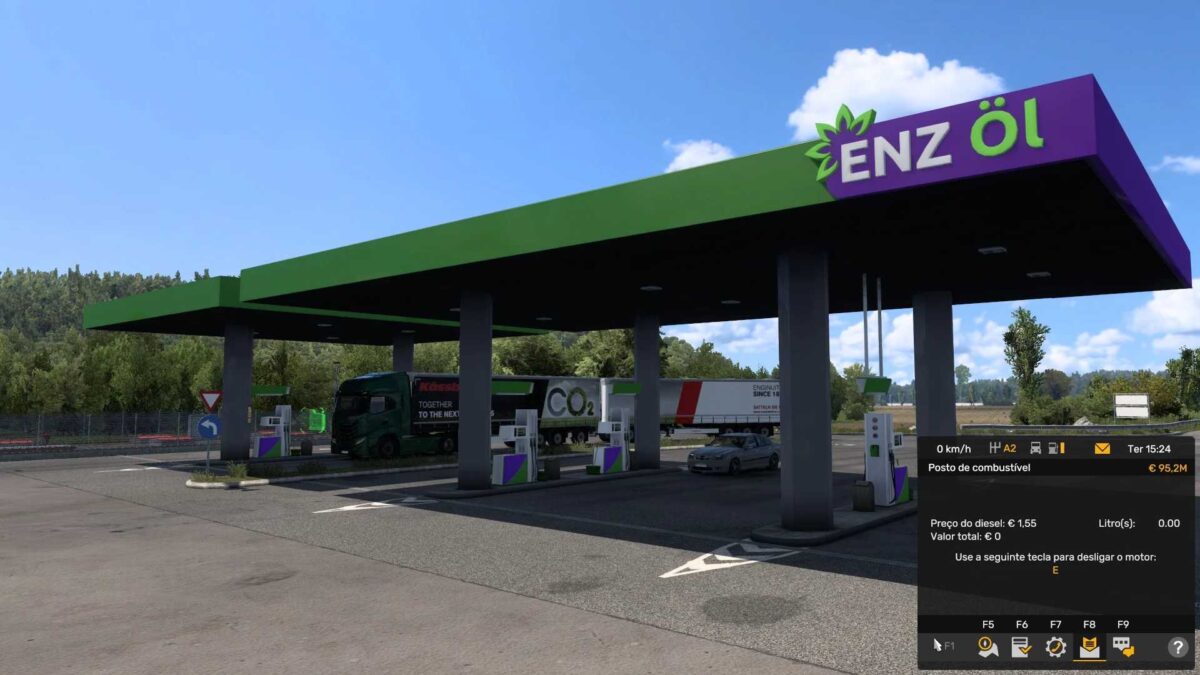
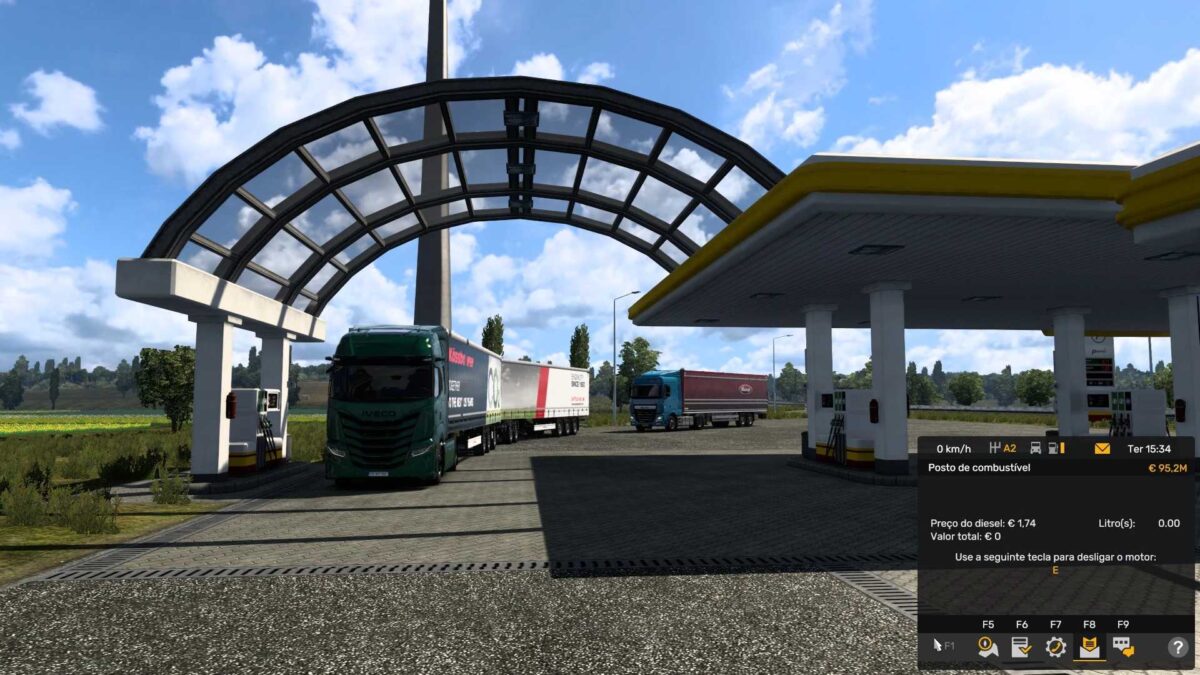
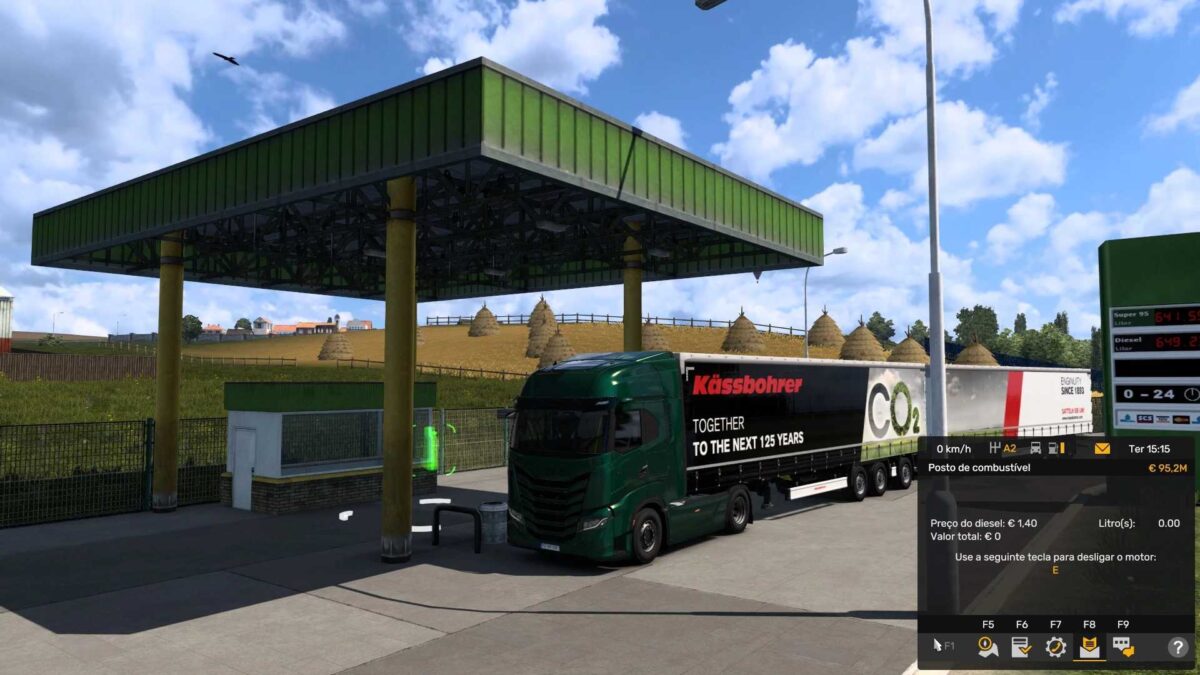
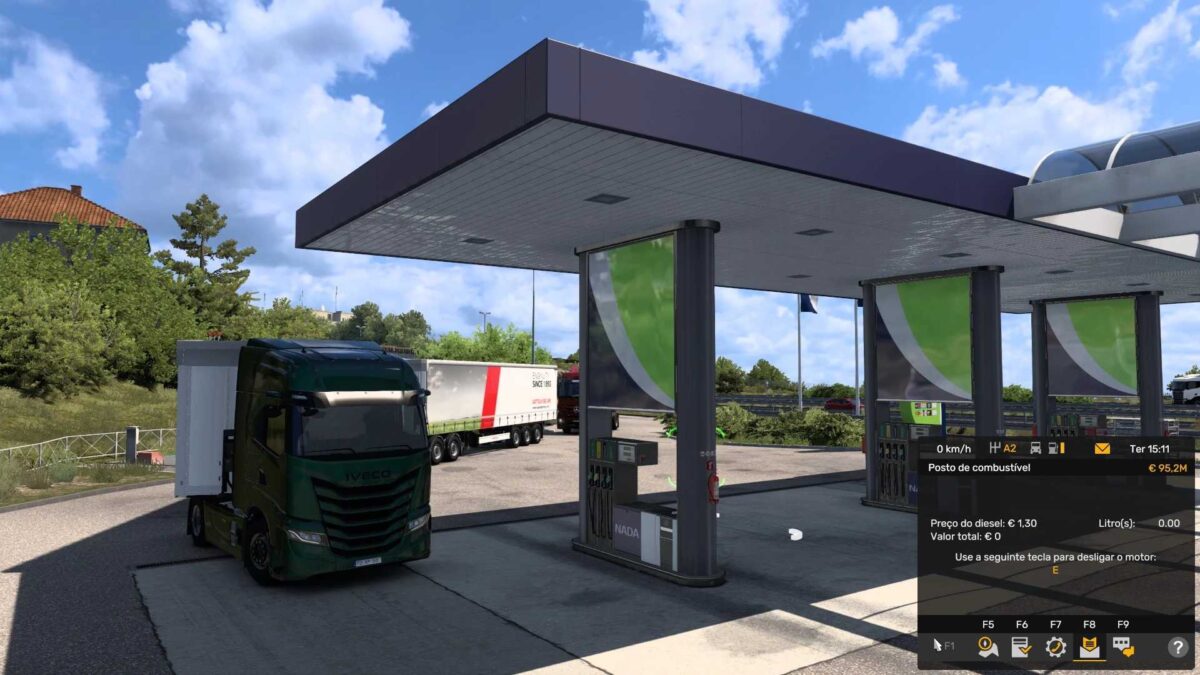
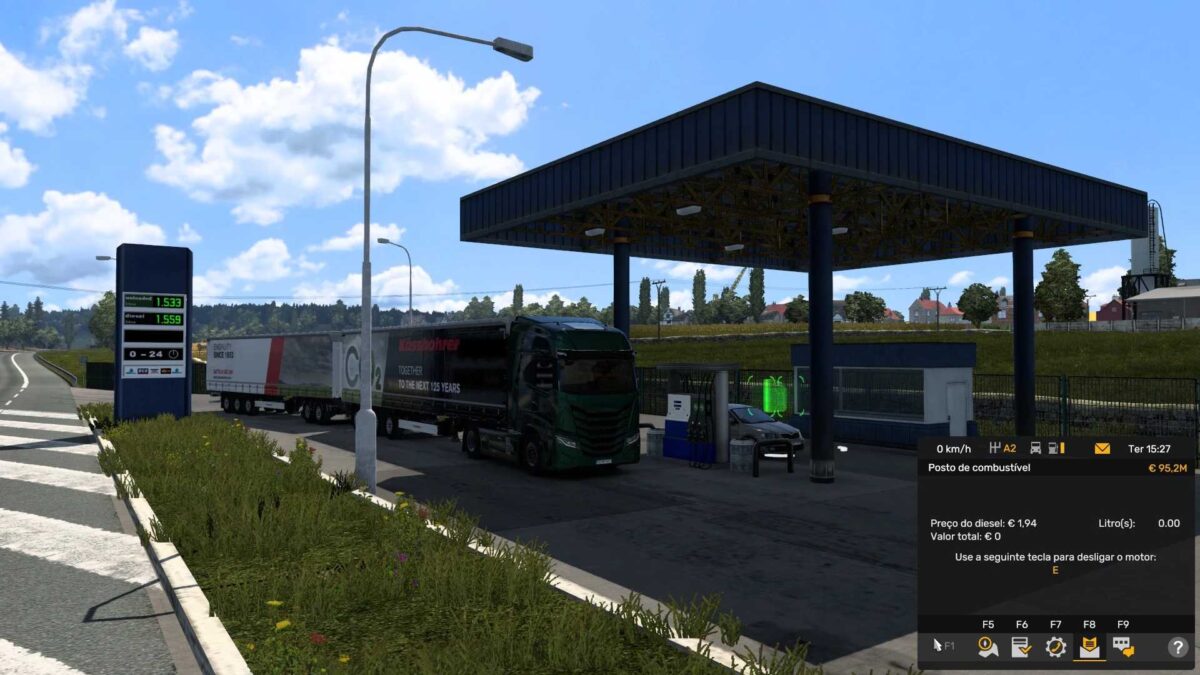
FUELO.EU DIESEL PRICE 20 08 2025 1.0 1.55 ETS2
FUELO.EU DIESEL PRICE BY RODONITCHO MODS 1.0 1.55 20 08 2025
AUSTRIA €1.59
BELGIUM €1.72
BOSNIA €1.22
BULGARIA €1.22
CROATIA €1.35
CZECH REPUBLIC €1.40
ESTONIA €1.47
FRANCE €1.66
GERMANY €1.59
GREECE €1.52
HUNGARY €1.49
IRELAND €1.65
ITALY €1.72
LATVIA €1.52
LITHUANIA €1.45
MACEDONIA €1.09
NETHERLANDS €1.82
POLAND €1.41
PORTUGAL €1.68
ROMANIA €1.51
SERBIA €1.65
SLOVAKIA €1.47
SLOVENIA €1.46
SPAIN €1.47
SWITZERLAND €1.94
TURKEY €1.15
UNITED KINGDOM €1.90
Credits: RODONITCHO MODS
How to install ETS2 mods or ATS Mods
Installing mods in Euro Truck Simulator 2 is straightforward. Simply download the mod from here, unzip the files, and place them in the “My Documents\Euro Truck Simulator 2\mod” folder. For American Truck Simulator, you’ll need to install mods in the “My Documents\American Truck Simulator\mod” folder. Use WinRAR or 7zip to unzip files. After that, activate the mods you wish to use.