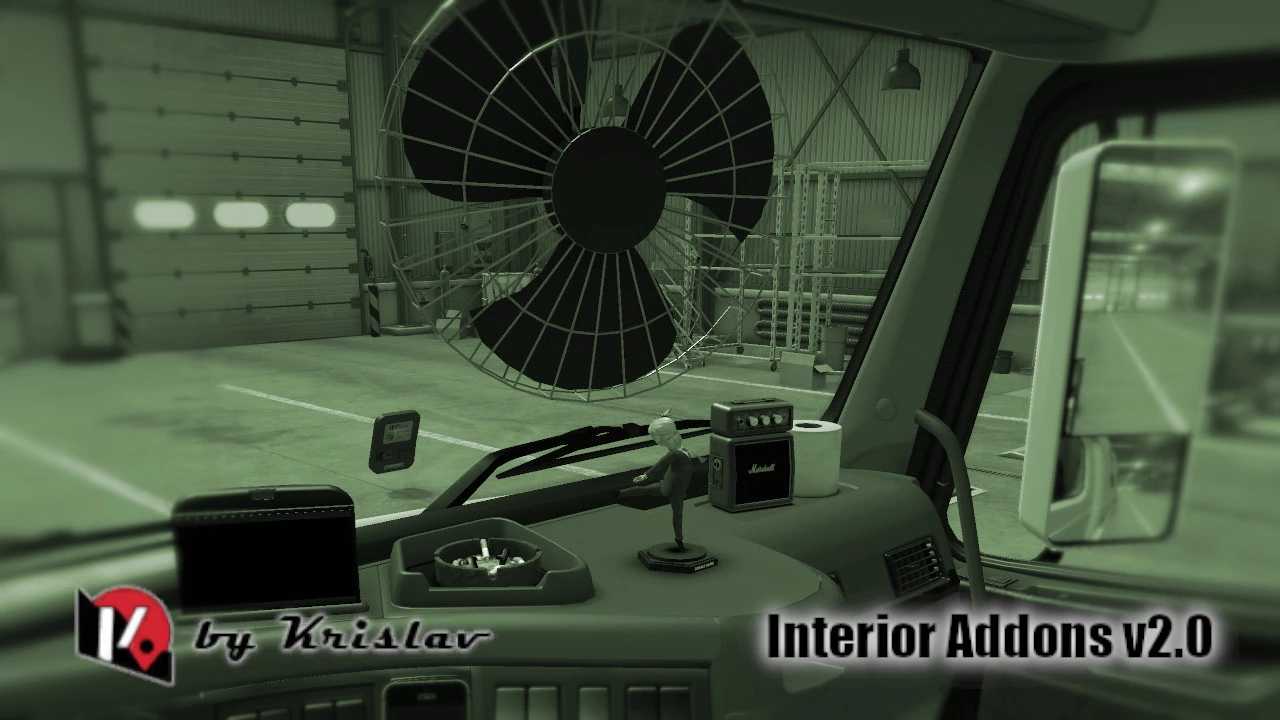
Interior Addons by Krislav v2.0 for ETS2
Compatible with all SCS trucks and additional models
Version 2.0
– Included Ambient Occlusion (AO)
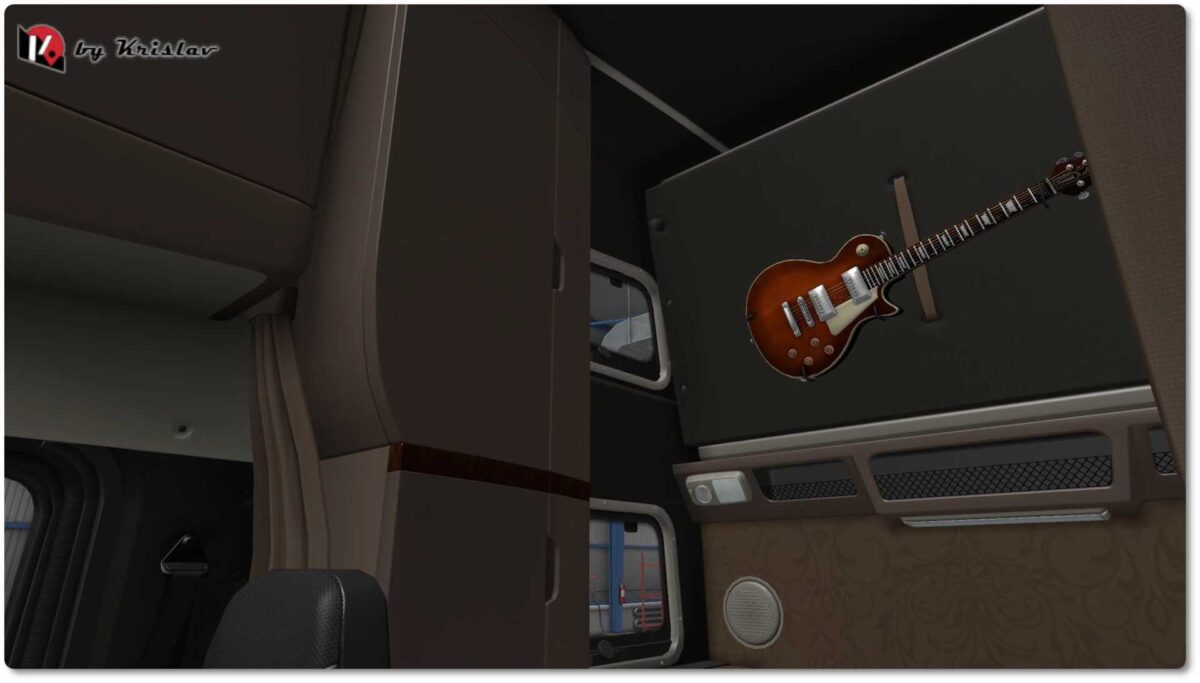
– Added a Gibson guitar to the rear wall
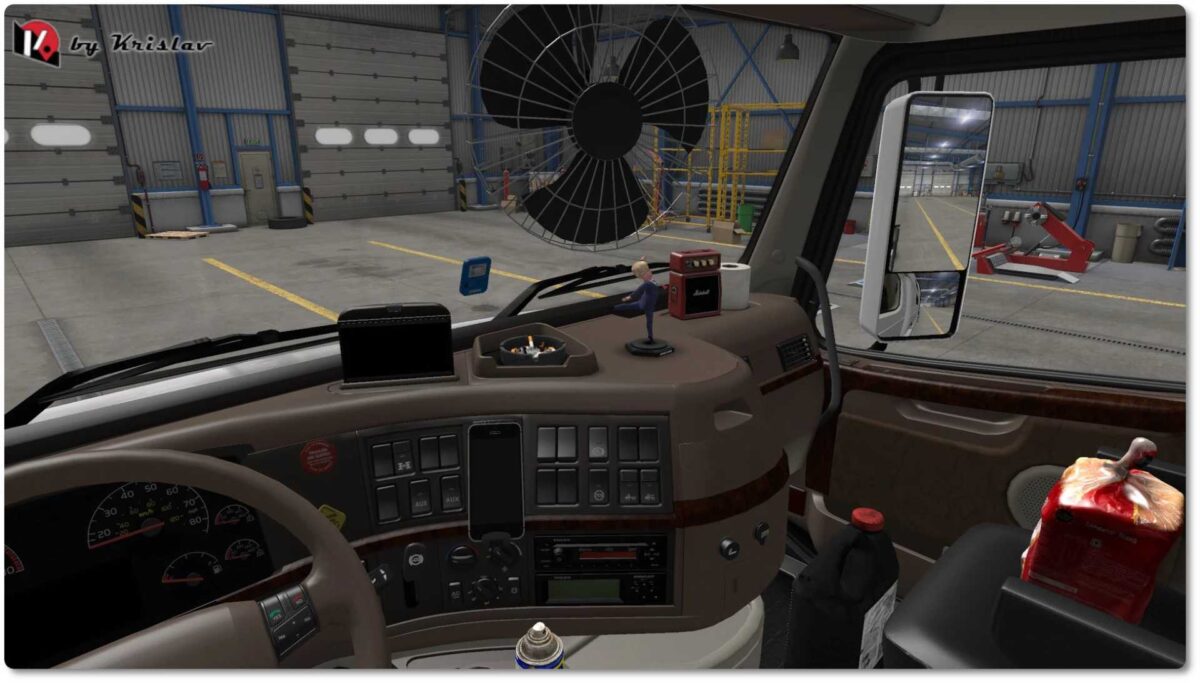
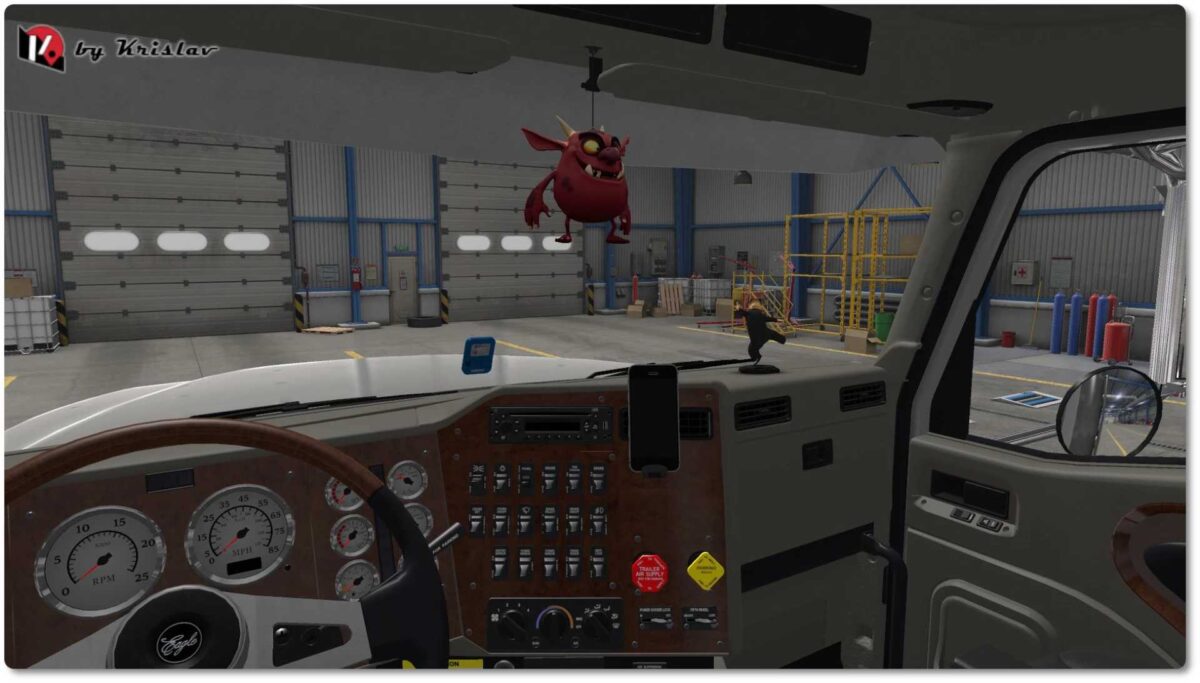
– Introduced two types of iPhone (as toyac and set_lglass), functioning as GPS phones and non-GPS variants (with physics)
– Incorporated a fan as a toy (toyhang) and accessory (also with physics)
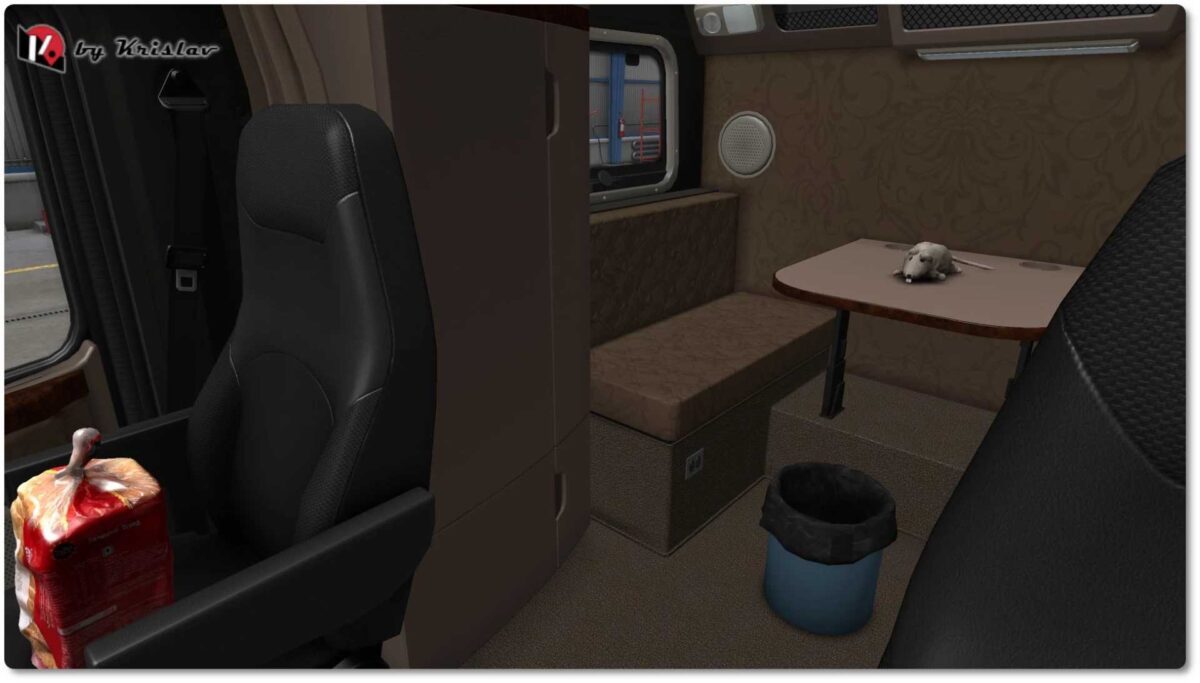
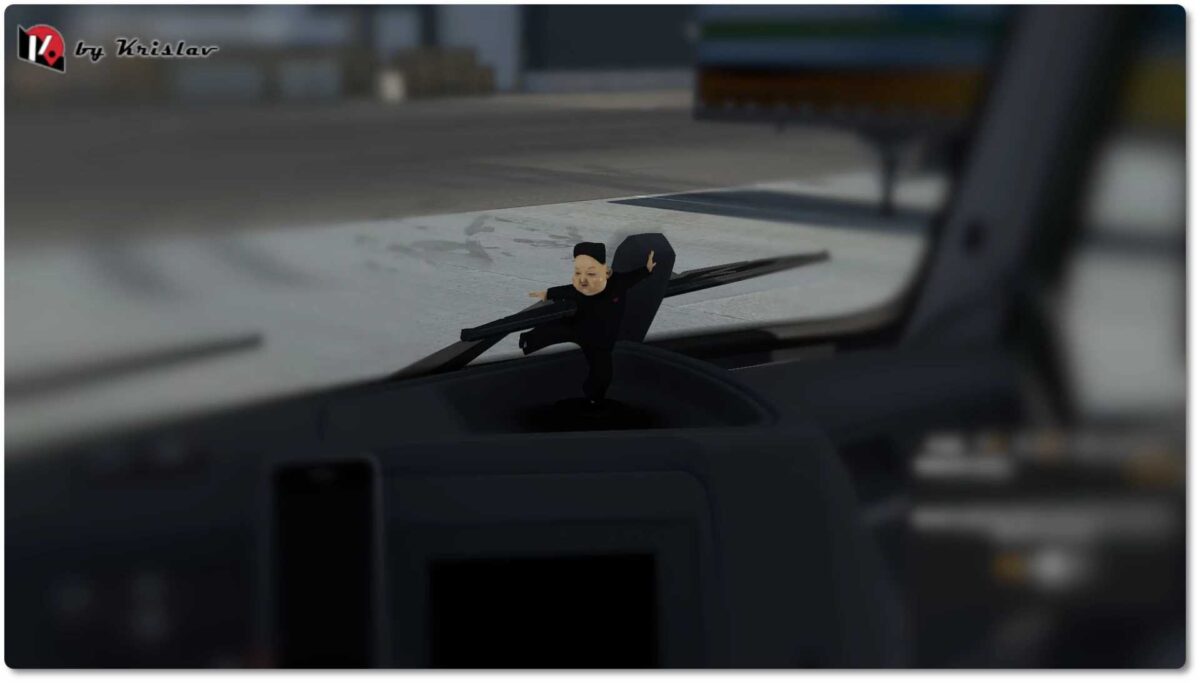
– New static accessories, featuring three new bobbleheads and several toyhangs – explore them all now!
Credits: Krislav Garage
How to Install ETS2 or ATS Mods
Installing mods in Euro Truck Simulator 2 is straightforward. Simply download the mod from here, and copy/unzip the files into the “My Documents\Euro Truck Simulator 2\mod” folder. For American Truck Simulator, use the “My Documents\American Truck Simulator\mod” folder. You can utilize WinRAR or 7zip to unzip files. After that, activate the mods you wish to use.