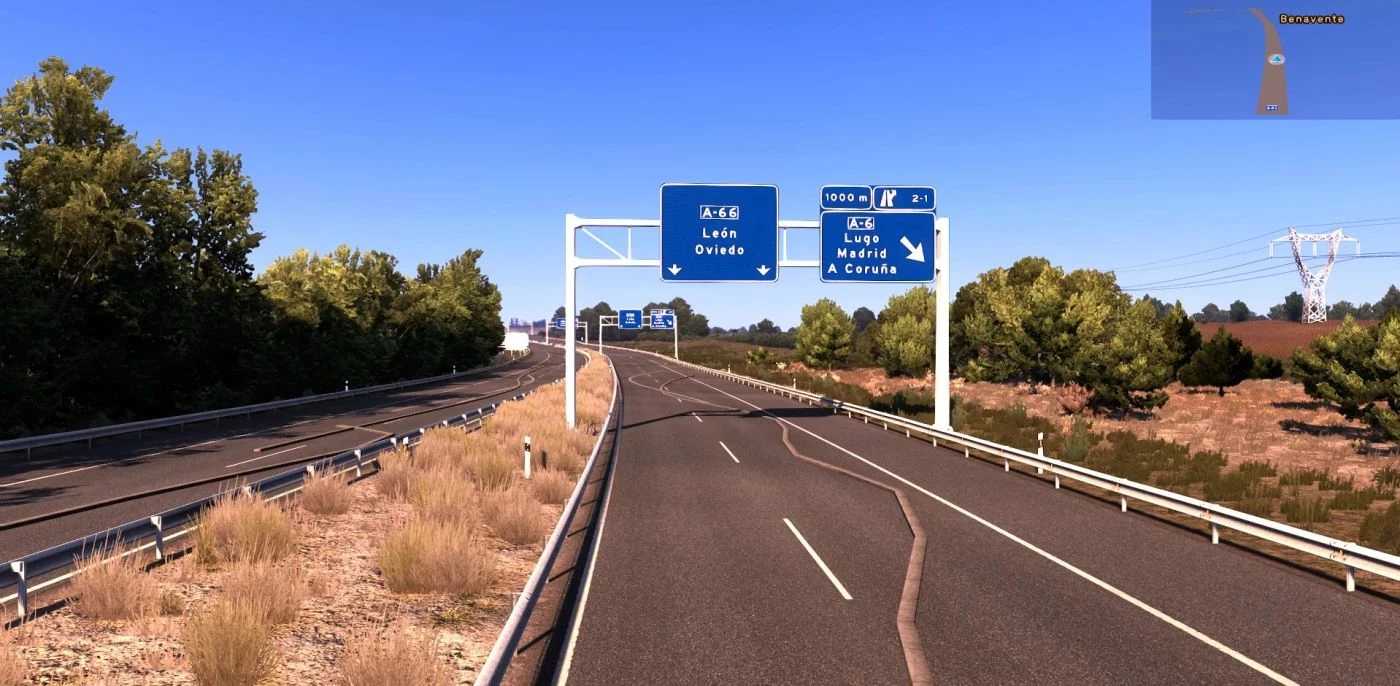
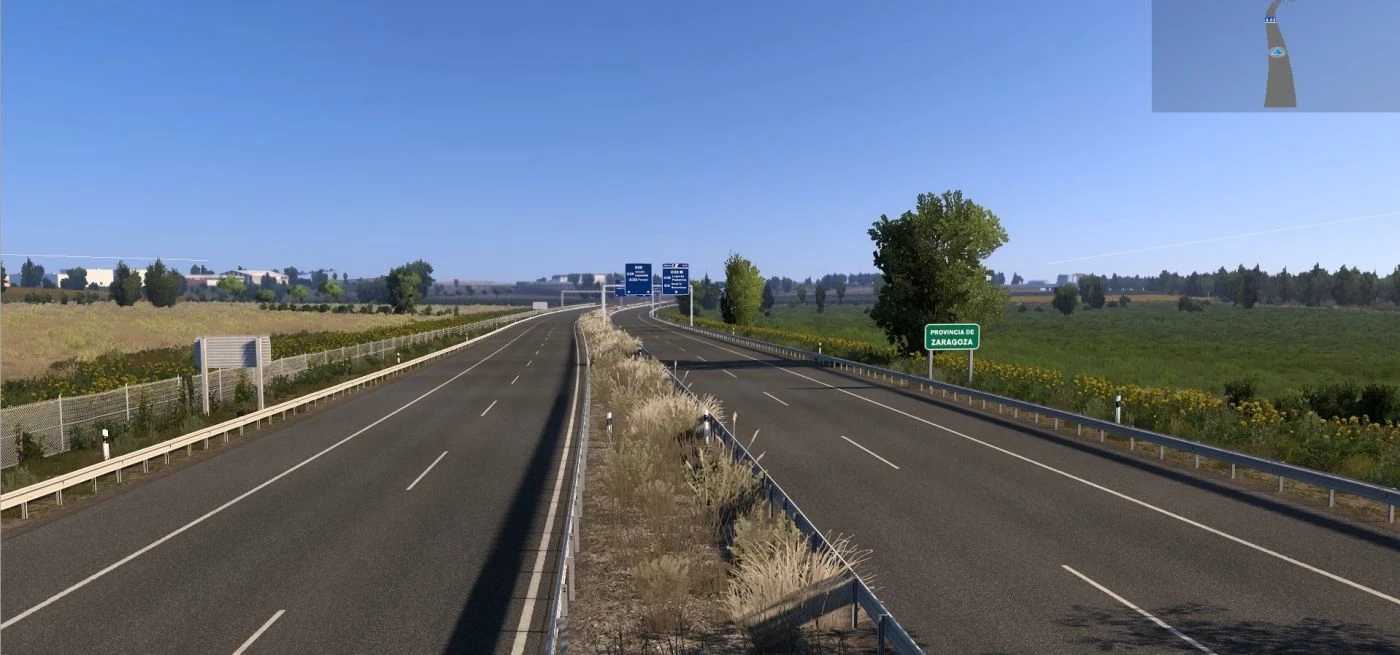
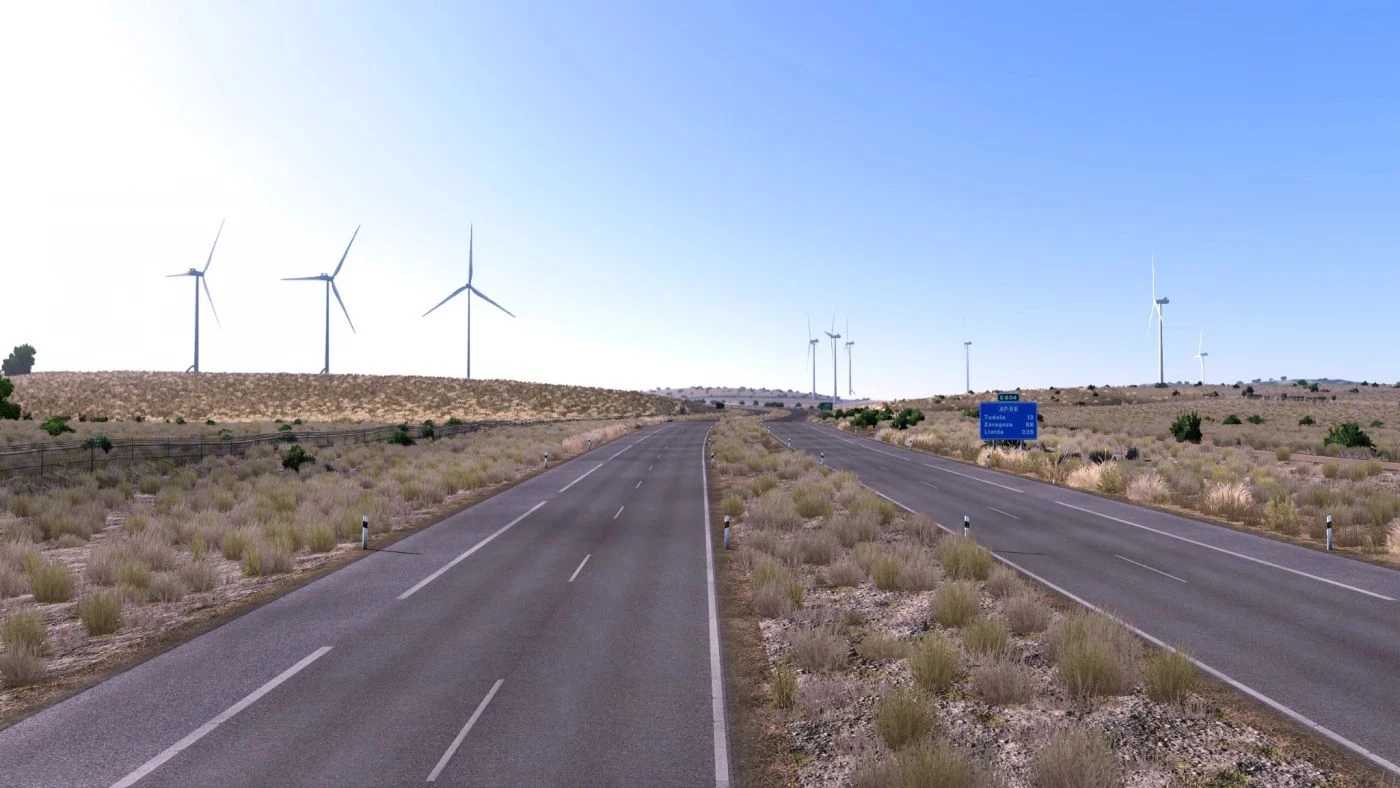
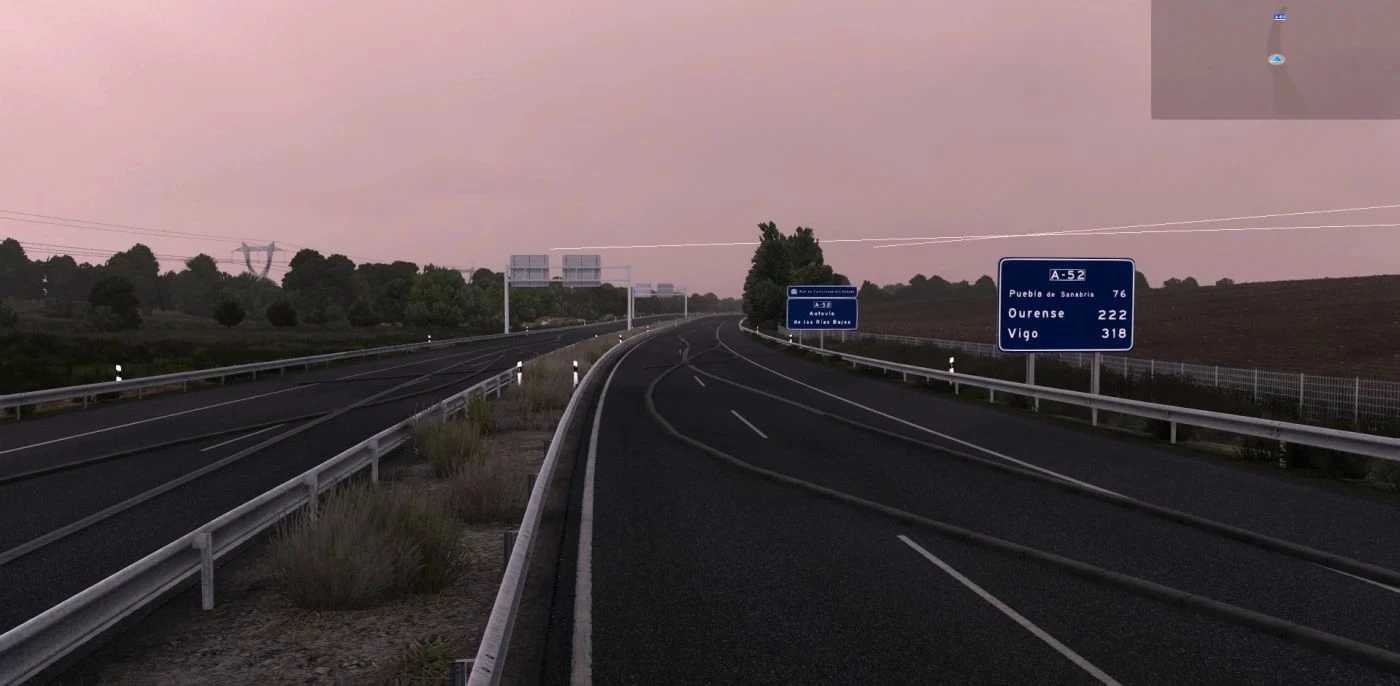
Iberia Promods Rework v1.3.6 for ETS2
Resolved Issues:
Textures were missing from a company in Perpignan.
A glitch on V-30 in Valencia.
An invisible obstacle on AP-8/AP-1.
Locations to be updated in v1.3.6:
Madrid
Pamplona
Perpinyà / Perpignan (FR)
Soria
Roads to be modified in v1.3.6:
A-75: Verín – Portugal
AP-15: AP-68 – Pamplona
E-15 AP-7: A9 (FR) – La Jonquera
M-40: A-1 – A-6
N-121: N-121 – N-122
N-122: Soria – N-122
Requirements for v1.56: Promods 2.76 + all map DLCs
Credits: CCM02
Installation Guide for ETS2 and ATS Mods
Installing mods in Euro Truck Simulator 2 is straightforward. Simply download the mod from this page and copy/unzip the files into the “My Documents\Euro Truck Simulator 2\mod” folder. For American Truck Simulator, place the mods in the “My Documents\American Truck Simulator\mod” folder. Use software like WinRAR or 7zip to extract files. Once done, activate the mods you wish to use.