New Summer v6.3 ETS2
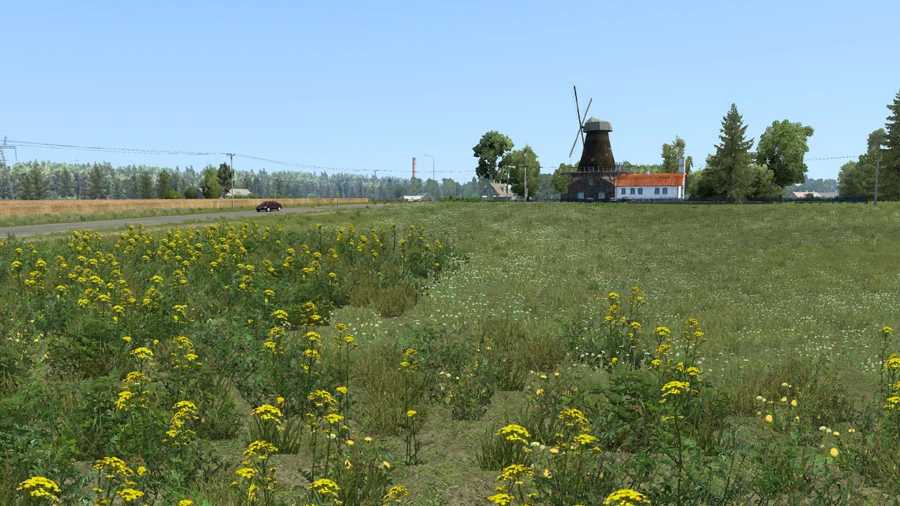
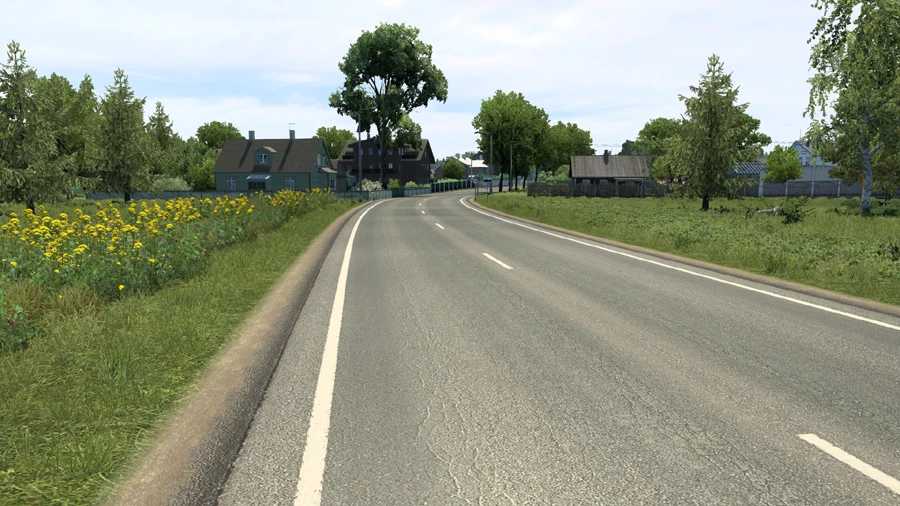
This mod enhances the standard summer scenery & weather, updating older sections of the map with new, high-resolution graphics.
Main Features
Textures for roads, fields, grass, terrain, sidewalks, curbs, hedges, railings, tree walls, and other elements upgraded to high-resolution versions.
Outdated tree models replaced with high-resolution alternatives throughout the maps.
Enhanced grass details.
Increased grass density.
Improved variety in vegetation.
More flowering plants added.
Weather enhancements.
Upgraded rain effects.
Compatible with Promods and numerous other maps.
Supports all map DLCs.
Compatibility for latest version: ETS2 1.56
Updates in v6.3
Adjusted for version 1.56.
Recommended Settings
Vegetation Detail: High
Grass Density: High
Important Note!
Ensure other weather & graphics mods are disabled to avoid issues, conflicts, and crashes.
It’s advisable to set New Summer as a high priority in the Mod Manager.
Credits: Grimes
Installation Guide for ETS2 Mods or ATS Mods
Installing mods in Euro Truck Simulator 2 is straightforward. Download the mod from this site, then copy/unzip the files into: “My Documents\Euro Truck Simulator 2\mod” folder. For American Truck Simulator, place the mods in: “My Documents\American Truck Simulator\mod” folder. You can use WinRAR or 7zip to unzip files. Afterward, activate the mods you wish to use.