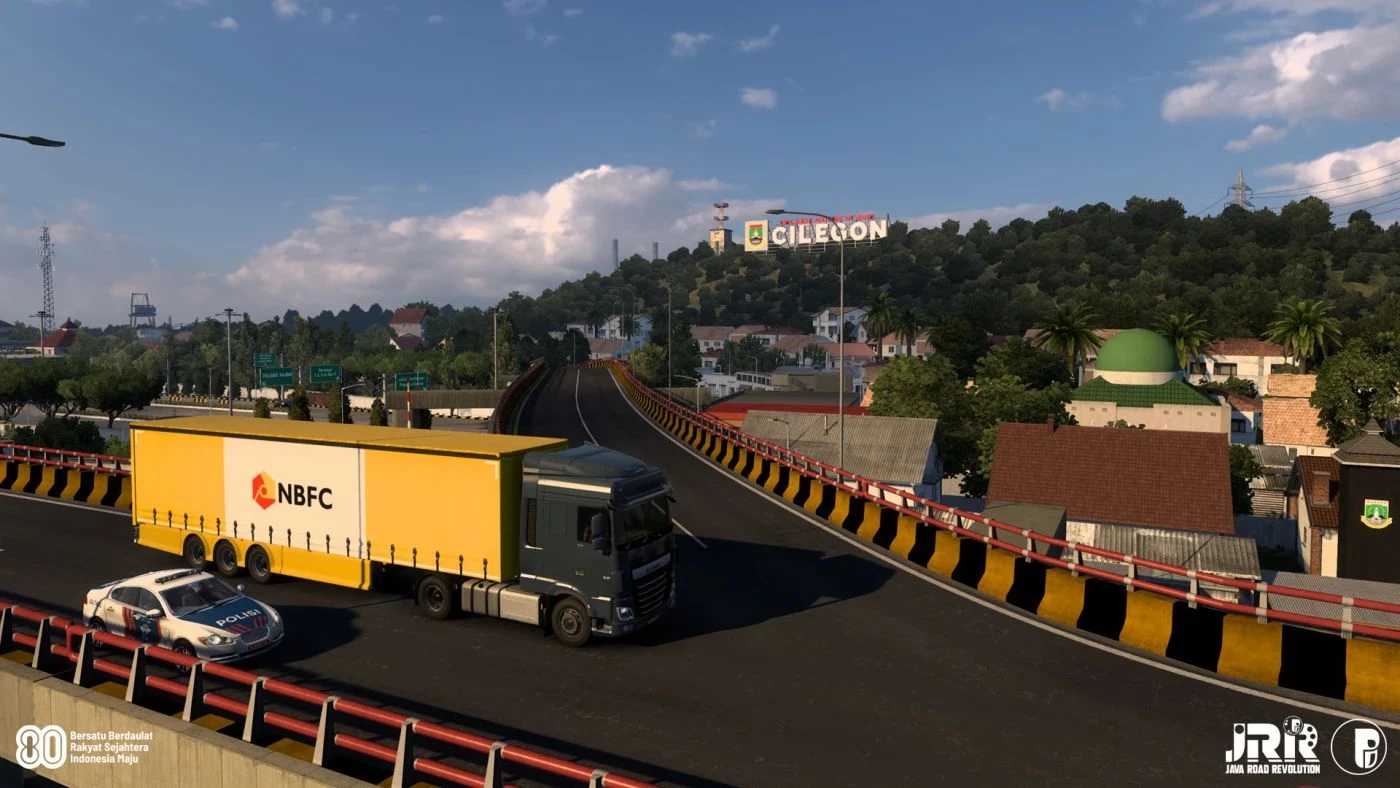
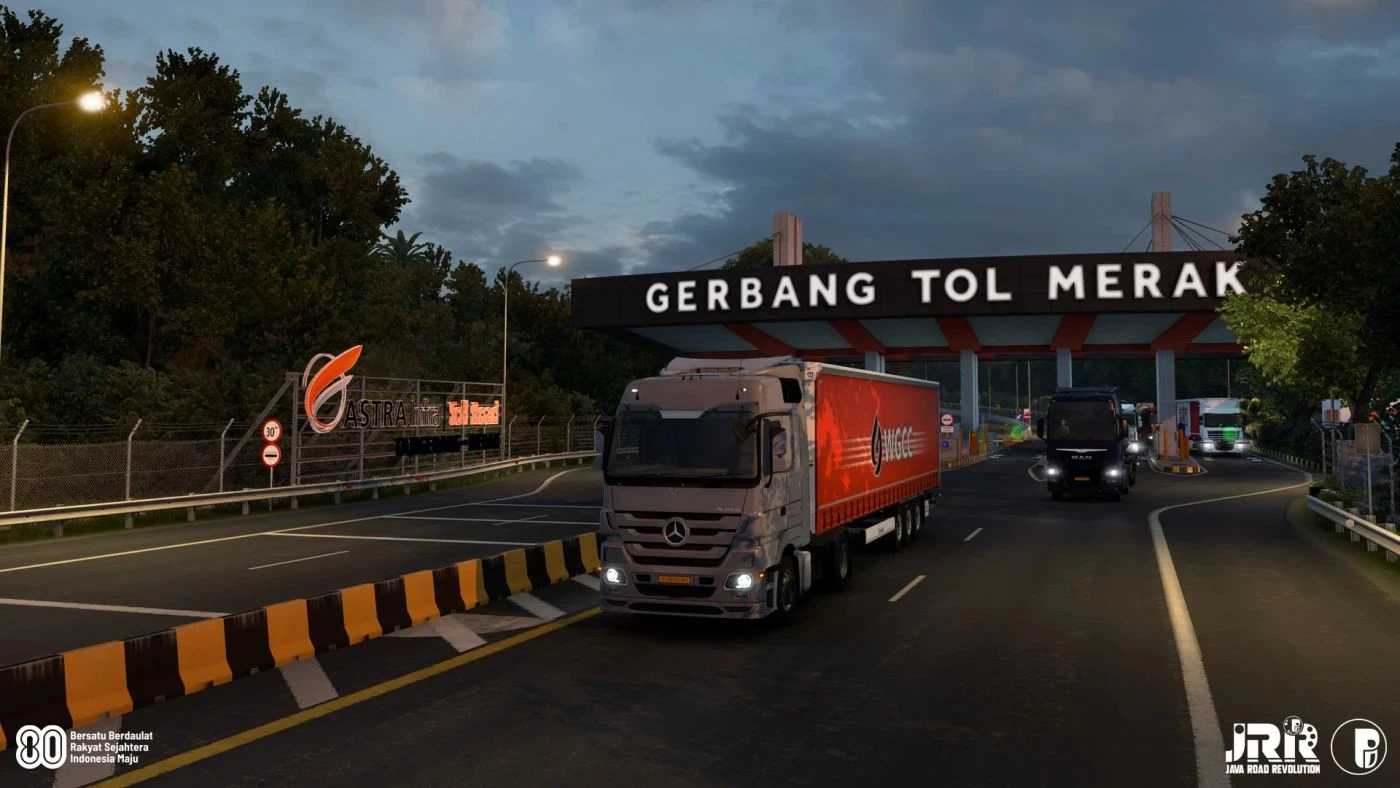
Indonesia Map (Type A and B) v0.90 ETS2
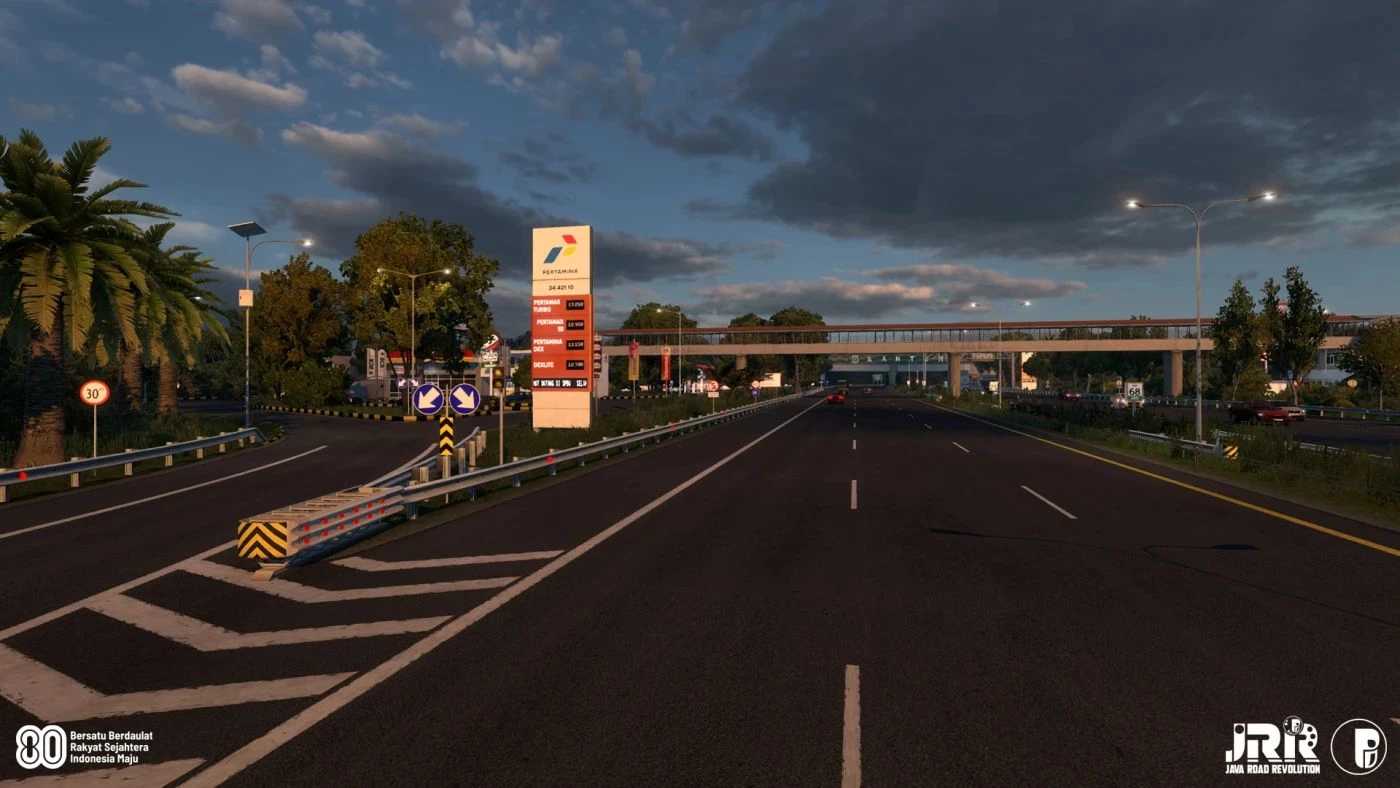
JRR (Java Road Revolution) stands out as one of the most remarkable and authentic add-on maps for Indonesia, igniting significant enthusiasm and positive change in the Indonesian modding scene.
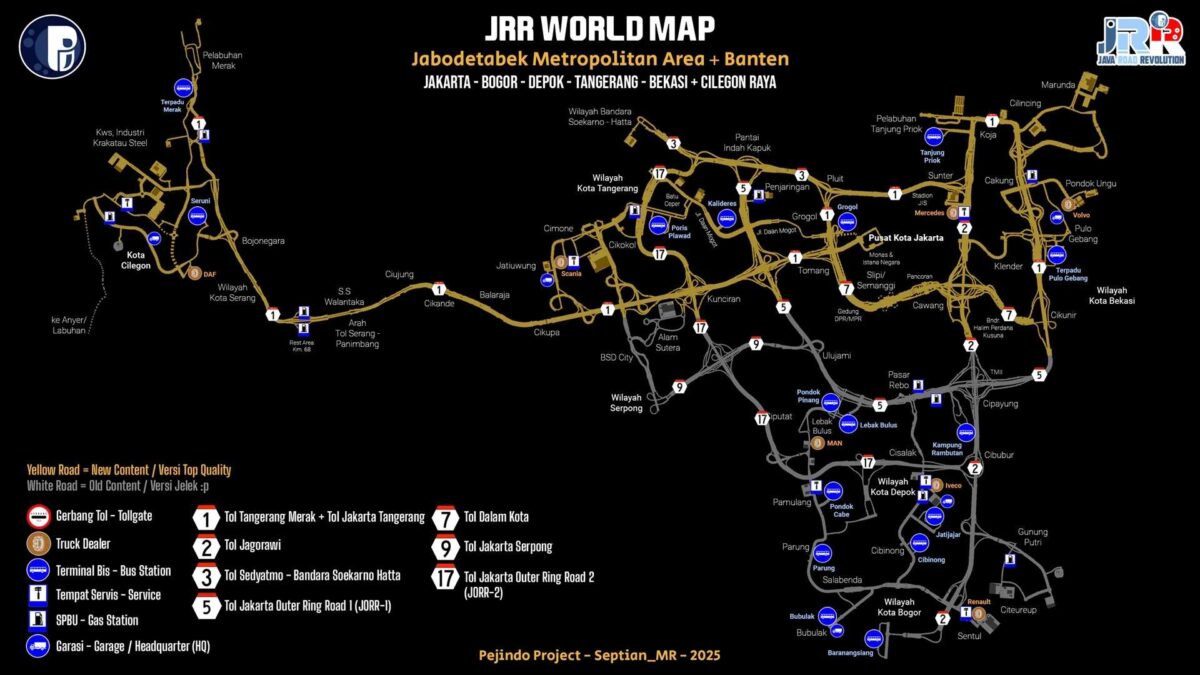
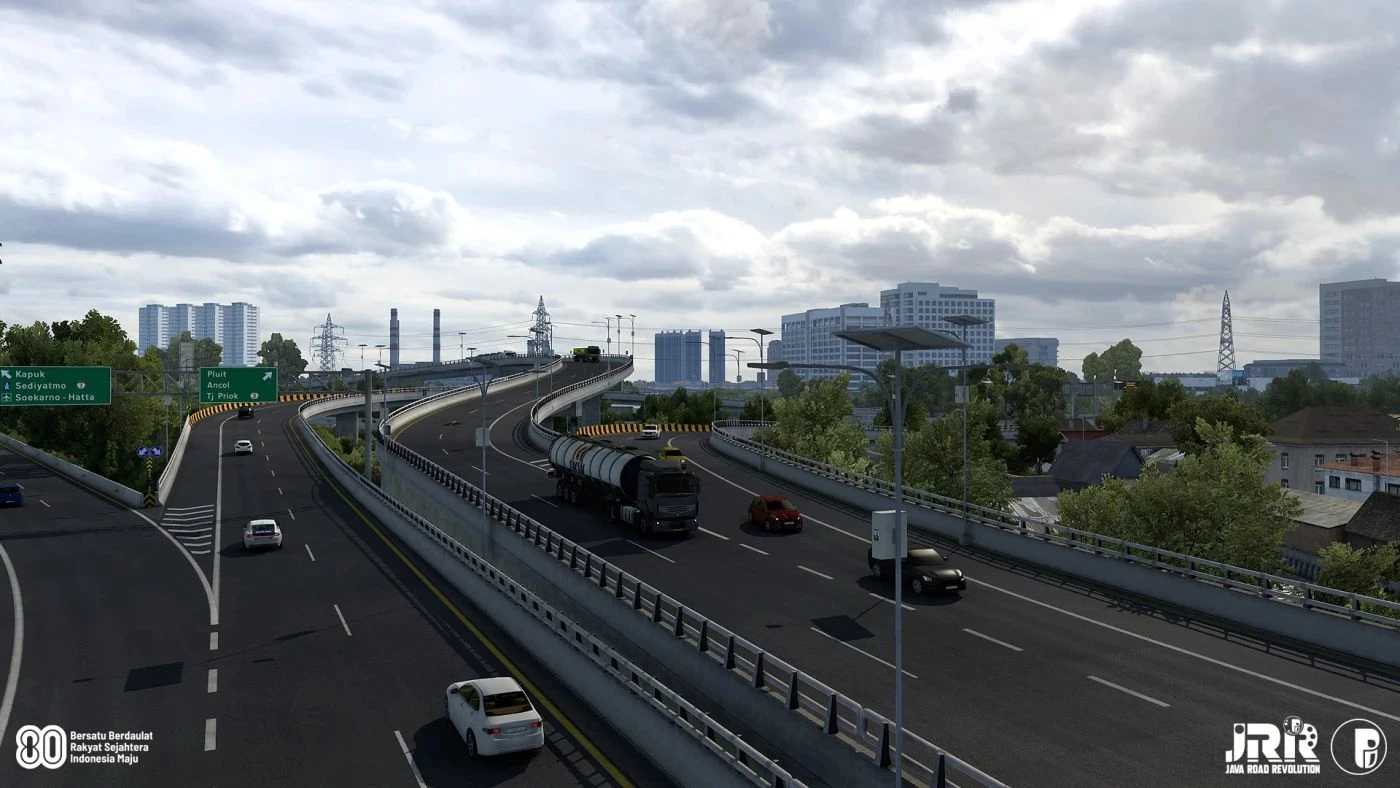
This map showcases the vibrant metropolitan area of Jakarta along with the varied landscapes of West Java and Banten, providing an immersive experience with its dynamic environments and intricate road networks, allowing players to traverse bustling urban locales and busy industrial zones, as well as scenic countryside areas, highlighting Java’s rich urban tapestry.
Every route is crafted to give an authentic journey experience.
Major transport hubs featured include Indonesia’s busiest port, Tanjung Priok,
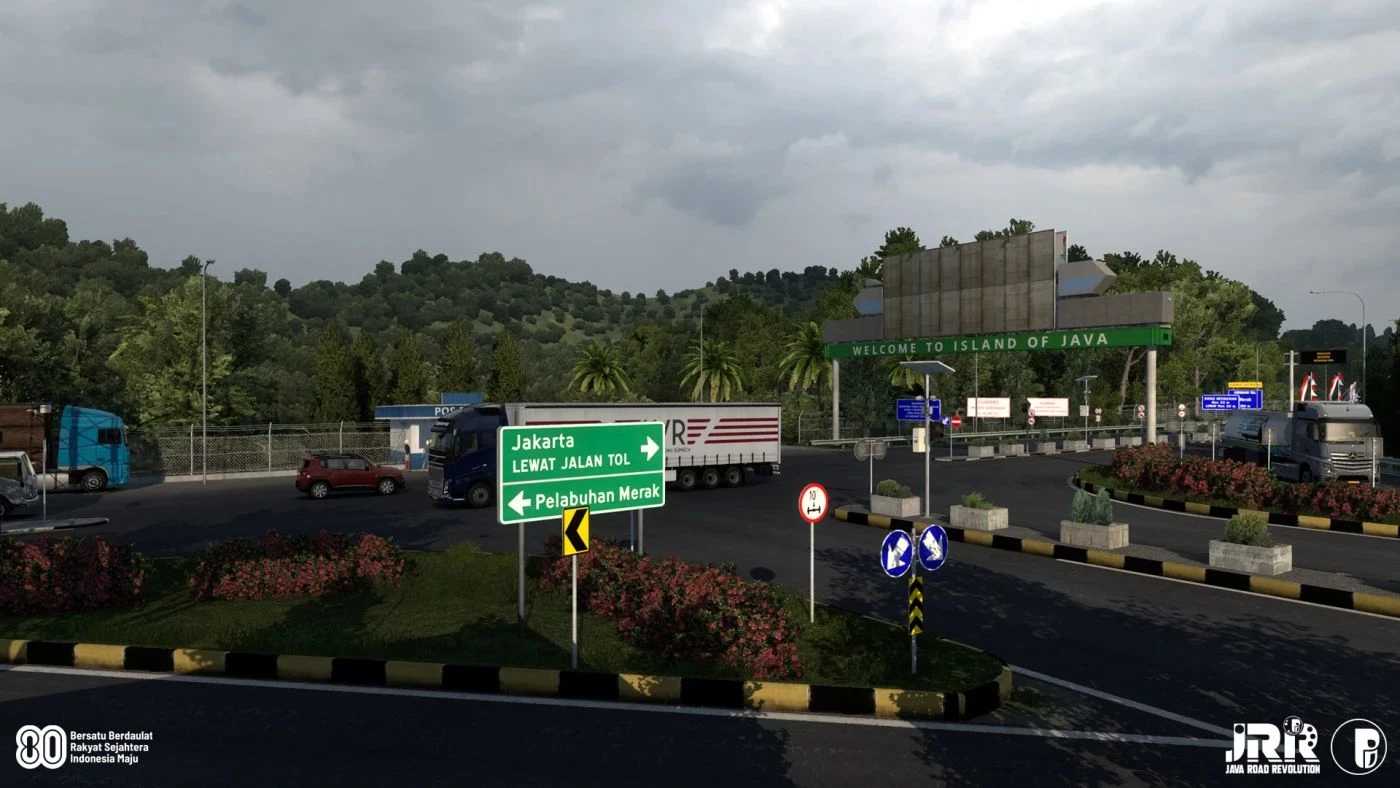
the ferry terminal of Merak, which serves as the principal connection between Java and Sumatra,
and Soekarno-Hatta, the largest and most frequented airport in the country.
Additionally, there are over ten bus stations, notably Pulo Gebang, which is arguably the largest in Southeast Asia.
With ongoing plans for expansion across Java and further afield, this map promises continuous enhancements for a rich, evolving experience that captures the essence of Indonesia’s highways.
Compatibility has been updated for ETS2 1.56, featuring:
a comprehensive rework of Merak Seaport with an integrated bus station,
a significant overhaul of Cilegon, focusing on the city center and the Krakatau industrial zone,
extensive updates to the Tangerang–Merak Toll Road,
the addition of numerous new Indonesian map assets,
and various bug fixes alongside map optimization.
Be sure to use this Type-B map with the “ProMods Complete Afro-Eurasia Background Map.”
If you prefer another background map, please opt for “JRR Map Type A – Default version” instead.
Credits: Septian_MR
How to install ETS2 mods or ATS Mods
Installing mods for Euro Truck Simulator 2 is straightforward. Just download the mod from here, and copy/unzip the files into the “My Documents\Euro Truck Simulator 2\mod” folder. For American Truck Simulator, please place mods in the “My Documents\American Truck Simulator\mod” folder. You can use WinRAR or 7zip to unzip files. Once extracted, remember to activate the mods you plan to use.