Frosty Winter v10.3 for ETS2
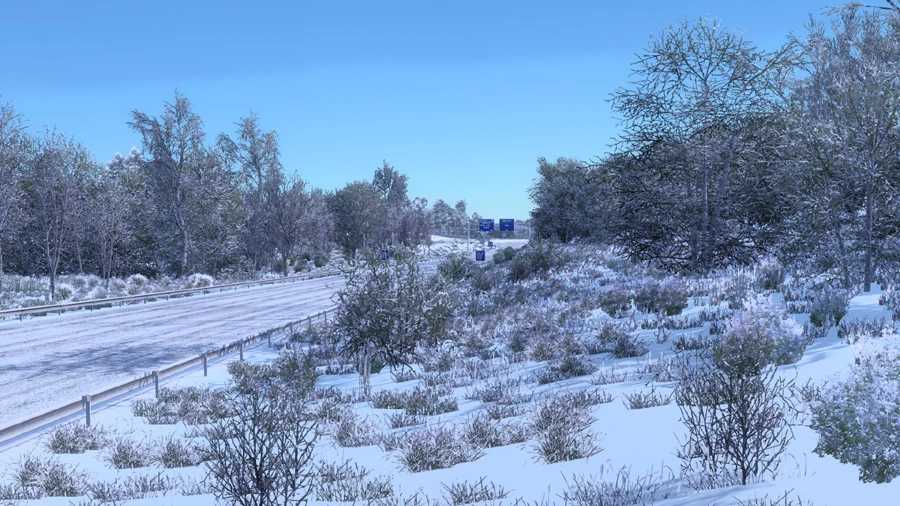
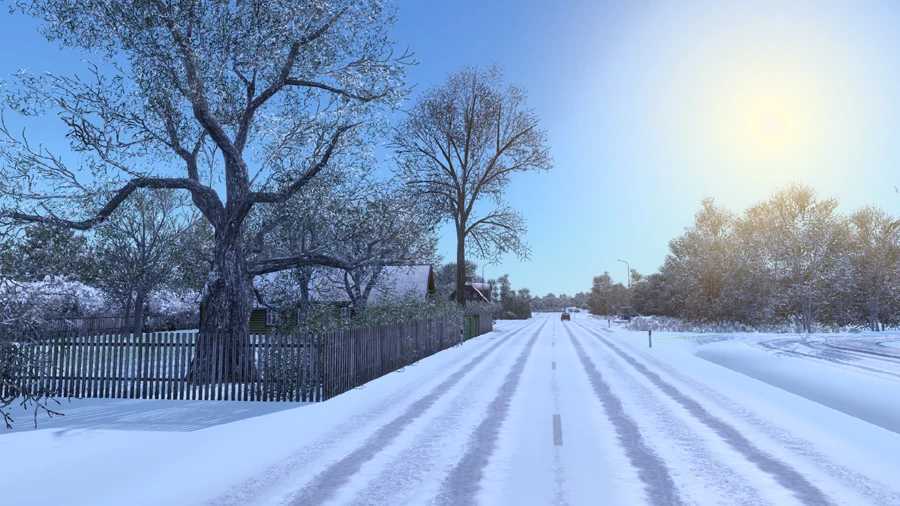
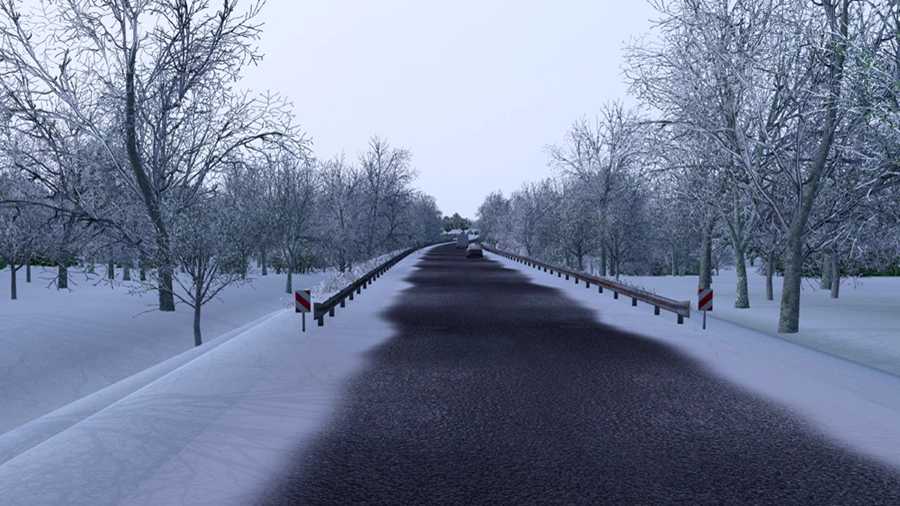
This high-definition graphics and weather enhancement mod replicates winter scenes for Euro Truck Simulator 2.
Main Features:
– Winter-themed weather and scenery
– Snow replaces rain
– Evergreen foliage adapted for winter
– Snow-covered road textures
– Snow-topped buildings
– Adjusted daylight hours and colder temperatures
– Pedestrians dressed for winter
– Winter wheel splashes
– Enhanced textures for roads, fields, grass, and more
– Upgraded low-resolution tree models to high-resolution ones across maps
– Optional addons such as Physics, Clear Roads, and Frosty Wheels
Compatible with Promods, Rus Map, Southern Region, and other DLC maps.
Compatible with the latest version: ETS2 1.56
Updates in v10.3:
– Optimized for version 1.56
Recommended Settings:
– Vegetation Detail: High
Note:
Frosty is specifically a winter weather and graphics mod; it is incompatible with other weather and graphics mods like RBGW, NaturaLux, Project Next-Gen, etc.
Make sure to place Frosty at the top of your Mod Manager.
If using any addons, place them above the Frosty mod.
Credits: Grimes
How to install ETS2 or ATS Mods:
Installing mods in Euro Truck Simulator 2 is straightforward. Simply download the mod, then copy/unzip the files into: “My Documents\Euro Truck Simulator 2\mod” folder. For American Truck Simulator, place mods in: “My Documents\American Truck Simulator\mod” folder. Use WinRAR or 7zip for unzipping files. Afterward, activate the mods you wish to use.