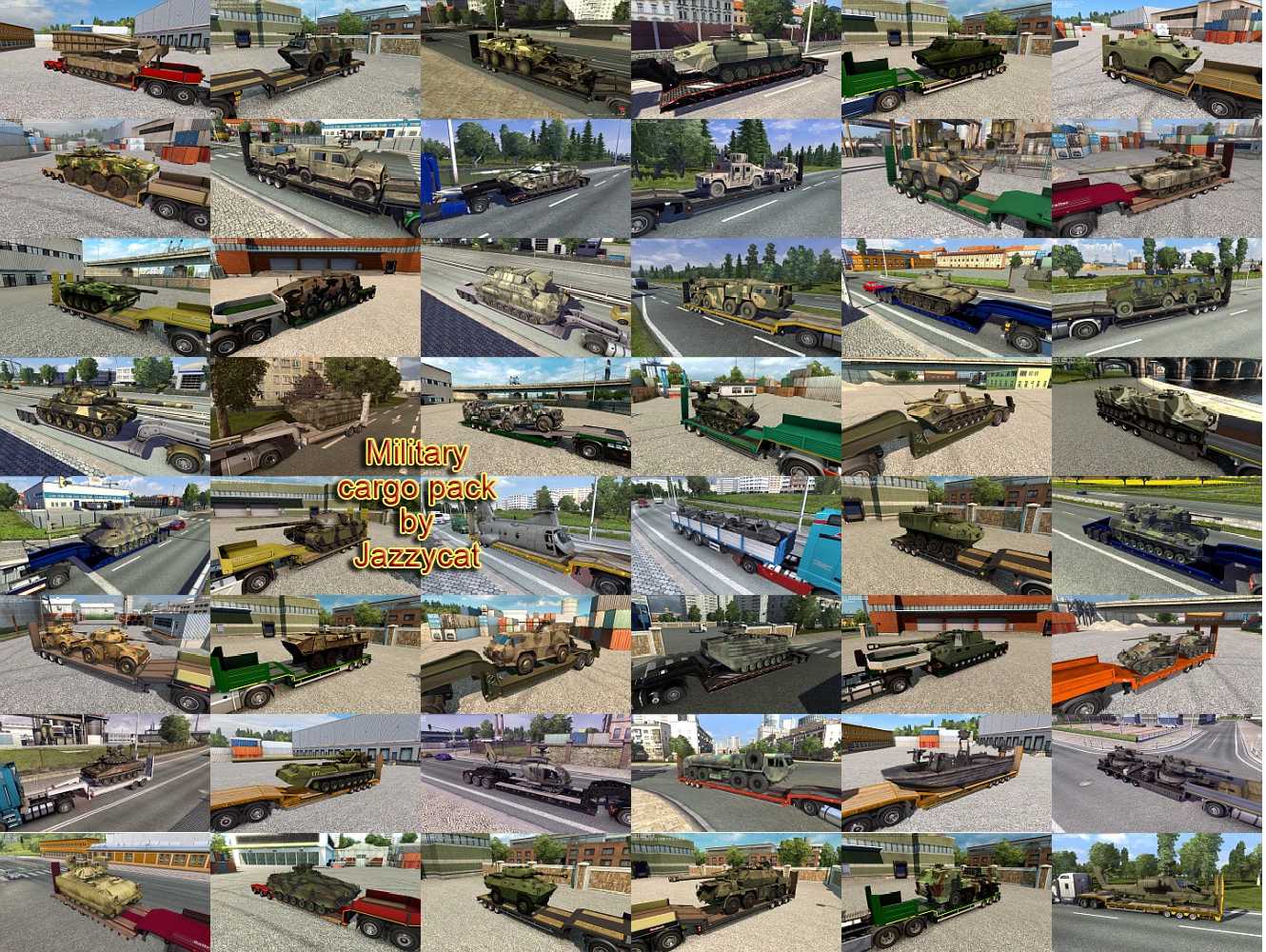
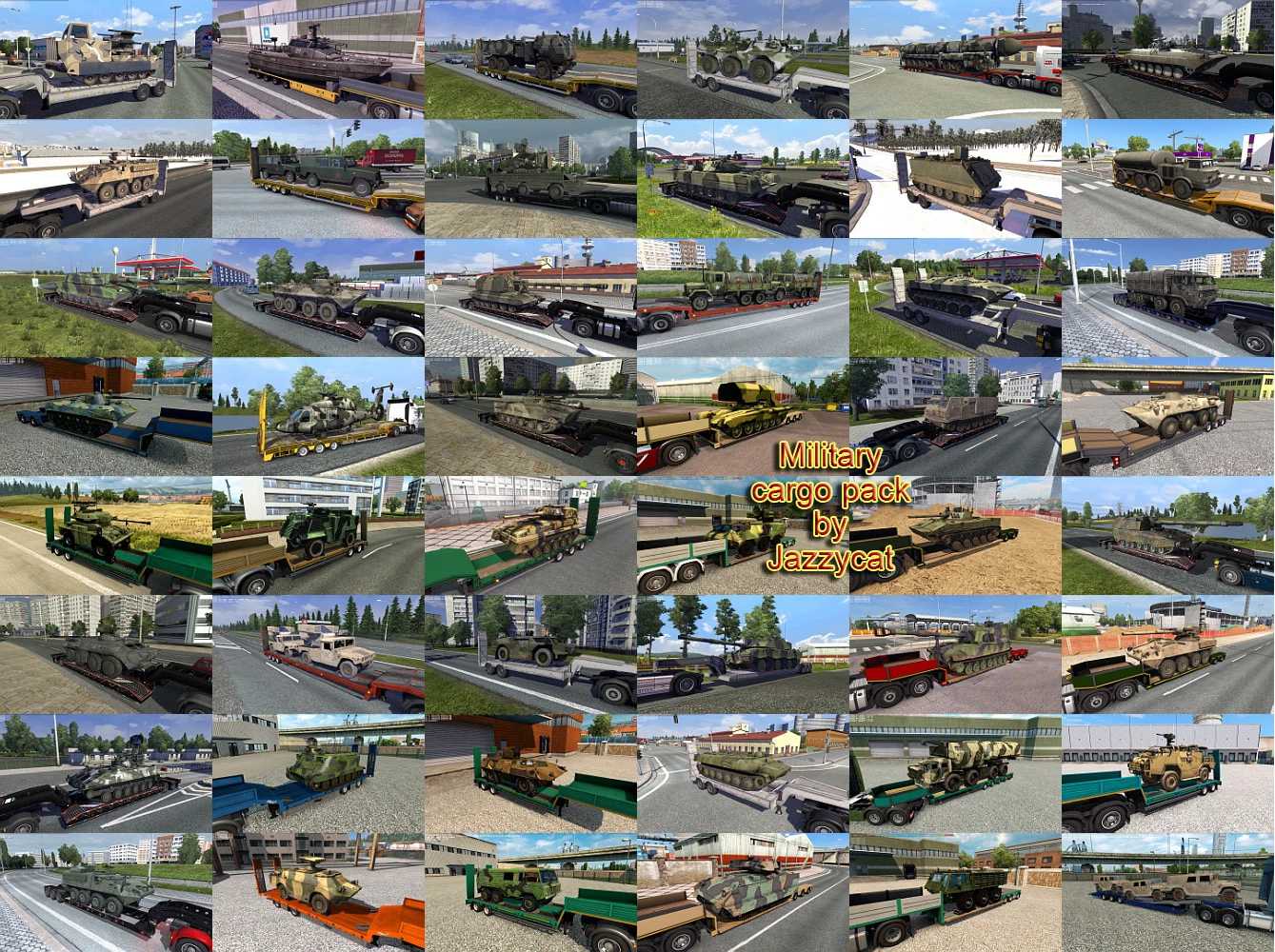
Jazzycat’s Military Cargo Pack v6.8.1 for ETS2
This pack introduces over 222 military cargo items to the game.
New cargo has been added to 74 companies across the Default Map, all official DLCs, the Rus Map, and the EAA Map.
All items are standalone.
Compatible with all maps.
Designed for version 1.56.x.
Works seamlessly with my other packs.
Includes versions in both English and Russian.
To enable the English version, ensure you have the following files in your mod folder:
military_cargo_pack_by_Jazzycat_base.scs
military_cargo_pack_by_Jazzycat_eng.scs
If you’re passionate about military content, consider adding the traffic file:
military_cargo_pack_by_Jazzycat_traffic.scs
Version 6.8.1 – updates for compatibility with patch 1.56.x, trailer traffic has been restored.
Credits: Jazzycat
Installation Instructions for ETS2 or ATS Mods
Installing mods in Euro Truck Simulator 2 is straightforward. Download the mod, then copy/unzip the files into the “My Documents\Euro Truck Simulator 2\mod” folder. For American Truck Simulator, place the mods in: “My Documents\American Truck Simulator\mod” folder. You can use programs like WinRAR or 7zip to unzip files. After that, activate the mods you want to use.