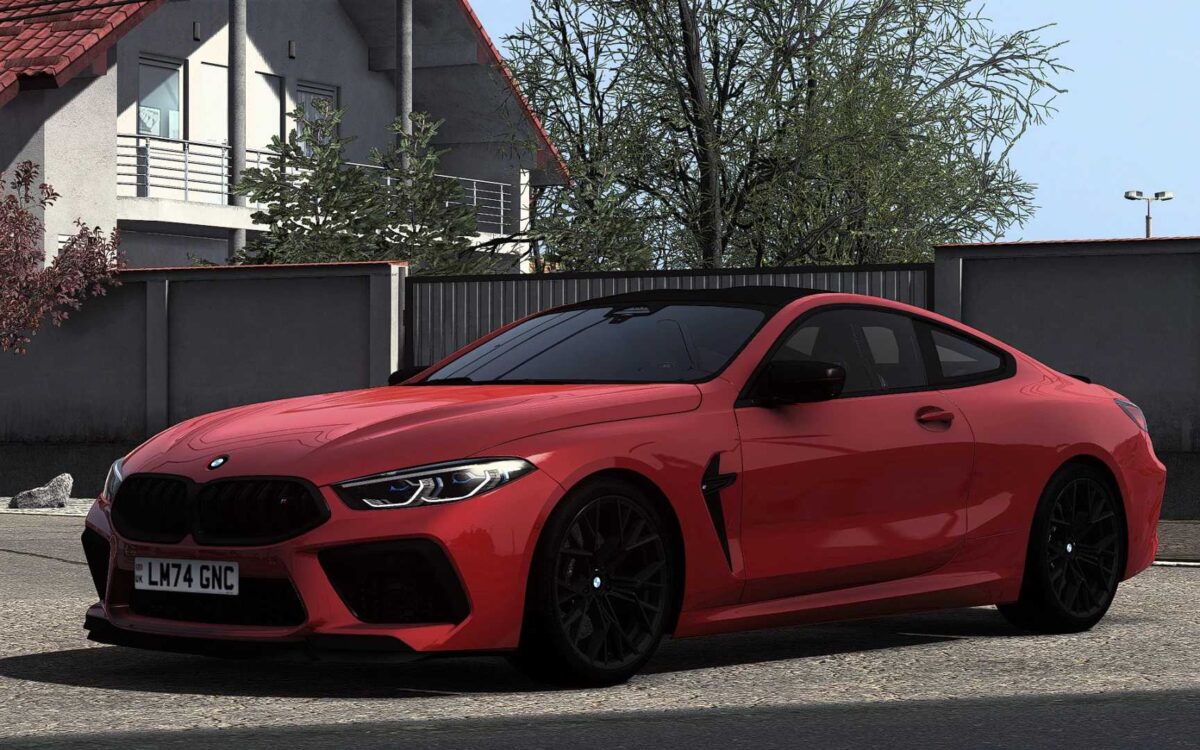
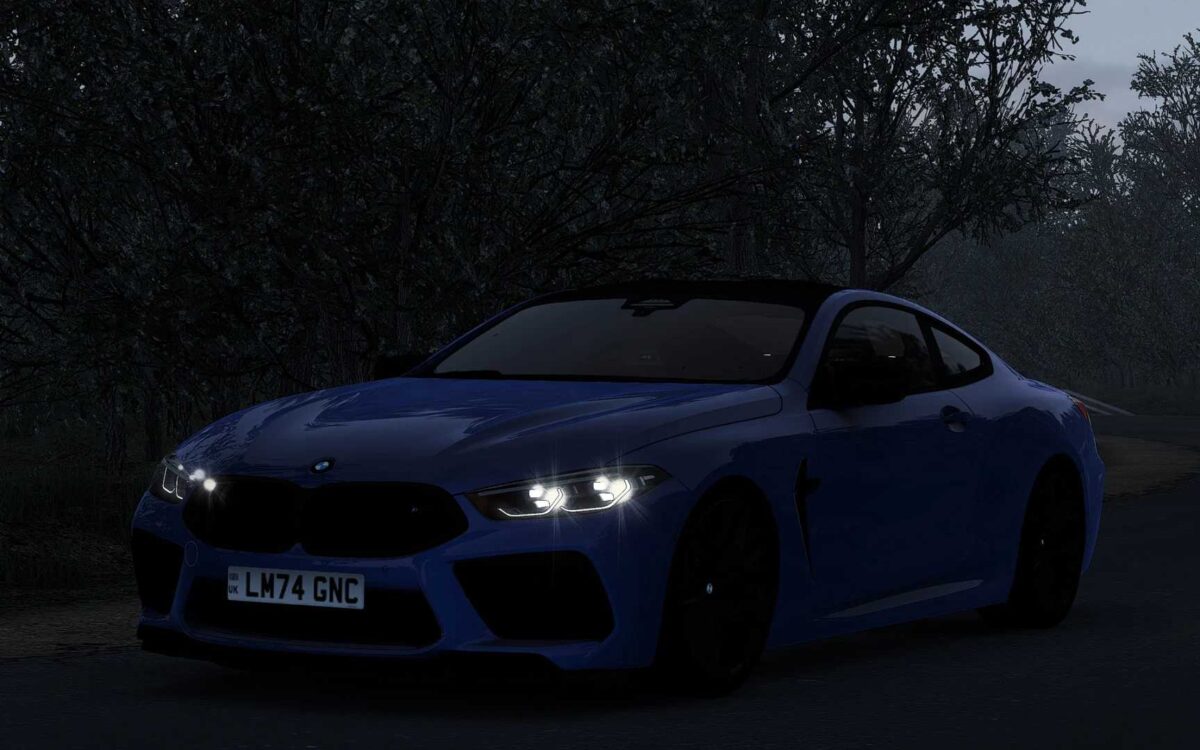
BMW M8 F92 v1.7 ETS2
– Exceptional quality in both exterior and interior
– Custom user interface featuring a digital speedometer and functional information displays
– Impressive driving experience
– Openable front windows
– Functional wipers
– Animations for indicators, wiper stalks, and handbrake
– Realistic engine and transmission settings (with 0-100, 0-200, and 0-250 km/h times closely matching the real car)
– Two color options available for the interior (Black & Red)
Updated for game version 1.56
Credits: DN Modding, Nimit, Slav Jerry
Instructions for Installing ETS2 or ATS Mods
Installing mods in Euro Truck Simulator 2 is straightforward. Simply download the mod from here and copy/unzip the files into the “My Documents\Euro Truck Simulator 2\mod” folder. For American Truck Simulator, place the mods in the “My Documents\American Truck Simulator\mod” folder. To unzip the files, you can use programs like WinRAR or 7zip. Afterward, remember to activate the mods you want to use.