Road to Caucasus v2.1.1 1.56 ETS2
Beta Version 2.1.1:
– The map is optimized for ETS2 version 1.56
– Numerous intersections and roads have been reconstructed
– Model registrations have been updated, and some errors have been fixed (by Dz1rtys)
– Bugs have been addressed
Description:
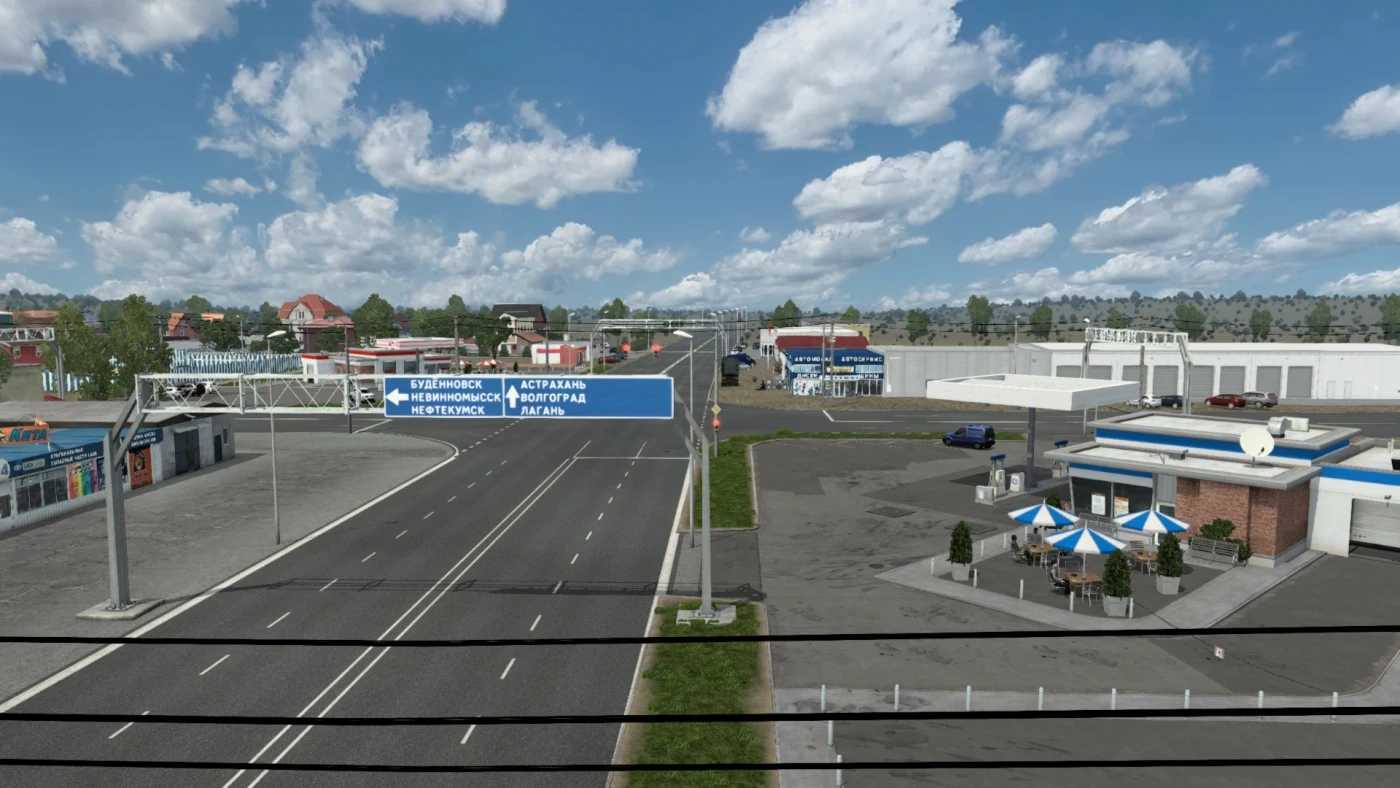
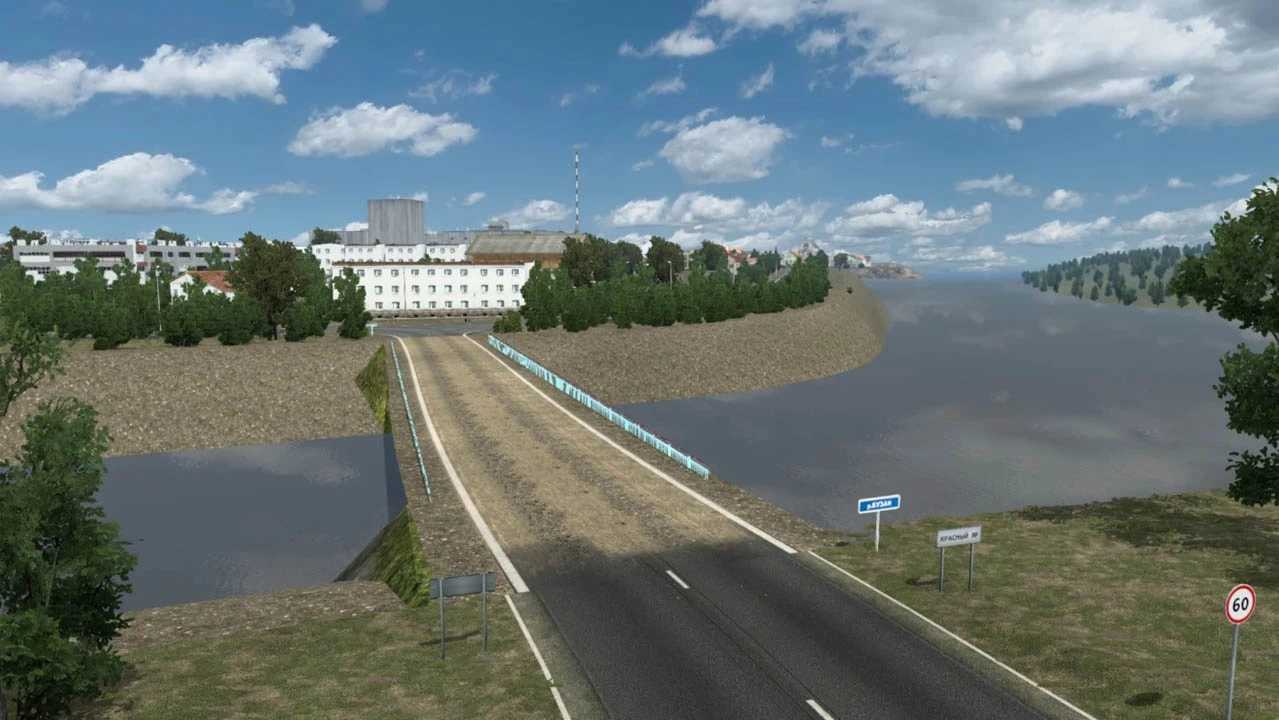
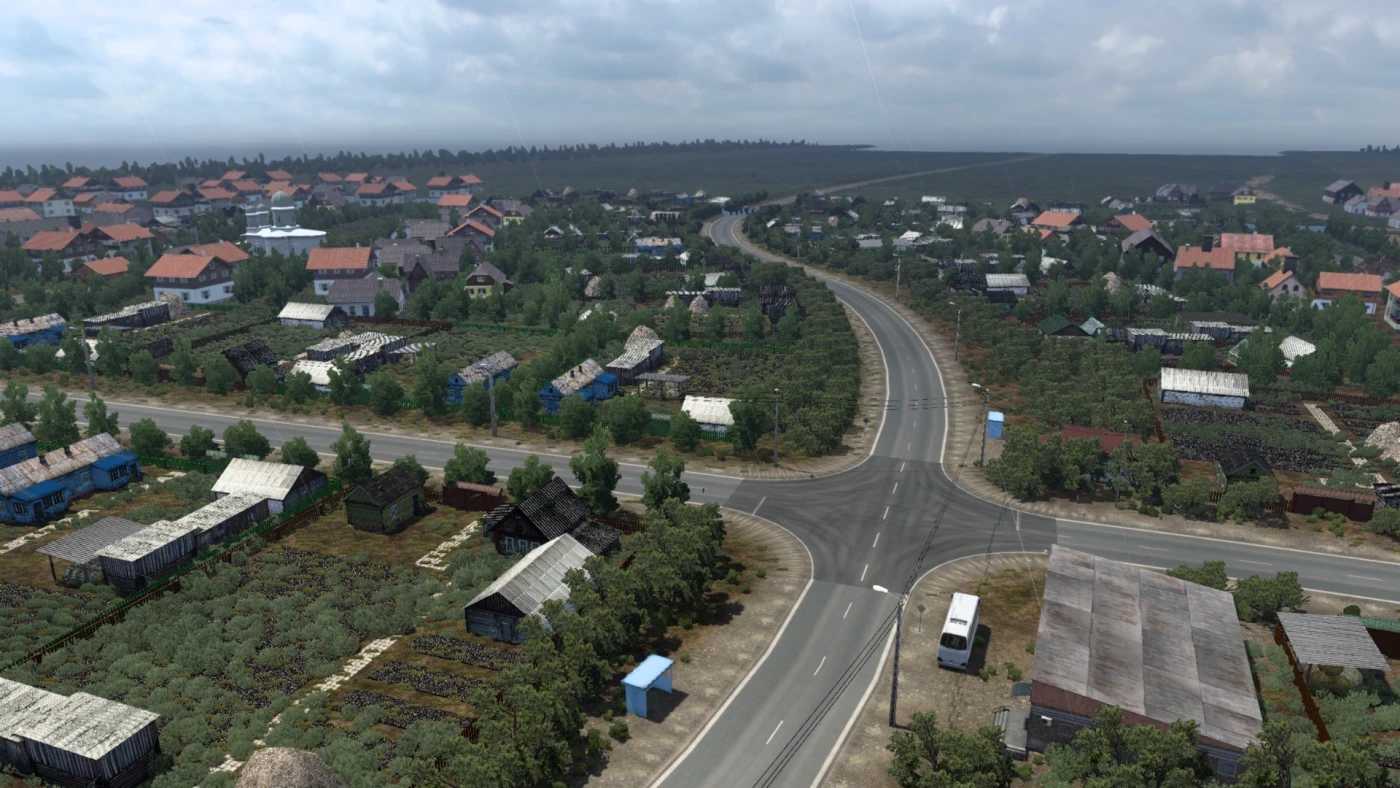
This region is visually stunning and encompasses various climatic zones, including deserts, steppes, hills, and mountains. I aimed to capture all these elements in the map.
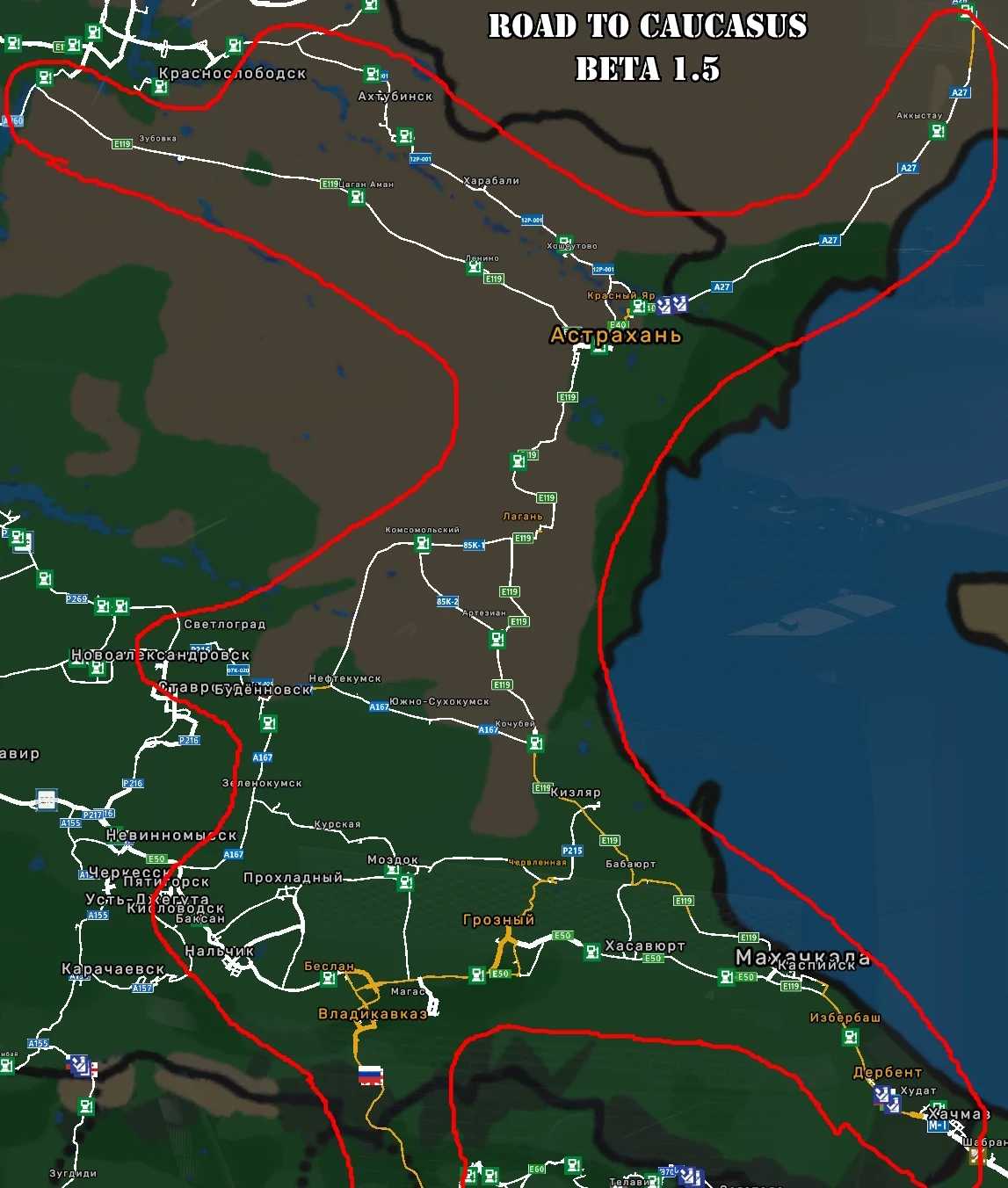
It features many cities, towns, and villages, with numerous companies involved. Initially, there were 16 settlements, including Zelenokumsk, Budyonnovsk, Neftekumsk, Kochubey, Artezian, Lagan, Astrakhan, Krasny Yar, Akkystau, Kizlyar, Babayurt, Makhachkala, Kaspiysk, Izberbash, Derbent, Khachmaz, and 27 companies overall.
The map links with the SRMap near Nevinnomyssk and connects to The Great Steppe maps in the Atyrau area.
Required Content: Southern Region Map
Compatibility: 1.56
Credits: Yuriko (MCY)
How to Install ETS2 Mods or ATS Mods
Installing mods in Euro Truck Simulator 2 is straightforward. Simply download the mod from here, then copy/unzip the files into: “My Documents\Euro Truck Simulator 2\mod” folder. If you’re playing ATS, install mods in: “My Documents\American Truck Simulator\mod” folder. You can use WinRAR or 7zip to unzip the files. After that, activate the mods you wish to use.