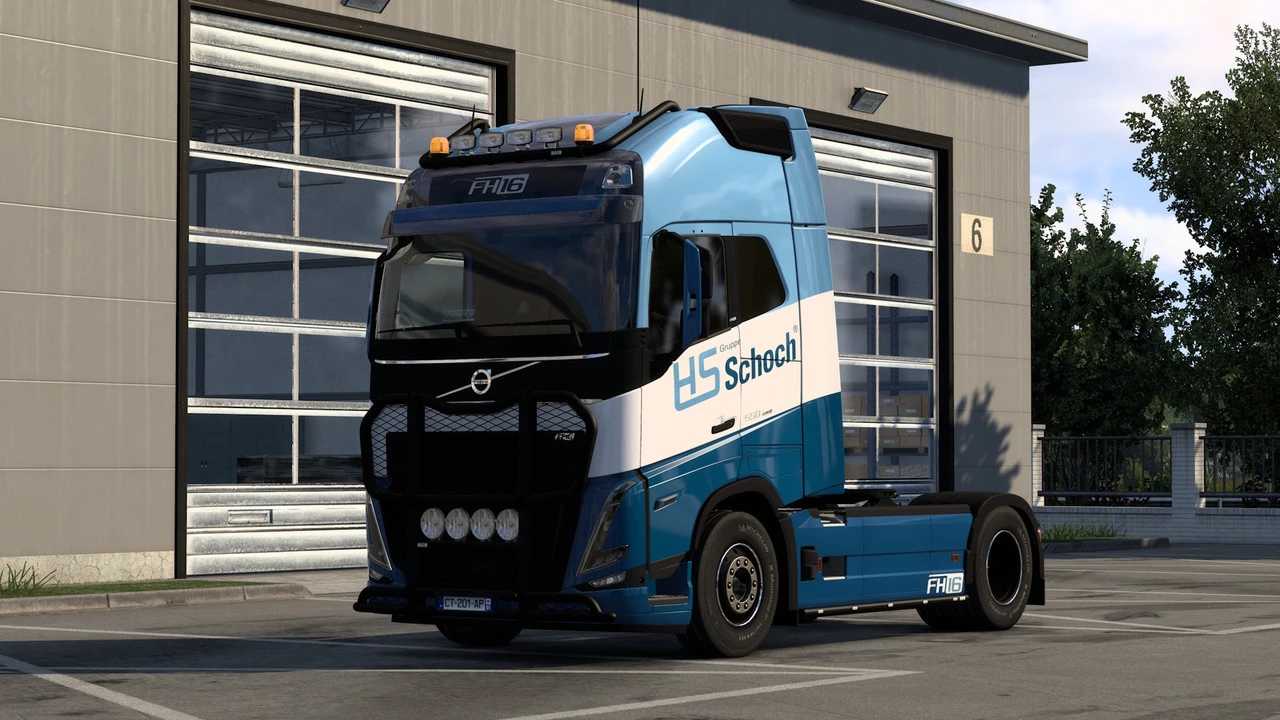
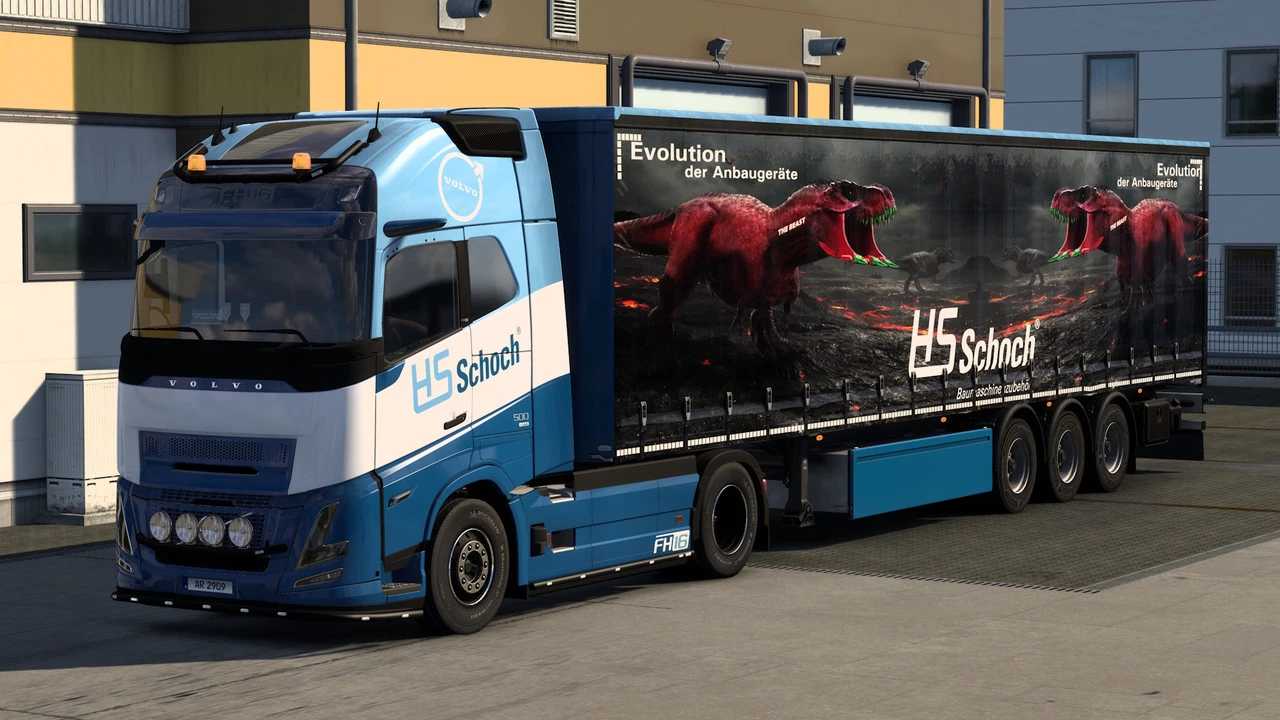
HS Schoch Volvo Combo skins v1.0 ETS2
Compatible skins for:
– Volvo FH5
– Volvo Aero
– Curtainsider (Standard)
Credits: dreamcatcher
Installation Guide for ETS2 or ATS Mods
Installing mods in Euro Truck Simulator 2 is straightforward. Simply download the mod from the specified location, then copy/unzip the files into the “My Documents\Euro Truck Simulator 2\mod” folder. For American Truck Simulator (ATS), place the files in the “My Documents\American Truck Simulator\mod” folder. Use tools like WinRAR or 7zip to unzip the files. Afterwards, remember to activate the mods you wish to use.