European Grand Utopia v1.6.1 ETS2
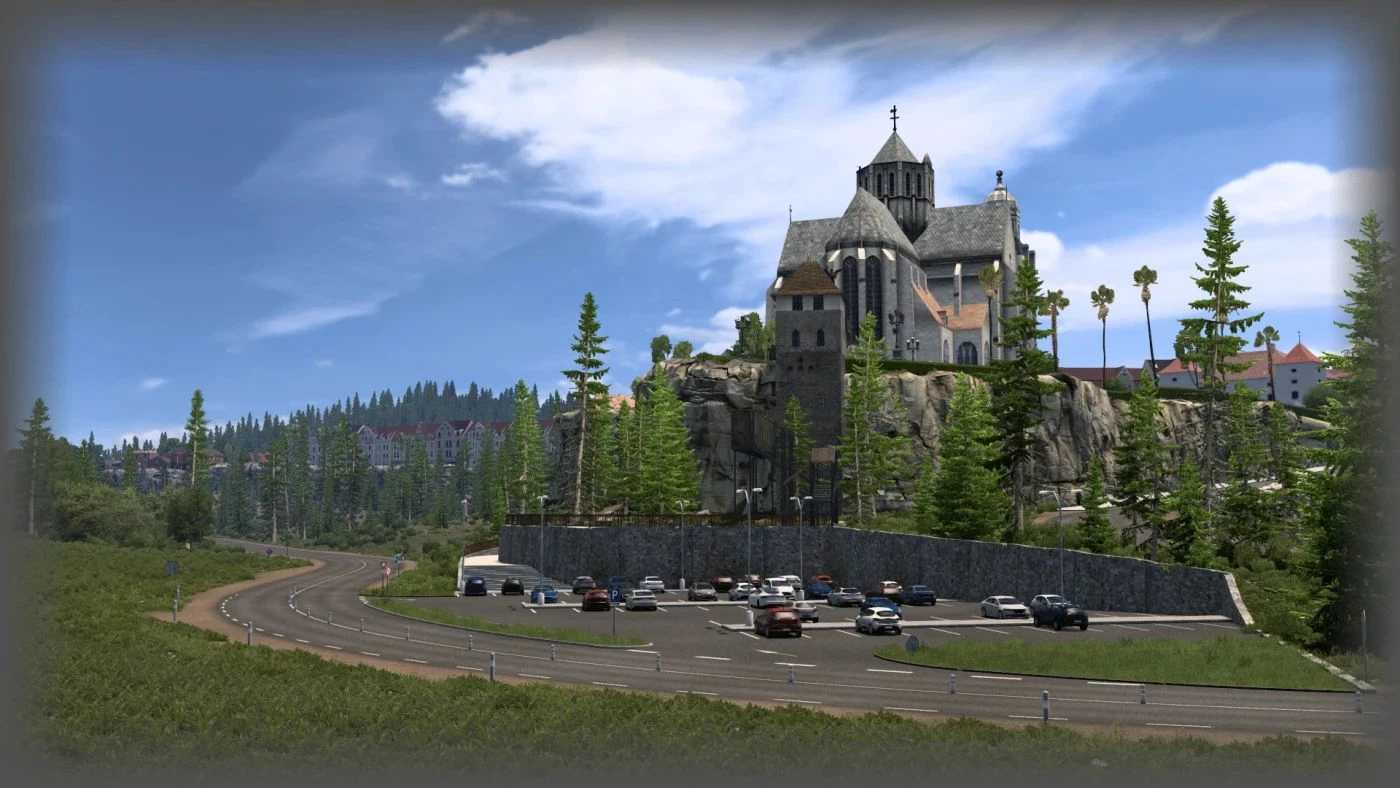
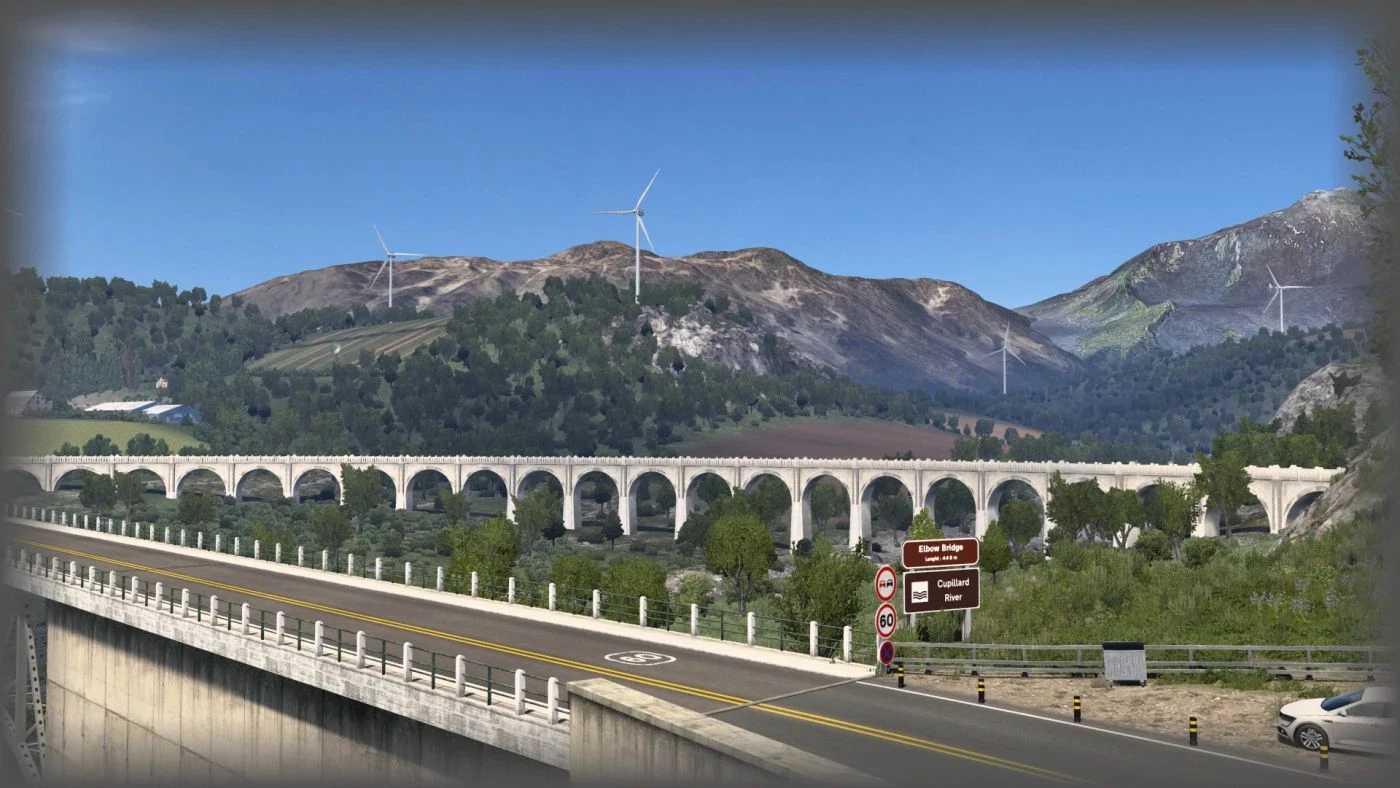
Explore and navigate through the iconic archipelago of Grand Utopia, a reimagined fictional realm intricately woven into the European landscape.
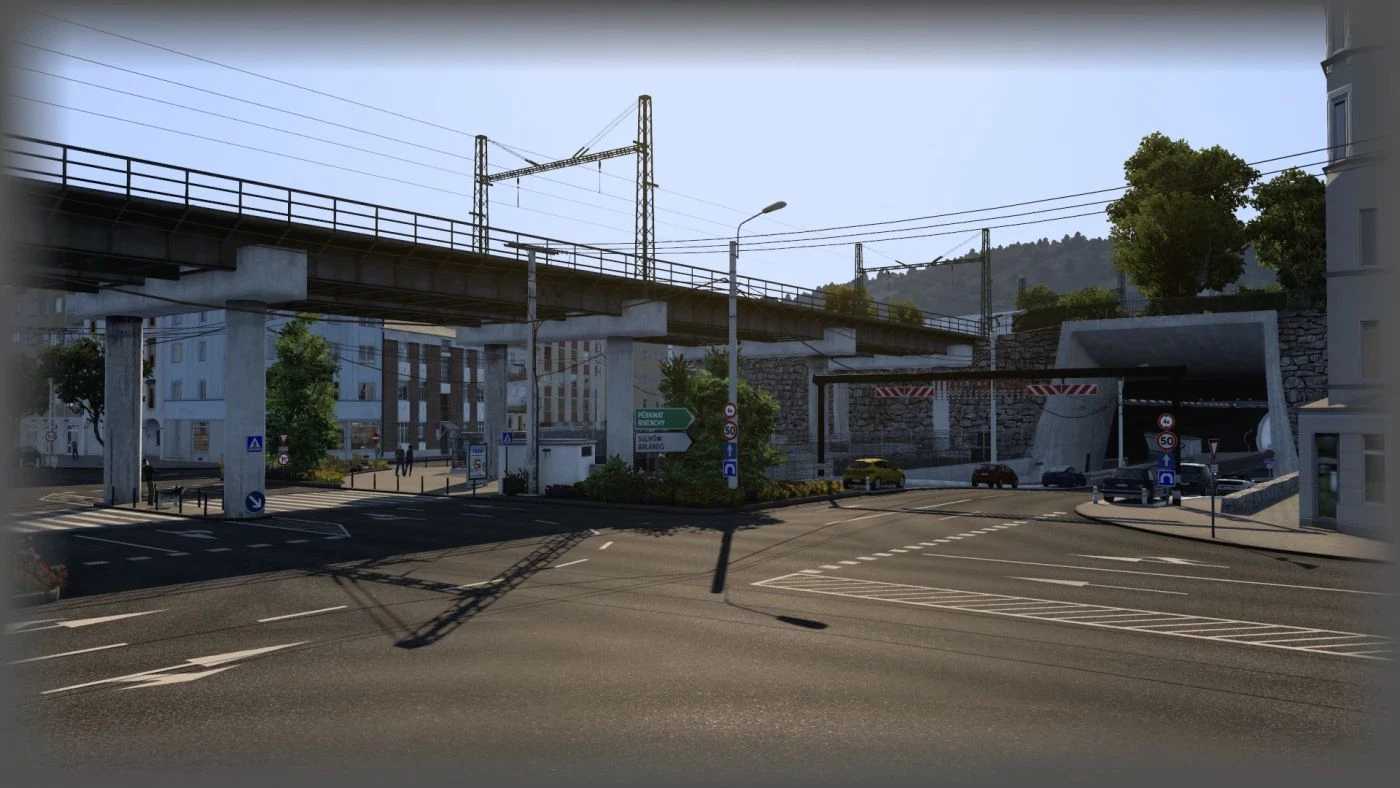
Journey through diverse terrains, appreciate the intricate infrastructure, and fully immerse yourself in this meticulously crafted setting.
Issues resolved: crash problems associated with the base map during gameplay.
Credits: Adyox [FR]
Instructions for Installing ETS2 or ATS Mods
Installing mods in Euro Truck Simulator 2 is straightforward. Simply download the mod from here, then copy or unzip the files into: “My Documents\Euro Truck Simulator 2\mod” directory. If you are using ATS, place the mods in: “My Documents\American Truck Simulator\mod” directory. You can utilize either WinRAR or 7zip to unzip files. Following this, activate the mods you wish to use.