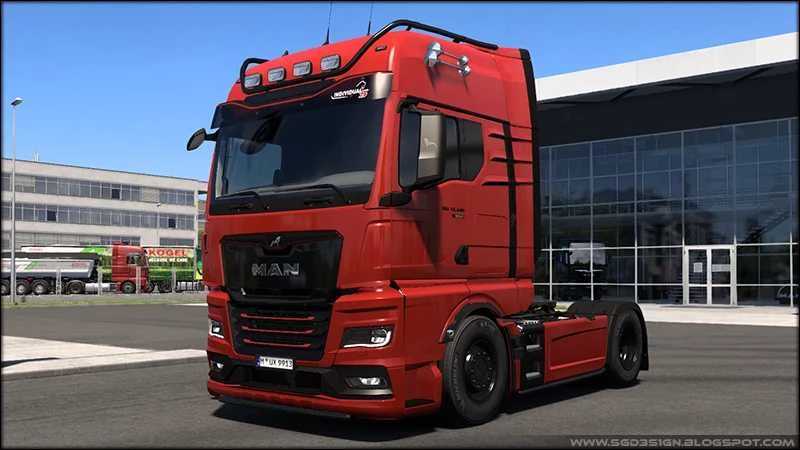
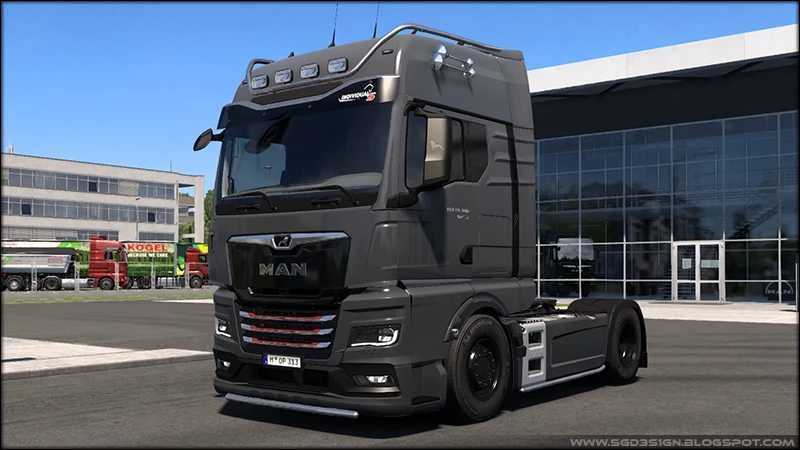
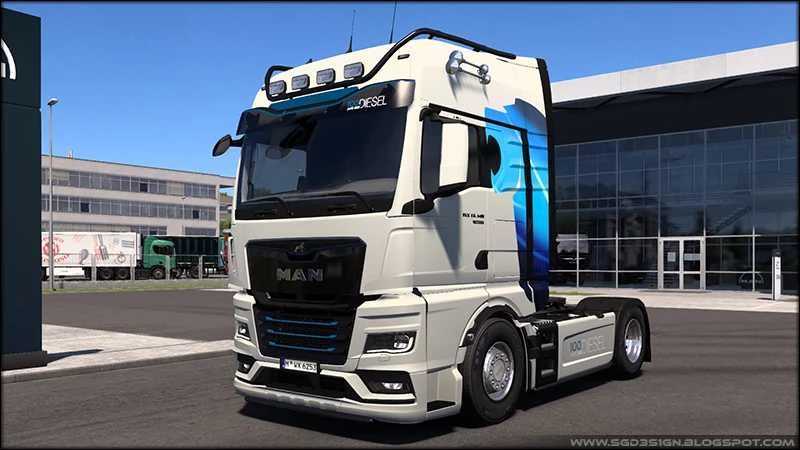
SGD Truck Tuning Pack v1.56 ETS2
Updates:
– Tailored for game version 1.56
Revised all trucks, including Dealer, Used, Company, and Traffic. Enhanced numerous parts, textures, and def files.
Added templates for: Facelift Sideskirt
Added templates for: Exclusive sunshield
Removed three engines, allowing for individual side badge edits.
ADDITIONAL PARTS:
LIGHTS:
Hella Jumbo – LED, Plastic
SMALL LIGHTS:
MAN 2025 – Side marker
FRONT COVERS:
Pacific – Steel
Pacific – Paint
Pacific – Chrome
REAR COVERS:
Pacific – Steel
Pacific – Paint
Pacific – Chrome
MAN 2020 PARTS:
PAINTJOBS:
Jet Black – Golden Lion
18 Colors
Traffic White – Borussia
FRONT BUMPERS:
Standard, Paint, Golden Lion
FRONT BADGE:
Golden Lion
FRONT LOGO:
Golden Lion
FRONT INTAKE BARS:
Golden Lion, Plastic
FRONT INLAY CHASSIS:
Black, Golden Lion
SUNSHIELDS:
Exclusive, Black, Golden Lion
Exclusive, Paint
Exclusive, Paint, Chrome
BADGE A:
Clean
18.xxx, Black
18.xxx, Black gloss
18.xxx, Chrome
18.xxx, Golden
BADGE B:
Clean
640HP, Black
640HP, Black gloss
640HP, Chrome
640HP, Golden
BADGE C:
Clean
Individual, Black
Individual, Black gloss
Individual, Chrome
STEERING WHEELS:
100 Years Diesel
Golden Lion
SIDESKIRTS:
Facelift, Aero, Paint
Facelift, Paint
FRONT MUDFLAPS:
STIHOLT – Standard
STIHOLT – With white lines
REAR MUDFLAPS:
STIHOLT – Standard
STIHOLT – With white lines
Credits: SGD3S1GN
Installation Instructions for ETS2 or ATS Mods:
Installing mods in Euro Truck Simulator 2 is straightforward. Simply download the mod, copy/unzip the files into the “My Documents\Euro Truck Simulator 2\mod” folder, or for ATS use “My Documents\American Truck Simulator\mod”. Utilize WinRAR or 7zip to unzip files. Then, activate the mods you wish to use.