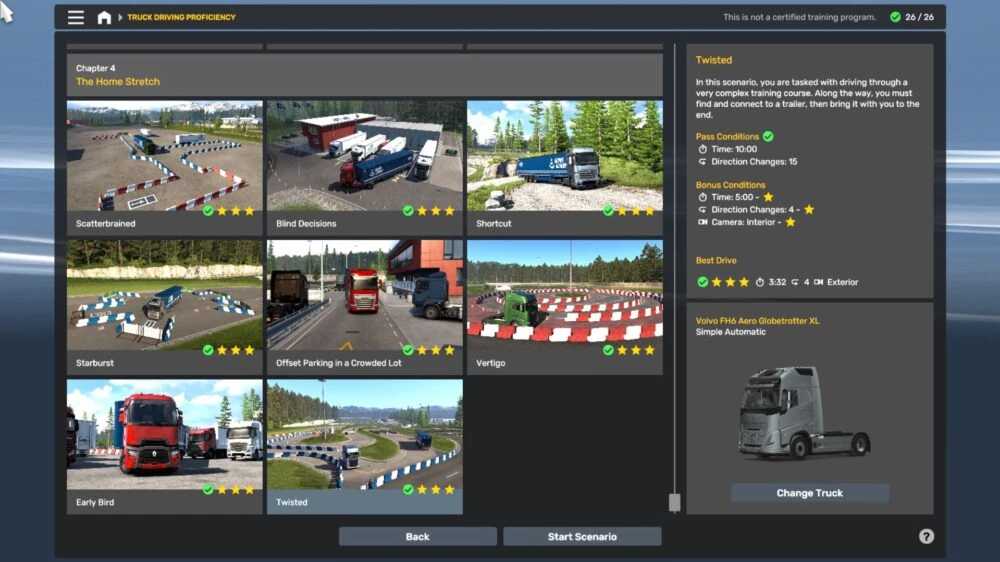
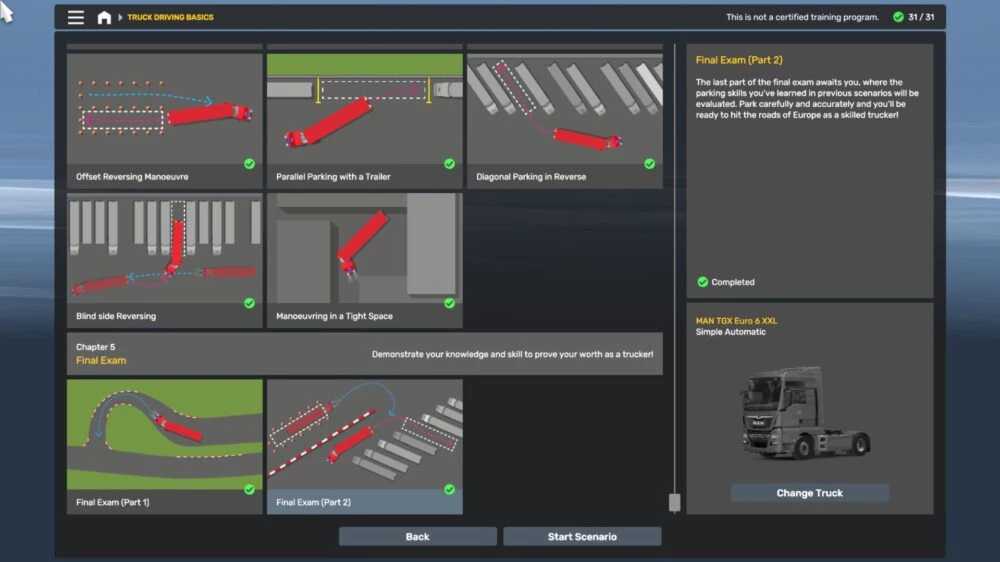
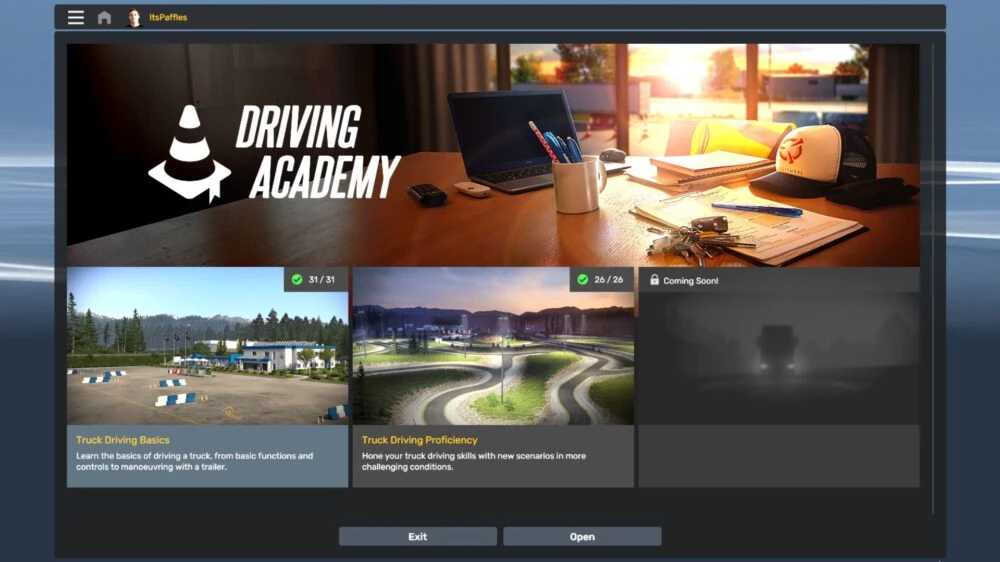
Driving Academy 100% Complete v1.0 for ETS2
The zip file contains a single “.sii” file.
Disclaimer: I have tested this locally with multiple profiles, and all attempts were successful on my setup.
To install, follow these steps:
1. Extract the file.
2. Navigate to Documents on your PC.
3. Open the Euro Truck Simulator 2 folder.
4. Open the profiles folder.
5. Select the desired profile.
6. Access the academy folder.
7. Replace “academy_book_states.sii” with the included file. (It’s advisable to back up the original “academy_book_states.sii” in case something goes wrong.)
Credits: Me. (ItsPaffles)
Instructions for Installing ETS2 or ATS Mods
Installing mods in Euro Truck Simulator 2 is straightforward. Download the mod from this site and copy/unzip the files into the “My Documents\Euro Truck Simulator 2\mod” folder. For American Truck Simulator, use the “My Documents\American Truck Simulator\mod” folder. You can use WinRAR or 7zip to extract files. Afterward, activate the mods you wish to use.