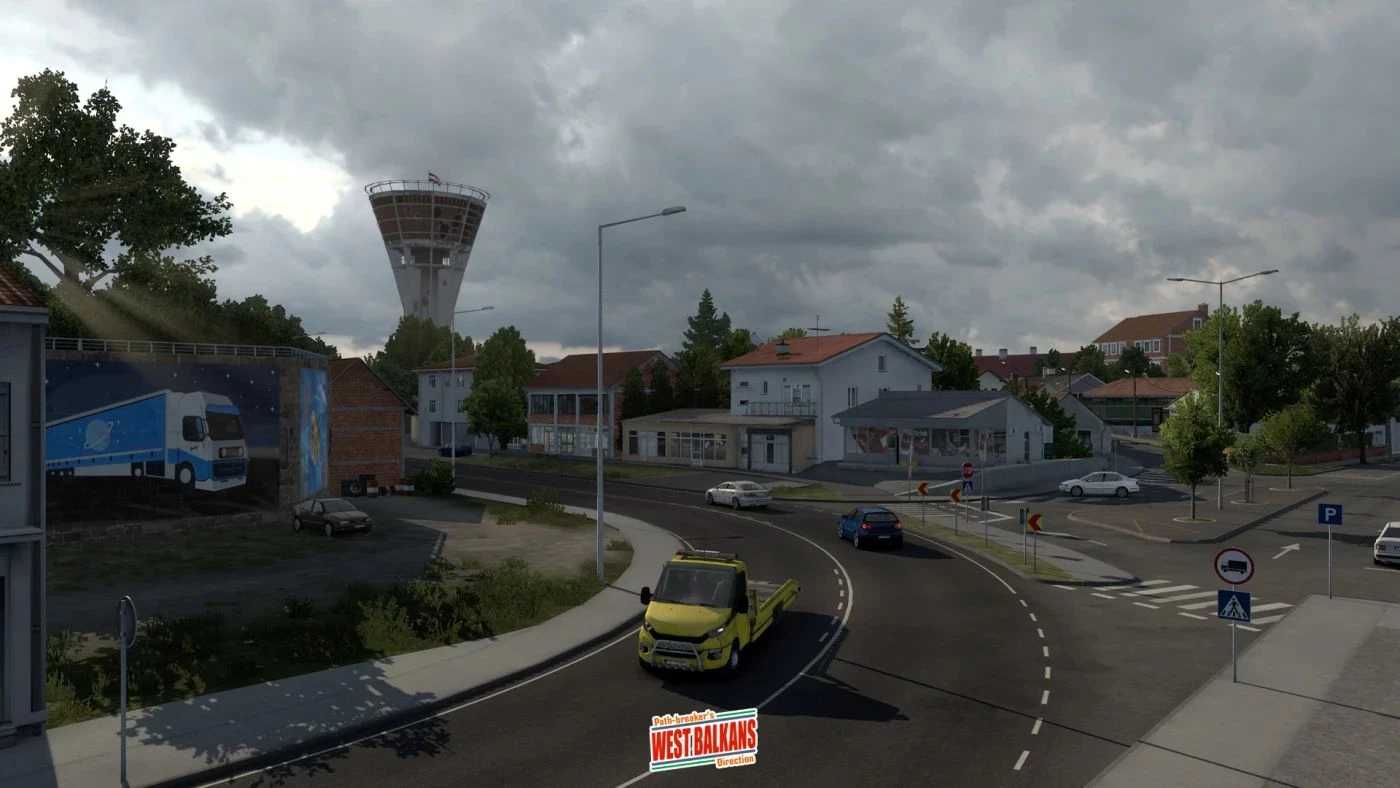
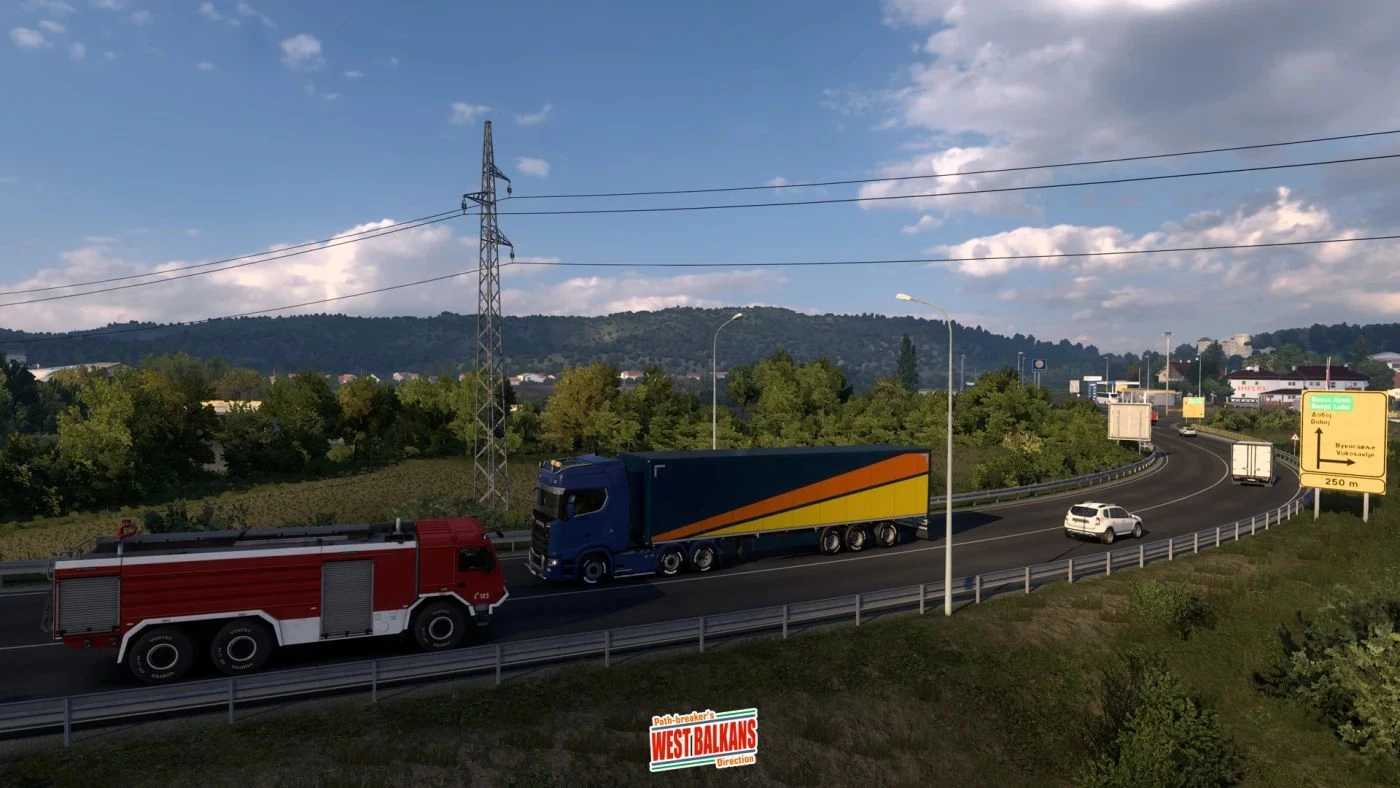
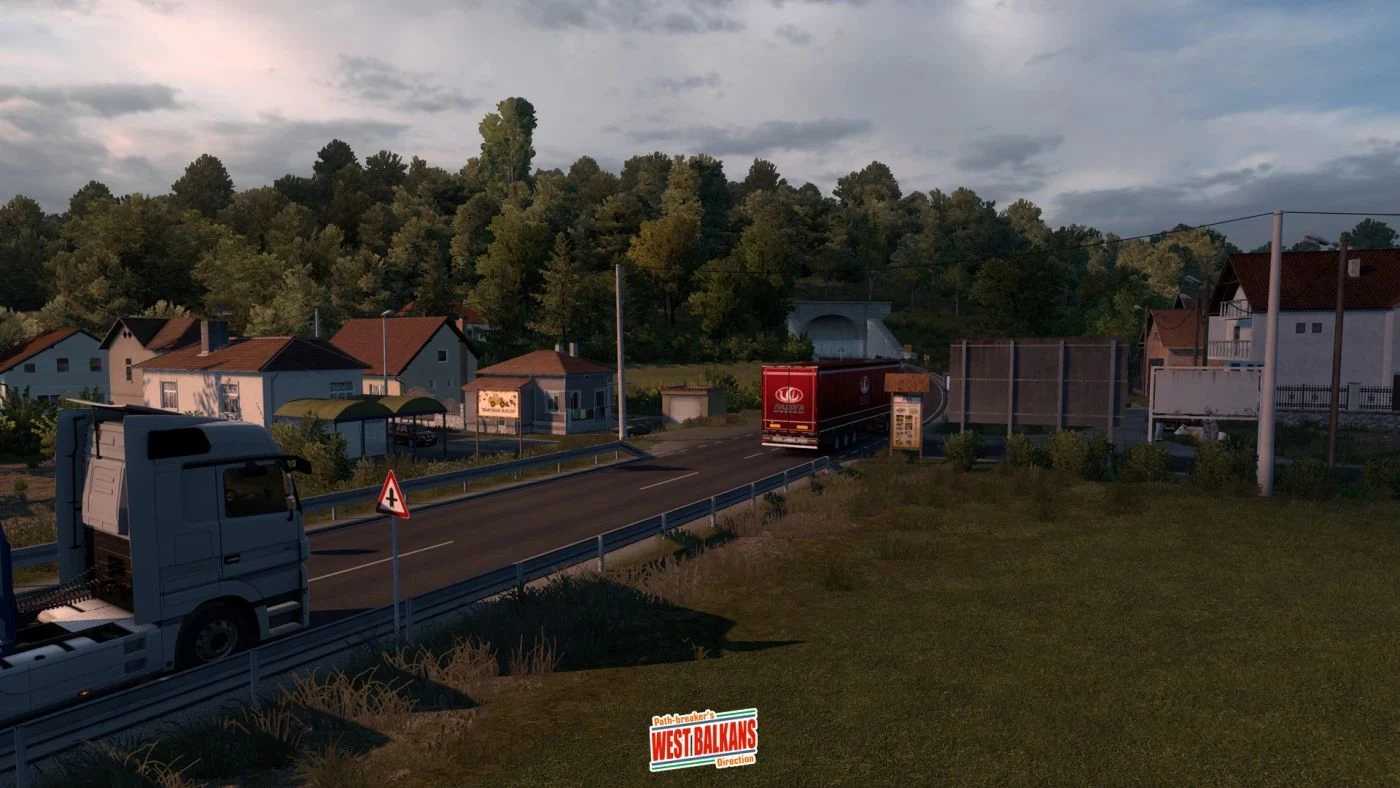
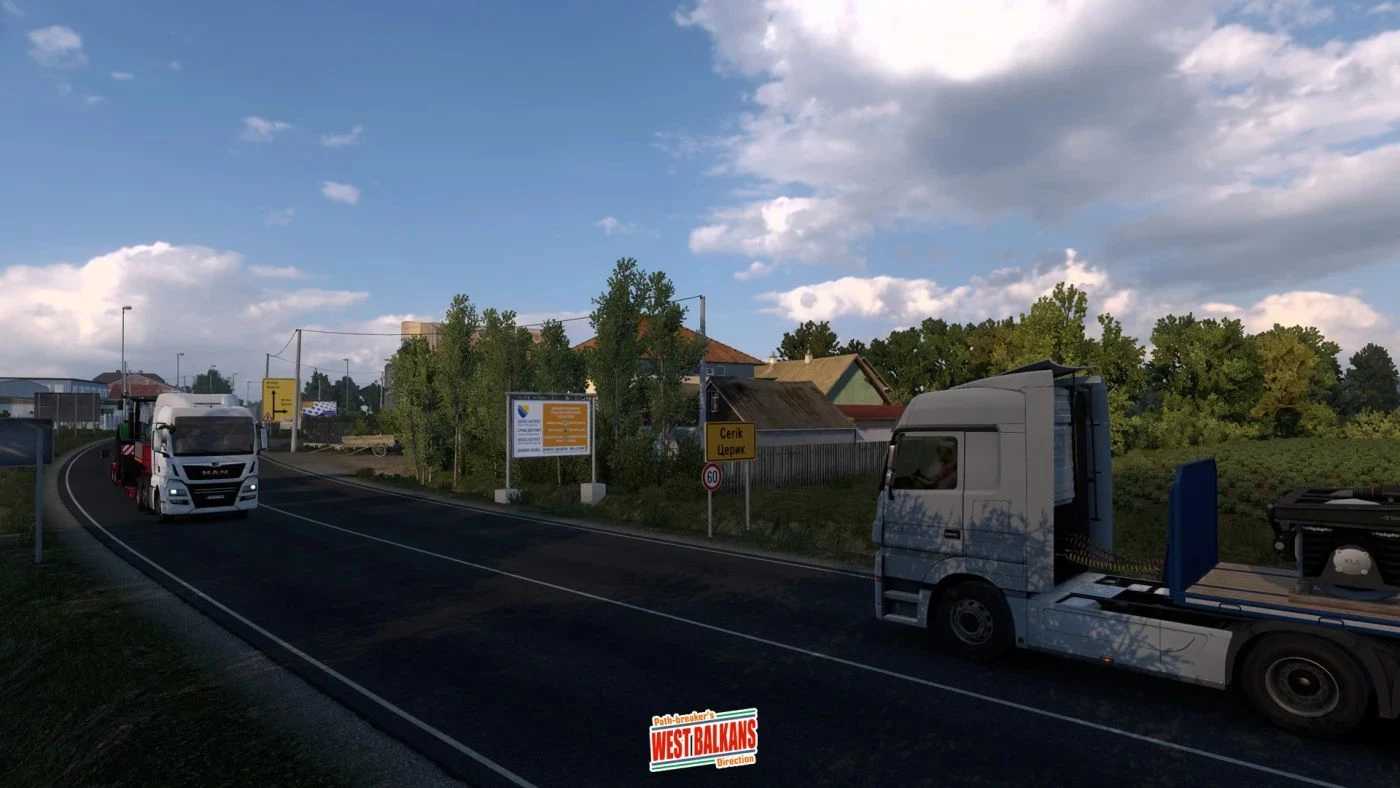
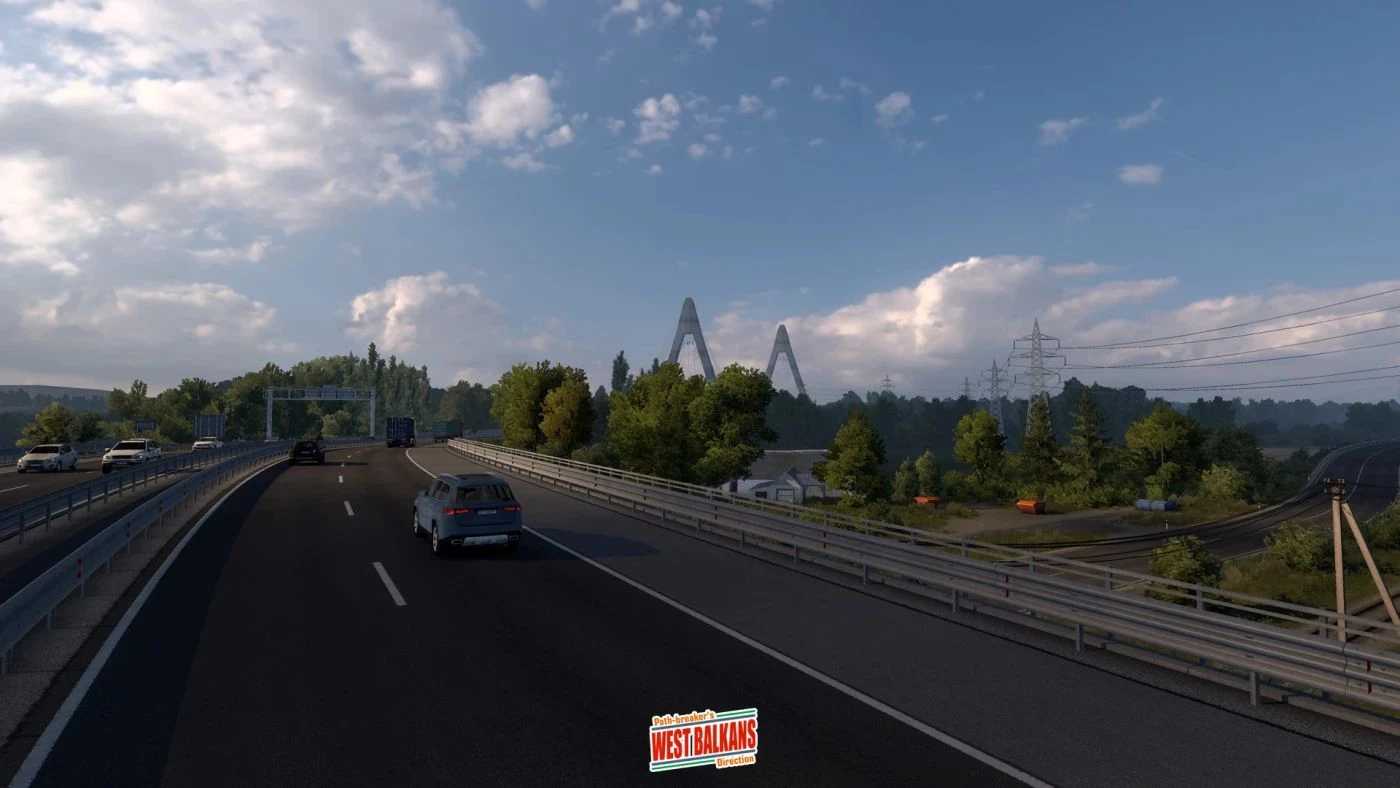
WBPD (West Balkans Path-Breaker’s Direction) Map v4.7 for ETS2
This new add-on modifies the West Balkans DLC map for Euro Truck Simulator 2 (ETS2) extensively.
The add-on revamps the current layout, introducing new routes, improved road connections, and previously unexplored scenic vistas that enhance the adventure of driving.
a) Croatia
New cities to explore: Slavonski Brod and Vukovar
New scenic village: Županja
Reworked A3 (E70) motorway segment from Slavonski Brod to Županja
Completely reworked “Slavonika” A5 (E73) motorway, linking the Hungarian border to the Bosnian border crossing (Donji Svilaj), featuring the “3rd Guards Brigade Kune Bridge” over the Drava River
Significant rework in Osijek, including: Industrijska Četvrt area with a new MAN truck dealer, a port of Luka Osijek for exploration, and a revamped factory in Nemetin
Numerous hidden routes around Osijek Airport
New roads added: D55 from Vukovar to Županja, and D53 around Slavonski Brod
b) Bosnia & Herzegovina
New city to explore: Doboj
New scenic towns: (Bosanski) Brod, Matuzići (south of Doboj), Modriča, (Bosanski) Šamac, and Orašje
Reworked existing scenic town: Lukavac
Completely reworked “9. Januar” motorway from Doboj to Banja Luka
New roads added: M14.1 and M17 connecting Doboj, Kladari (motorway exit), (Bosanski) Brod, Modriča, and (Bosanski) Šamac, R462a from (Bosanski) Šamac to Lončari junction, M4 from Matuzići directly to Banja Luka, and M1.8 from Orašje directly to Šićki Brod junction near Tuzla
Reworked Liješnica paper factory (SCS_Paper) and its surroundings
REQUIREMENTS
ETS2 version 1.56 (or higher).
Must have the West Balkans map DLC.
WBPD Map v4.7:
Compatibility update for ETS2 version 1.56.
Extended M1.8 road from Lončari to Šićki Brod junction near Tuzla (now a complete route, providing a new alternative route to Sarajevo).
Major rework of the existing scenic town: Lukavac.
Reworked part of the M4 road from Doboj to Lukavac to Šićki Brod junction (Tuzla).
Multiple bug fixes from the previous iteration.
Credits: Septian_MR
How to Install ETS2 or ATS Mods
Installing mods for Euro Truck Simulator 2 is straightforward. Simply download the mod, then copy or unzip the files into the “My Documents\Euro Truck Simulator 2\mod” folder. For American Truck Simulator (ATS) players, place mods in the “My Documents\American Truck Simulator\mod” folder. You can use WinRAR or 7zip to unzip files. After that, make sure to activate the desired mods in the game.