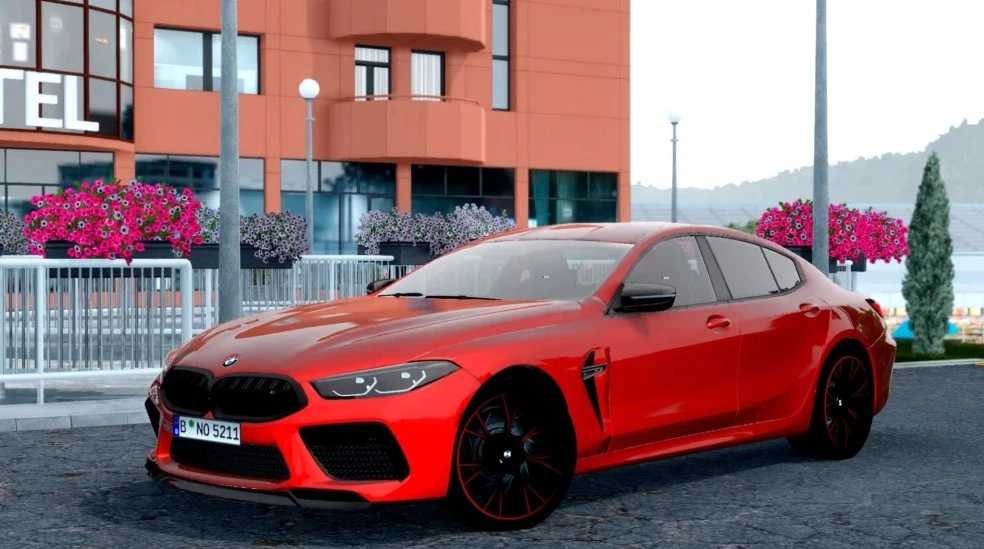
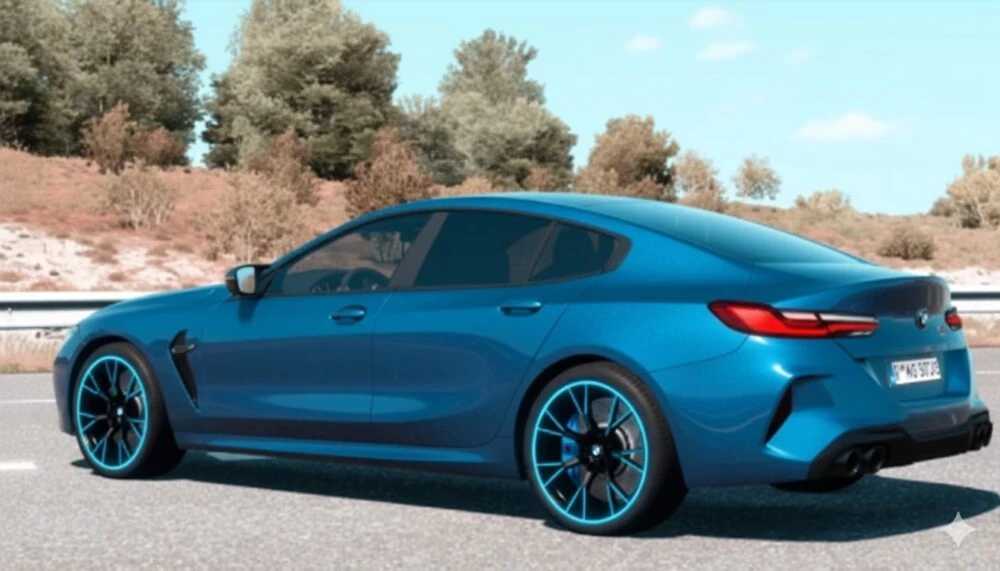
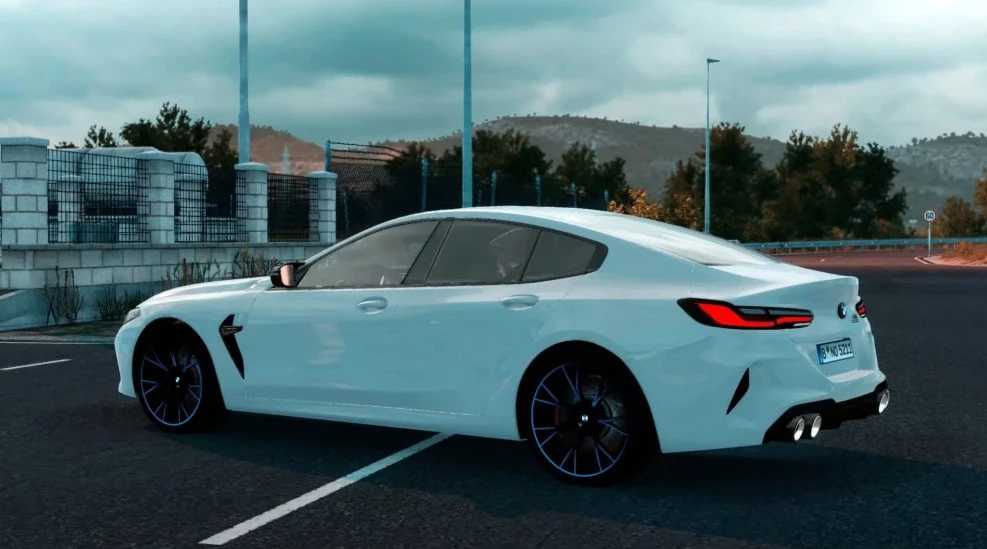
BMW M8 Competition G16 Update v1.0 for ETS2
New Features and Improvements:
Color Options: Expanded range of interior color choices for customization.
Engine Upgrade: Enhanced engine performance for smoother acceleration and better power delivery.
Interior Illumination: Improved lighting effects for heightened visibility and atmosphere during nighttime driving.
Dashboard Redesign: New dashboard layout featuring additional functional elements.
Logo Refresh: Updated vehicle branding for a modern look.
Functional License Plate: Added a realistic license plate for increased authenticity.
Physics Adjustments: Refined handling and suspension for a more immersive driving experience.
Increased Top Speed: Now capable of reaching 280 km/h for high-performance driving.
Compatibility:
Works seamlessly with Euro Truck Simulator 2 version 1.56x
Credits: Mods92
Installation Guide for ETS2 and ATS Mods
Installing mods in Euro Truck Simulator 2 is straightforward. Simply download the mod from here and copy/unzip the files into the “My Documents\Euro Truck Simulator 2\mod” folder. For American Truck Simulator, place them in the “My Documents\American Truck Simulator\mod” folder. You can use software like WinRAR or 7zip to unzip files. Once you have done this, activate the mods you wish to use.