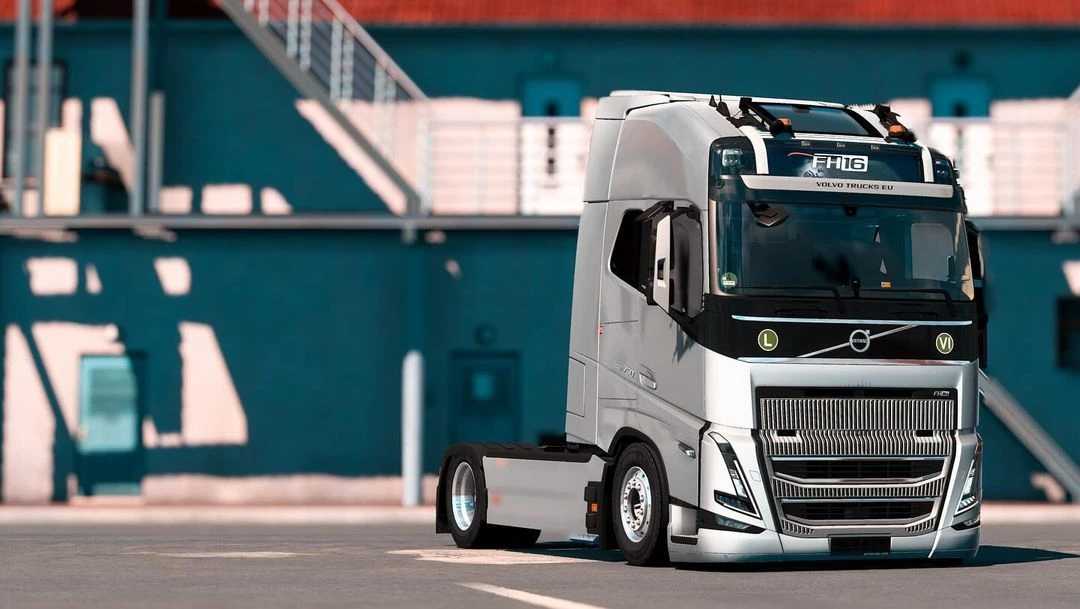
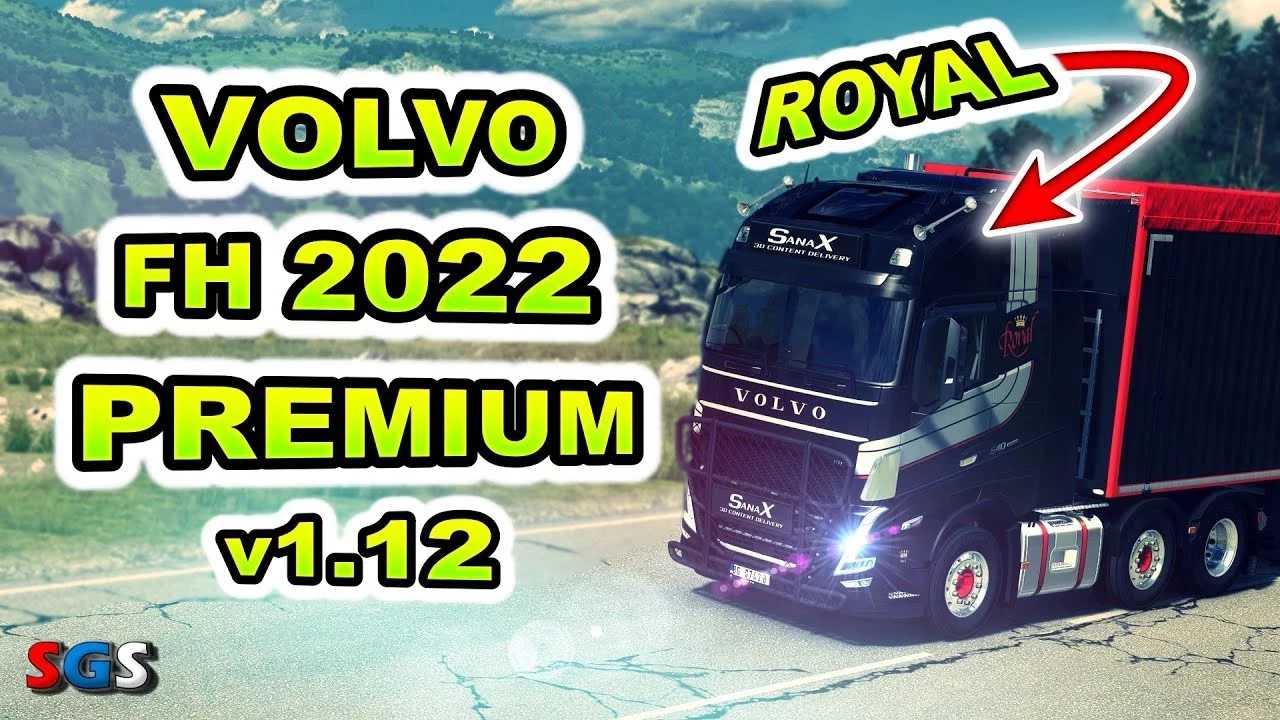
Volvo FH5 2022 Megamod v1.12 1.56 ETS2
Changelogs:
v. 1.12 Royal
Interior
– Introduced 2 new types of Royal interiors (FH and FH16) with various options (EU version only)
– Added a new premium FH16 interior with leather accents (available in UK and EU versions)
– Enhanced shadow effects across all interiors
– Included a bottle holder near the floor (with Pin Cup Holder Sets)
– Added extra accessory slots, allowing placement on different shelves.
– Included a small bonus: a Royal baseball cap
Exterior
– Added slots for customized air horns
– Introduced a new intake bar version with the Volvo logo (total of 7 variants)
– Added a unique Royal exhaust cover (exclusive to Royal skins)
– Incorporated lightboxes directly into the front grille (3 variants total).
– Added lightbox options that can be combined with one of the Trux Highway configurations (3 variants total).
– Introduced a classic lightbox which can be installed in two ways: via the pin lightbox or pin light bar (6 variants).
– Added 2 new types of side skirts for most chassis variations, along with new paint options for many existing ones (a total of 109 new variants added)
– Introduced 3 new types of chassis covers for various chassis configurations (totaling 32 new variants)
– Added new paint and exclusive designs for most accessories, including 14 air tanks, 18 batteries, 39 toolboxes, 95 fuel tanks, and more. Over 350 new accessories included.
Features
– 3 Cabin designs (with and without side windows)
– 23 chassis options
– 6 interior styles including the UK version
– 14 seat types
– Realistic sound effects
– A wide array of customizable accessories
– Full digital dashboard with fading digits, ambient lighting, etc.
– Realistic main display with different screens
– Additional corner blind spot camera
– Functioning blind spot sensors
– High-quality wheel designs
Compatibility: 1.56
Credits: Various
How to Install ETS2 or ATS Mods
Installing mods in Euro Truck Simulator 2 is straightforward. Simply download the mod, then copy/unzip the files into the “My Documents\Euro Truck Simulator 2\mod” folder, or if you’re playing ATS, place them in the “My Documents\American Truck Simulator\mod” folder. You can use tools like WinRAR or 7zip to unzip files. After that, activate the mods you wish to use.