The Journey to Altai v0.7.5 ETS2
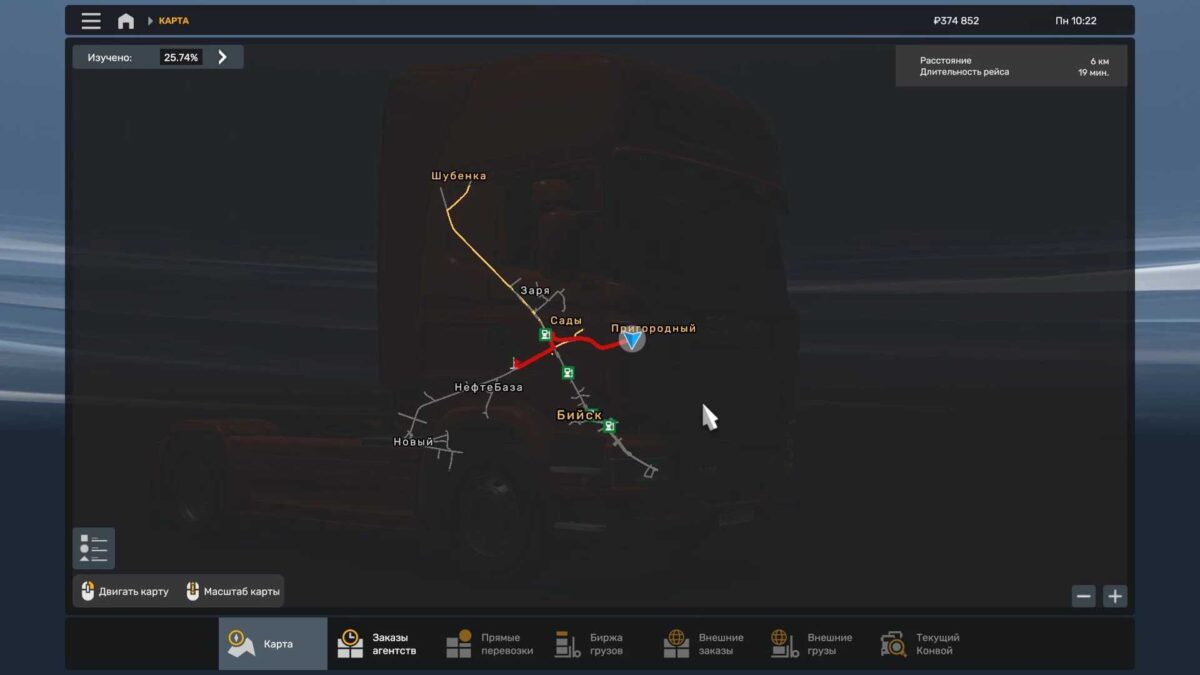
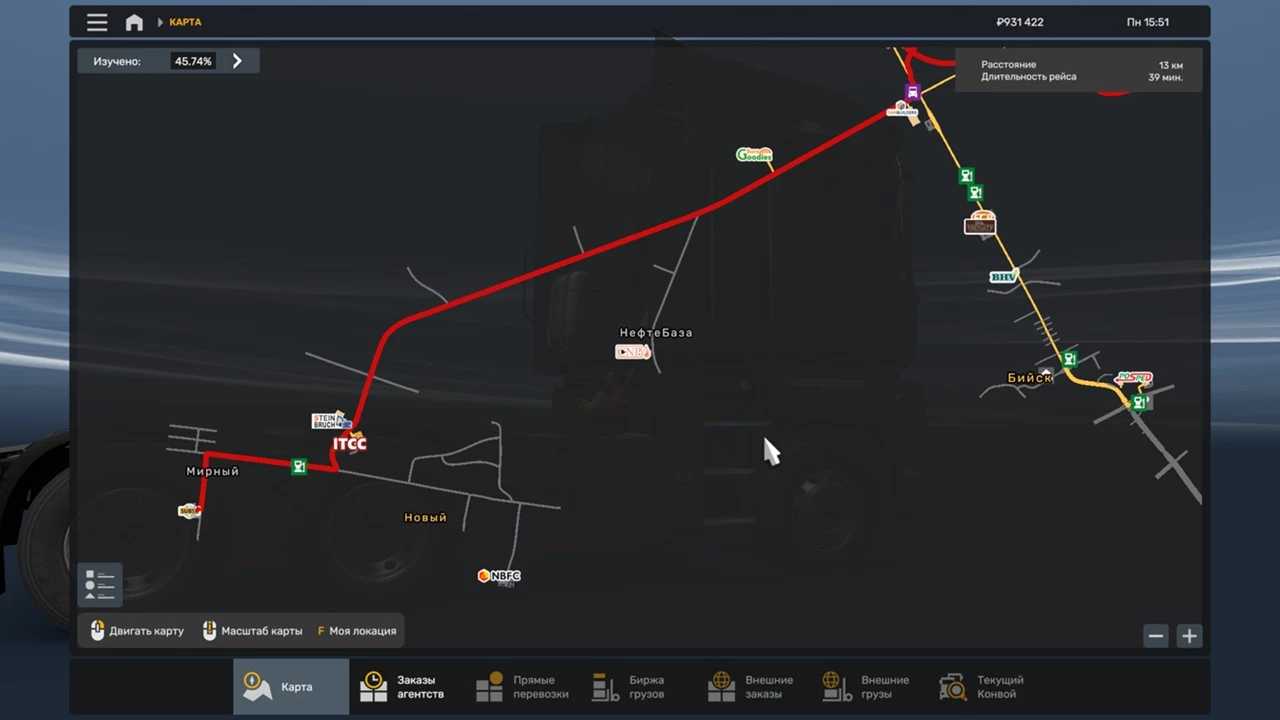
Map Expansion
Introduction of a new loading point
Fixes to existing issues
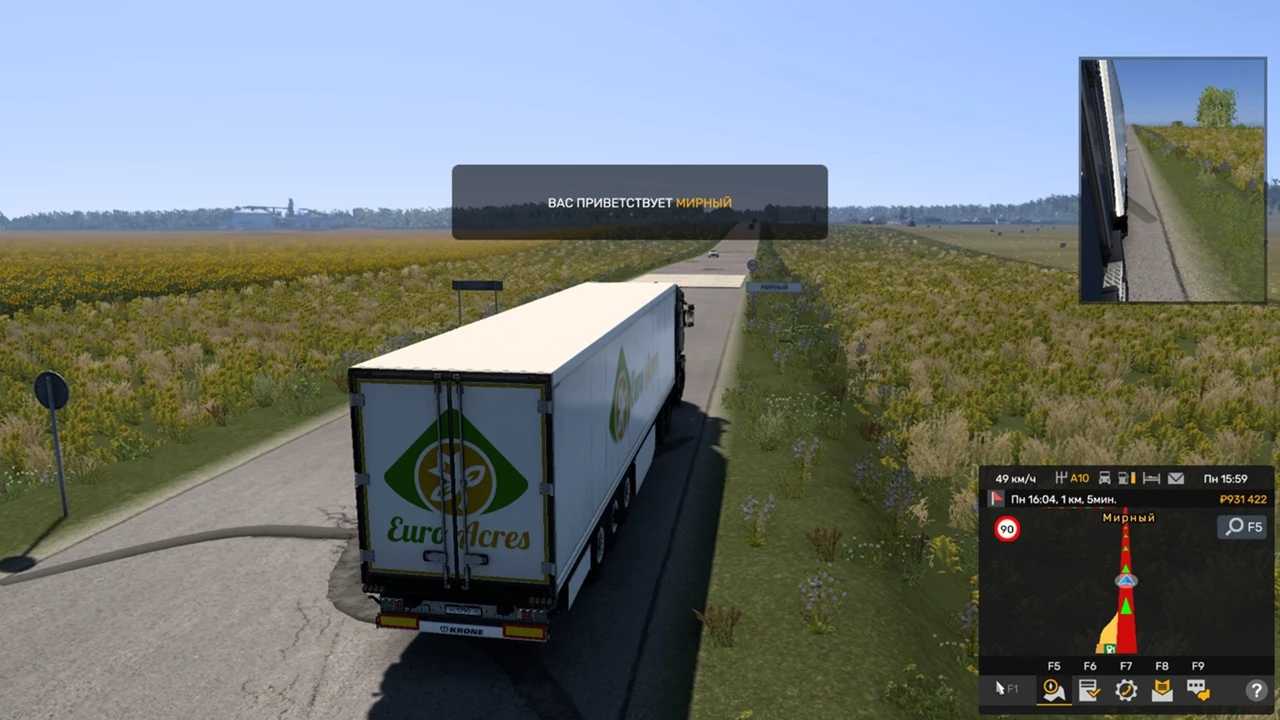
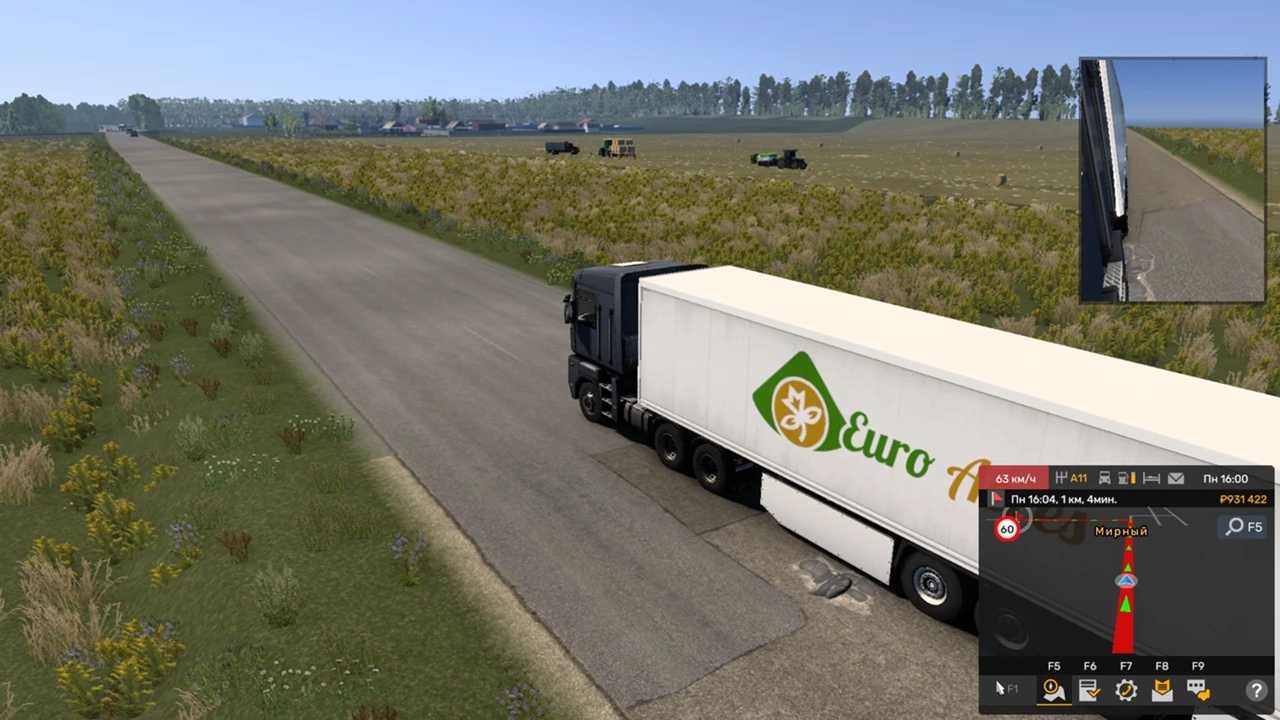
The addition of the village of Mirny
Credits: Максим Лобцев
Instructions for Installing ETS2 or ATS Mods
Installing mods in Euro Truck Simulator 2 is straightforward. Simply download the mod from this location, then copy/unzip the files into the “My Documents\Euro Truck Simulator 2\mod” directory. For American Truck Simulator, place the mods in: “My Documents\American Truck Simulator\mod”. You can use WinRAR or 7zip to extract files. Afterward, remember to activate the mods you wish to use.