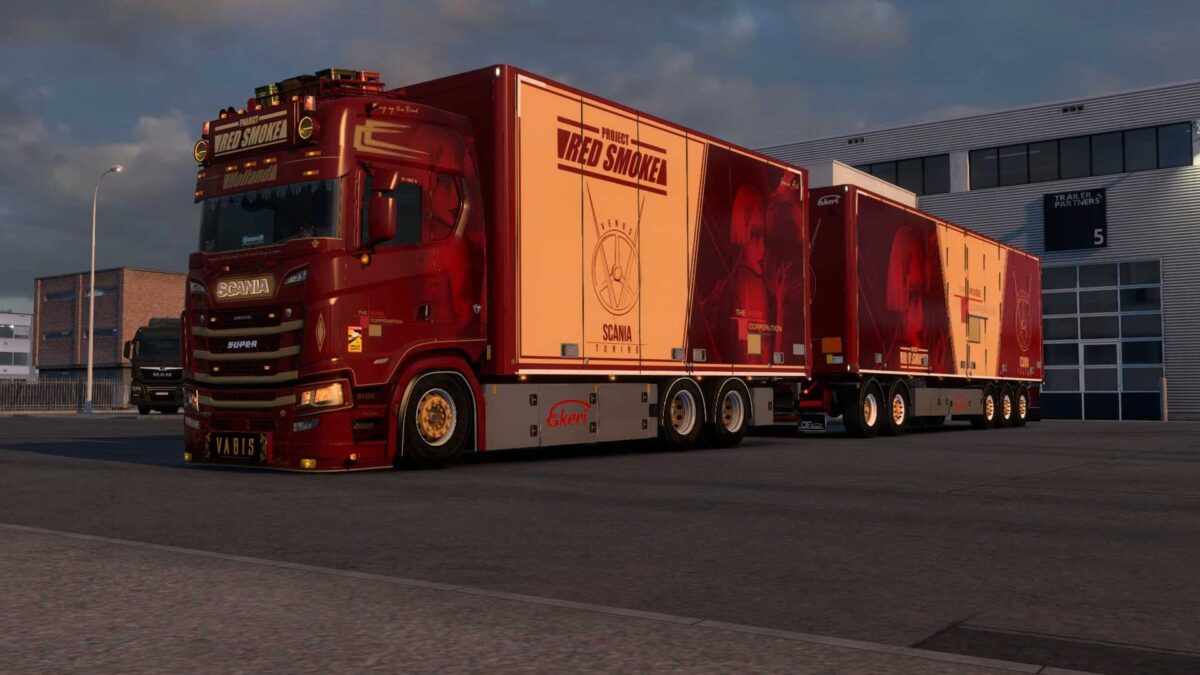
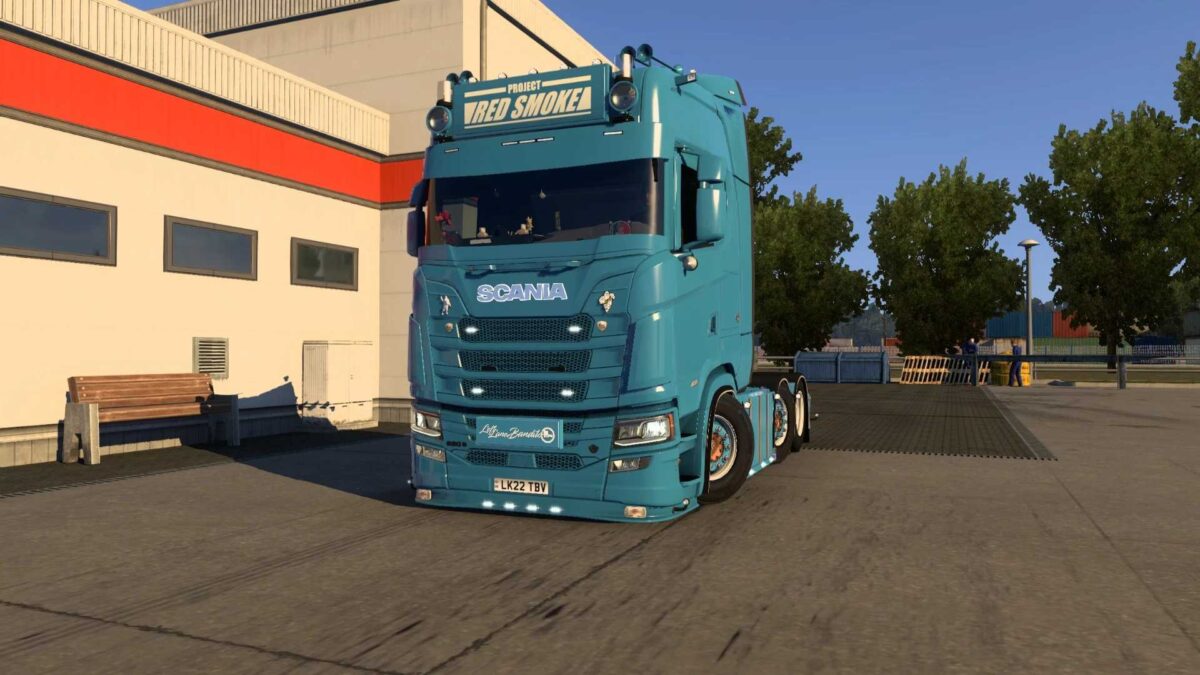
Venus Scania NG Parts v1.6 ETS2
Stoneguard
Lightbox
Bumper lip for low bumper
Dirt deflectors
Side skirts with or without pipes
Side bars
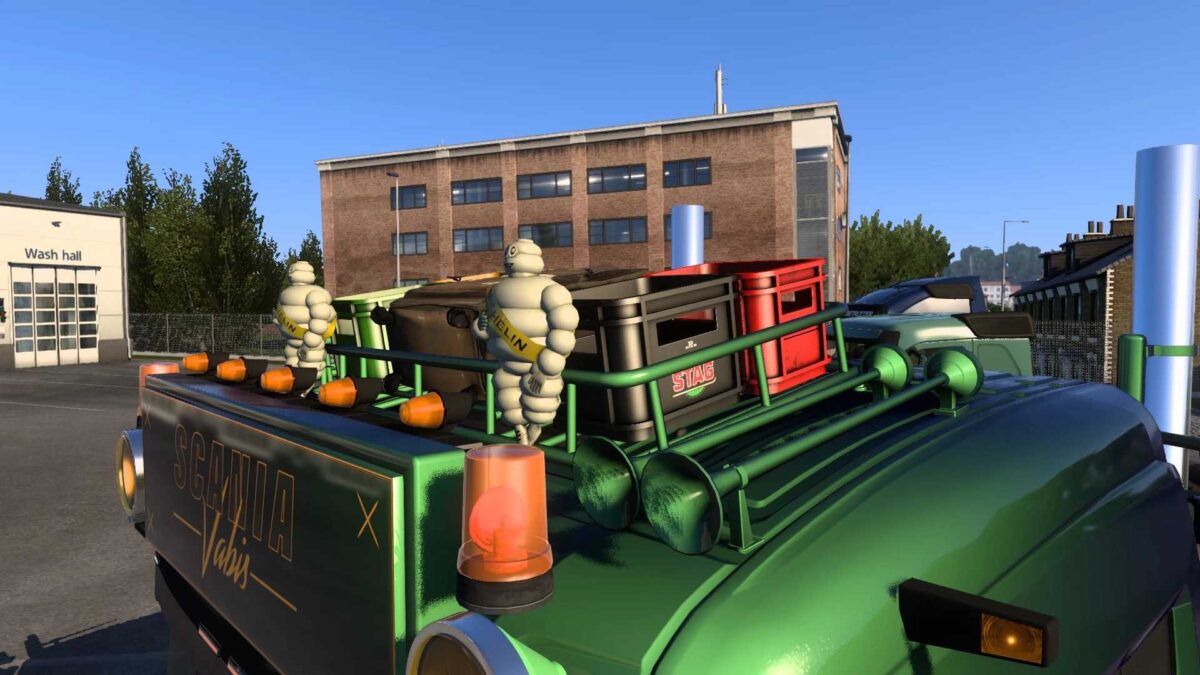
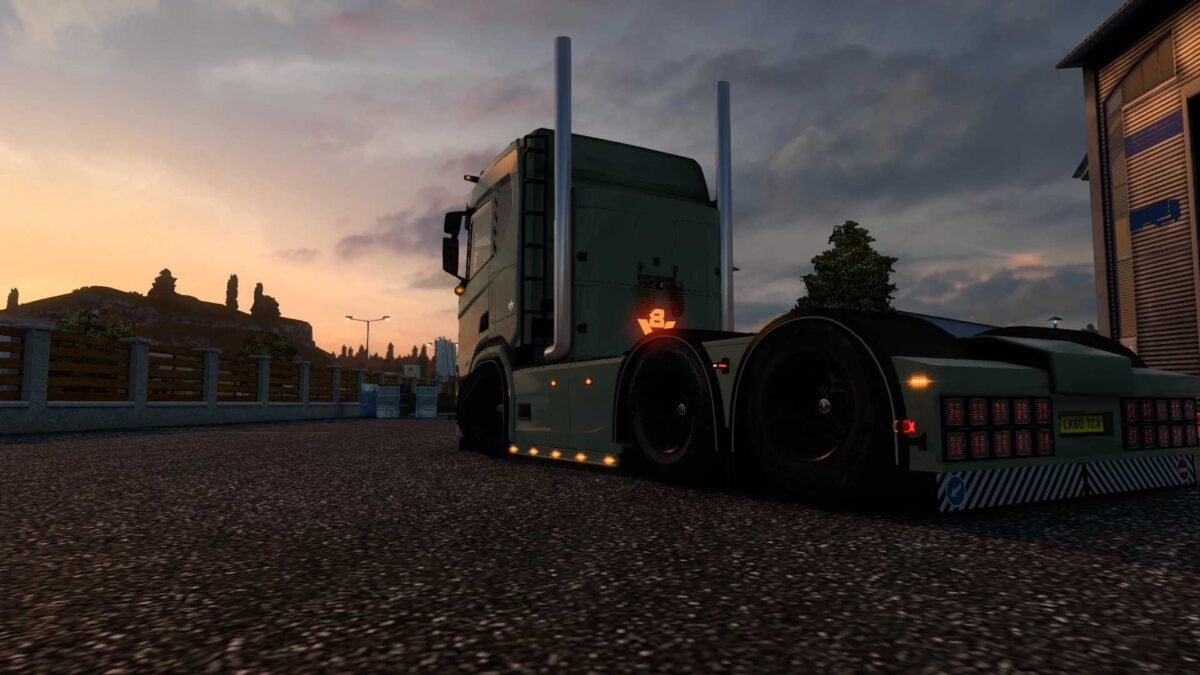
Twin stacks
Sun shield
Front fenders
Rear fenders
Doorsteps
Rear bumper
Mudflaps
Lights
Cabin stairs
Roof rack
Roof deflectors
Side deflectors
New:
Stoneguard
Painted pipes
Credits: Venus_art1096
Installation Guide for ETS2 and ATS Mods
Installing mods in Euro Truck Simulator 2 is straightforward. Simply download the mod from here and copy/unzip the files into the “My Documents\Euro Truck Simulator 2\mod” folder. For American Truck Simulator, place the mods in: “My Documents\American Truck Simulator\mod” folder. You can use WinRAR or 7zip to unzip the files. After that, activate the desired mods you wish to use.