Realistic Rain v5.1.1 for ETS2
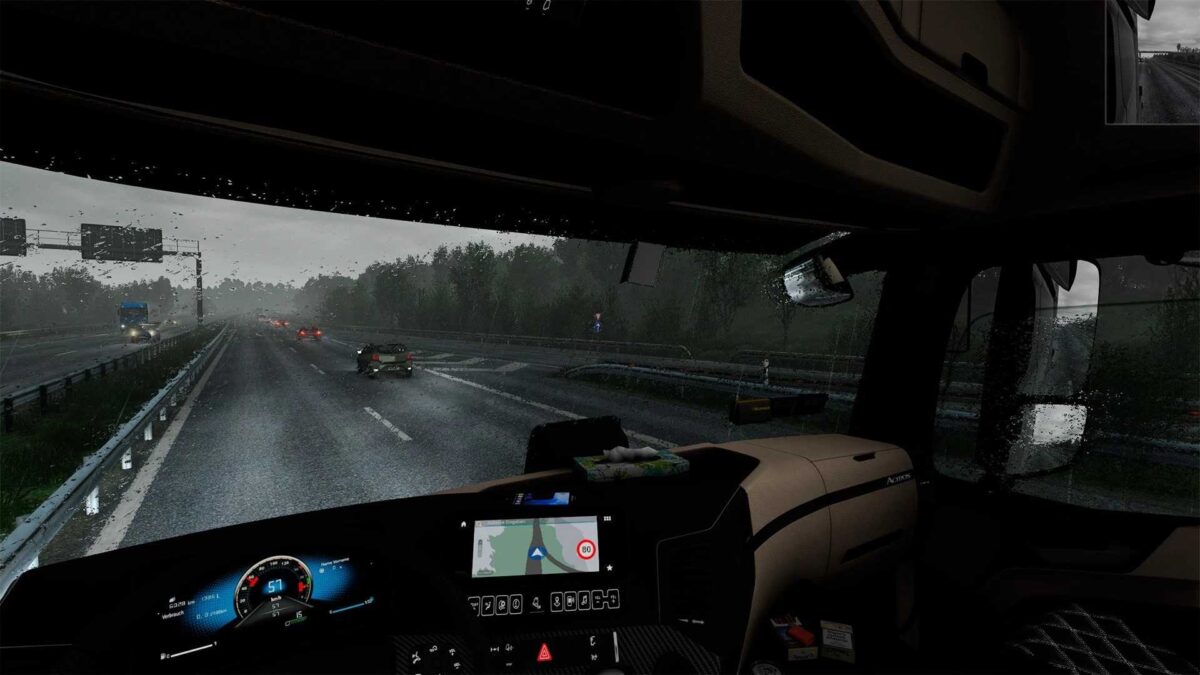
The raindrop textures have been enhanced for cockpit views (windshield and windows).
Increased raindrop visibility from the cockpit.
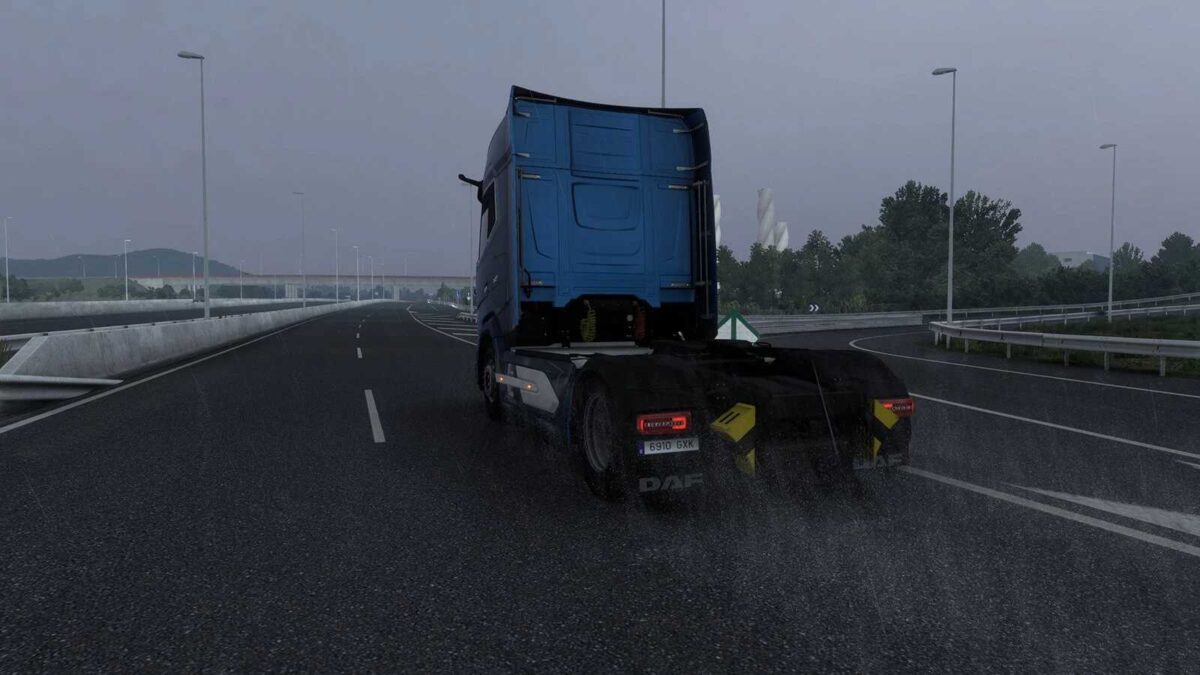
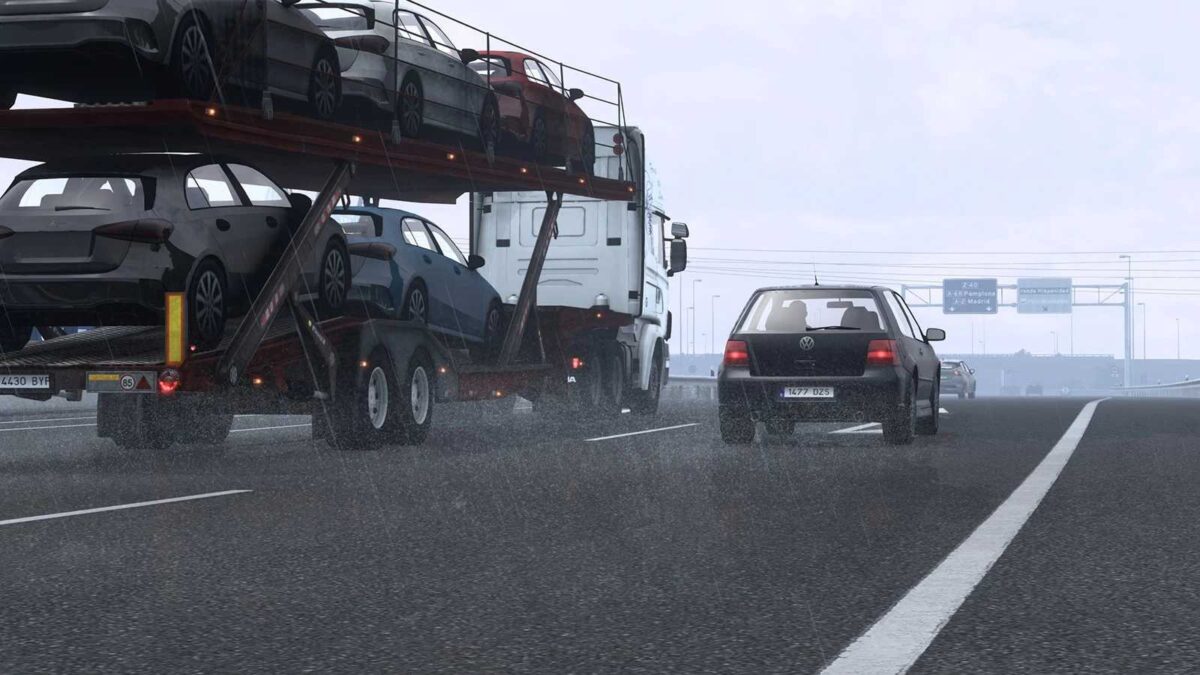
Outside rain textures have also received improvements.
Changes have been made to the effects and behavior of raindrops on the windshield and windows.
Water particles and splashes from the wheels on wet asphalt (your truck and traffic) have been enhanced.
Realistic rain sounds vary depending on whether you’re inside or outside.
Thunder sounds are now more varied, featuring around 20 high-quality samples.
When lightning strikes, thunder occurs with an interval of 1 to 5 seconds.
The number of raindrops on the windows adjusts according to the rain’s intensity and direction.
Thunder sound effects have also been refined.
Credits: Darkcaptain
Installation Guide for ETS2 or ATS Mods
Installing mods in Euro Truck Simulator 2 is straightforward. Download the mod, and place the files in the “My Documents\Euro Truck Simulator 2\mod” folder. For American Truck Simulator, use the “My Documents\American Truck Simulator\mod” folder. You can use WinRAR or 7zip to extract the files. After that, don’t forget to activate the mods you wish to use.