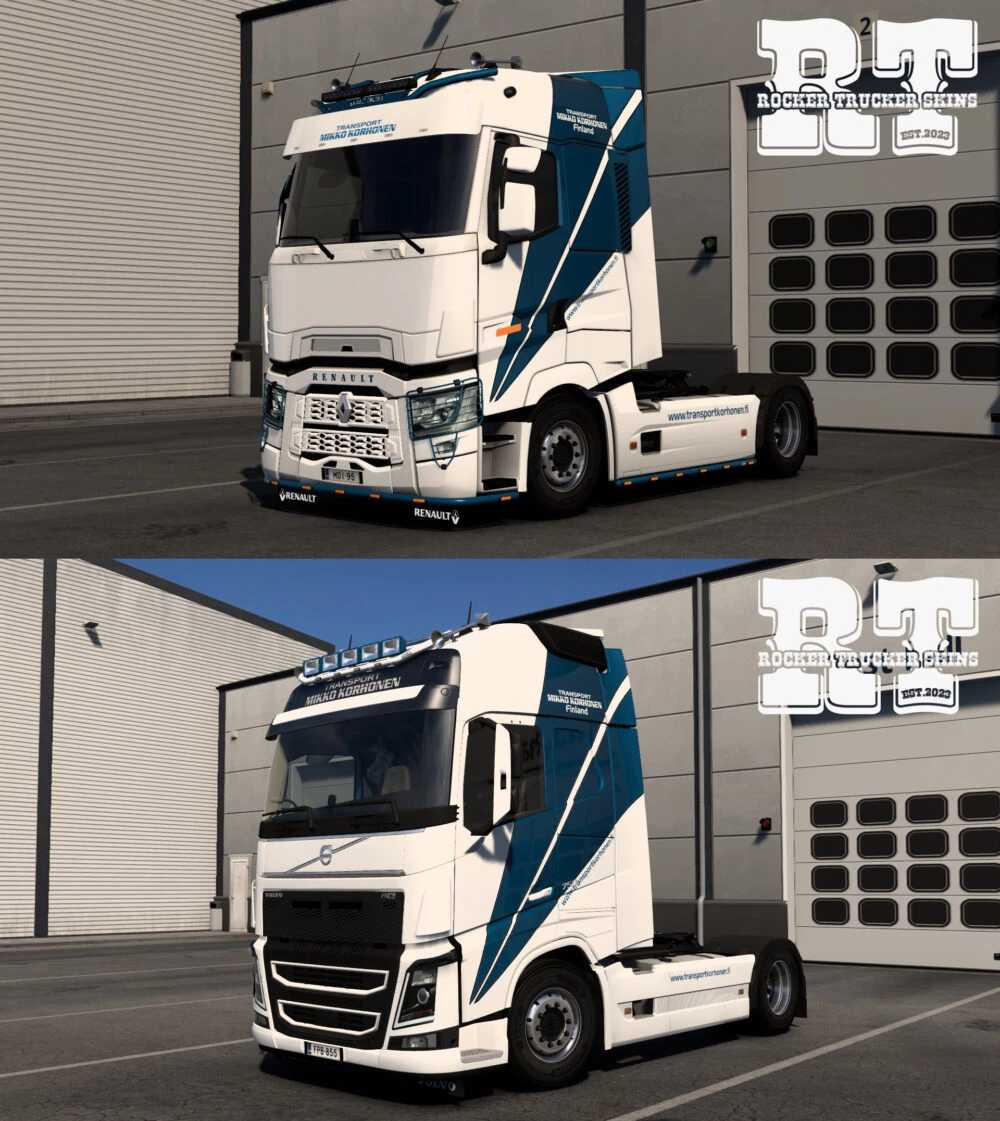
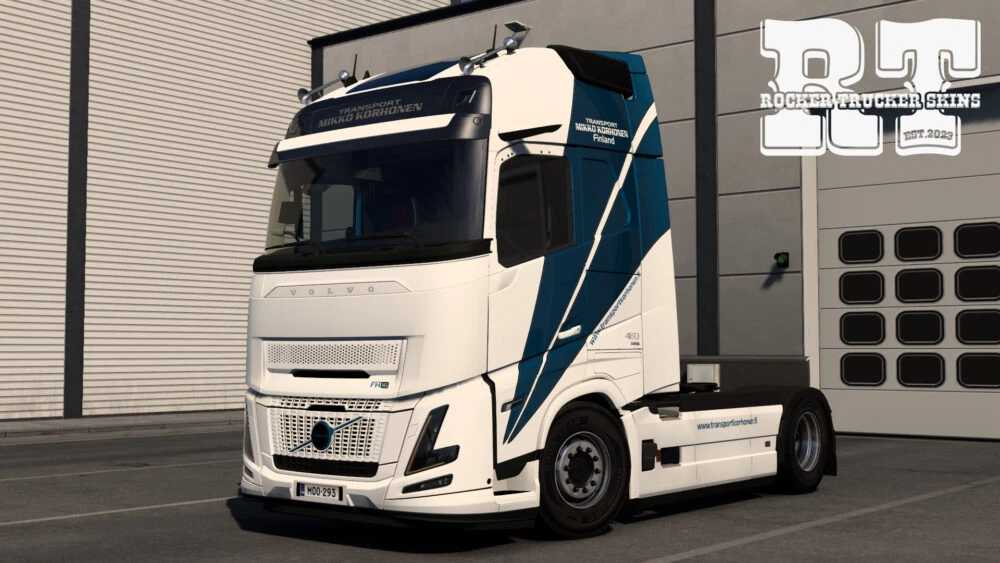
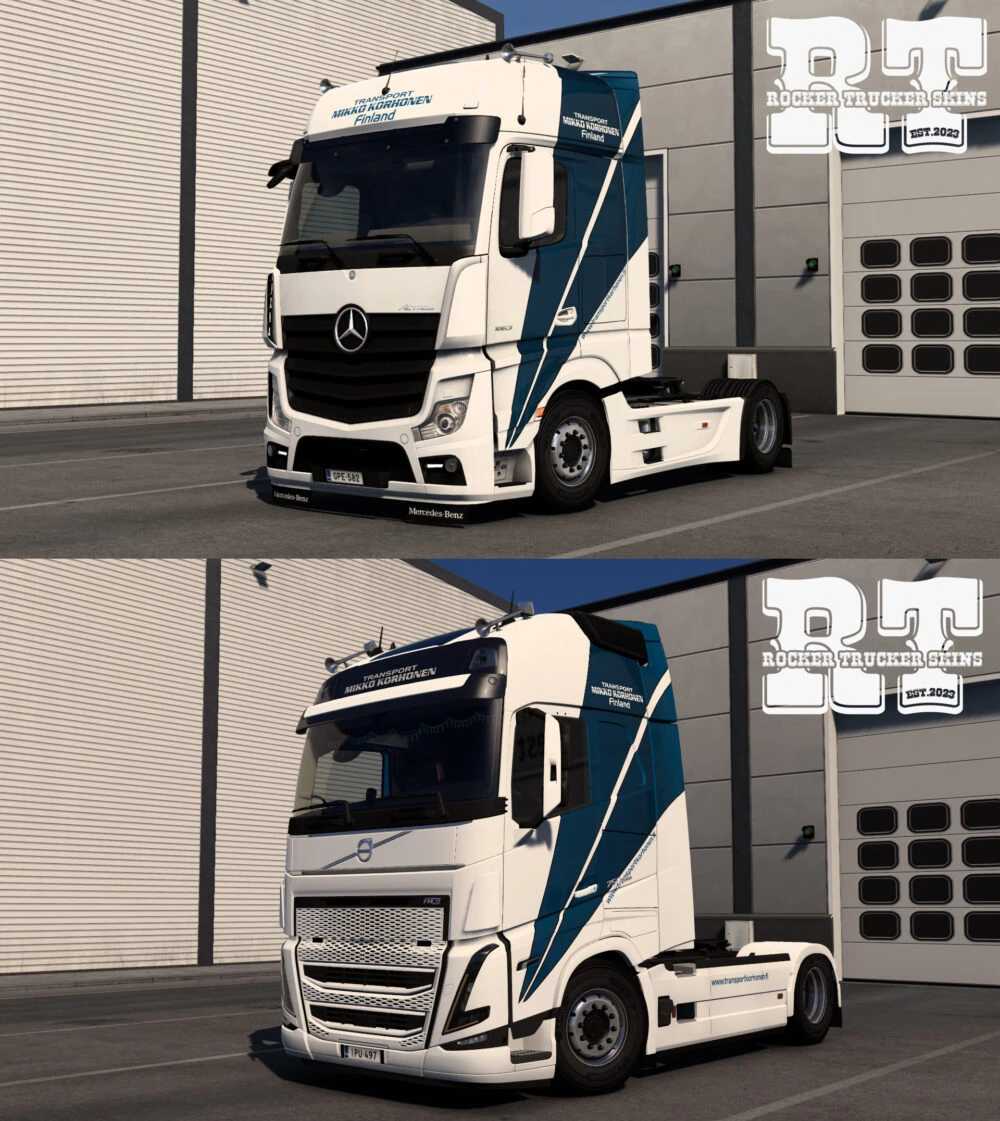
Mikko Korhonen Oy Skin Pack v1.0 ETS2
Mikko Korhonen Oy (Finland)
– Mercedes MP4 (SCS)
– Renault T (SCS)
– Volvo FH 4 (SCS) + lightbox
– Volvo FH 5 (SCS) + lightbox
– Volvo FH 6 Globetrotter & Aero (SCS) + lightbox
Credits: Rocker Trucker
How to Install ETS2 or ATS Mods
Installing mods in Euro Truck Simulator 2 is straightforward. Simply download the mod from here and copy/unzip the files into the “My Documents\Euro Truck Simulator 2\mod” folder. For American Truck Simulator (ATS), the mods should be placed in the “My Documents\American Truck Simulator\mod” folder. You can use tools like WinRAR or 7zip to unzip files. Afterward, activate the desired mods to use them in the game.