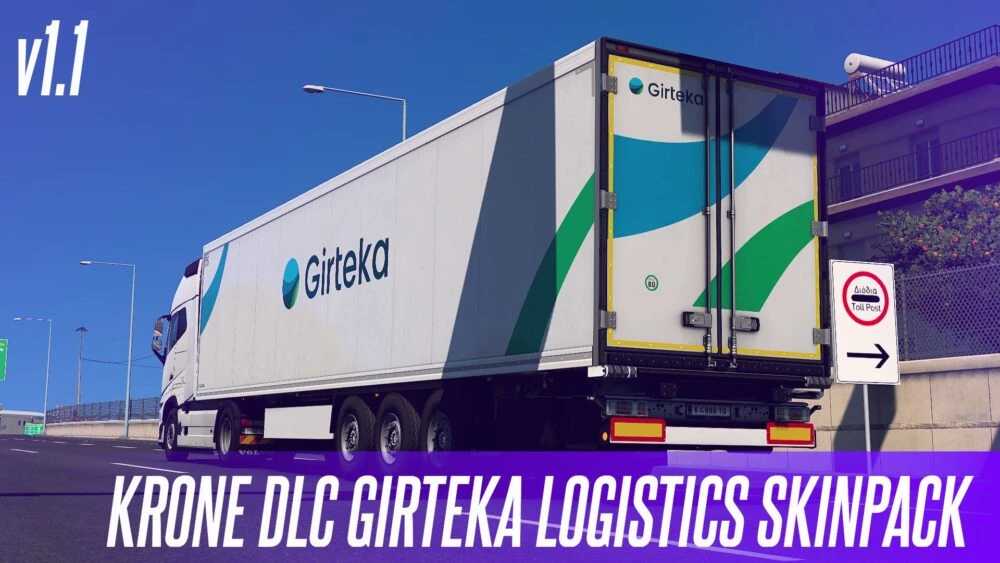
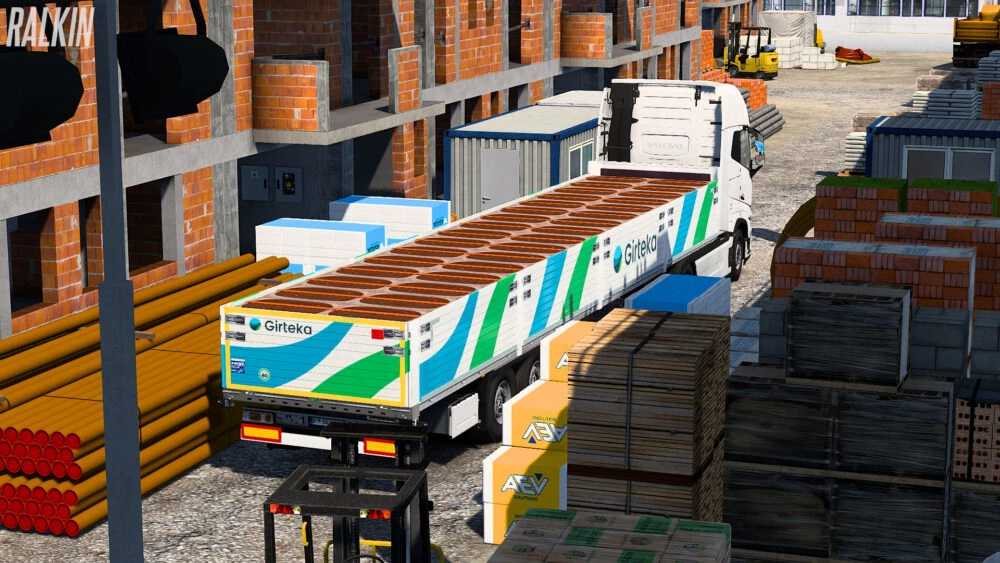
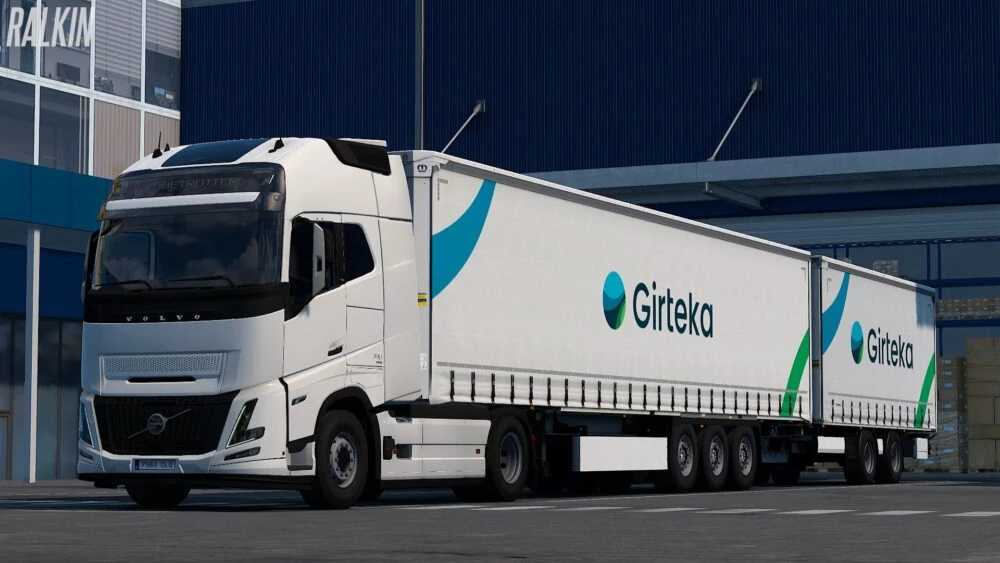
Girteka Logistics Krone DLC Skin Pack v1.1 (1.56.x) ETS2
Introducing the Girteka Logistics Skin Pack for the Krone DLC.
Changelog (v1.1):
– Added a new Girteka Logistics Skin for all compatible trailers.
– Minor texture enhancements.
Includes:
– Default Girteka Logistics Skin
– New Girteka Logistics Skin (Certain trailers feature two versions of the skin)
Supported Trailers:
Profiliner (+ Load Carrier)
Profiliner Building
Dryliner
Coolliner
Paperliner
+ All Accessories (including side skirts, bumpers, cooler, etc.)
Credits: Ralkin
Installation Guide for ETS2 Mods or ATS Mods
Installing mods in Euro Truck Simulator 2 is straightforward. Simply download the mod from here, then copy/unzip the files into the “My Documents\Euro Truck Simulator 2\mod” folder. For American Truck Simulator (ATS), place the mods in the “My Documents\American Truck Simulator\mod” folder. To unzip files, you can use WinRAR or 7zip. After that, you’ll need to activate the mods you’d like to use.