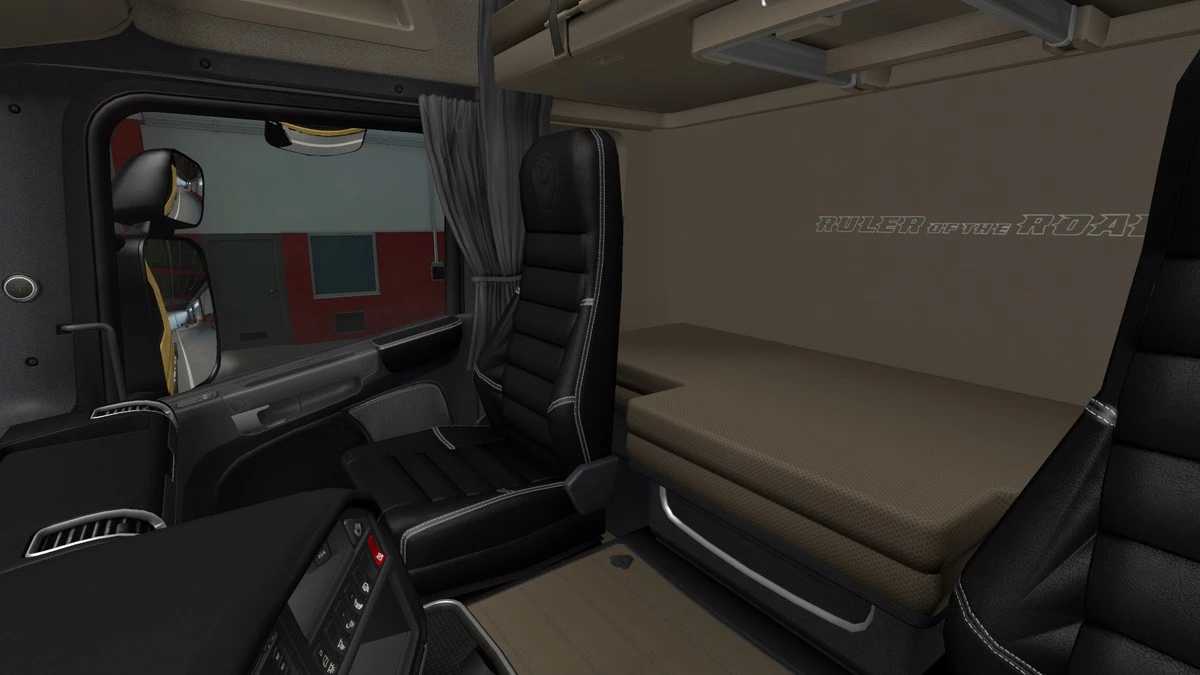
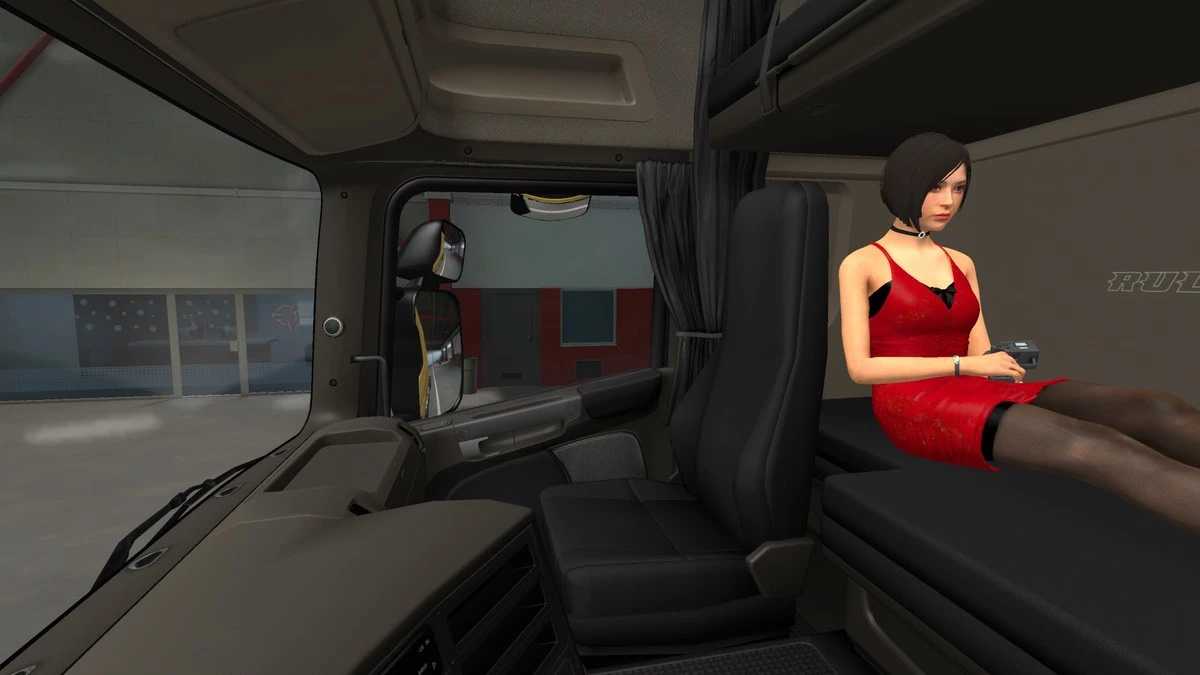
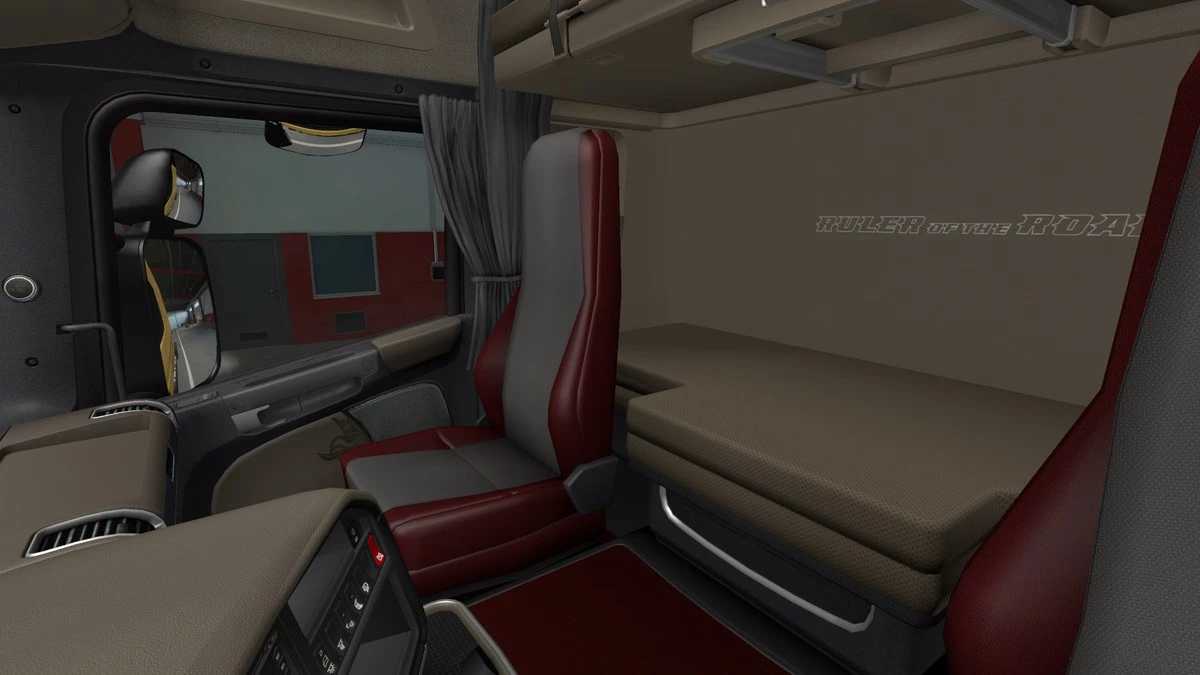
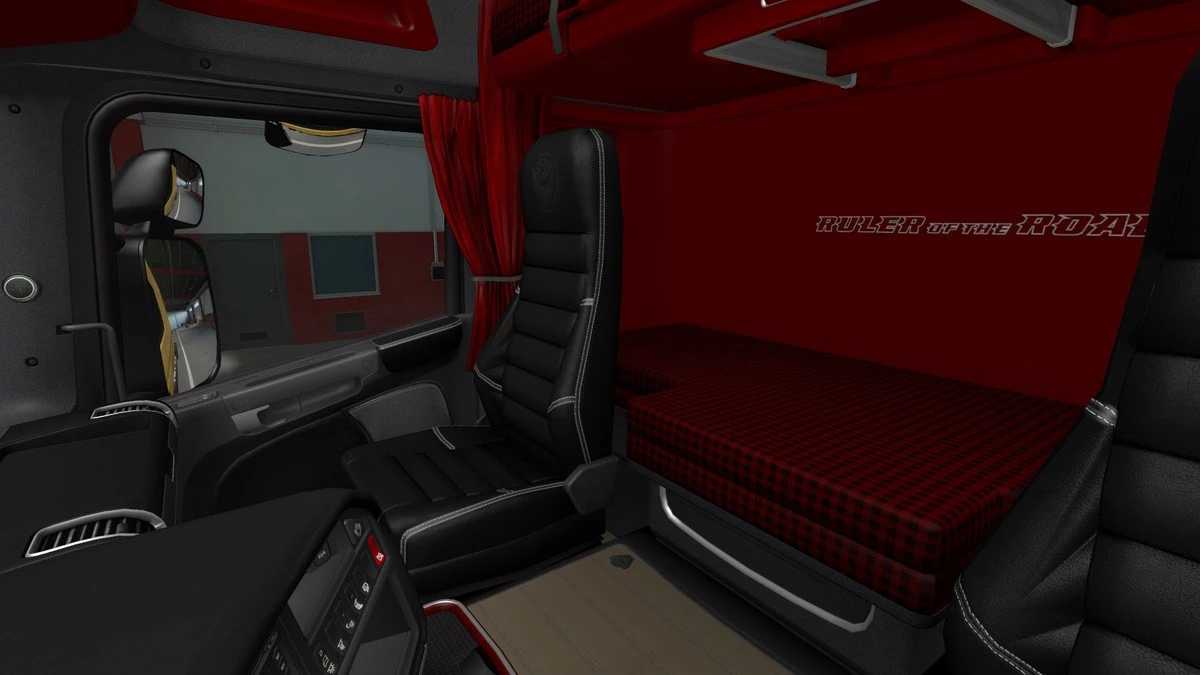
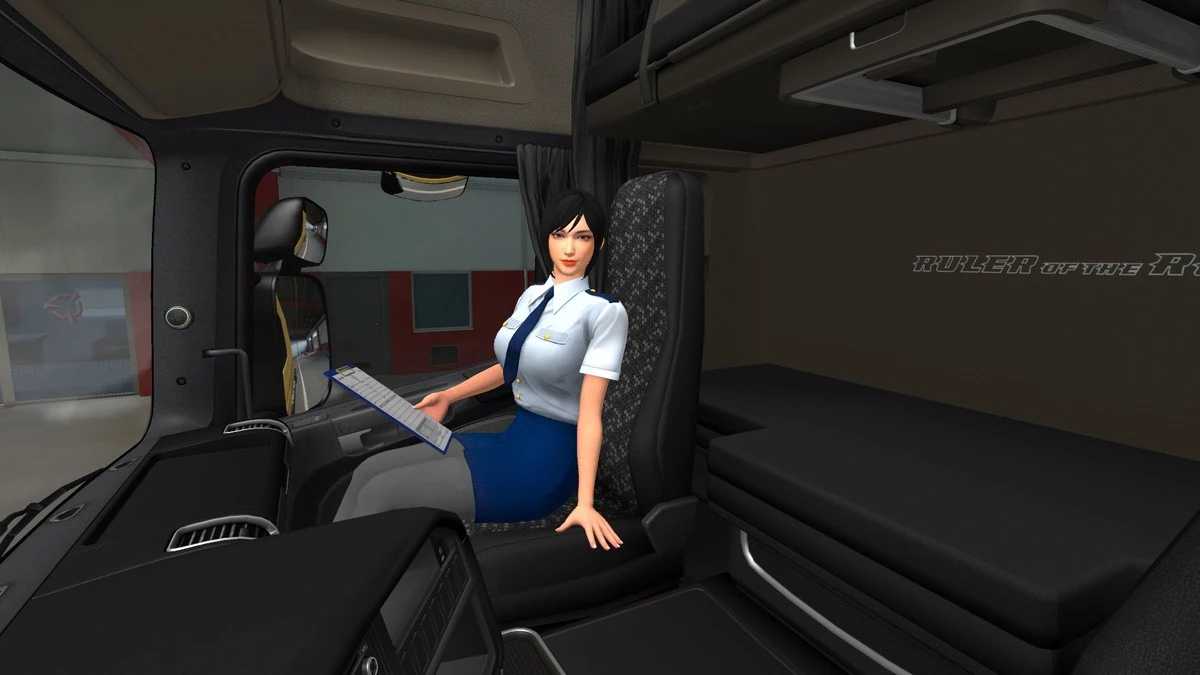
Scania RJL Interiors v1.56 for ETS2
Custom interior design for Scania RJL
This is the update for version 1.56
Credits: M.I.G
Installation Guide for ETS2 or ATS Mods
Installing mods in Euro Truck Simulator 2 is straightforward. Simply download the mod from here, then copy or unzip the files into the “My Documents\Euro Truck Simulator 2\mod” folder. For American Truck Simulator (ATS), place the mods in: “My Documents\American Truck Simulator\mod” folder. You can use tools like WinRAR or 7zip for unzipping files. After that, remember to activate the mods you wish to use.