Enhanced Scania NG Panel v1.56 for ETS2
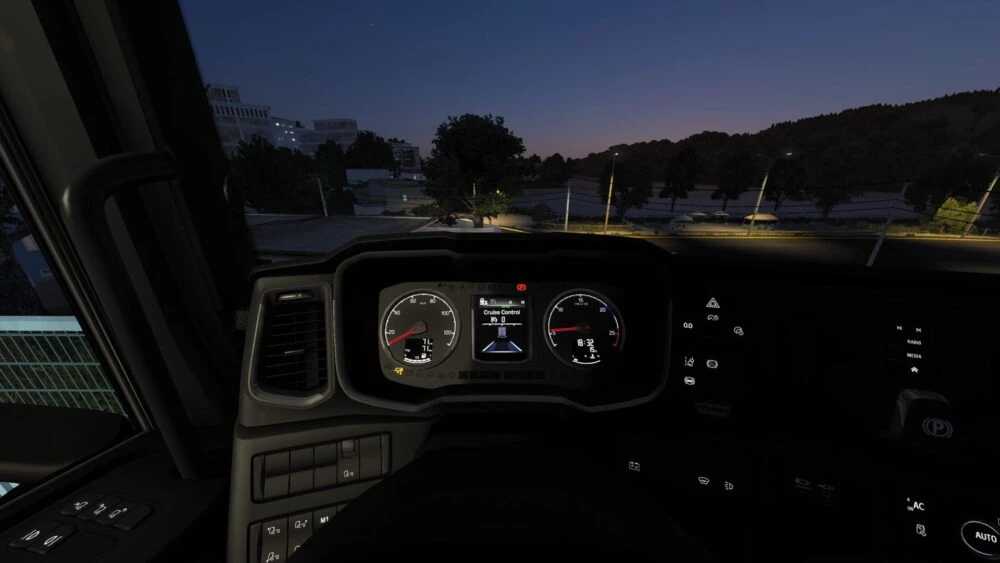
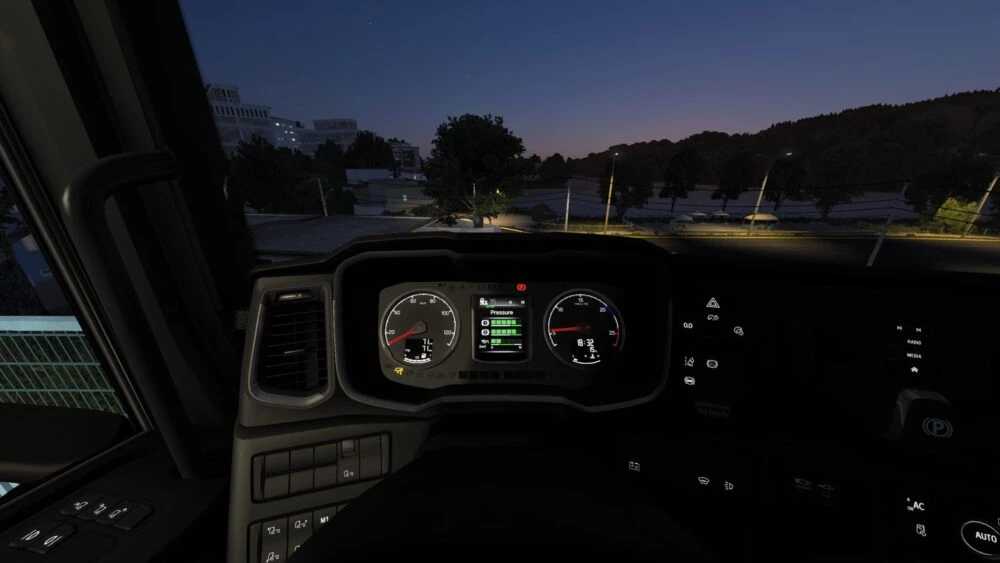
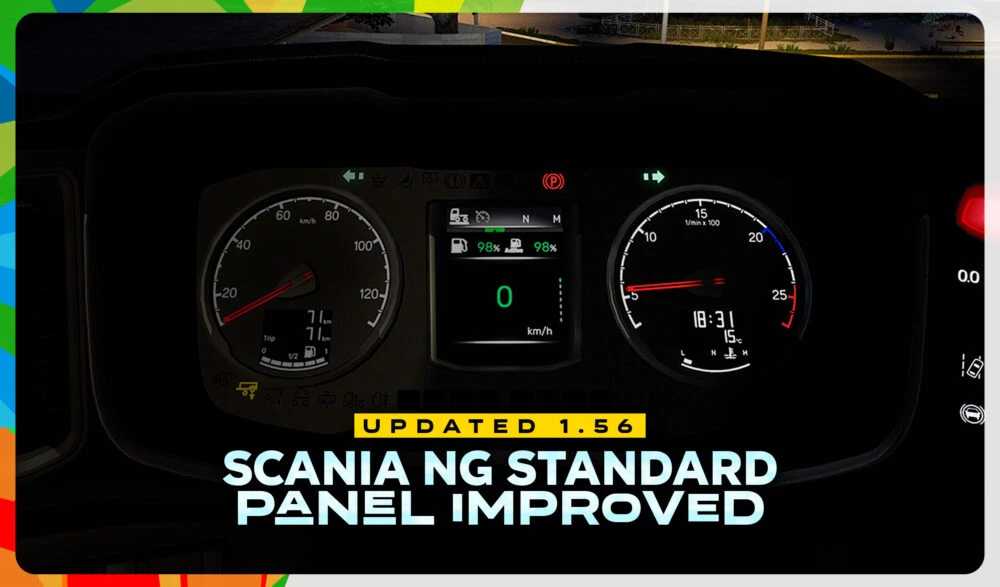
This mod significantly enhances the visual aspects of the default Scania dashboard by upgrading the computer display. It delivers a more legible and striking dashboard while preserving the iconic look of Scania.
The revised dashboard showcases enhanced readability, enhanced color optimization, and a modern aesthetic that harmonizes seamlessly with the truck’s luxurious interior design.
Credits: Smo
How to Install ETS2 or ATS Mods
Installing mods in Euro Truck Simulator 2 is straightforward. Simply download the mod from here and copy/unzip the files into the “My Documents\Euro Truck Simulator 2\mod” directory. For American Truck Simulator, place the mods in the “My Documents\American Truck Simulator\mod” folder. You can use tools like WinRAR or 7zip to unzip files. Afterward, activate the desired mods to enjoy them in-game.