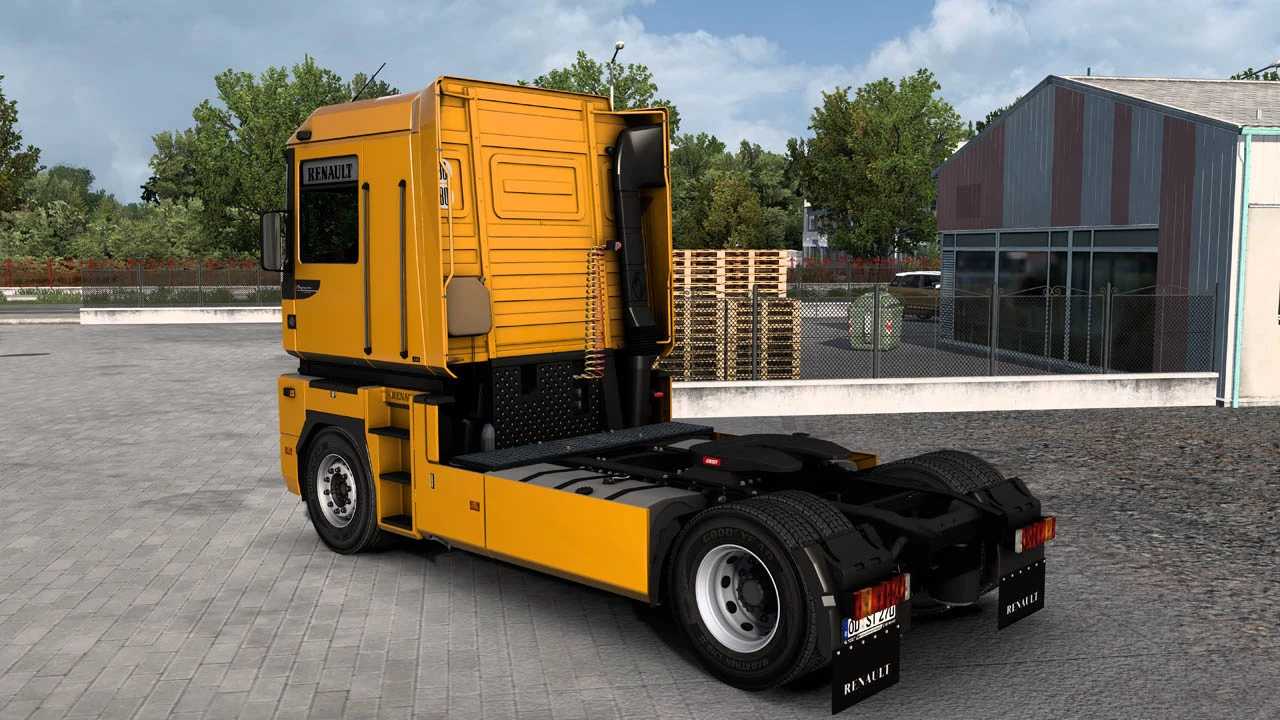
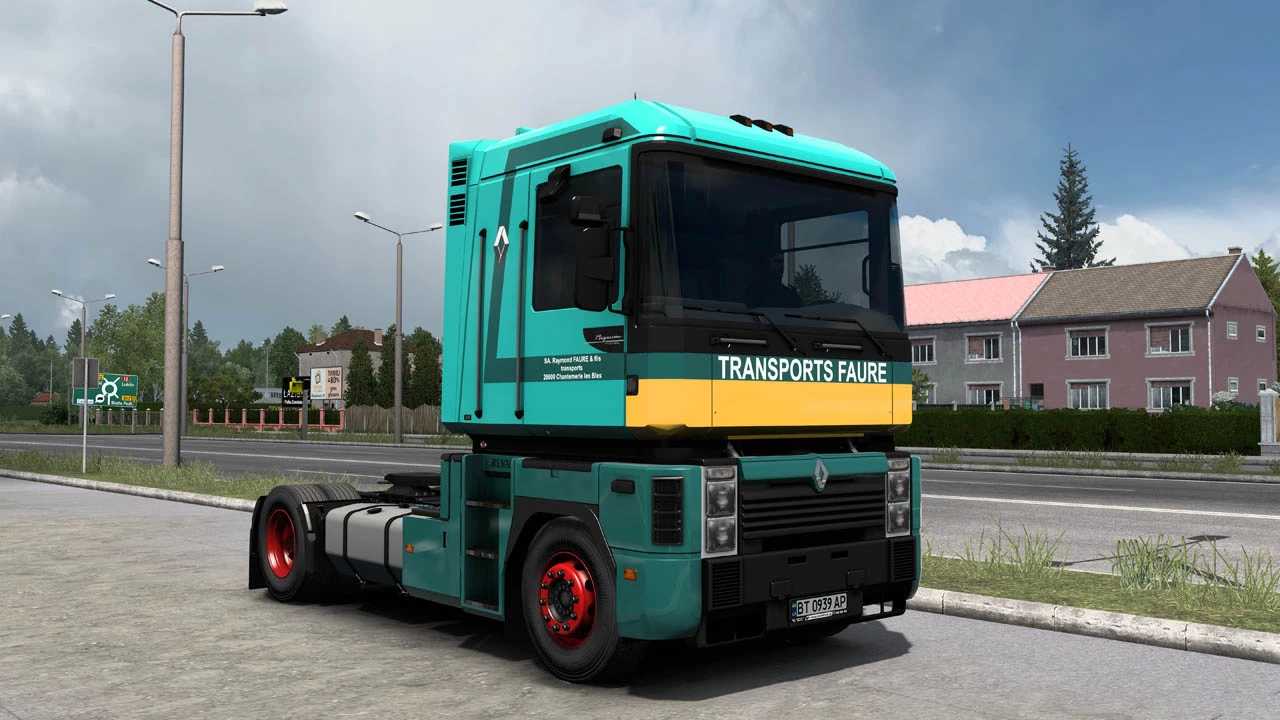
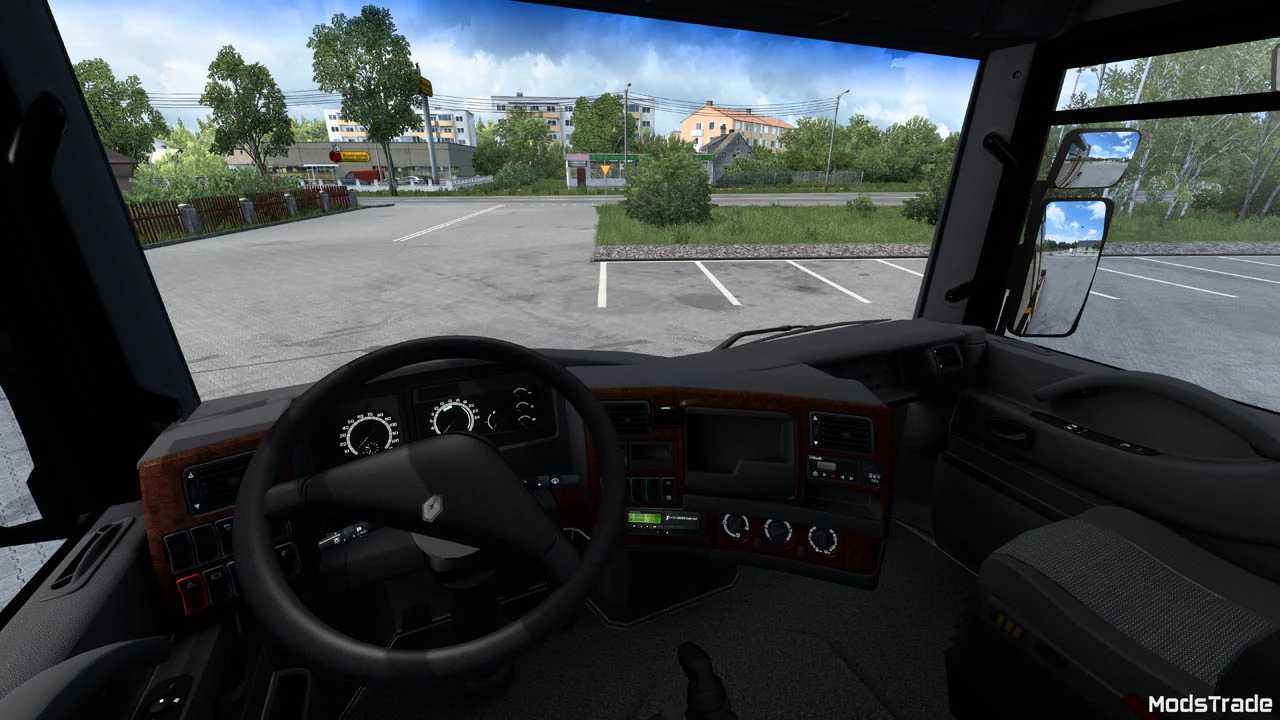
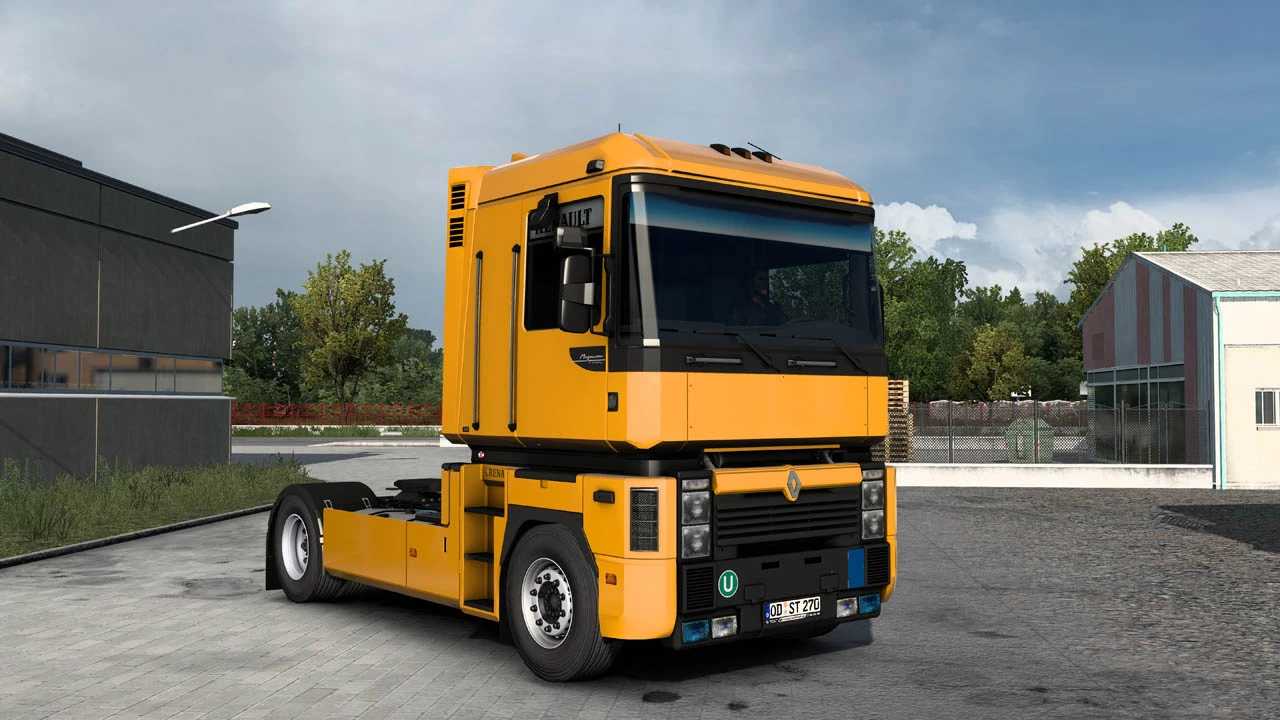
Renault Magnum Integral v7.0 1.56 ETS2
New Additions:
– Engine options (390, 430, 470)
– Interior shelf
– Enhanced fog light choices
– Headlight framing
– Customizable fuel tanks
– Fresh skins
– Angles Morts sticker
– Option to remove the upper section of rear fenders
– New license plates
– Closed TIR feature
– Gray plastic components (bumper, cab, sideskirt)
– Lightbar
Truck Features:
– Template (for cab & license plate)
– Two steering wheel options
– Animated windows
– Custom shadows
– Tuning slots and components
– Skins included
– Fully standalone
– Complete lightmask
– Own flare pack
– 4×2 FT chassis options (high and low)
– Various transmission options
– Customized interiors
– Cabin accessories
– Truck cables included
Credits: Modstrade
Instructions for Installing ETS2 or ATS Mods
For Euro Truck Simulator 2, installing mods is straightforward. Simply download the mod, and copy/unzip the files into: “My Documents\Euro Truck Simulator 2\mod” folder. If you’re playing ATS, place the mods in the: “My Documents\American Truck Simulator\mod” folder. Use WinRAR or 7zip to unzip files. After that, activate the desired mods to use them.