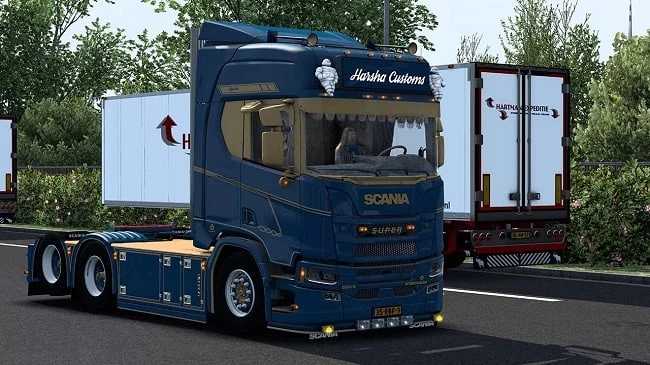
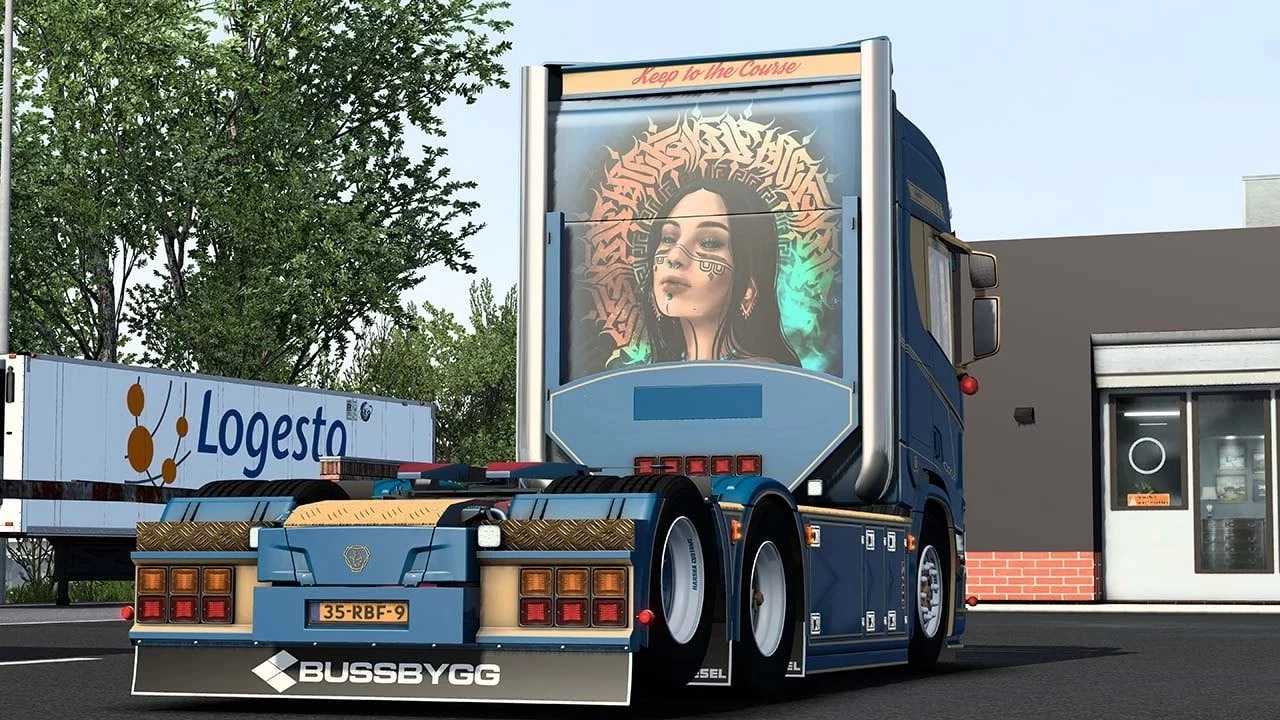
Scania R580s Harsha Customs v2.5 ETS2
– Completely standalone
– Available at a mod dealer
– Excellent optimization
– Highline Cabin
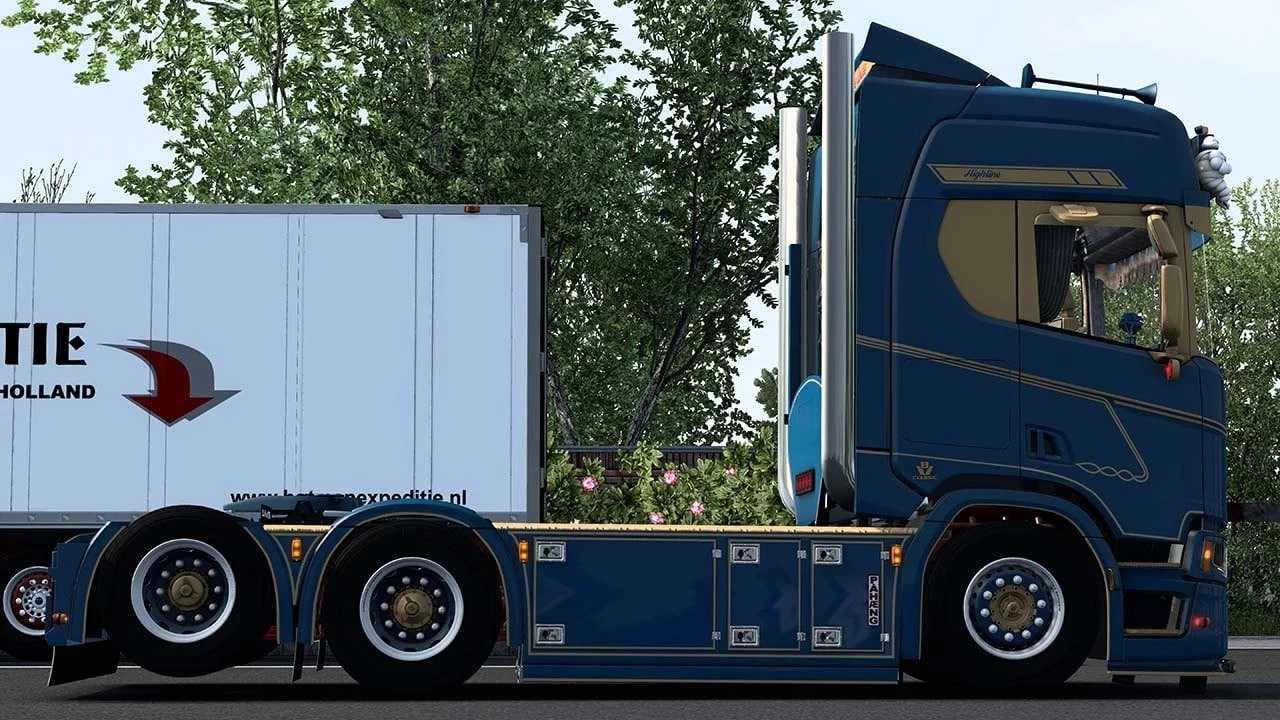
– 6×4 taglift chassis
– DC16 580 v8 openpipe sound
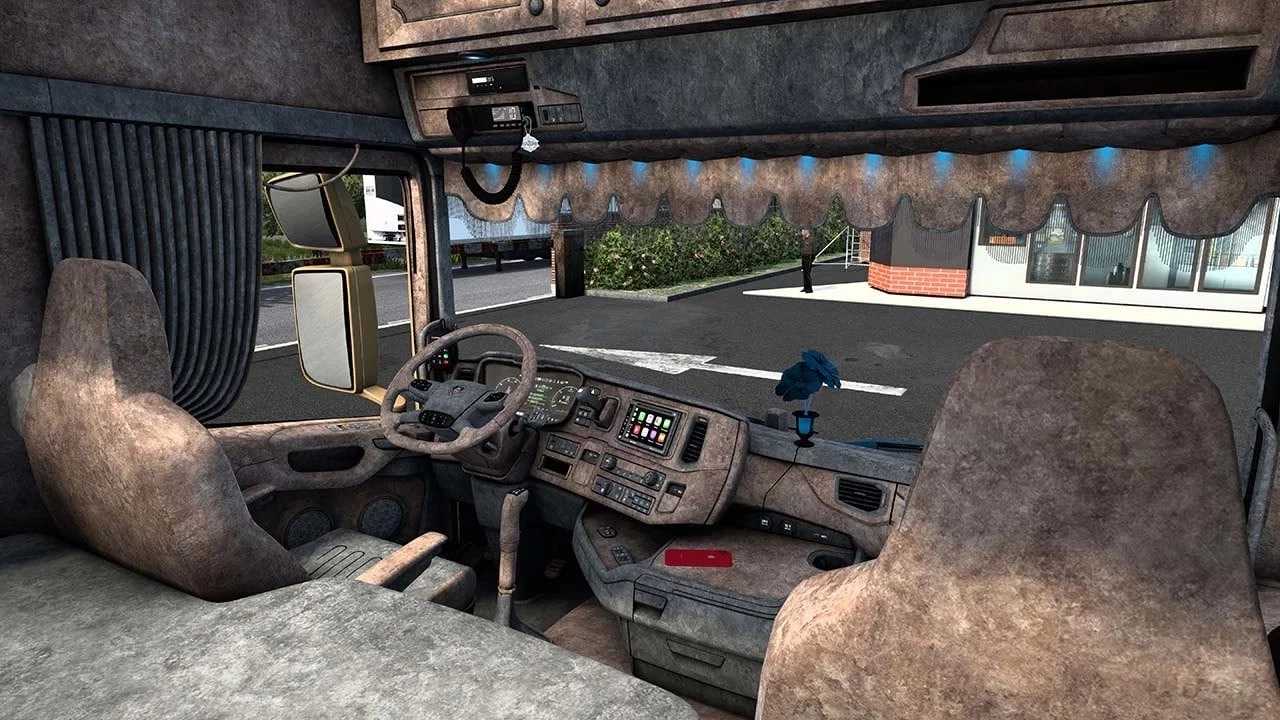
– Individual salon
– Unique V8 sound
– Custom wheels
– Custom exterior and interior with shadows (new)
– Fully baked AO
– Blue ambient lighting
– Compatible with interior accessories
Credits: Harsha Customs
How to install ETS2 or ATS Mods
Installing mods for Euro Truck Simulator 2 is straightforward. Simply download your desired mod, and then copy or unzip the files into the “My Documents\Euro Truck Simulator 2\mod” folder. If you’re using American Truck Simulator, place the mods in the “My Documents\American Truck Simulator\mod” folder. You can use WinRAR or 7zip to unzip files. After unzipping, remember to activate the mods you want to use.