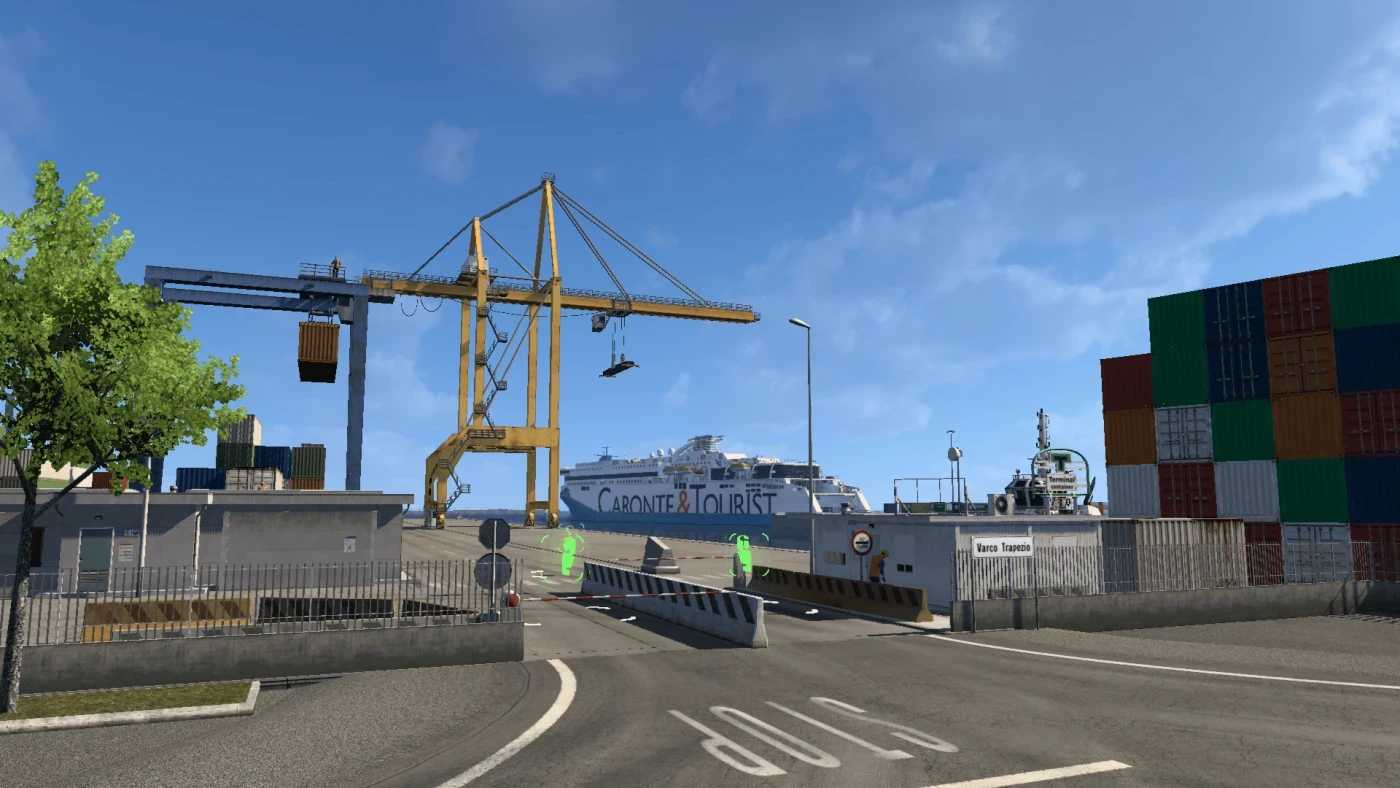
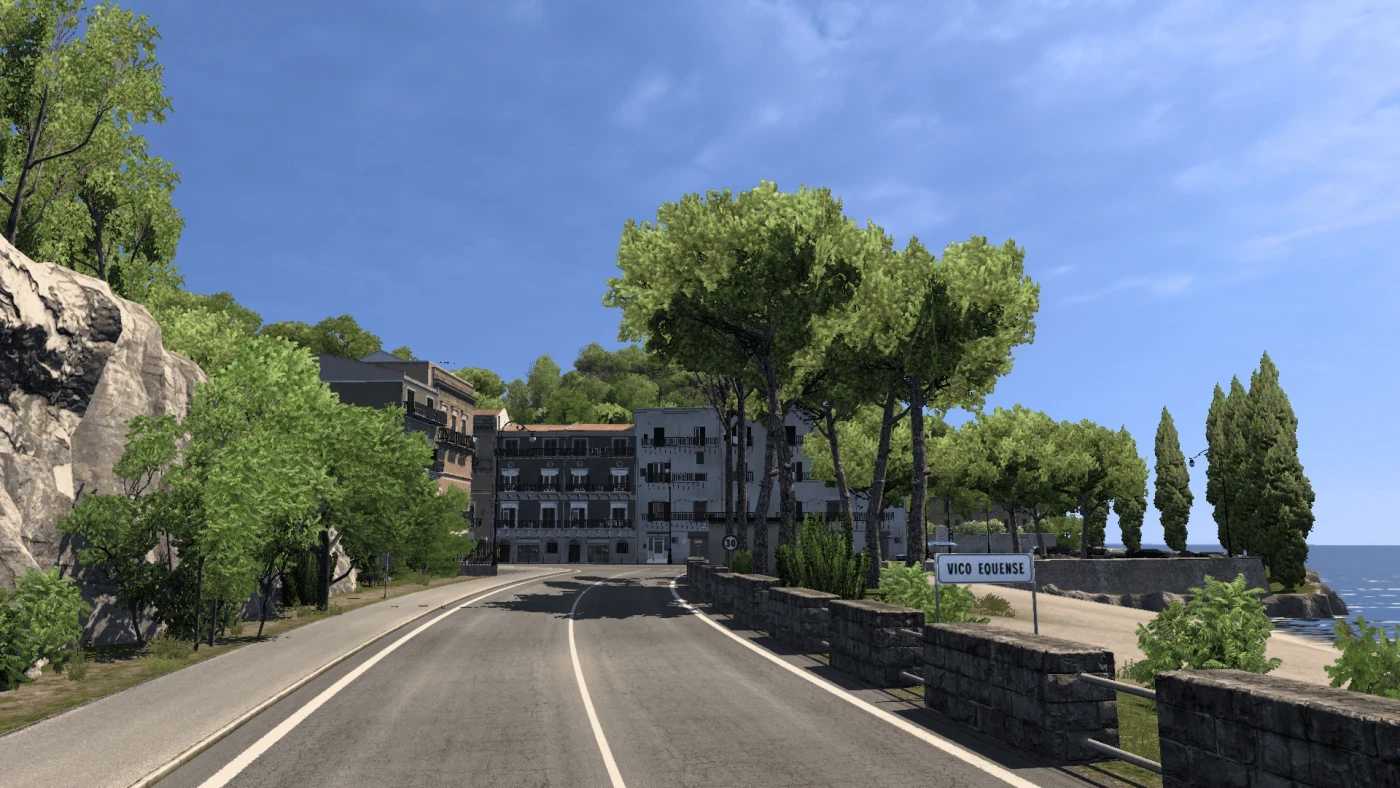
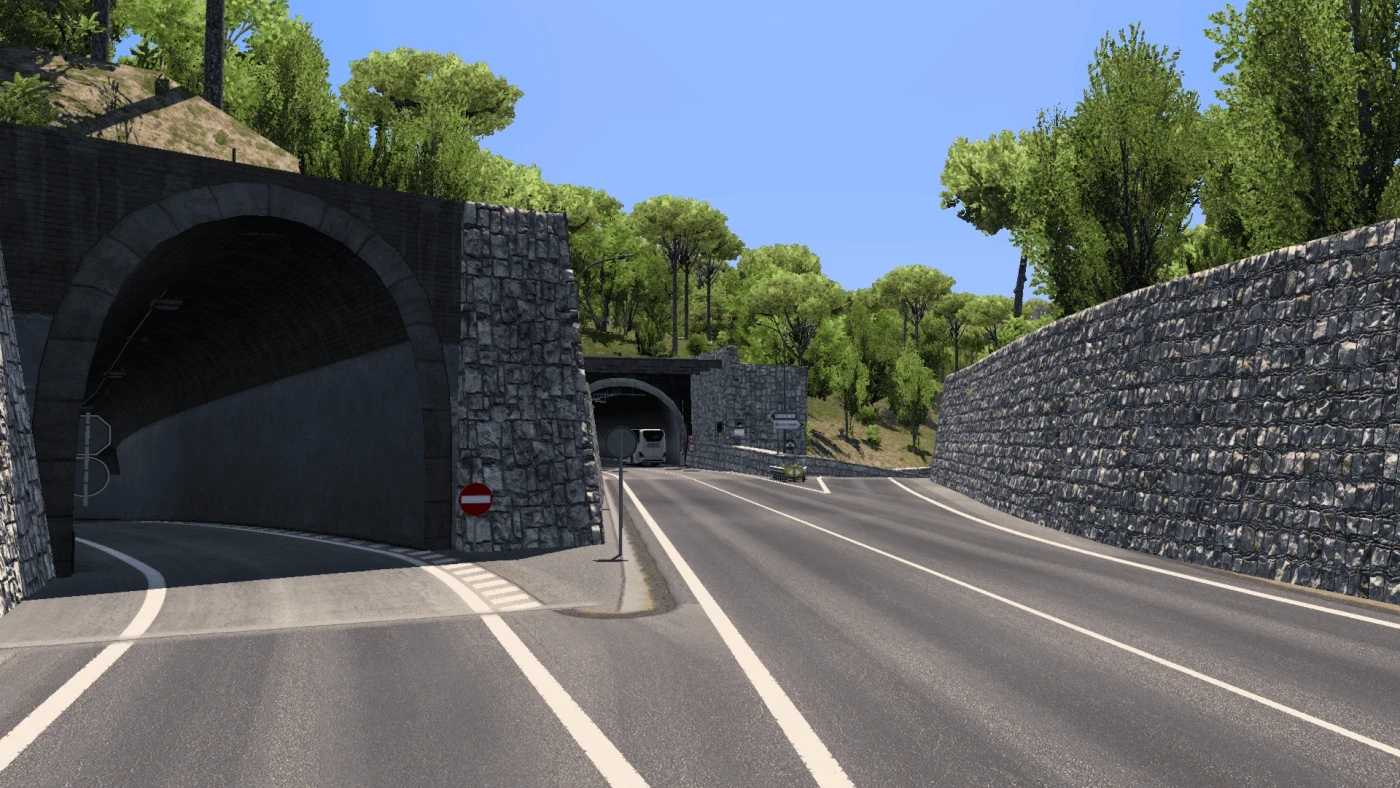
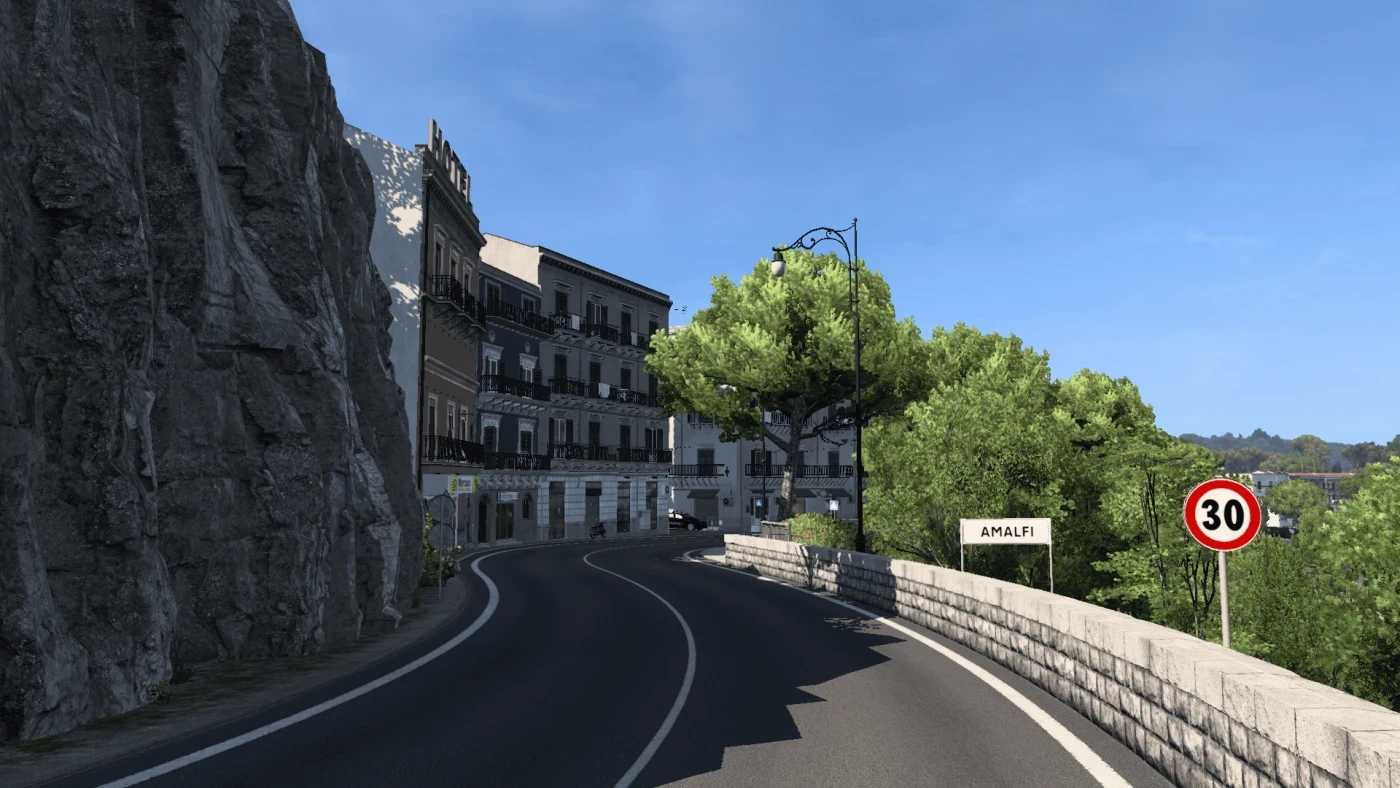
Italy Map Project v14 1.57 ETS2
The modifications to the base map are divided into two categories: redesigns and new constructions.
Redesigns include:
– Genoa (also features newly constructed areas)
– Verona (also features newly constructed areas)
– Livorno (also features newly constructed areas)
– Venice
– Cuneo
– Milan
– A22 motorway (also features newly constructed areas)
– A4 motorway
– A21 motorway
– A55 motorway
– A12 motorway
– A1 motorway (also features newly constructed areas)
– A14 motorway (also features newly constructed areas)
– A6 motorway
– A7 motorway
– A2 motorway
– A10 motorway
– A20 motorway
– A18 motorway
– Many state roads… (also features newly constructed areas)
– Numerous service areas…
New constructions involve:
– Giglio Island
– Porto S. Stefano
– Variante di Valico (A1)
– Foggia
– Vicenza
– Siena
– A15 motorway
– Reggio Calabria
– Elba Island
– Portoferraio
– Port of Obia
– Lake Garda
– Chioggia
– Pesaro
– Brenner
– Bardonecchia
– Fossano
– Affi
– Frosinone
– Agrigento
– Mestre and Marghera
The map requires only the Italy and France DLCs.
Compatible with SCS Base Map
Game version: V14 adapted for 1.57
Credits: Matt17
How to Install ETS2 Mods or ATS Mods
Installing mods in Euro Truck Simulator 2 is simple. Just download the mod from this site and copy/unzip the files into: “My Documents\Euro Truck Simulator 2\mod” folder. For American Truck Simulator, place the mods in: “My Documents\American Truck Simulator\mod” folder. You can use tools like WinRAR or 7zip to unzip files. After extraction, activate the mods you wish to use.