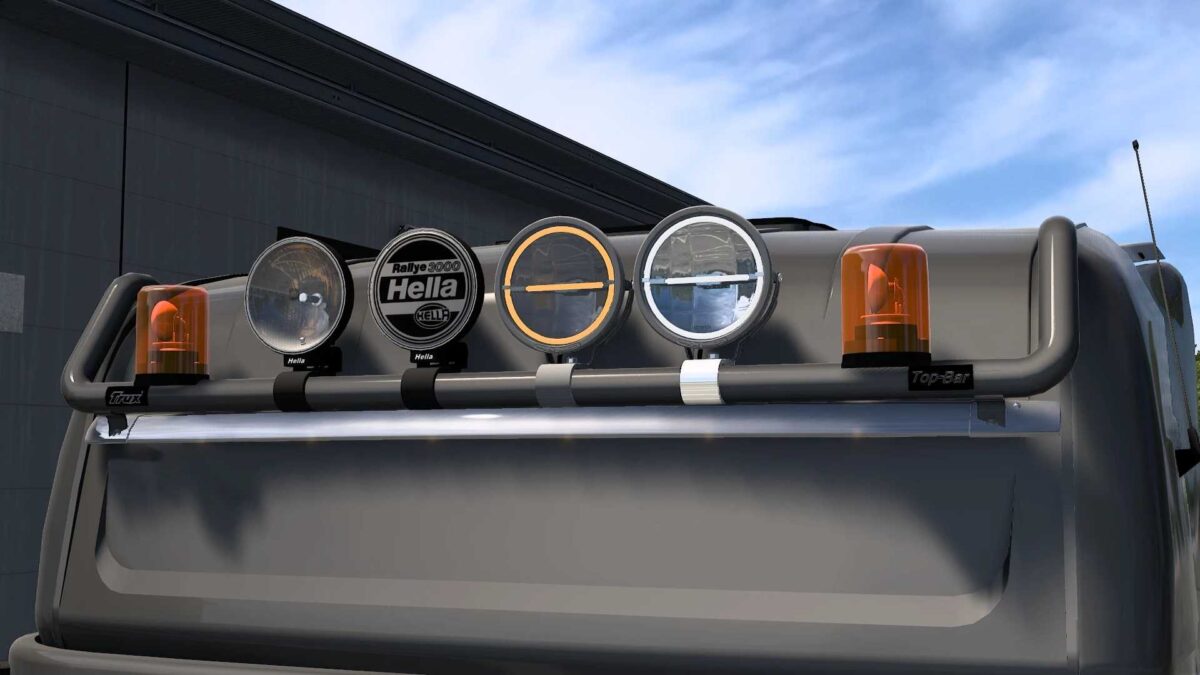
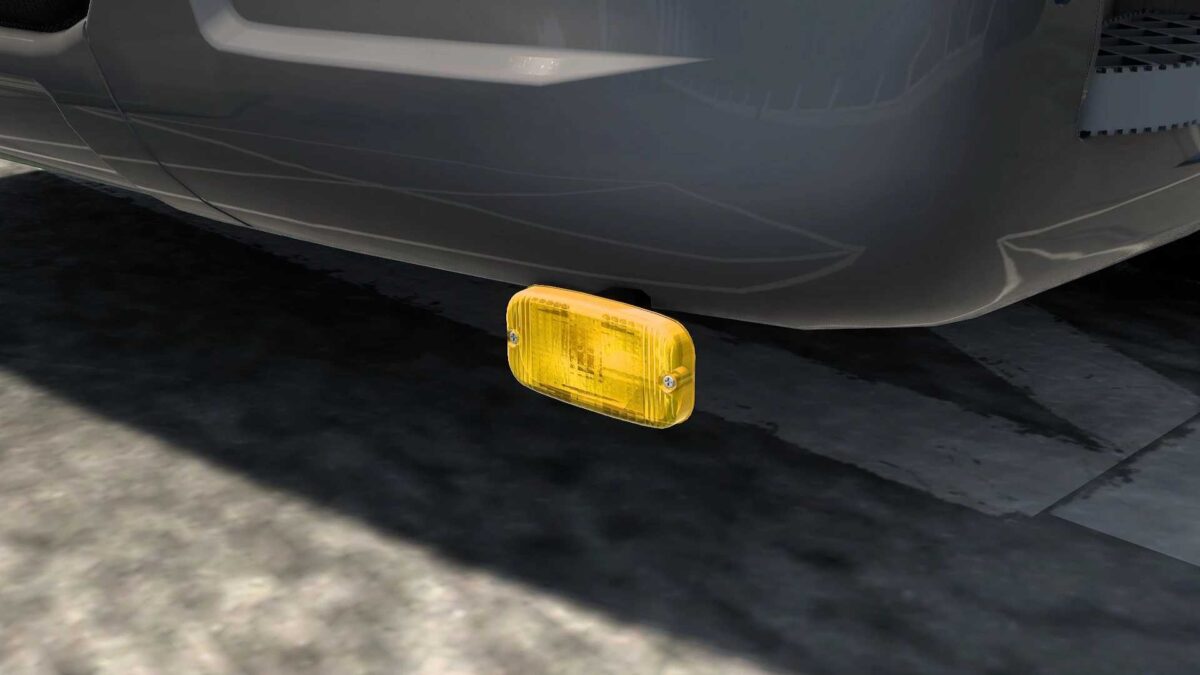
Lightpack v1.57 for ETS2
Standalone
Premium quality assets
Over 100 customization options
Includes Strands, Hella, Talmus, and more
Unique glow effects
Compatible with all truck models
Updated for version 1.57
Credits: JUseeTV
Instructions for Installing ETS2 or ATS Mods
Installing mods in Euro Truck Simulator 2 is straightforward. Simply download the mod from the provided link, extract the files, and place them in the “My Documents\Euro Truck Simulator 2\mod” folder. For American Truck Simulator (ATS), place the files in the “My Documents\American Truck Simulator\mod” folder. You can use tools like WinRAR or 7zip to unzip the files. After installation, activate the mods you’d like to use.