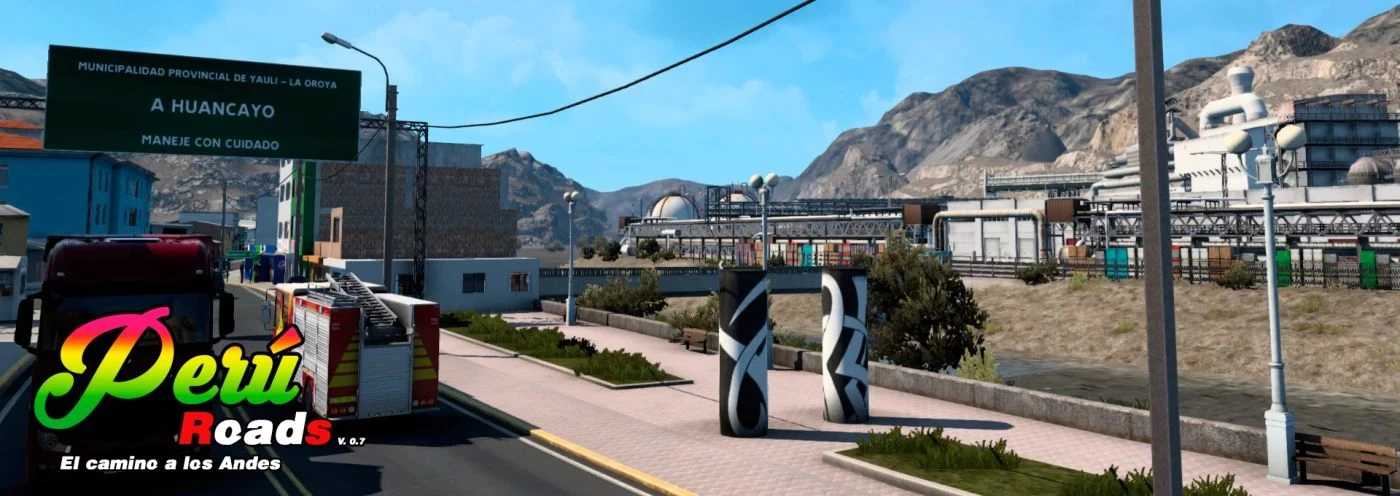
Peru Roads v0.8.9 ETS2
The Peru Roads mod enhances your experience by allowing exploration of the diverse landscapes and cities of Peru, showcasing its local traditions and scenery.
Updated for compatibility with version 1.57
Credits: Danifox
Instructions for Installing ETS2 or ATS Mods
Installing mods in Euro Truck Simulator 2 is straightforward. Simply download the mod from the designated source, then copy or extract the files to: “My Documents\Euro Truck Simulator 2\mod” folder. For those playing American Truck Simulator (ATS), place the mods in: “My Documents\American Truck Simulator\mod” folder. To extract files, you can utilize software like WinRAR or 7zip. Afterwards, you will need to enable the mods you wish to use.