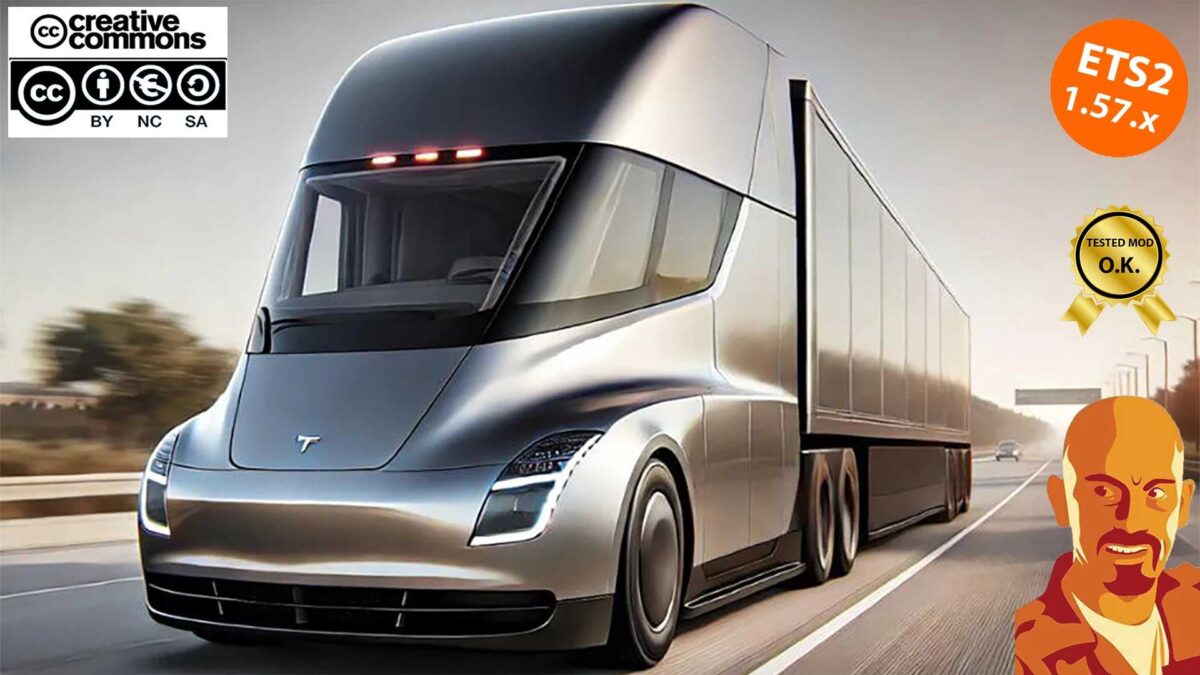
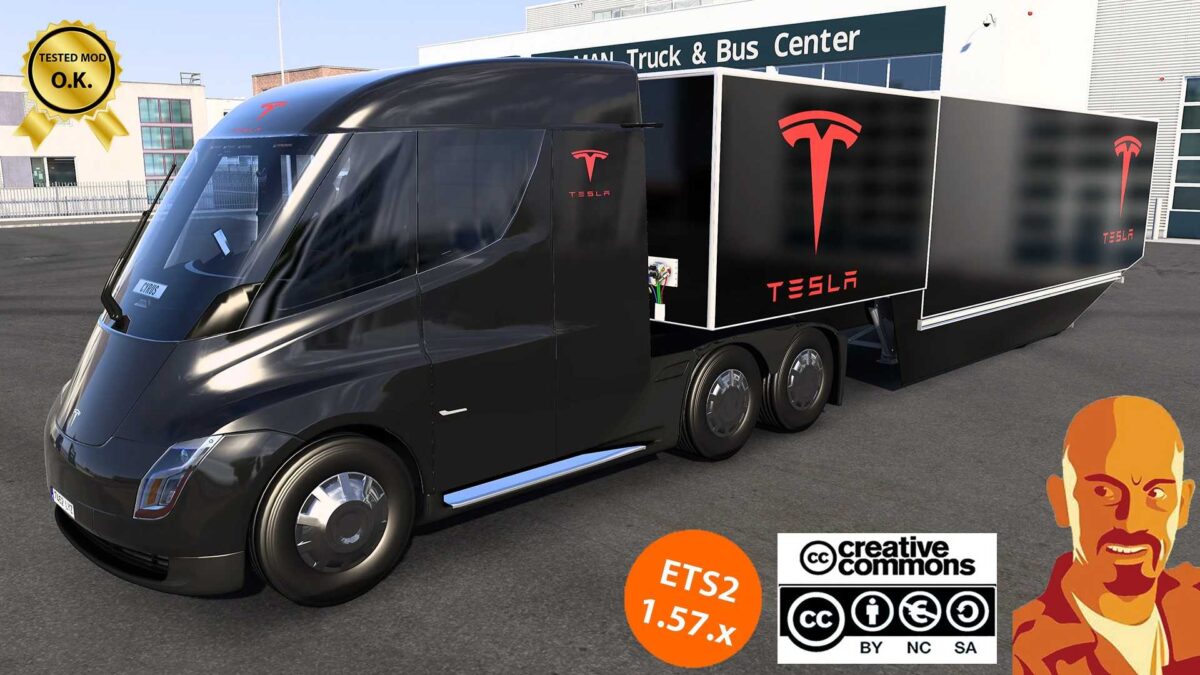
TESLA SEMITRUCK 2019 v2.0 1.57.x ETS2
Introducing the TESLA SEMI TRUCK 2019 v2.0 LITE.
Changes in v2.0:
Compatibility updated for ETS2 version 1.57.x.
Operational from 1.51.x to 1.57.x game versions.
Cabin light now activates with the beacon light button.
Choose between standard and camera mirrors (CAMERA MIRRORS AVAILABLE ONLY IN FULL VERSION).
Adjusted the fifth wheel position.
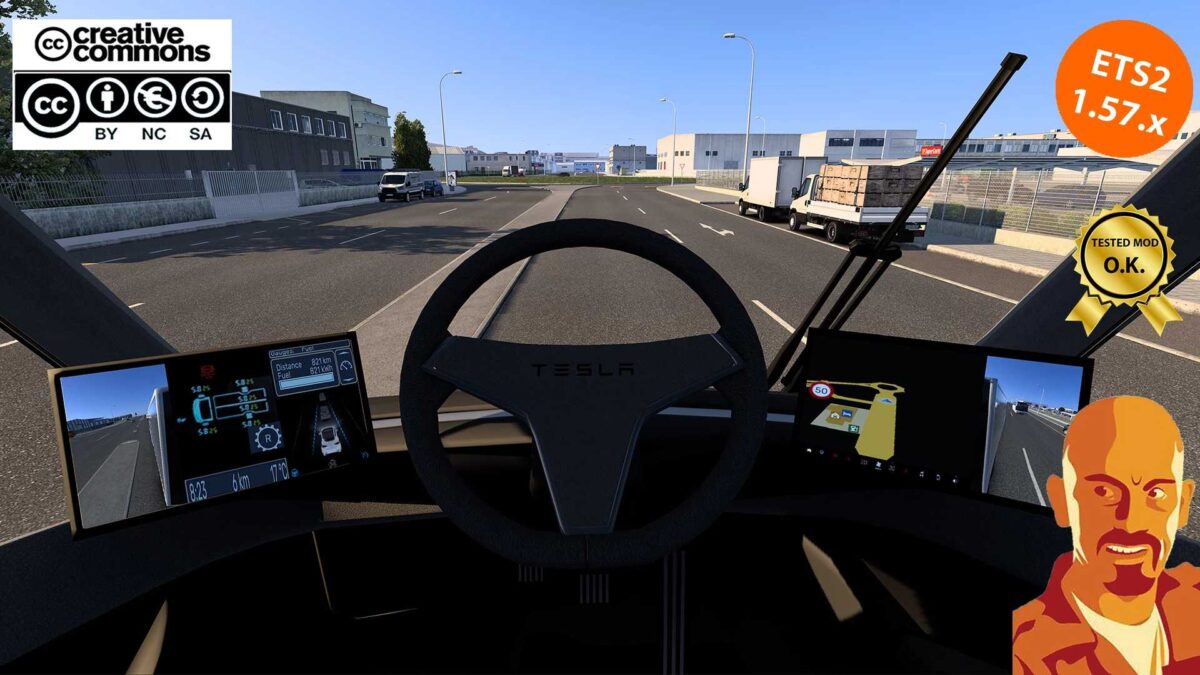
Enhanced dashboard displays.
Fixed wiper warning issue.
Resolved brake problems.
Other miscellaneous improvements.
Features of v1.0:
Adapted for ETS2 version 1.52.x.
Introduced interior shadows feature.
Numerous fixes and enhancements, plus new additions…
Available in low and high cabin variants (HIGH CABIN ONLY IN FULL VERSION).
A selection of metallic paint options (ONLY IN FULL VERSION).
Chromed wheel covers (ONLY IN FULL VERSION).
Tesla stickers (ONLY IN FULL VERSION).
Three transmission choices (Short, standard, & max speed up to ~250kph (MAX SPEED ONLY IN FULL VERSION).
Truck included in quick jobs (ONLY IN FULL VERSION).
Truck accessible in the truck browser (ONLY IN FULL VERSION).
Credits: Cyrus, SCS, Franck Peru, Yekko Yek, Argarwen, Andis Kreps, OveRTRucK.
Installing ETS2 mods or ATS Mods
Installing mods in Euro Truck Simulator 2 is straightforward. Simply download the mod from here, and copy/unzip the files into the “My Documents\Euro Truck Simulator 2\mod” folder. For American Truck Simulator, place the mods in “My Documents\American Truck Simulator\mod” folder. You can use WinRAR or 7zip to unzip files. Afterward, activate the mods you wish to use.