Sibir Map v2.11fv 1.57 ETS2
Version – 2.11.1FV
– Updated for game version 1.56.
Description:
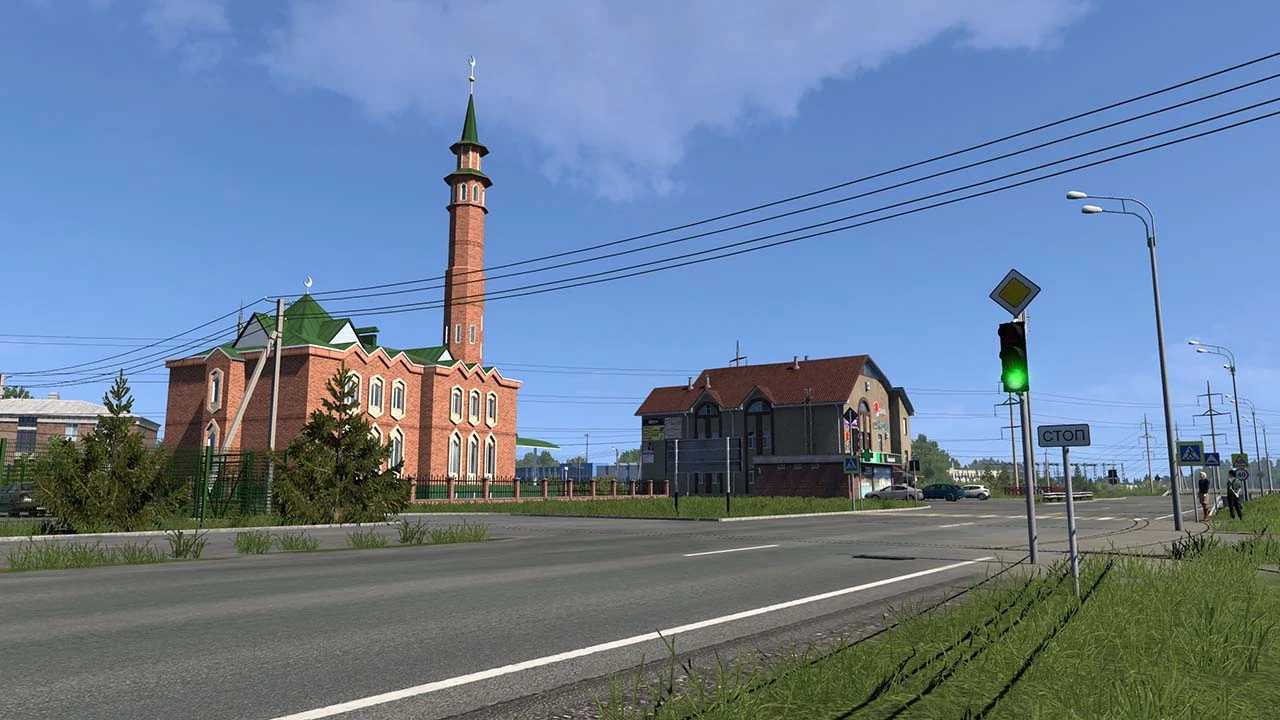
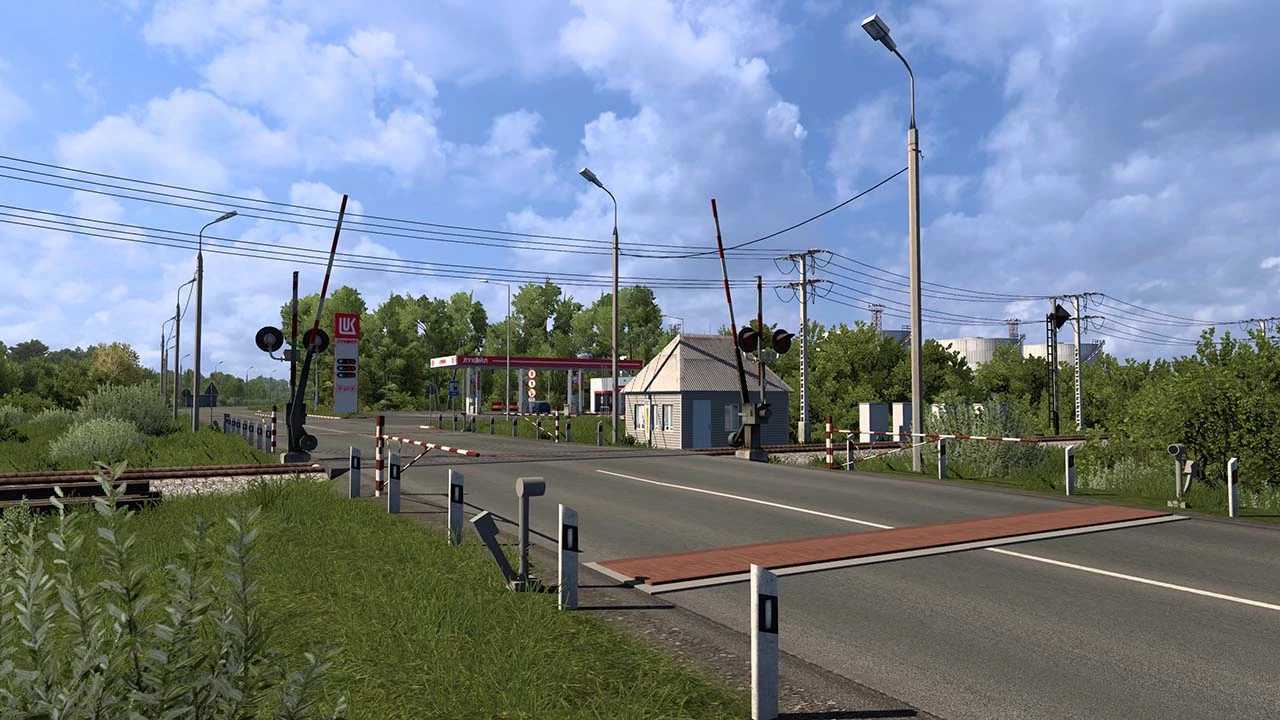
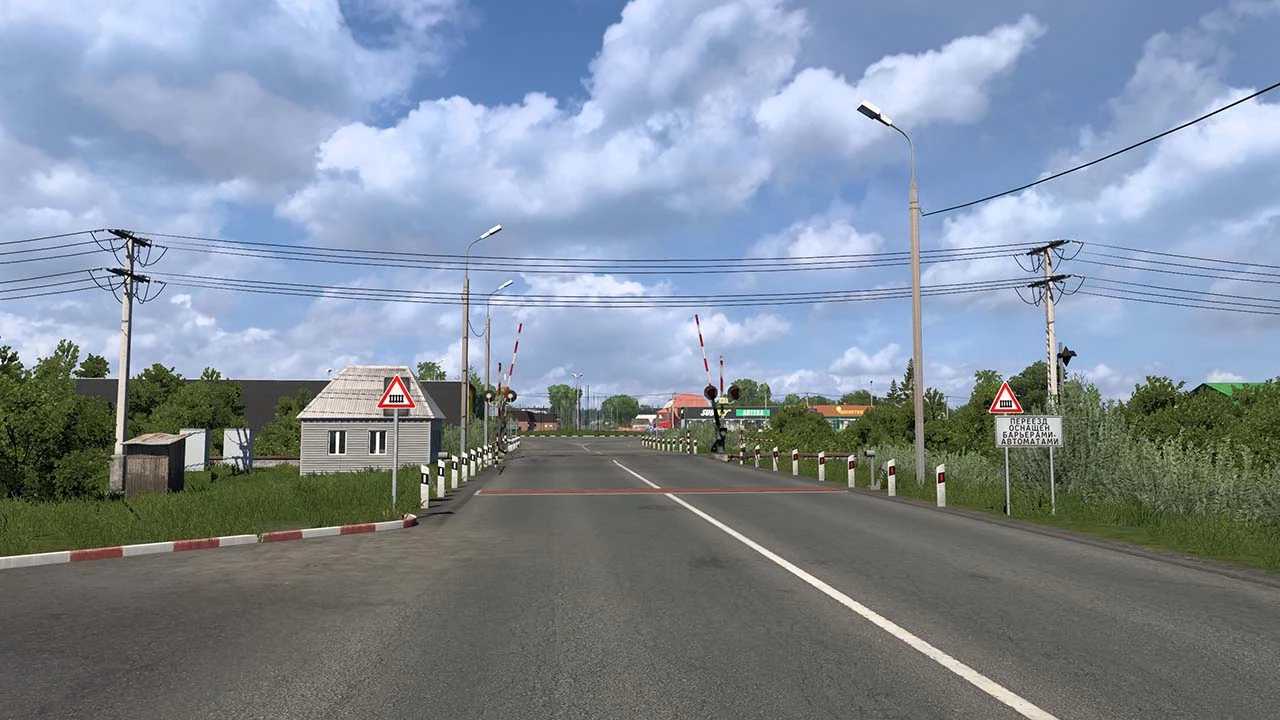
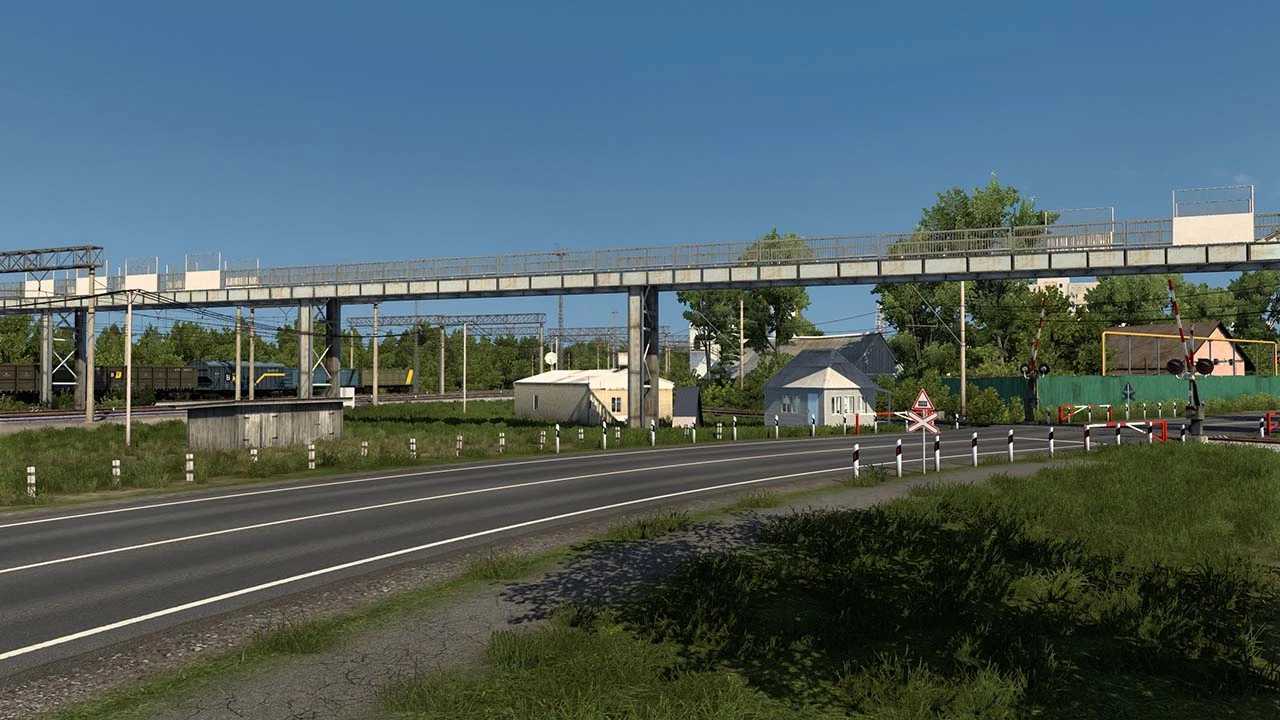
The Siberia Map project has been revived and is now designed for the default module (Europe) with a scale of 1:19.
Includes connections with projects such as RusMap, SouthernRegion, VOLGAMAP, PGS, KirovMAP, and more.
Key Features:
– Detailed area exploration
– Unique custom objects
– Construction based on panoramas and satellite imagery
– Proper integration and docking of maps.
INSTALLATION:
Follow these steps:
– RusMap (Map, Def, Model)
– Volgamap
– SouthernRegion
– KirovMAP
– SibirMap 2.11.x
Credits: 10avoid
Instructions for Installing ETS2 Mods or ATS Mods
Installing mods in Euro Truck Simulator 2 is straightforward. Simply download the mod from here and copy or unzip the files into the “My Documents\Euro Truck Simulator 2\mod” folder. If you’re playing ATS, place mods in the “My Documents\American Truck Simulator\mod” folder. You can use WinRAR or 7zip to extract files. After that, don’t forget to activate the mods you want to use.