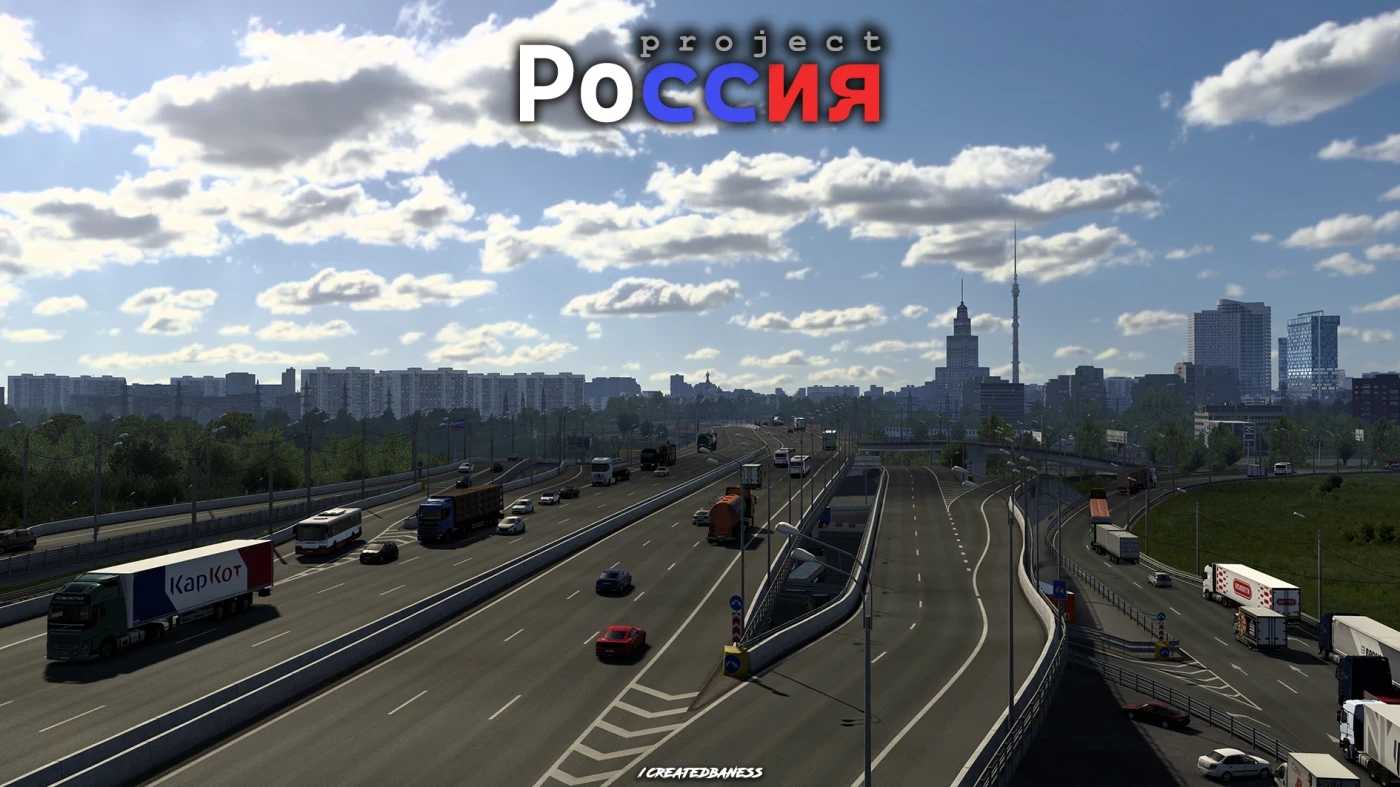
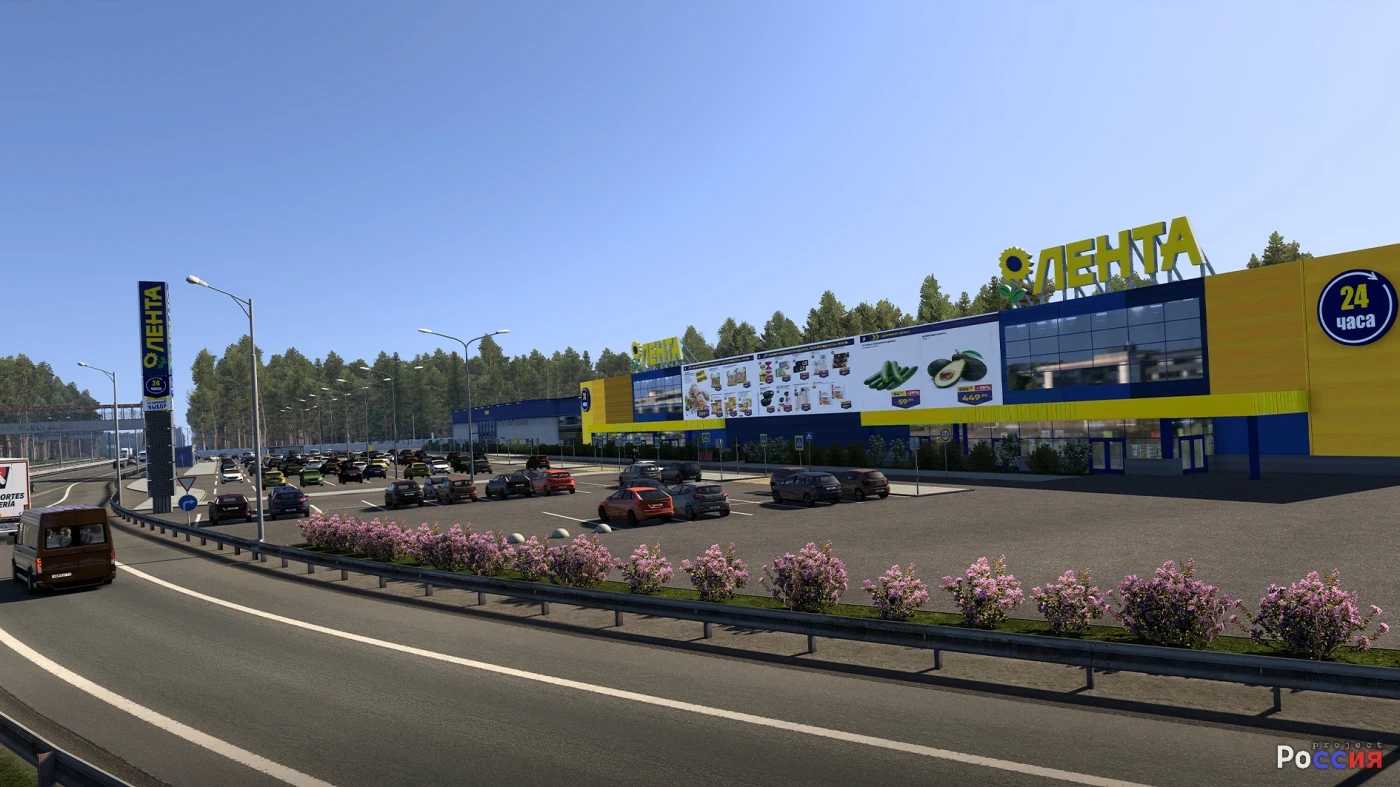
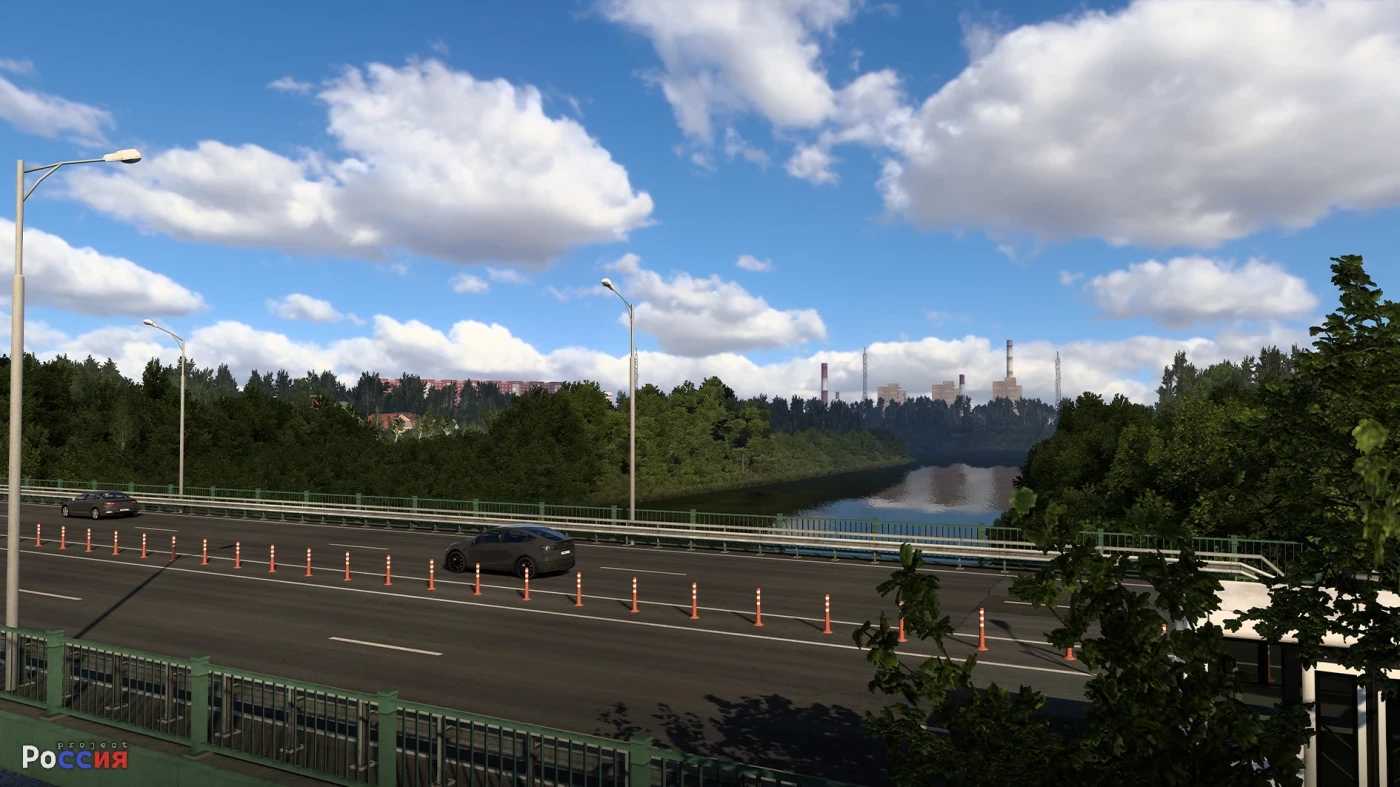
Project Russia Map v5.6.3a 1.57 ETS2
Changelog: 5.6.3a
This update includes valuable adaptations as part of the forthcoming major update, ensuring compatibility with version 1.57.
Changelog:
– Updated the mod for version 1.57
– Modifications made to highway: M2
– Introduction of a new traffic model: Street View car
– Addition of new models to the mod (Thanks to CurvedCrown, Yagokoro mods)
– Fixed errors reported via Promods
– Comprehensive cleanup of outdated assets in the mod
– Addressed user feedback from the Discord server
– Minor adjustments on the map
Description
Includes over 28 cities!
Functions without needing additional mods, but Rusmap is required for connectors.
Credits: createdbaness
How to install ETS2 mods or ATS Mods
Installing mods in Euro Truck Simulator 2 is straightforward. Download the mod from this site and copy/unzip the files into the “My Documents\Euro Truck Simulator 2\mod” folder. For American Truck Simulator, place the mods in the “My Documents\American Truck Simulator\mod” folder. You can use WinRAR or 7zip to unzip files. Once done, activate the mods you wish to use.