Radar Detector v2.1.5 for ETS2
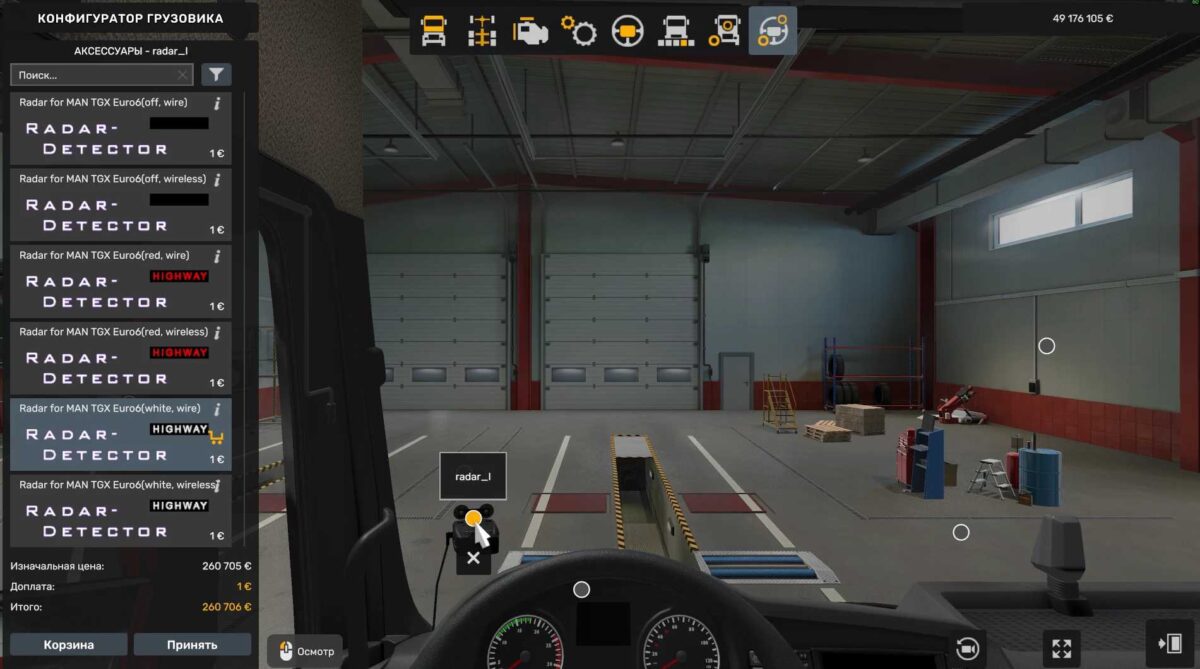
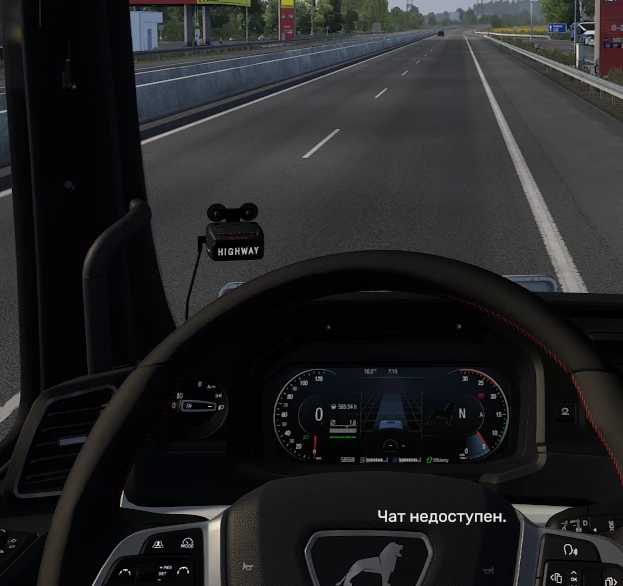
This radar detector is mounted on your windshield;
Choose from multiple options;
It alerts you when approaching speed cameras;
Police vehicles are not penalized;
Voice alerts are included for passing terminals;
Additional voice warnings for accidents are provided;
Notifications for detours are included;
Alerts for railway crossings are activated;
Voice warnings for roadworks are implemented;
Compatible with standard maps, all DLC maps, and ProMods maps;
Supports multiple languages;
Adjust the radar volume in sound settings using the Music Volume slider;
All speed camera models flash red.
Several bugs have been fixed.
The Hungarian language has been added to the language pack.
Credits: Garage-j1
How to Install ETS2 or ATS Mods
Installing mods in Euro Truck Simulator 2 is straightforward. Simply download the mod from here and copy/unzip the files into the “My Documents\Euro Truck Simulator 2\mod” folder. For American Truck Simulator, place them in the “My Documents\American Truck Simulator\mod” folder. You can use WinRAR or 7zip to unzip files. After that, activate the mods you wish to use.