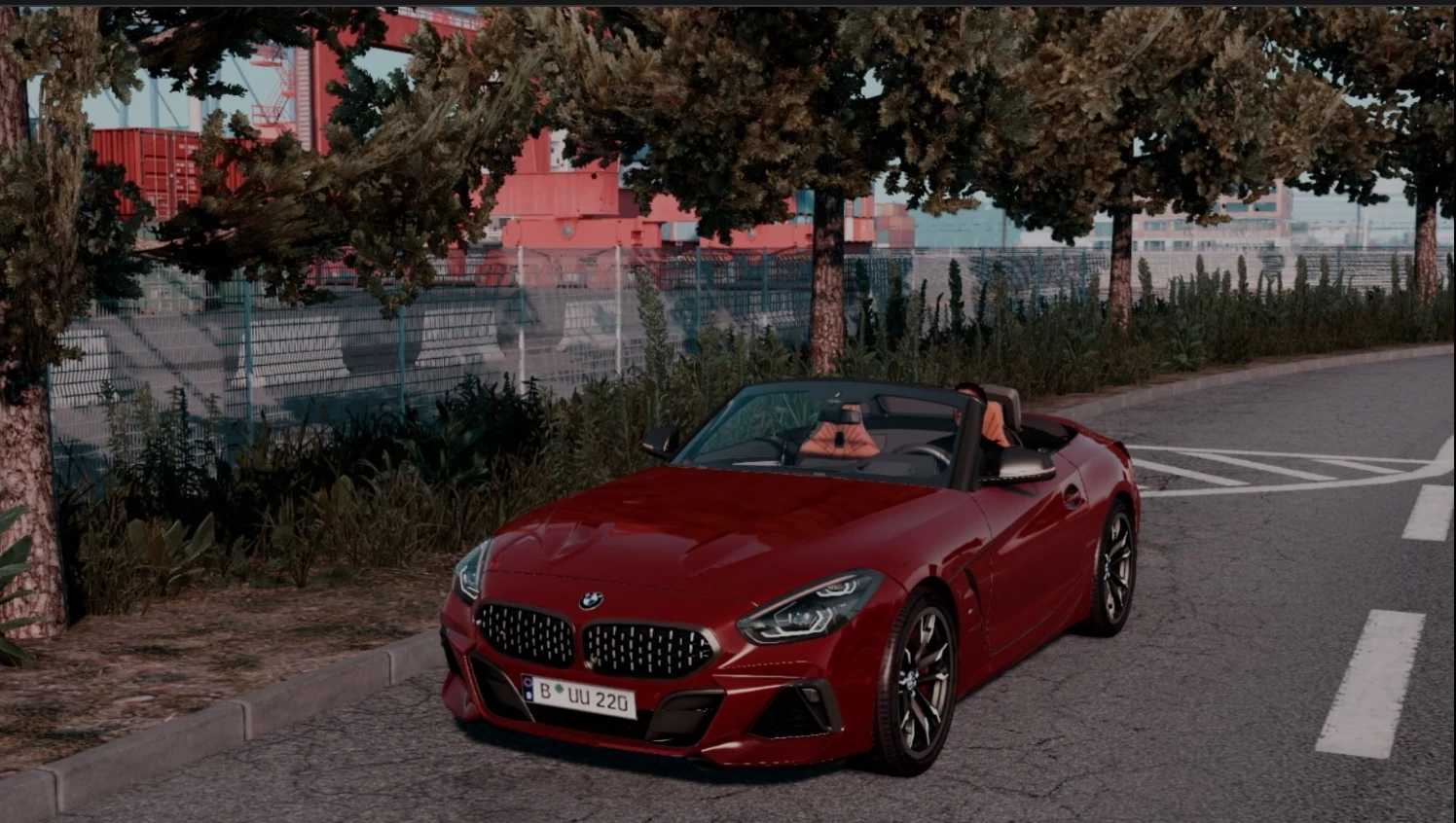
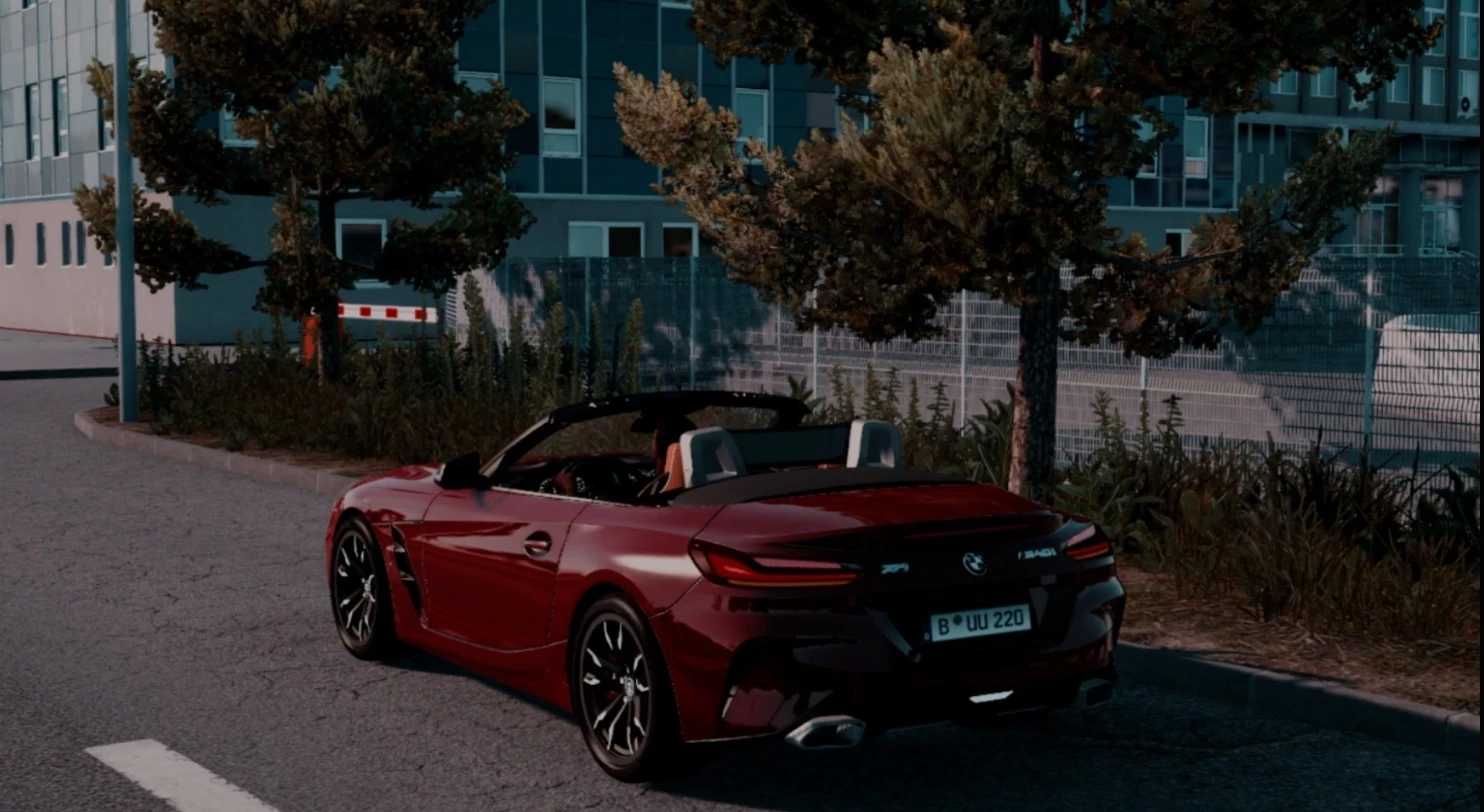
BMW Z4 M40i 2019 v1.8 1.57x ETS2
ChangeLog:
– Fixed materials and quality
– Added a new digital speed UI
– Fixed interior lights
– Added more interior color options
– Included license plate
– Improved physics and engine performance
– Max Speed: 300 Km/h
Credits: –
How to install ETS2 mods or ATS Mods
Installing mods in Euro Truck Simulator 2 is straightforward. Simply download the mod from the link, then copy/unzip the files into the “My Documents\Euro Truck Simulator 2\mod” folder. For American Truck Simulator, place the mods in the “My Documents\American Truck Simulator\mod” folder. To unzip files, you can use WinRAR or 7zip. After that, remember to activate the mods you wish to use.