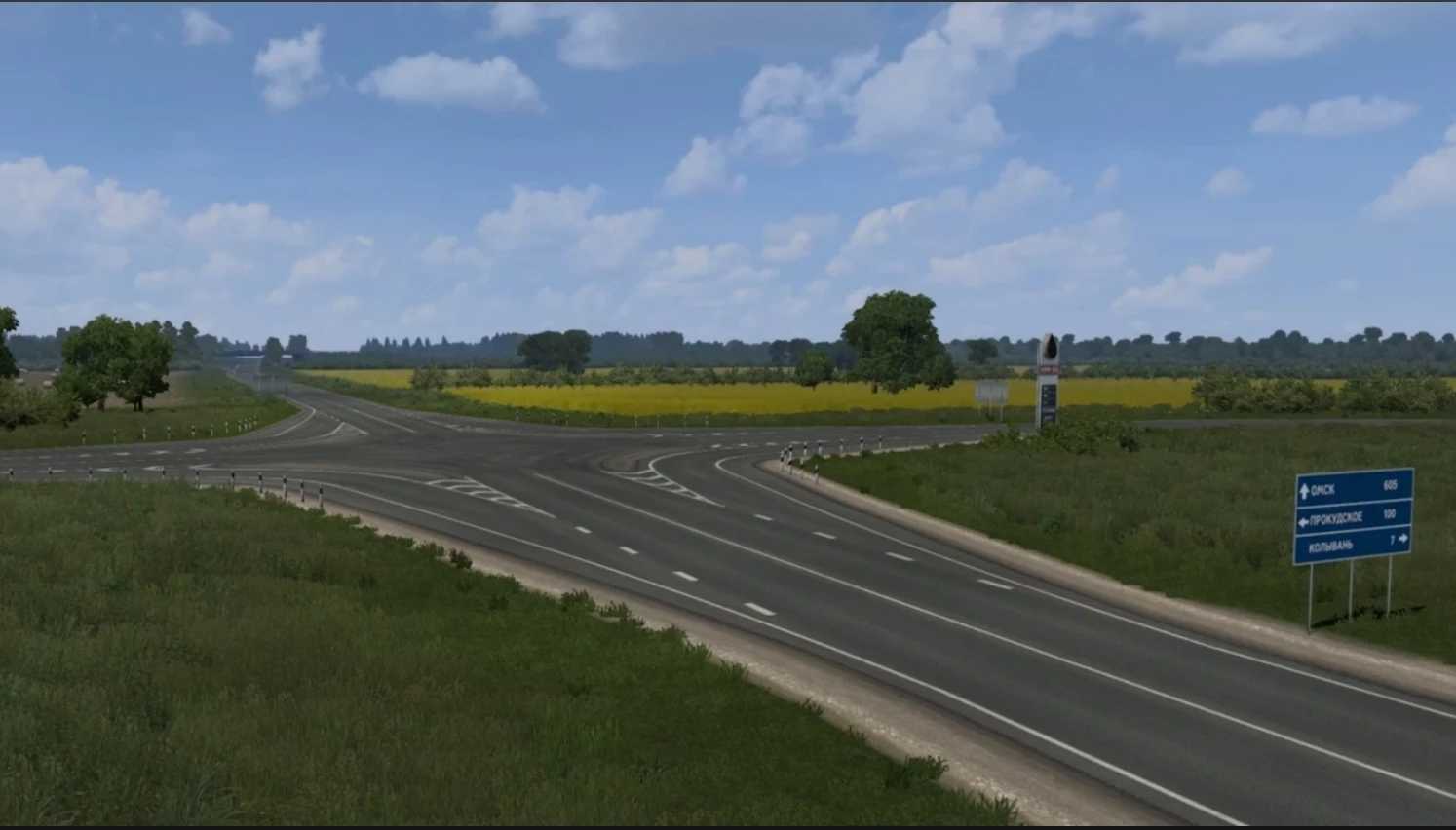
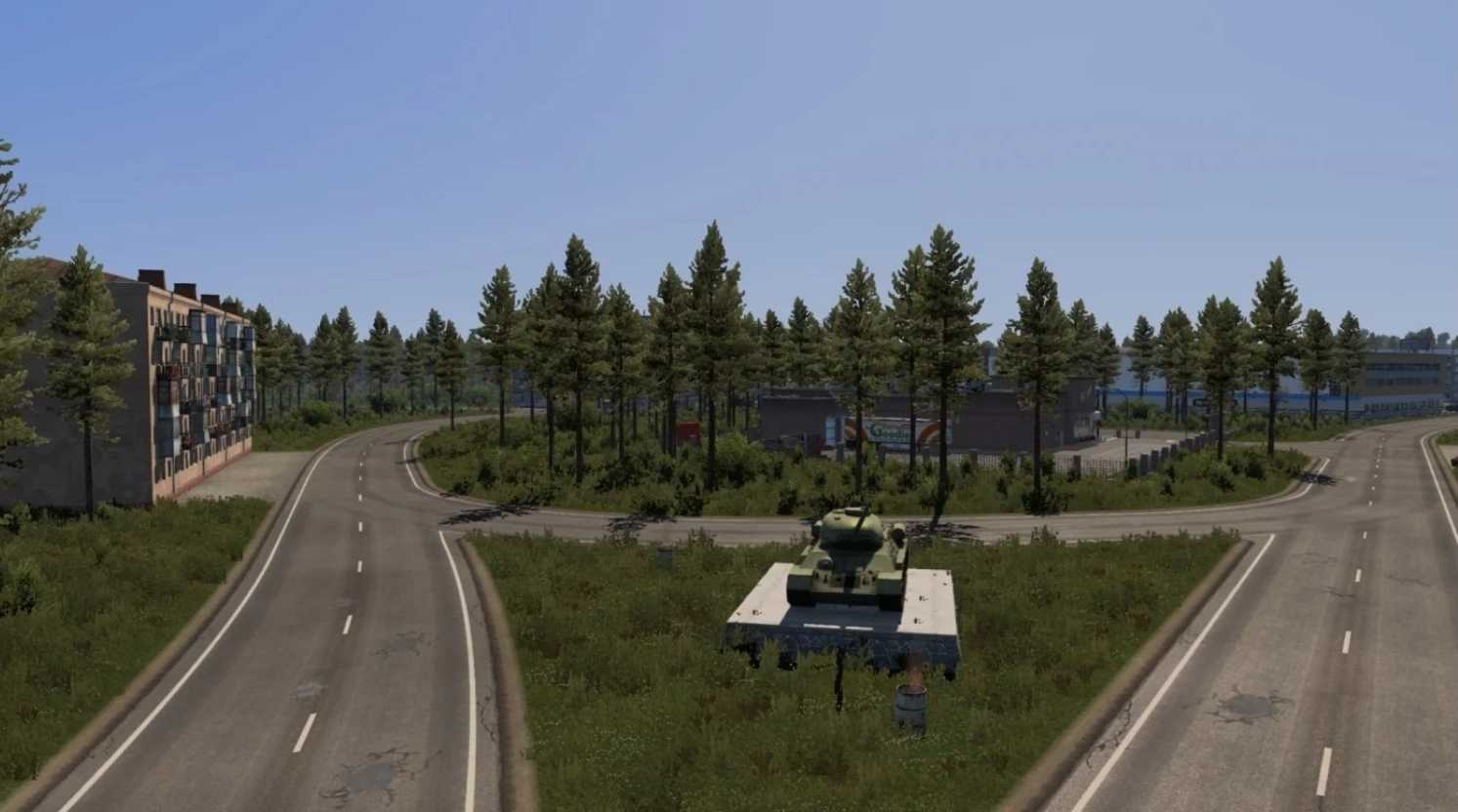
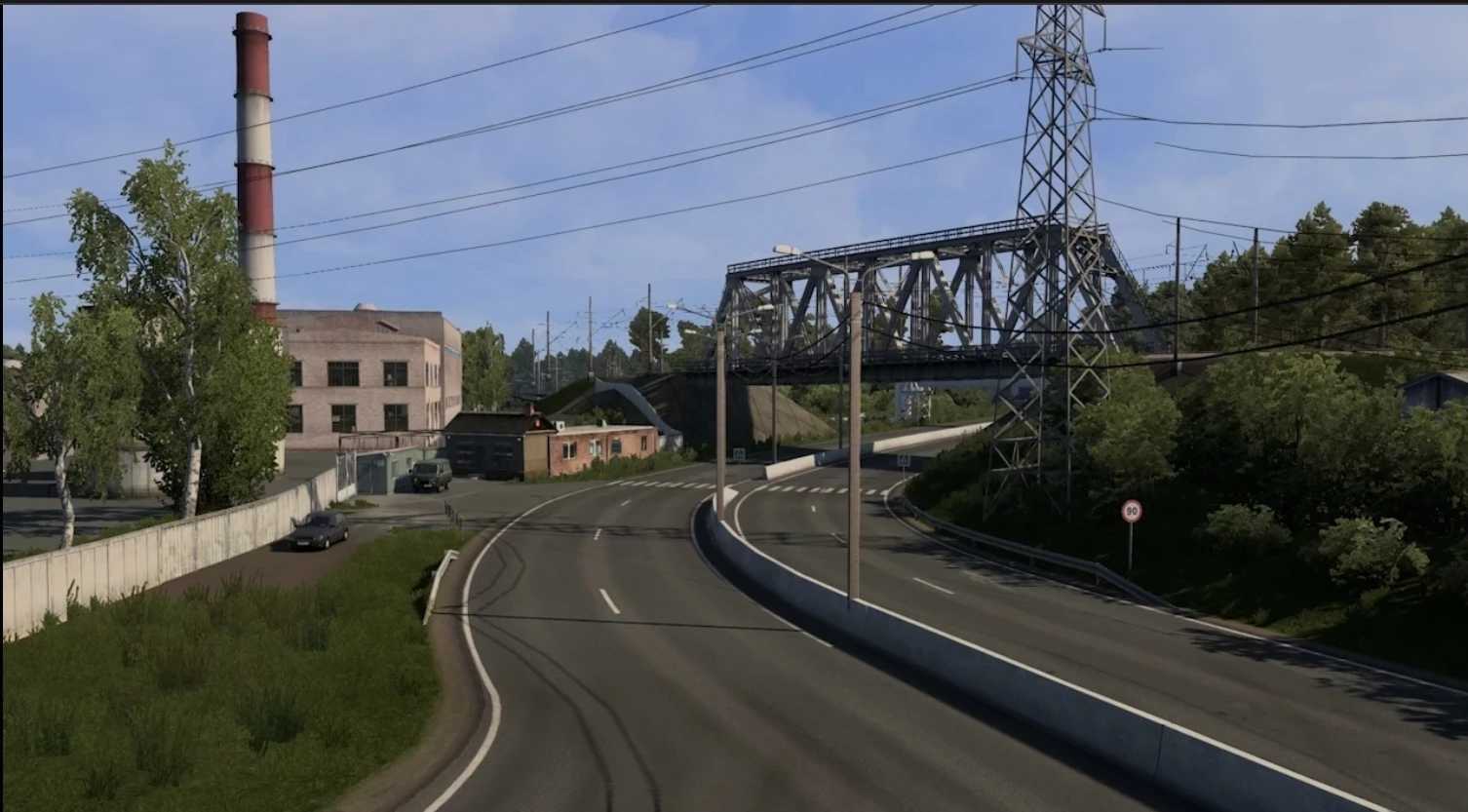
Trans-Siberian Truckway v2.3 1.57x ETS2
Changelog v2.3
Updated for version 1.57
Bug fixes implemented
Changelog v2.2
Updated for version 1.57
Bug fixes implemented
Changelog v2.1
Updated for version 1.56
Bug fixes implemented
Changelog v2.0
– Introduced the village of Erofey Pavlovich
– Improvements made in Nizhnii Bestyakh
– Reconstructed the border between Zabaykalsky and Amur regions
– Added triggers between countries and Federal Subjects
– Redefined city definitions to avoid conflicts
– Bug fixes implemented
Credits: kwigdulah
Instructions for Installing ETS2 or ATS Mods
Installing mods in Euro Truck Simulator 2 is simple. Just download the mod from here and copy/unzip the files into the “My Documents\Euro Truck Simulator 2\mod” folder. For American Truck Simulator (ATS), place the mods in the “My Documents\American Truck Simulator\mod” folder. Use WinRAR or 7zip to unzip files. After this, you’ll need to activate the mods you wish to use.