Enhanced Flares v4.6.6 1.57x ETS2
Updates v4.6.6:
– Headlight support introduced for modded trucks: Jasper’s Kenworth W900 and JUseeTV’s Scania PGR-Series
– Added new AI traffic
– Enhanced compatibility with Sound Fixes Pack
– Fixed missing taillights on Larus trailers
Updates v4.6.5:
– Resolved missing textures for AI vehicles in Traffic Addon
– Slight increase in tail & brake light intensity (tail lights from 5 to 6; brake lights from 60 to 65)
– Improved compatibility with Sound Fixes Pack mod
Updates v4.6.4:
– Enhanced compatibility with Sound Fixes Pack
Updates v4.6.3:
– Traffic Addon updates
– Improved compatibility with Sound Fixes Pack
– Added tail light flares to stepron_premium_23
Updates v4.6.2:
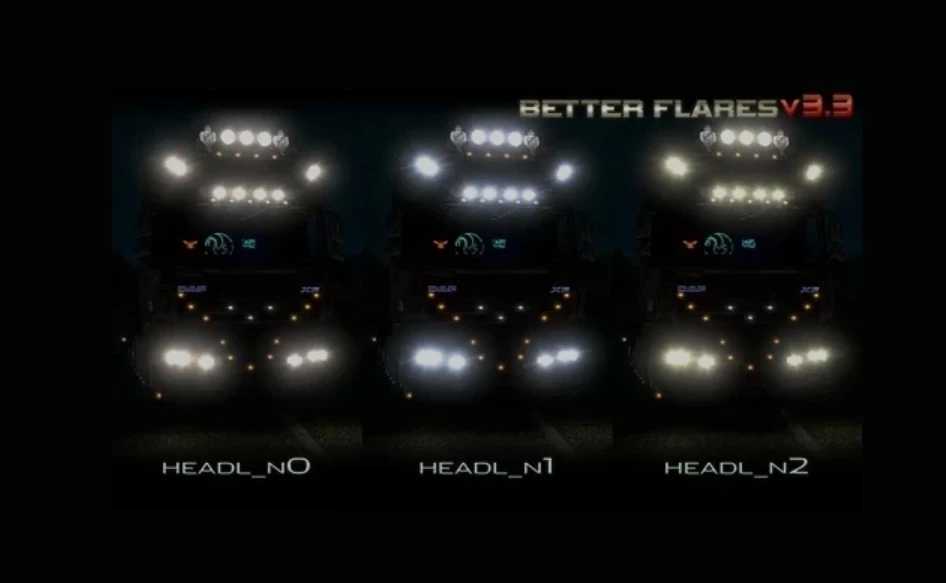
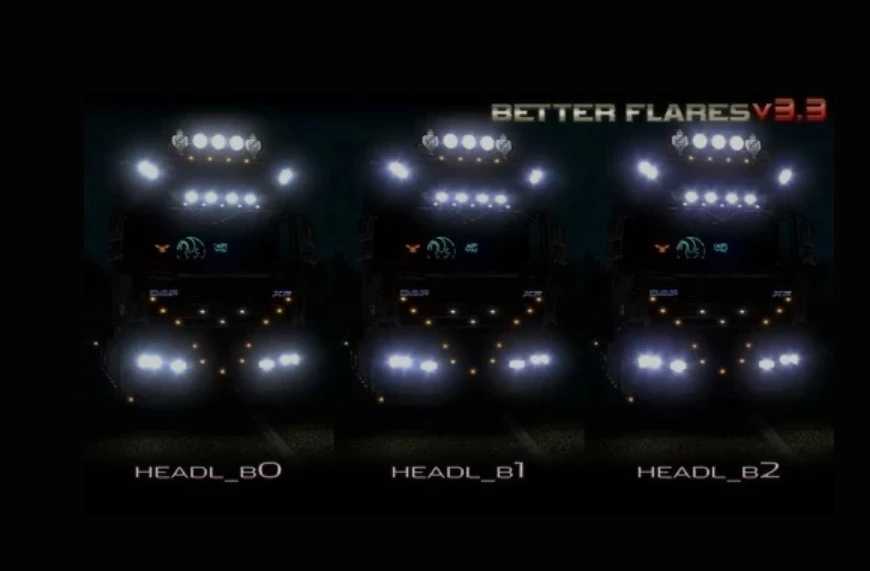
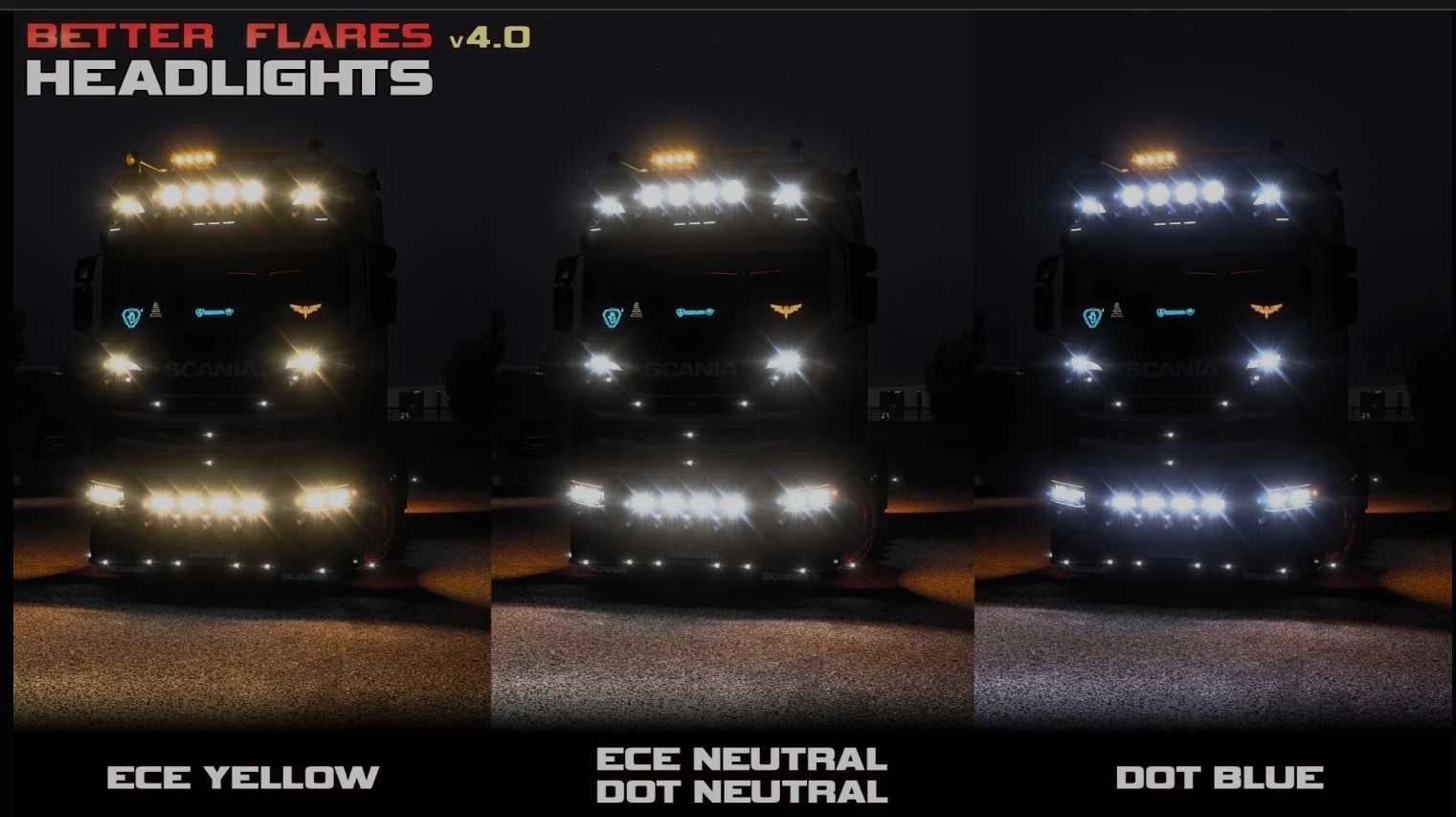
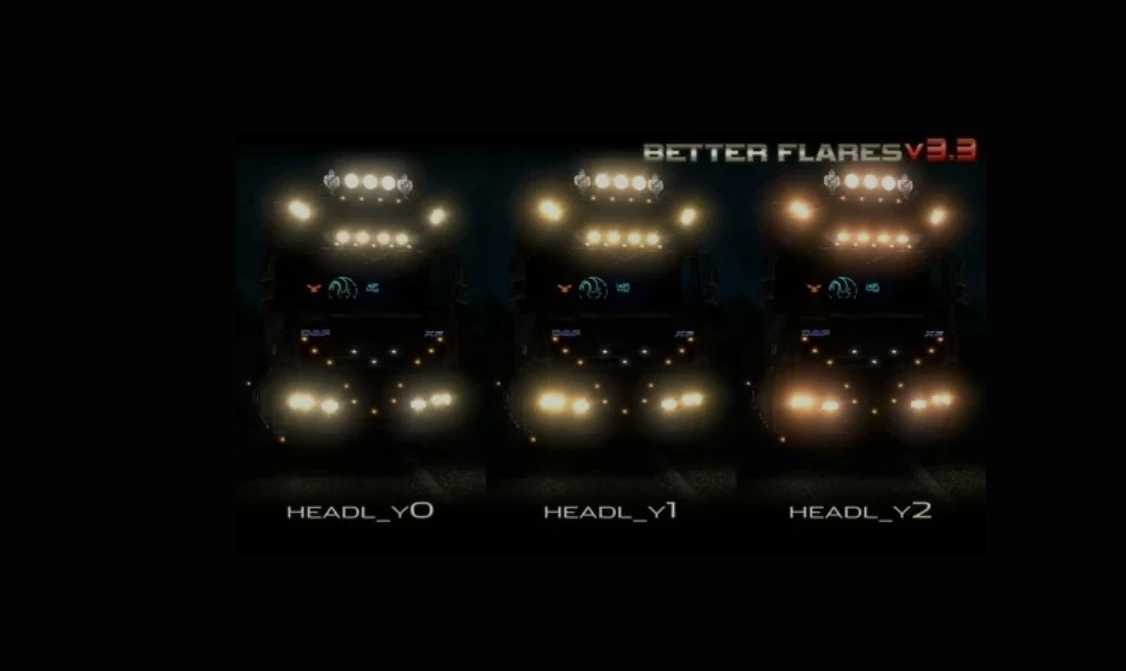
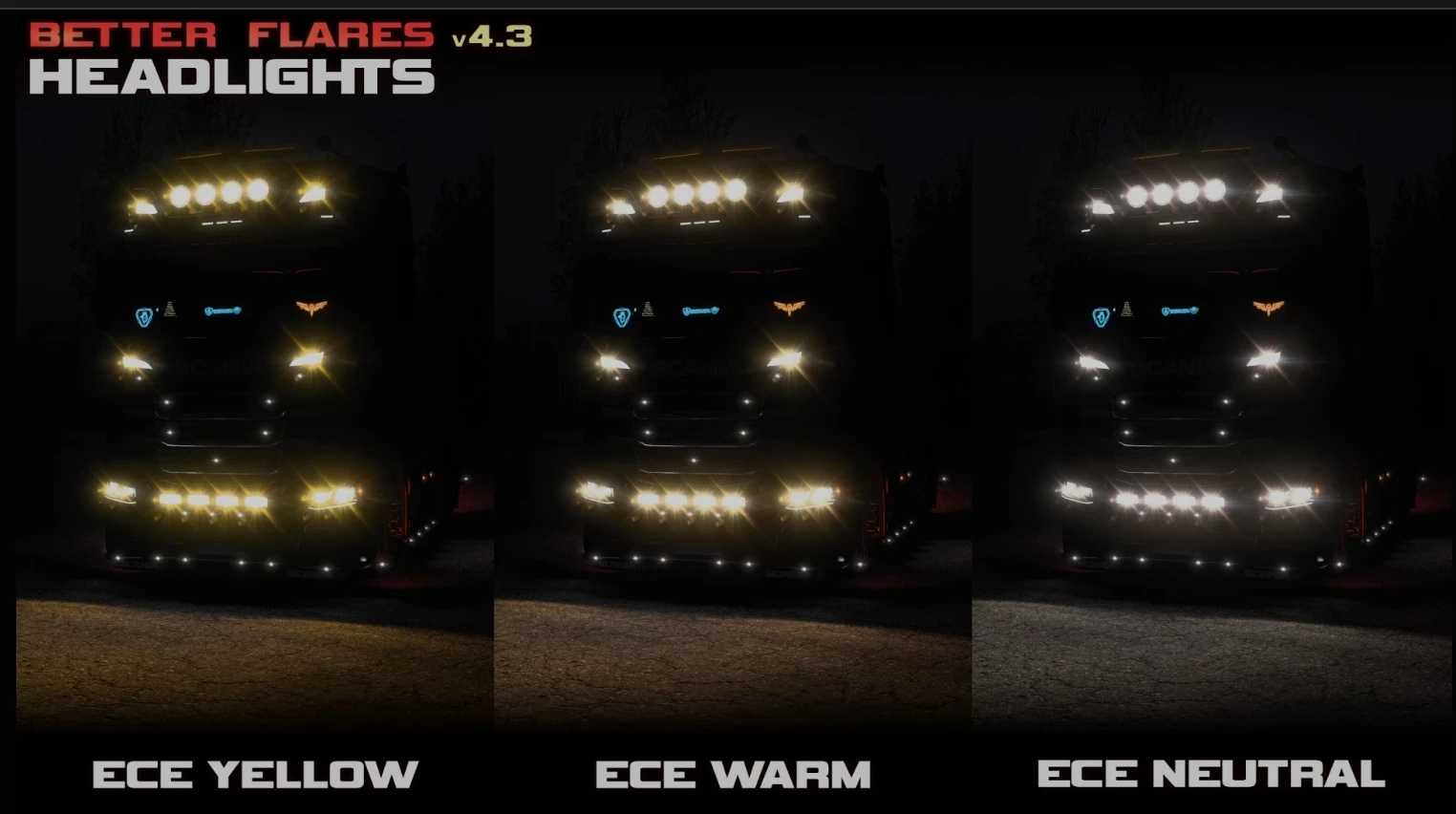
– Introduced new headlight options: DOT Warm, ECE Cyan, ECE Neutral 1 (similar to DOT Neutral), previous ECE Neutral renamed to ECE Neutral 2
– Adjusted size and visibility angles for some flares
– Improved compatibility with Sound Fixes Pack
– Resolved missing sirens and emergency beacons for police vehicles:
ixcent_pickup_midclass_24, proseld_suv_midclass_24, stepron_premium_23.
Updates v4.6.1:
– Fixed compatibility issues with Sound Fixes Pack mod
Updates v4.6:
– Slight increase in headlight flare size
– Added ECE Blue headlights
– Incorporated recent updates from Sound Fixes Pack in Traffic Addon (1.55 Open Beta)
Updates v4.5.3:
– Support added for Iveco S-Way, Volvo FH5, and Volvo FH6
Changelog v4.5.2:
– Various improvements to flare textures
– Slight increase in size for emergency beacon lights
– Added illumination for roadwork barrier lights
In Headlights addon:
– Significant improvement in player truck lights patterns and colors
– Support added for 28 modded trucks
In City Lights addon:
– Minor adjustments and improvements for street lamp flares
Credits: Aveliumar, Update paokkerkir
Installation guide for ETS2 or ATS Mods
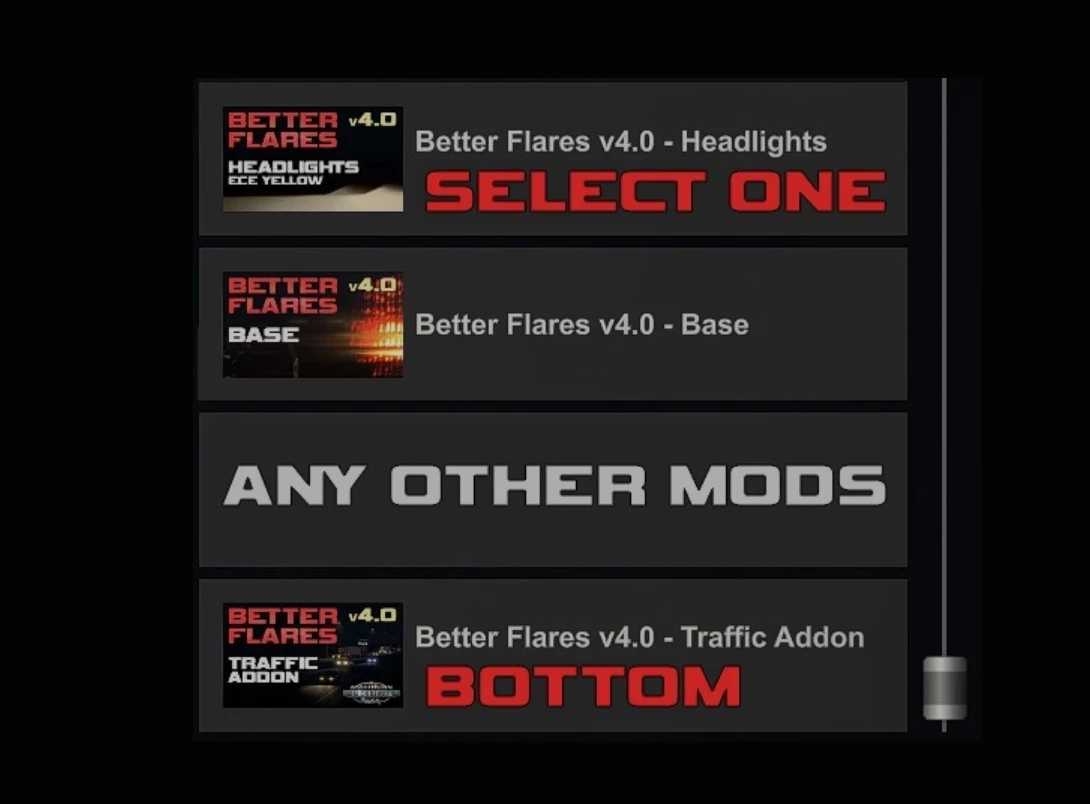
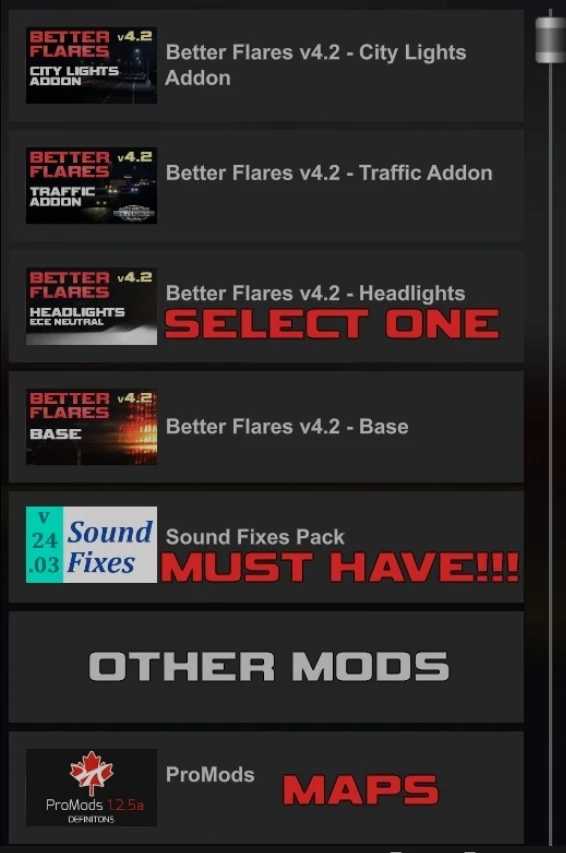
Installing mods in Euro Truck Simulator 2 is straightforward. Simply download the mod from here and copy/unzip files to: “My Documents\Euro Truck Simulator 2\mod” folder. For ATS, place the mods in: “My Documents\American Truck Simulator\mod” folder. You can use WinRAR or 7zip to unzip files. After that, activate the mods you want to use.