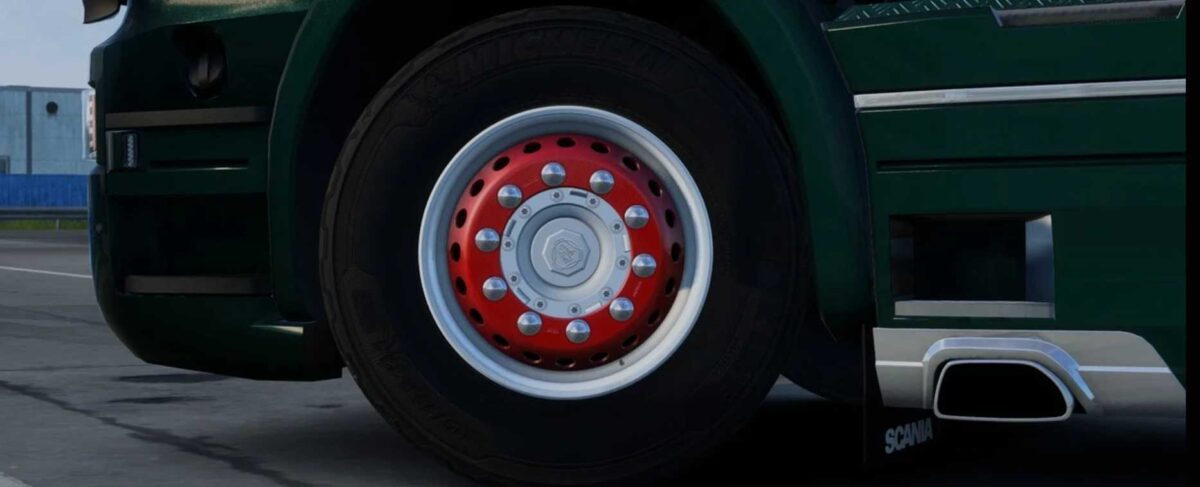
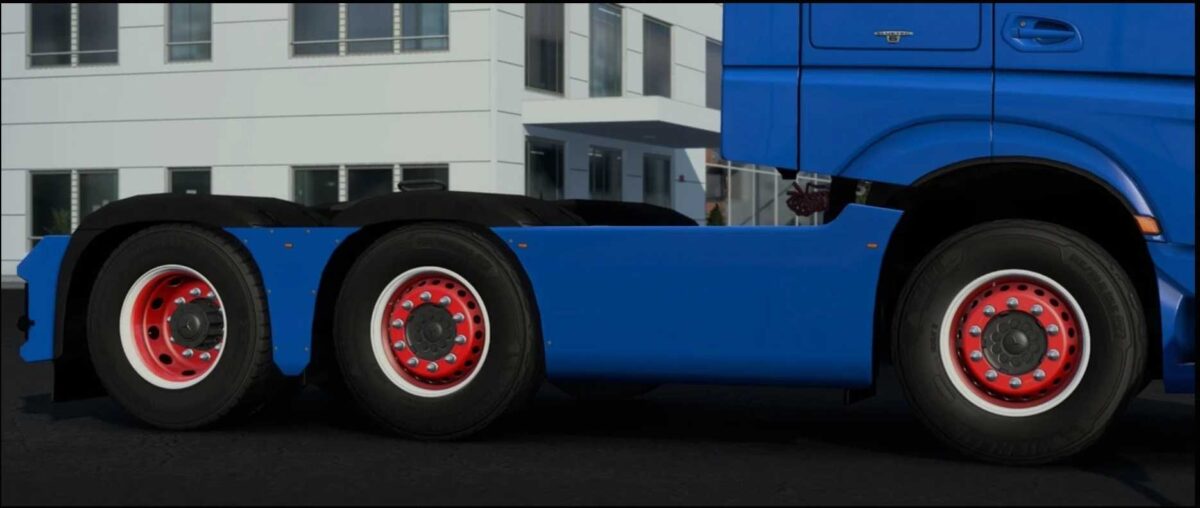
Jasper’s Wheels Pack v3.1.4 1.57x ETS2
For Trucks | Front Wheel
– Includes 7 rim models with a total of 45 variants, featuring standard, matte, polished, and painted options.
– Comes with 6 hub models providing 39 variants, encompassing both painted and chrome styles.
– Offers 11 hub cover designs with 31 variants, including standard, matte, polished, and painted options.
For Trucks | Rear Wheel
– Features 3 rim models, resulting in 18 variants including standard, matte, polished, and painted.
– Contains 12 hub models with 46 variants, including painted options and branding.
– Provides 2 hub cover models with 10 variants, featuring standard, matte, polished, and painted versions.
For Trucks | Both
– 14 nut models available with 57 variants, which include standard, matte, polished, and painted options.
For Trailers
– 8 rim models that come with 49 variants, incorporating standard, matte, polished, and painted finishes.
– 6 hub models featuring 15 variants, including painted options and brand logos.
– 4 hub cover models with 20 variants, covering standard, matte, polished, and painted forms.
– 14 nut models available with 57 variants, including standard, matte, polished, and painted designs.
Credits: Jasper
How to Install ETS2 or ATS Mods
Installing mods in Euro Truck Simulator 2 is straightforward. Simply download the mod from here and copy/unzip the files into the “My Documents\Euro Truck Simulator 2\mod” folder. If you’re using American Truck Simulator, place mods in the “My Documents\American Truck Simulator\mod” folder. You can use WinRAR or 7zip to unzip files. After that, activate the mods you want to use.