Dark Markerlights v1.0 1.57x ETS2
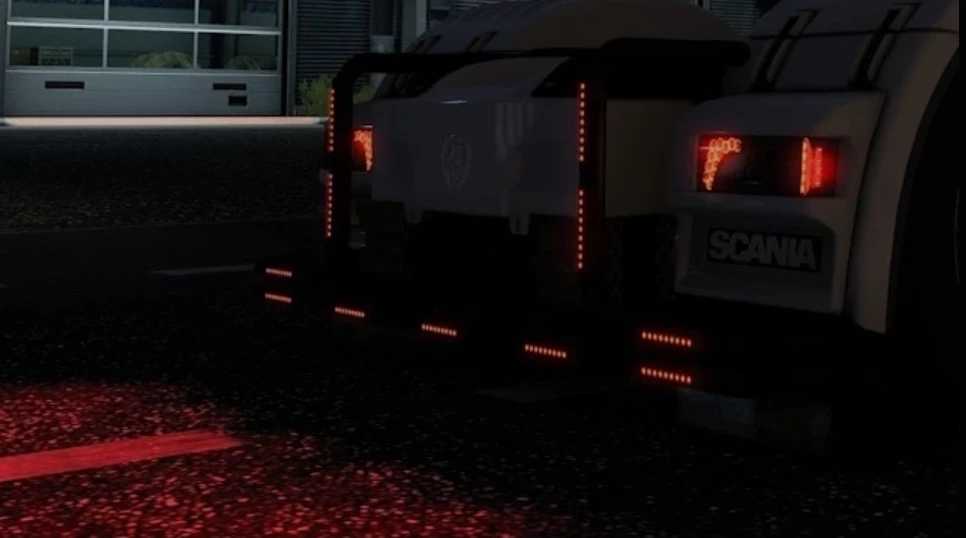
Introducing a sleek black-based marker light.
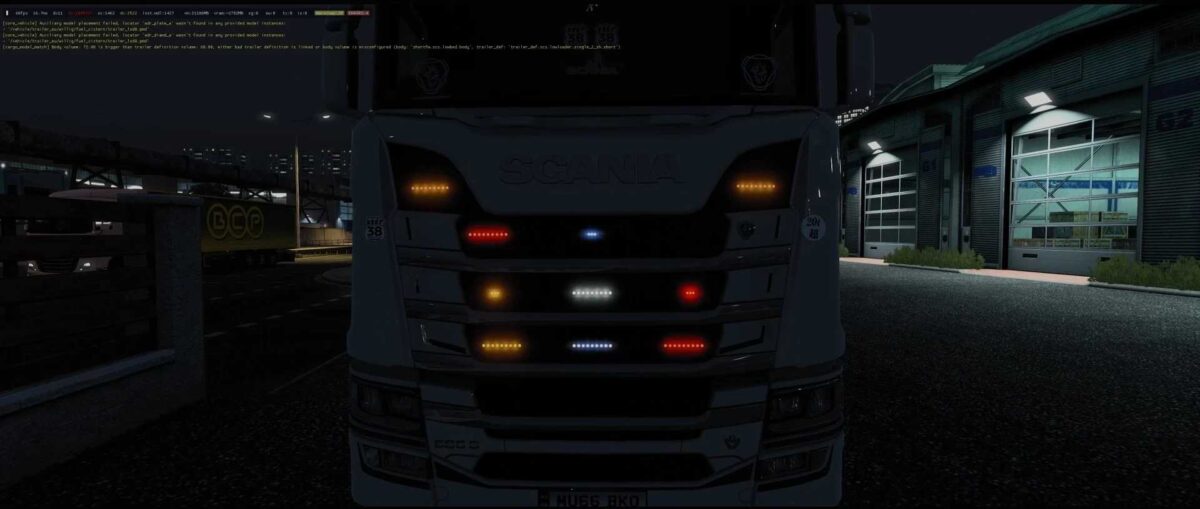
Available in two designs: 3LED and 9LED, with a choice of four colors—White, Orange, Red, and Blue.
You can select position + blinker (L&R) for Orange and position + brake light for Red.
The White option is also available with only reverse lamps.
Additionally, Blue serves as daylights that illuminate with DRLs (electrics).
Credits: kuramochia
Instructions for Installing ETS2 and ATS Mods
Installing mods in Euro Truck Simulator 2 is straightforward. Simply download the mod from the link, then copy or unzip the files into the “My Documents\Euro Truck Simulator 2\mod” folder. For American Truck Simulator, place the mods in the “My Documents\American Truck Simulator\mod” folder. You can use tools like WinRAR or 7zip to unzip the files. Once done, activate the mods you wish to use.