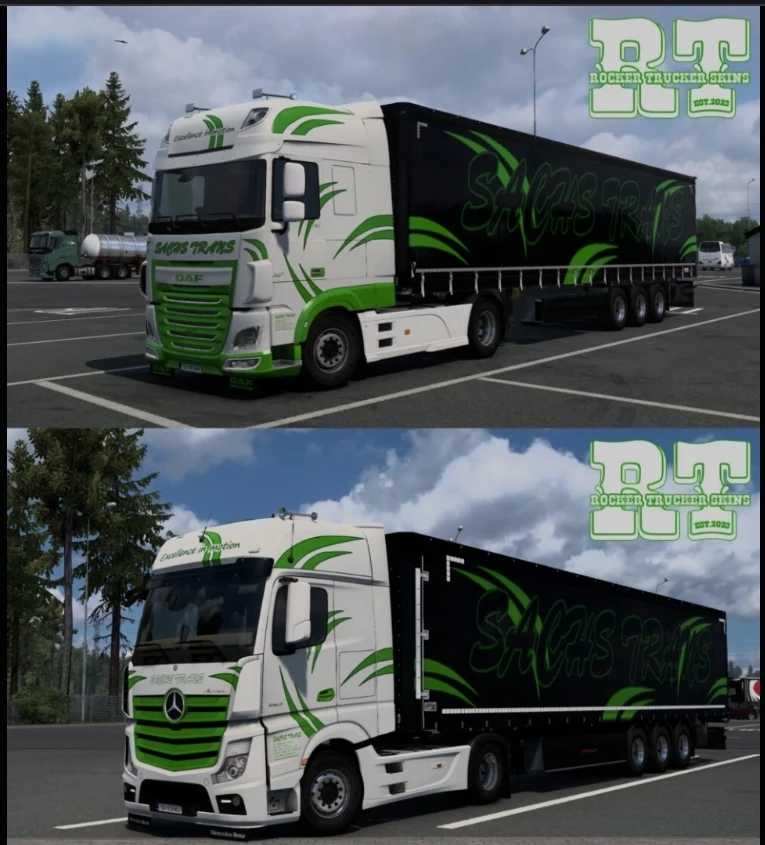
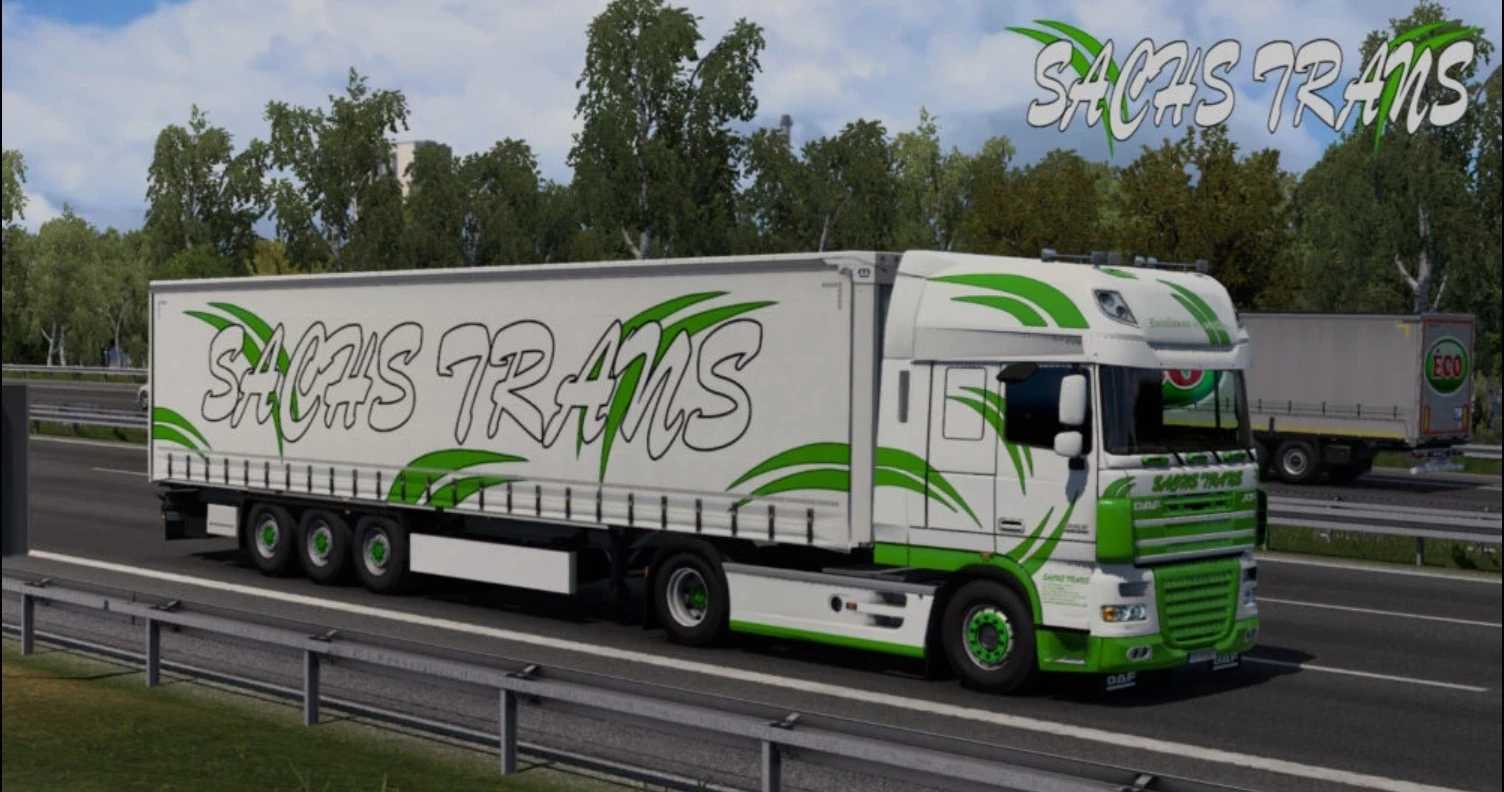
Sachs Trans Skin Pack v1.1 1.57x ETS2
New skins added for:
– DAF XF E6 (SCS)
– Iveco S-Way (SCS)
– MAN TGX E6 (SCS)
– MAN TGX 2020 (SCS)
– Mercedes MP4 (SCS)
– Scania R & S NextGen (SCS)
– Volvo FH 4 (SCS) + lightbox
– Volvo FH 5 (SCS) + lightbox
– Volvo FH 6 Globetrotter & Aero (SCS) + lightbox
– Kögel Cargo 13m
– Krone Mega liner (Sogard3)
– Krone Paper liner
– Schmitz S.CS 13m
– Schwarzmüller Curtain
– Tirsan Curtain
– Wielton Curtain
Credits: Rocket
Installation Instructions for ETS2 and ATS Mods
Installing mods in Euro Truck Simulator 2 is a straightforward process. Simply download the mod from here and copy/unzip the files into the “My Documents\Euro Truck Simulator 2\mod” folder. For American Truck Simulator, install the mods into the “My Documents\American Truck Simulator\mod” folder. You can use WinRAR or 7zip to unzip files. Once done, activate the mods you wish to use.