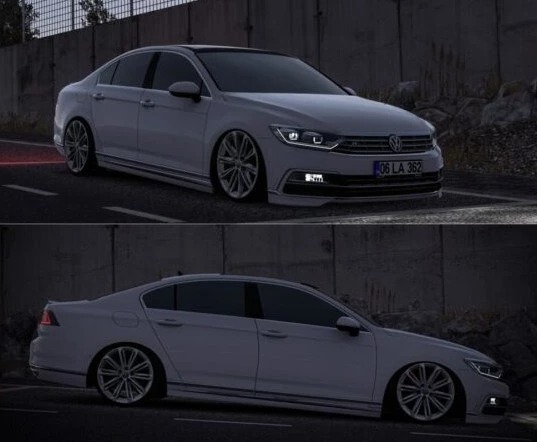
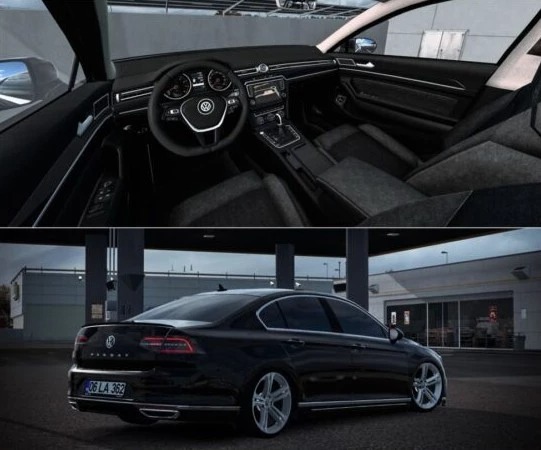
Volkswagen Passat B8 v1.58 ETS2
Updated 1.58
Features
– HQ Model & textures
– Active glass animation and more animations
– 3 different wheels
– Realistic lightmasks
– Realistic engine settings
Credits: Berkay Pekesen
How to install ETS2 mods or ATS Mods
In Euro Truck Simulator 2 it’s easy to install mods. You just need to download mod from here, copy/unzip files into: “My Documents\Euro Truck Simulator 2\mod” folder or if you play ATS please install mods to: “My Documents\American Truck Simulator\mod” folder. To unzip files you can use: WinRAR or 7zip. After that you need to activate the mods you want to use.