


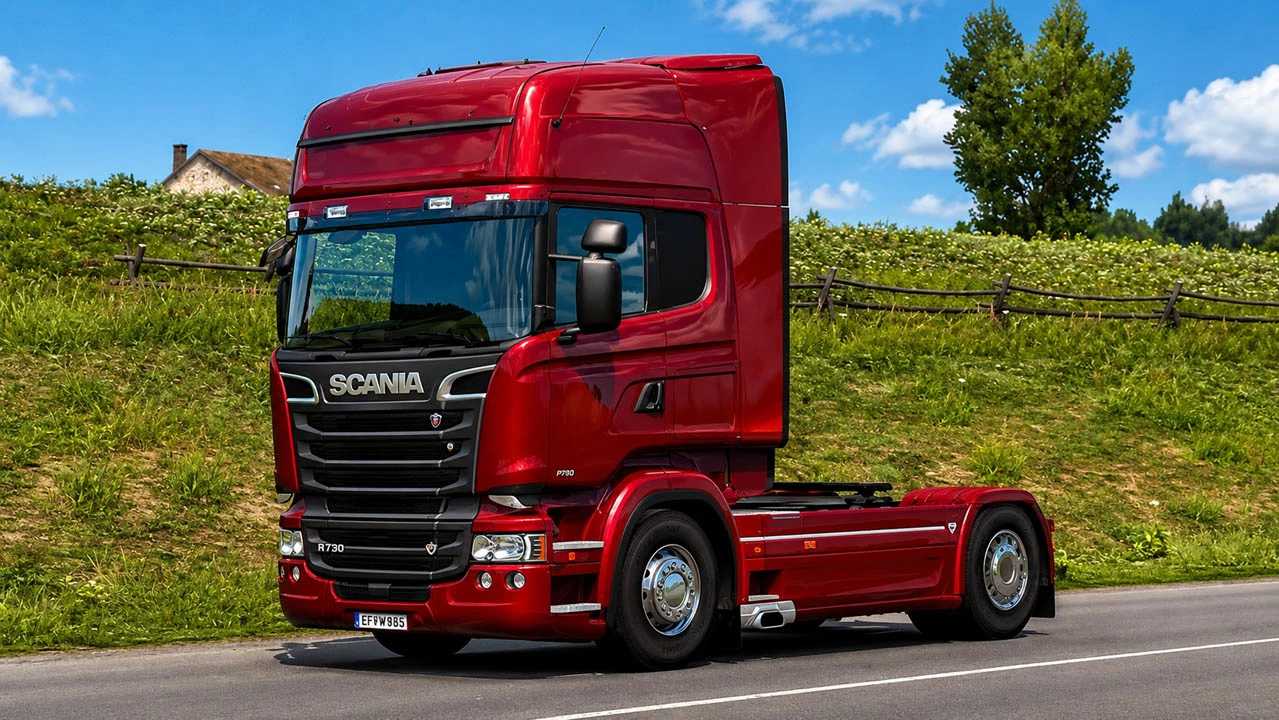
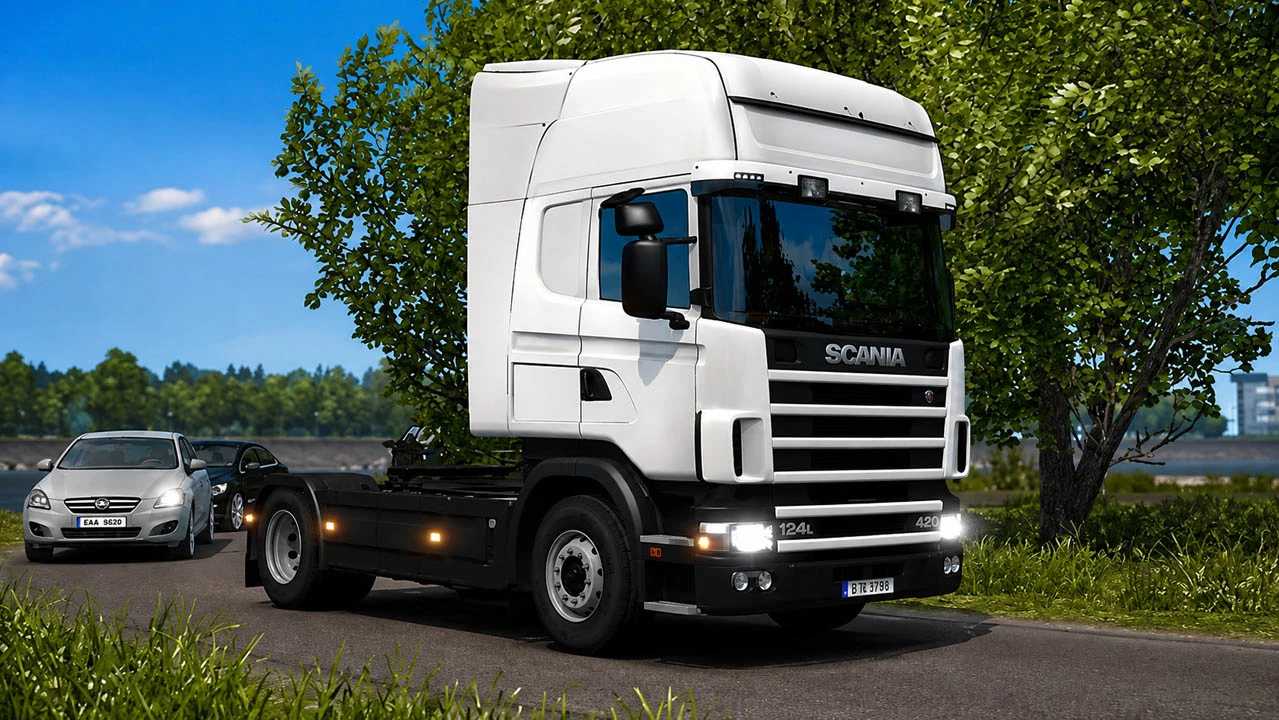
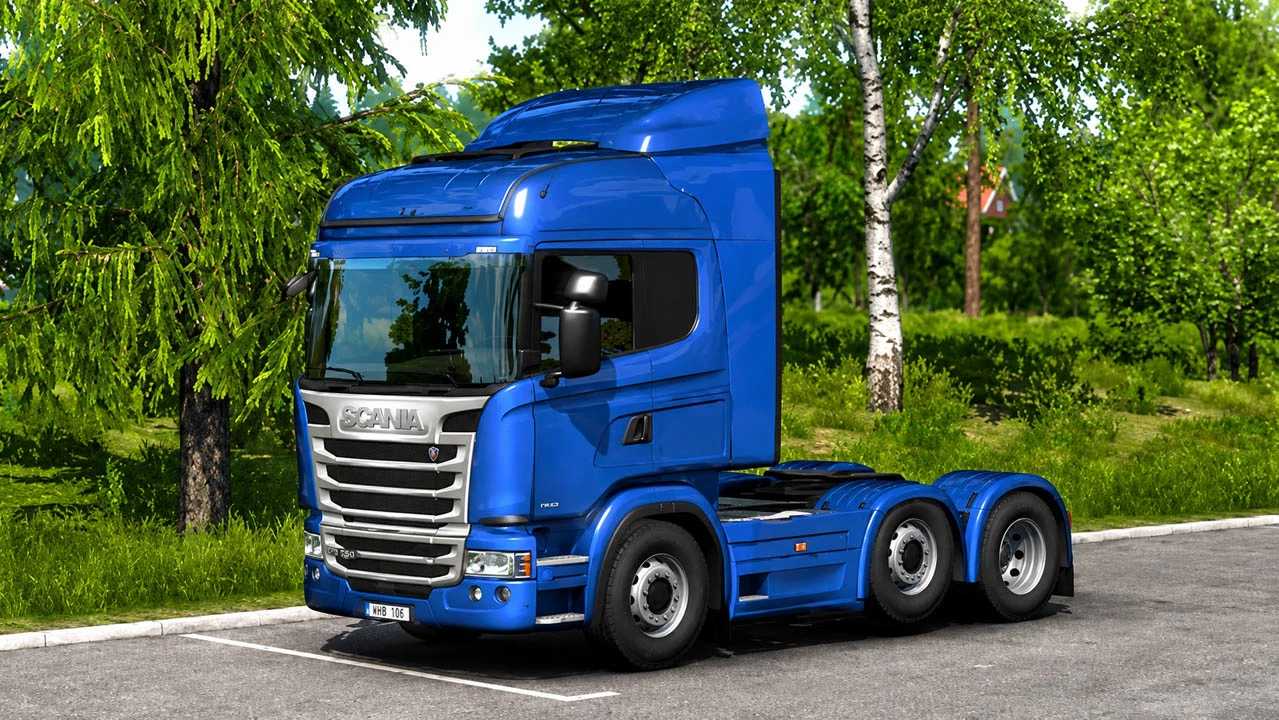
RJL Scania G, R, R 4-series & Streamline v1.60 ETS2
Changelog
Updated glass definitions for ETS2 1.60
Fixed side window mask compatibility
Updated left and right window mask texture references
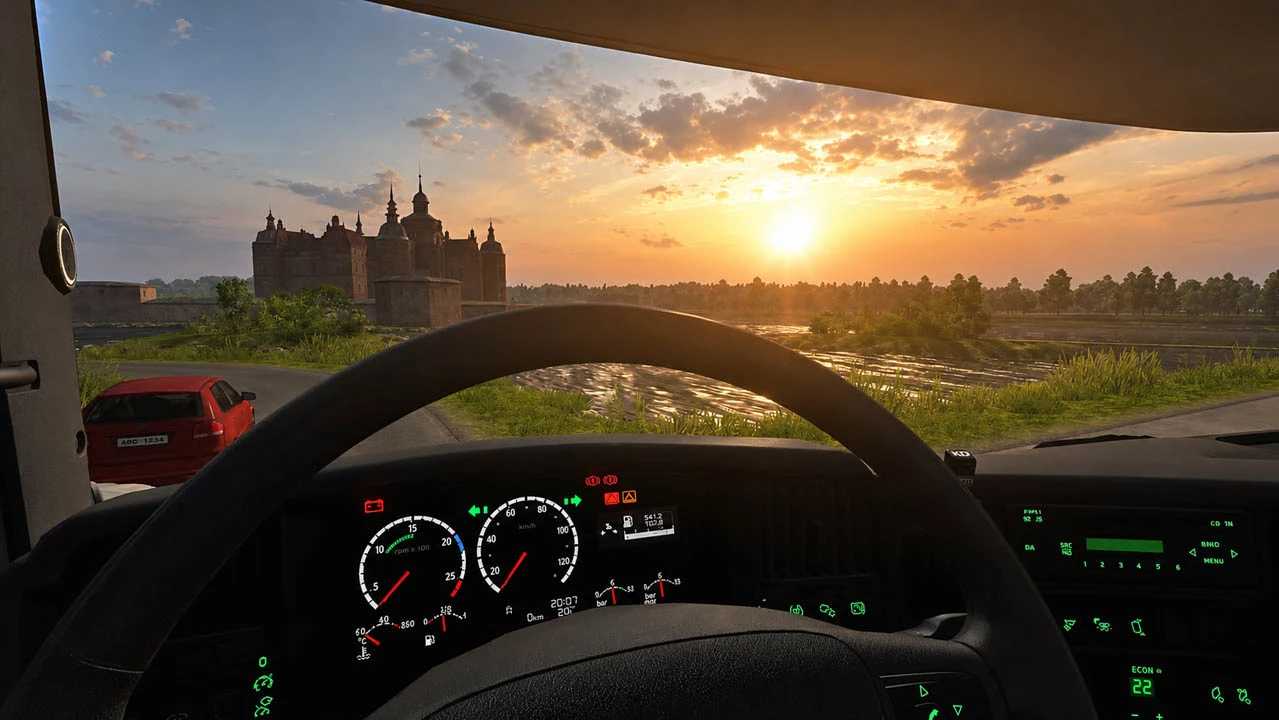
Fixed RJL dashboard definition issues
Updated the Scania R4 dashboard definition
Updated Scania R / Streamline dashboard definitions
Cleaned obsolete or incompatible dashboard data where required
Improved compatibility with the current ETS2 1.60 game files
Included Workshop validation dependencies where required
Content List:
Normal, Highline, Topline, Extended Topline and Longline cabins.
4×2, 6×2, 6×2/4, 6×2*4, 6×4, 8×2/*6, 8×4/4, 8×4*4, 10×4/6, 10×4*6 and 10×6/4 chassis
Scania R1 and R2 interiors.
Euro 3, Euro 4, Euro 5 and Euro 6 engines.
8-, 9-, 12- and 14- speed gearboxes with 2.71, 3.08, 3.42 and 3.80 rear differentials
Wide range of R1, R2 and Streamline parts
Plastic and paintable chassis + a lot of Scania stock parts
Many custom and tuning parts
Compatible with Cabin Accessories, National Window Flags and Mighty Griffin DLCs (separate compatibility addons required)
Compatibility for 1.60
Credits: DrDave, LoaderSaints, RJL
How to install ETS2 mods or ATS Mods
In Euro Truck Simulator 2 it’s easy to install mods. You just need to download mod from here, copy/unzip files into: “My Documents\Euro Truck Simulator 2\mod” folder or if you play ATS please install mods to: “My Documents\American Truck Simulator\mod” folder. To unzip files you can use: WinRAR or 7zip. After that you need to activate the mods you want to use.