Abasstreppas Wheel Pack v4.2 for 1.53 ETS2
What this wheel pack offers
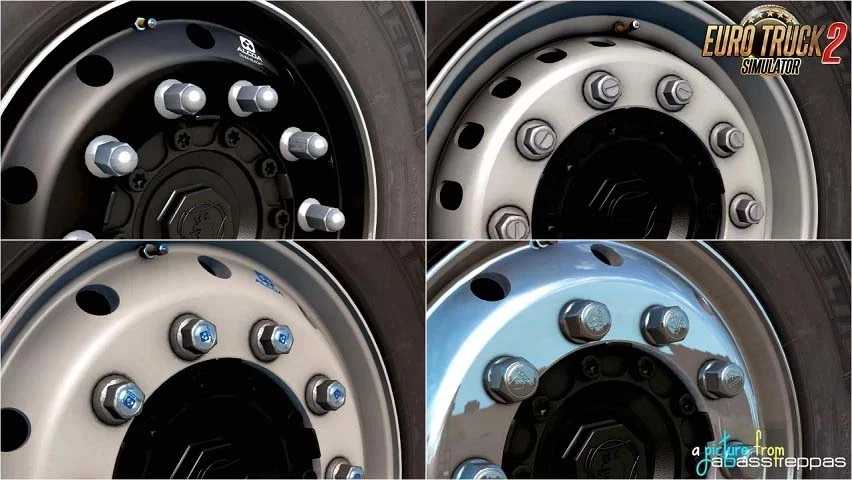
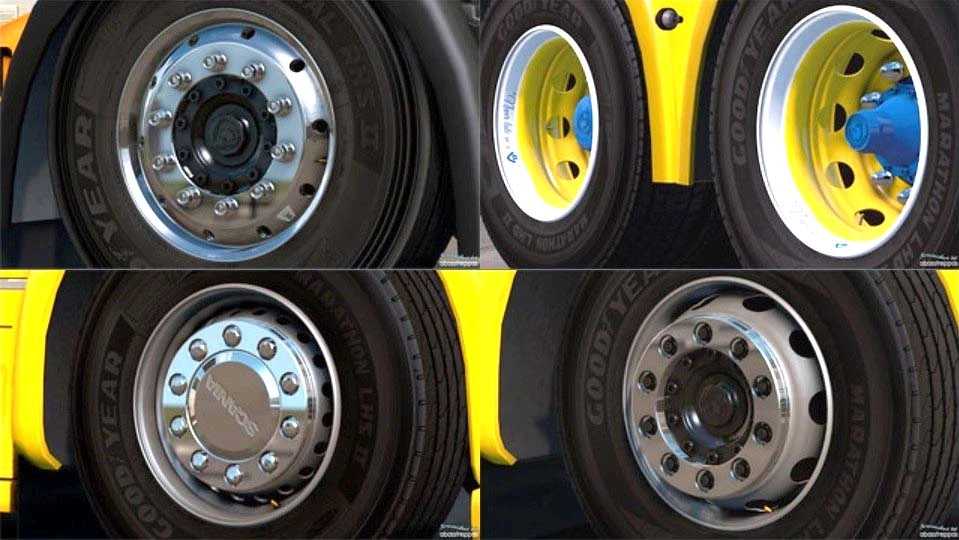
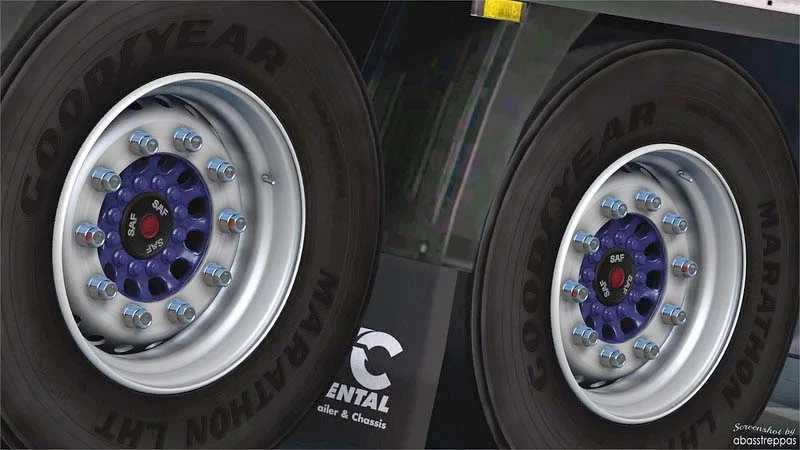
– 16 steel rims (8 standard and 8 custom colors)
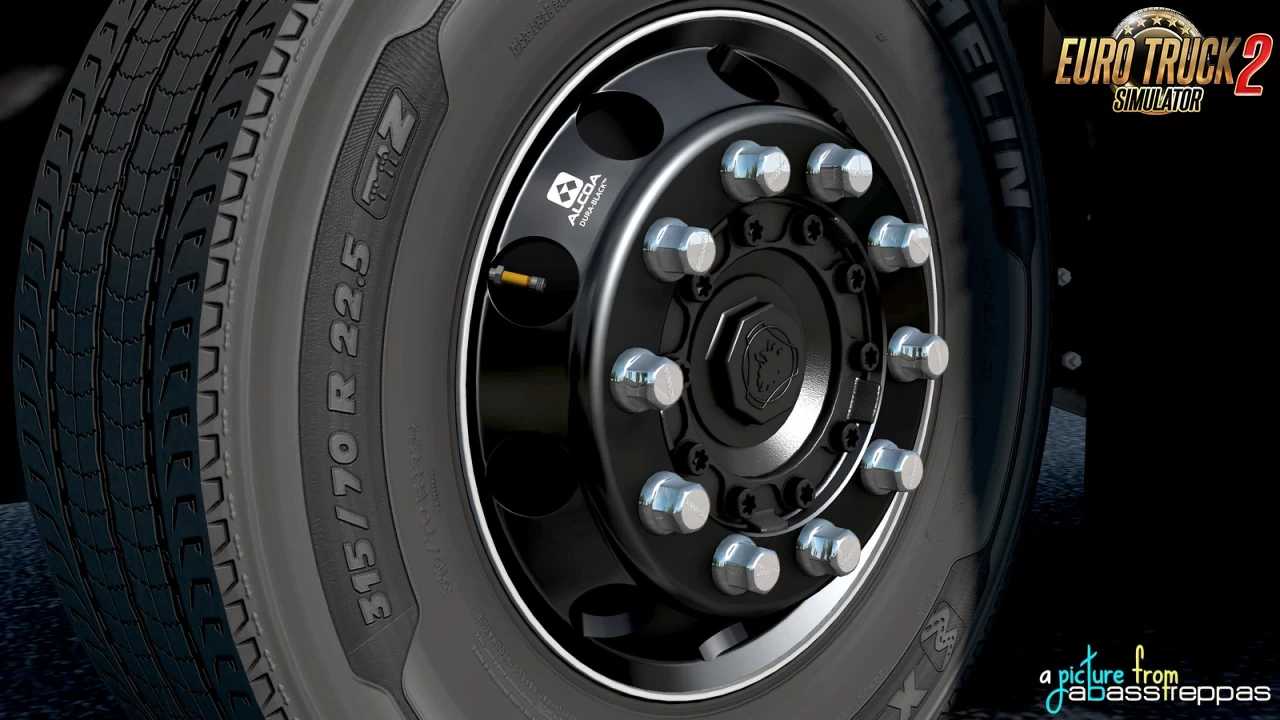
– 3 Alcoa rims,
– 36 hubs (18 standard and 18 custom colors),
– Various covers and nuts for customizing rim and hub colors
– Template included
Tested for version 1.53
Credits: abasstreppas
Installing ETS2 or ATS Mods
Installation for mods in Euro Truck Simulator 2 is straightforward. Simply download the mod from here, then copy or unzip the files into: “My Documents\Euro Truck Simulator 2\mod” folder. For American Truck Simulator, place the mods into: “My Documents\American Truck Simulator\mod” folder. To extract files, you can use either WinRAR or 7zip. Afterward, activate the mods you’d like to use.