Abasstreppas Wheel Pack v4.4 1.55 ETS2
Changelog:
– Updated for version 1.55
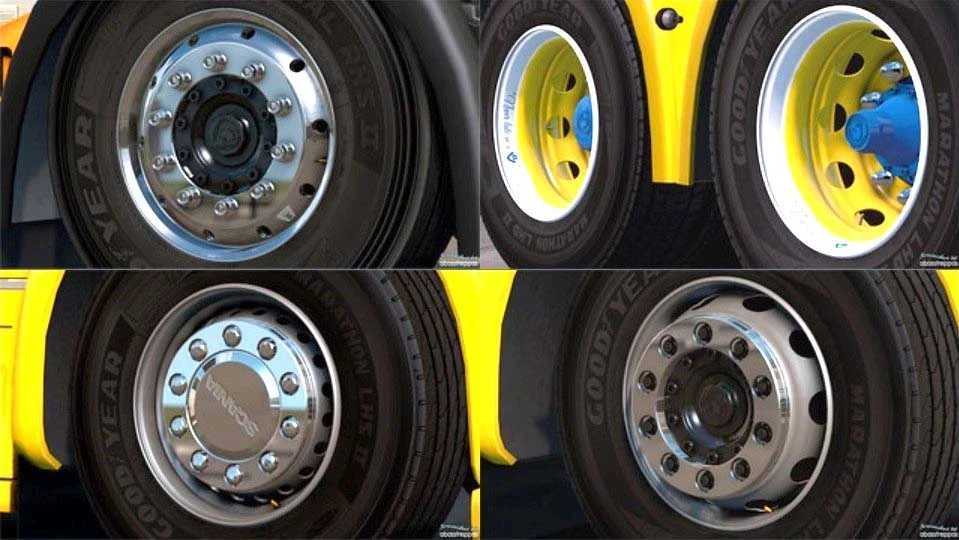
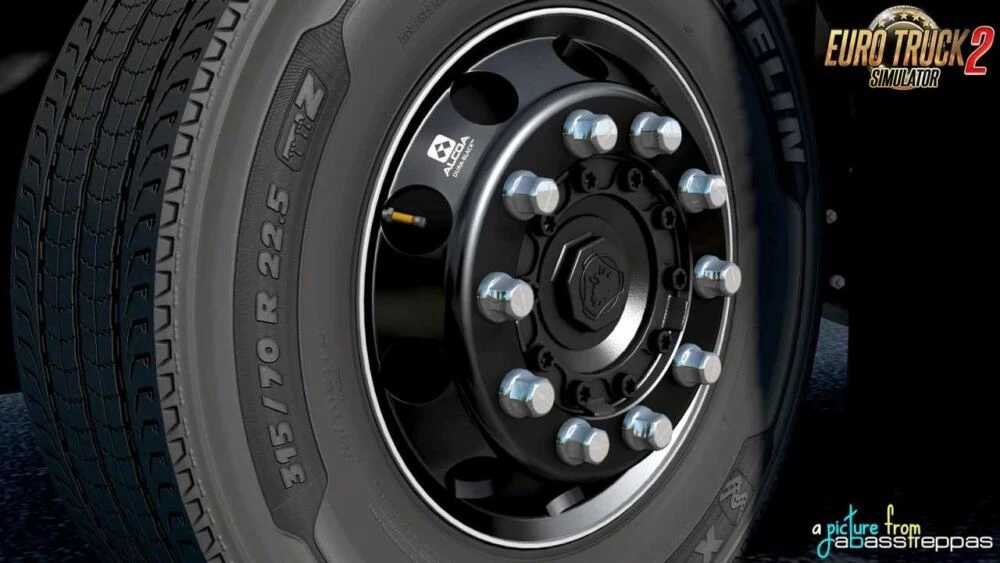
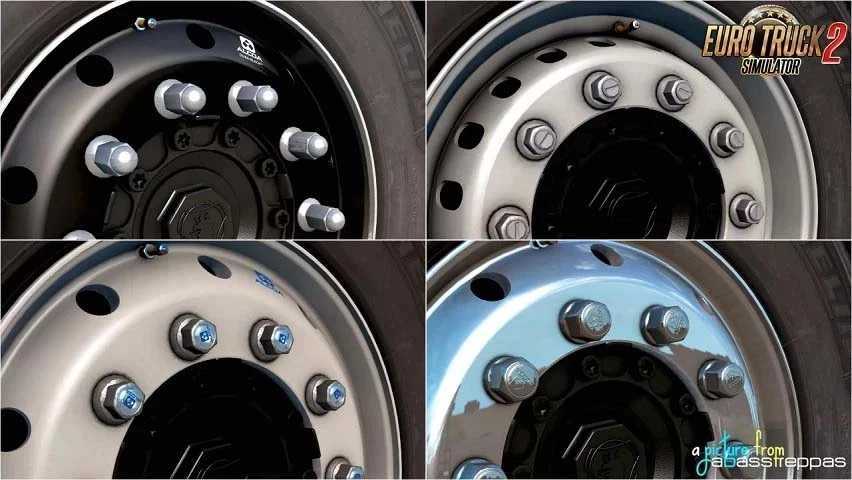
– This mod features a variety of both chromed and painted wheels, multiple Alcoa discs, and several hubcaps and nuts.
– Paint for drives and hubs is applied through editing the dds-texture directly, rather than using the store color palette.
– Instructions for painting rims and hubs can be found in the templates folder.
Each wheel’s bolts and discs display the respective logo or name for each truck brand featured in ETS2.
– Additionally, the pack includes a bonus mod of Maxion trailer wheels.
This wheel pack includes:
– 16 steel rims (8 stock and 8 in custom colors)
– 3 Alcoa rims,
– 36 hubs (18 stock and 18 in custom colors),
– Various covers and nuts for custom painting rims and hubs
– Template included
Credits: abasstreppas
How to install ETS2 mods or ATS Mods
Installing mods in Euro Truck Simulator 2 is straightforward. Simply download the mod from here and copy/unzip the files into the “My Documents\Euro Truck Simulator 2\mod” folder. For American Truck Simulator (ATS), place mods in the “My Documents\American Truck Simulator\mod” folder. To unzip files, you can use tools like WinRAR or 7zip. After setting up the files, activate the mods you wish to use.