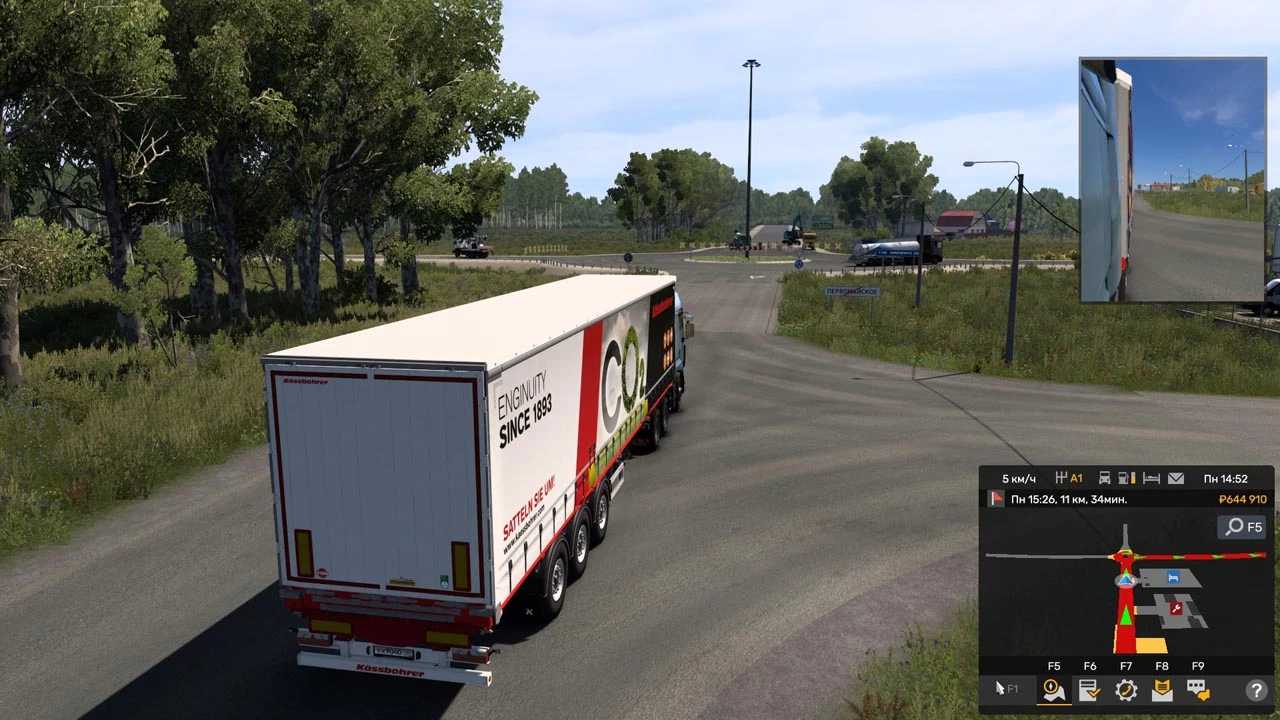
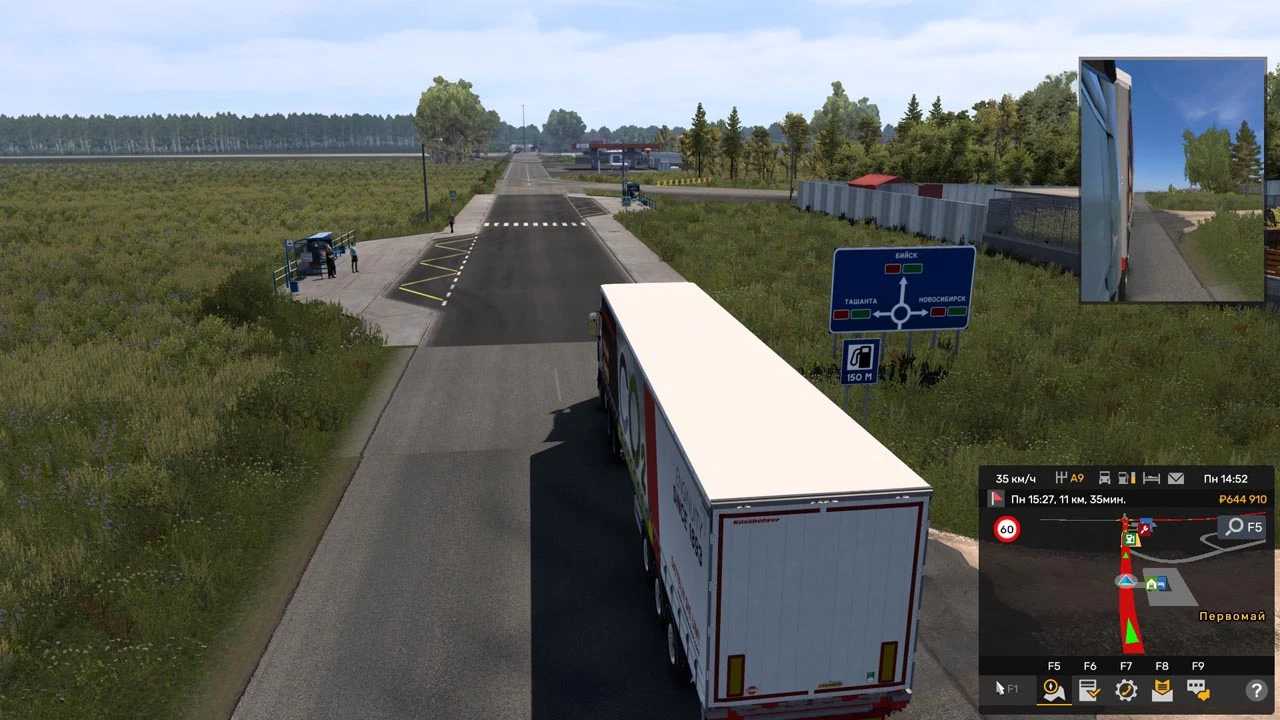
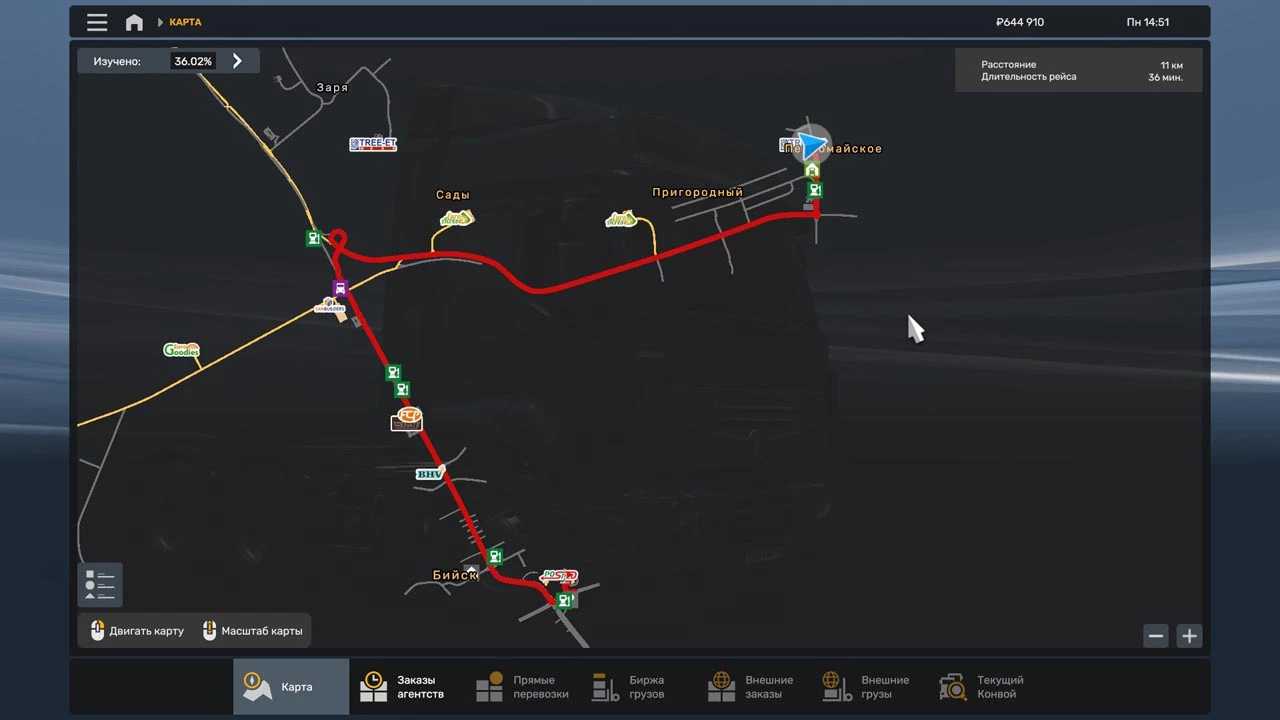
Road to Altai Map v1.54 ETS2
This is the latest version of the map.
Developed for ETS 2 version 1.54.1.0.
This update focuses on enhancing the map’s boundaries, including the new village of Pervomaiskoye, where players can purchase a garage!
Installation instructions for the map:
Extract the archive.
Enable the mod and associated module in the game.
Credits: RTA Team
How to install ETS2 mods or ATS Mods
Installing mods in Euro Truck Simulator 2 is straightforward. Simply download the mod from here and copy/unzip the files into: “My Documents\Euro Truck Simulator 2\mod” folder. For those playing ATS, please place mods in: “My Documents\American Truck Simulator\mod” folder. You can use WinRAR or 7zip for extraction. After that, activate the desired mods to use them.