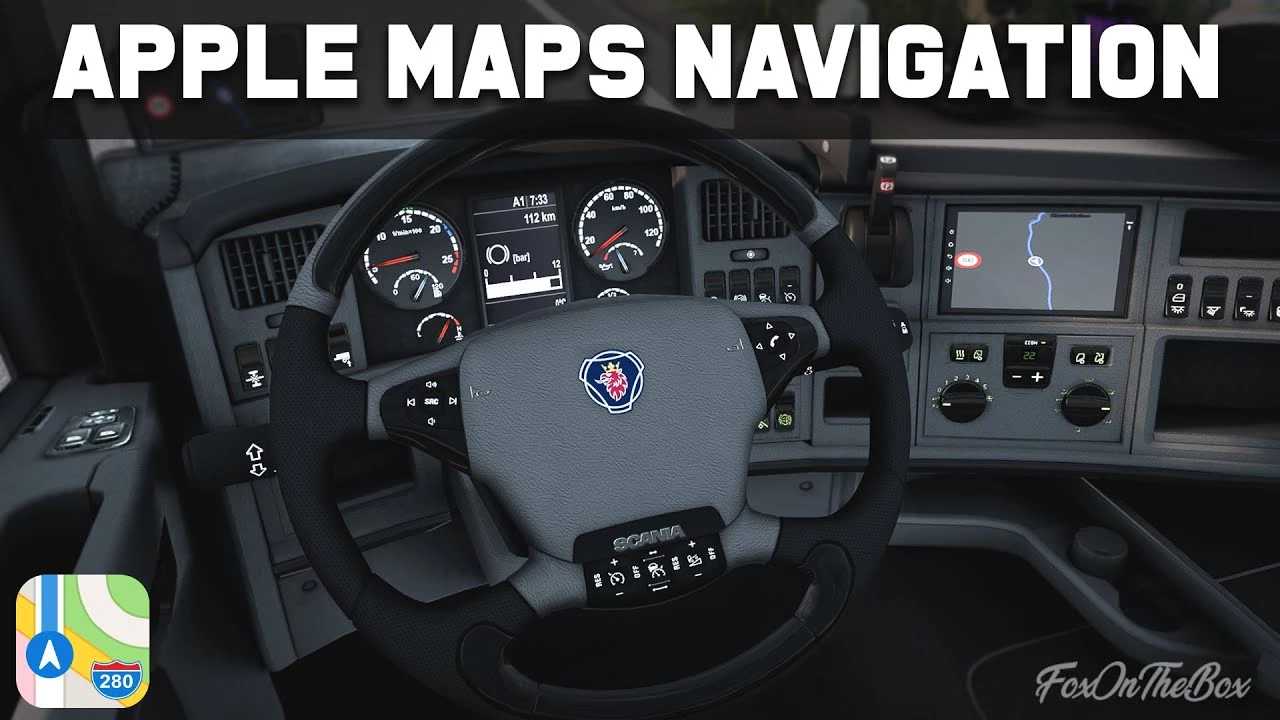
Apple Maps Navigation Pack v1.54 for ETS2
Changelog v1.54
Updated for game version 1.54 compatibility.
Adjusted the mod versioning to match the game’s for better organization and ease of updates -> v1.9 is now labeled as v1.54.
Modified colors of new company zones.
Overview:
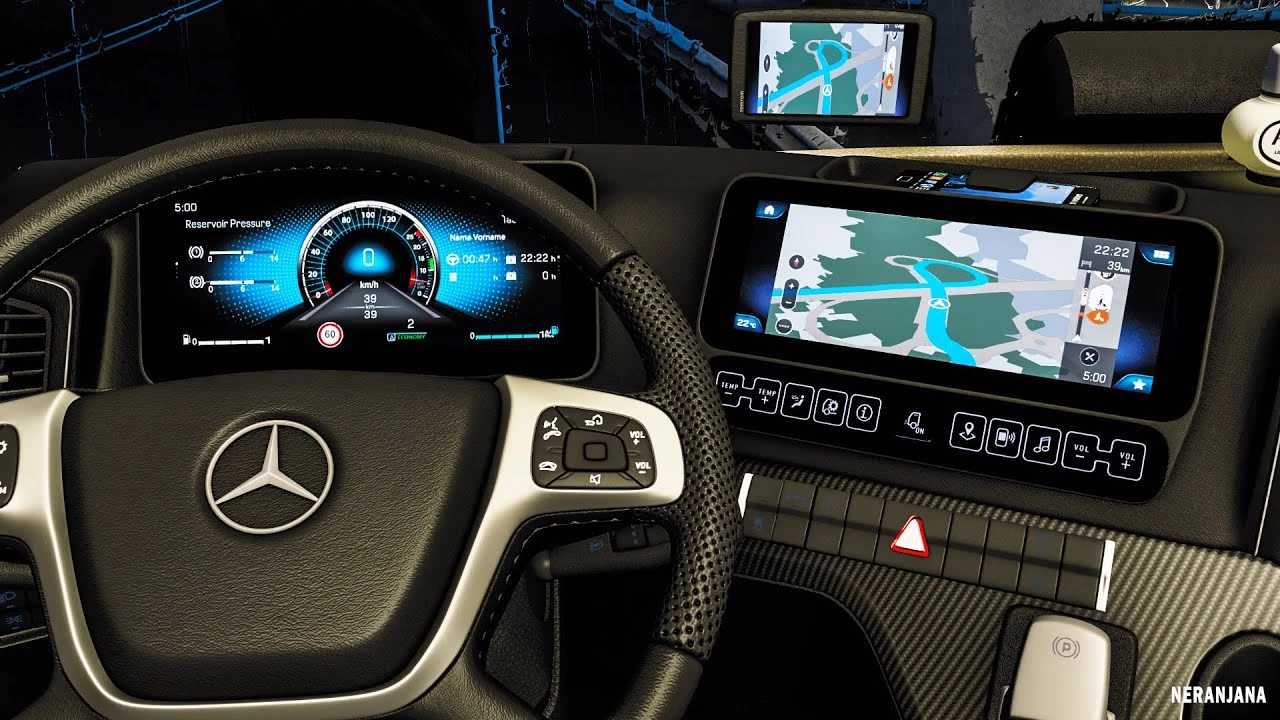
Transform your dull cabin navigation display into a vibrant Apple Maps-inspired navigation system.
Current enhancements include:
– Blue navigation route
– Apple-style map icons
– Updated background and road colors similar to those on your iPhone (Background visible only in cabin, not in Route Advisor)
– For enhanced realism, navigation path arrows are disabled
– Siri voice navigation included (available in English and German) with both metric and imperial unit options.
Contents of the pack:
– Dark Mode & Standard Edition (only one should be activated at a time).
Credits: lism
Instructions for installing ETS2 or ATS Mods
Installing mods for Euro Truck Simulator 2 is straightforward. Simply download the mod from here and unzip or copy the files into the directory: “My Documents\Euro Truck Simulator 2\mod”. For American Truck Simulator, place the mods in: “My Documents\American Truck Simulator\mod”. You can use WinRAR or 7zip to extract files. Once done, be sure to activate the mods you wish to use.