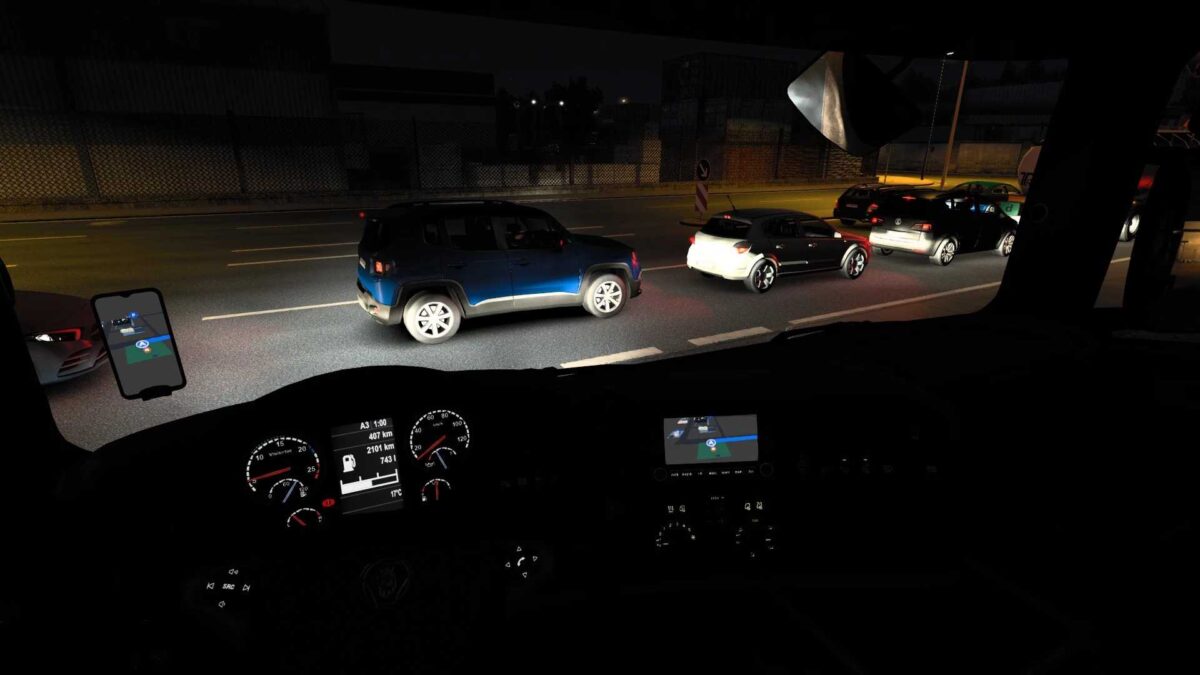
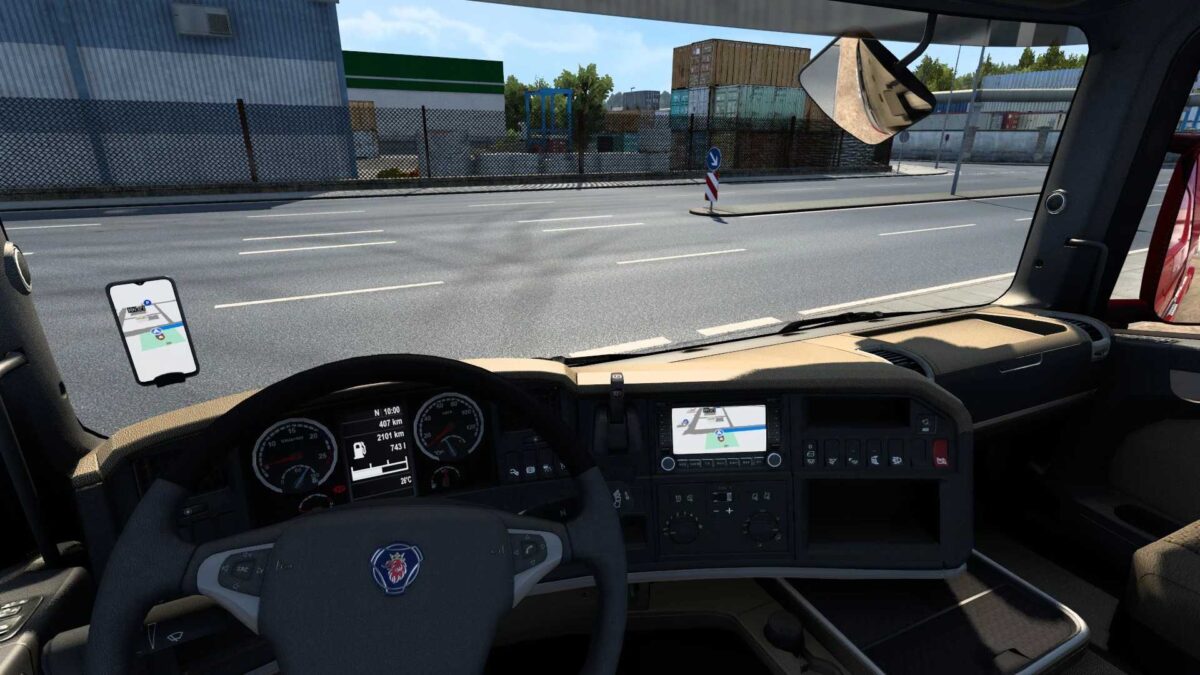
Apple Maps Navigation v1.55.1 ETS2
Features include:
- Light and dark themes with various backgrounds.
- Blue navigation path for easier visibility.
- Apple-style map and road sign icons.
- Updated background and road colors reflective of your iPhone, applicable only in the interior, not in the Route Advisor.
- For enhanced realism, the navigation path arrows have been disabled.
A correction has been made for the visibility of two-digit transmission numbers in the Volvo FH16.
Credits: Lism
How to install ETS2 or ATS Mods
Installing mods in Euro Truck Simulator 2 is straightforward. Just download the mod from the link provided, then copy or unzip the files into the “My Documents\Euro Truck Simulator 2\mod” folder. For American Truck Simulator (ATS), place the files in the “My Documents\American Truck Simulator\mod” folder. You can use WinRAR or 7zip to unzip the files. After that, remember to activate the mods you wish to use.