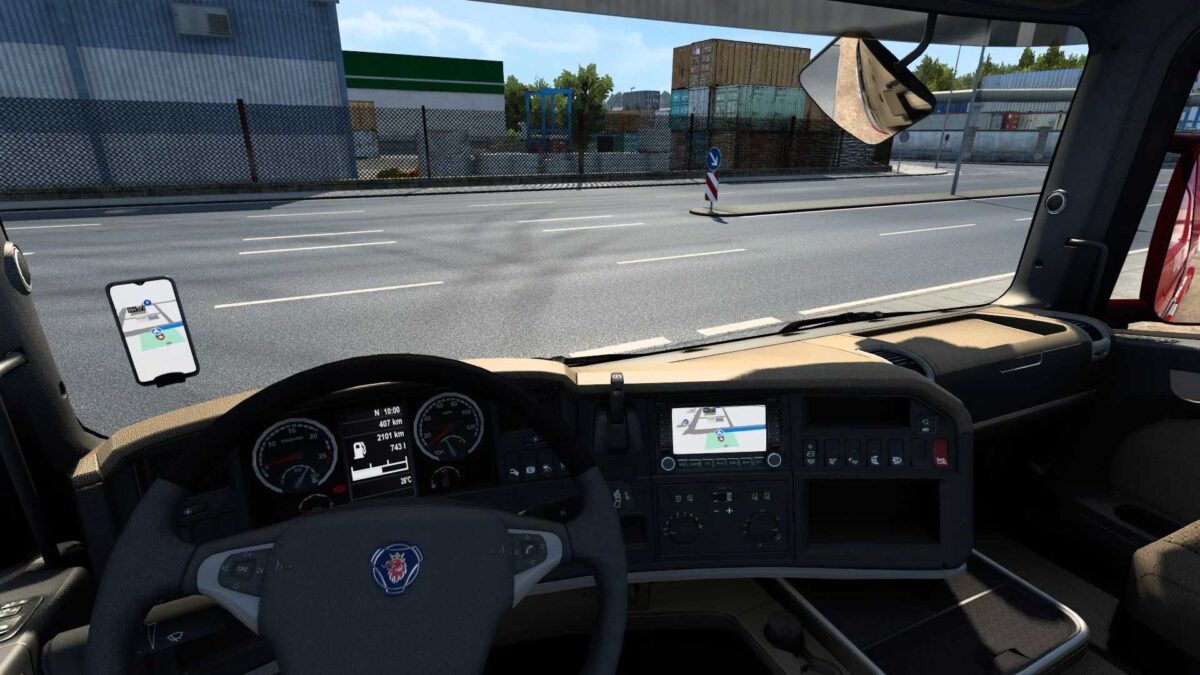
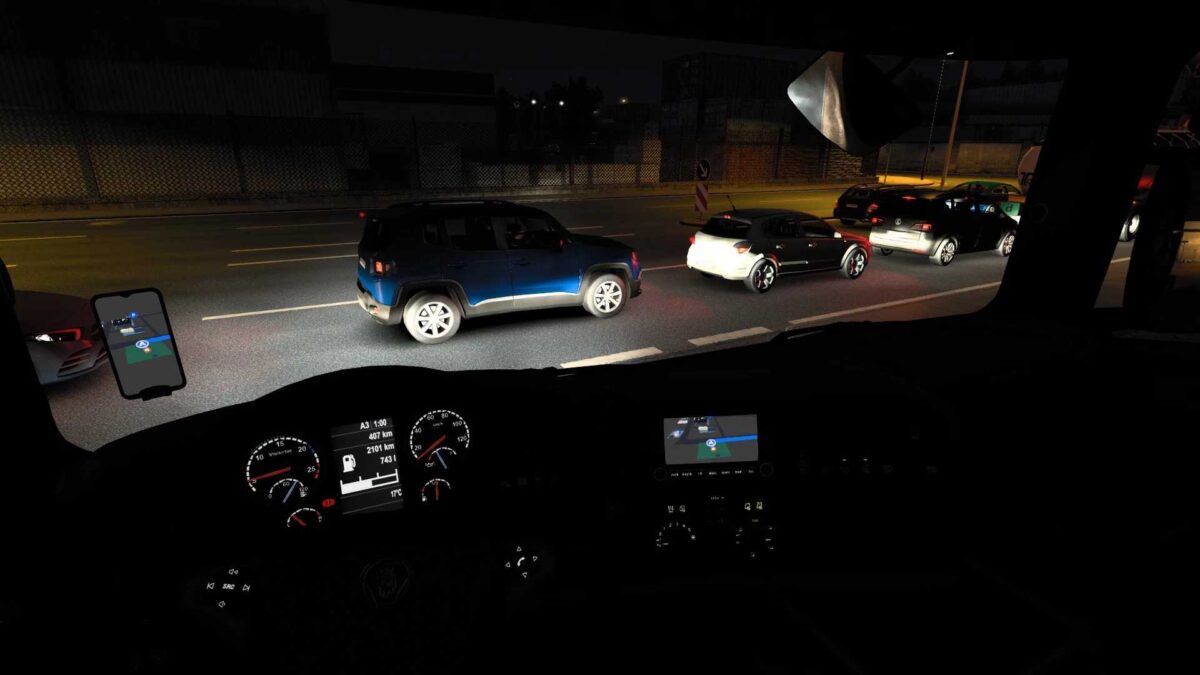
Apple Maps Navigation v1.57 for ETS2
Features include:
- Light and dark themes with various backgrounds
- Blue navigation path
- Apple-style map and road sign icons
- New background and road colors, resembling iPhone aesthetics (note: background applies only in the interior, not in Route Advisor)
- Navigation path arrows disabled for a more realistic experience.
Full compatibility added for Scania R/S SUPER Smart Dash and Smart Dash Advanced.
Additionally, DAF XF Electric support has been fully implemented.
Credits: Lism
Installation Guide for ETS2 or ATS Mods
Installing mods in Euro Truck Simulator 2 is straightforward. Simply download the mod from here and copy/unzip the files into the following directory: “My Documents\Euro Truck Simulator 2\mod” folder. For American Truck Simulator, place mods in: “My Documents\American Truck Simulator\mod” folder. Use WinRAR or 7zip to unzip files. After that, activate the mods you wish to use.